Listen to this Post
Introduction:
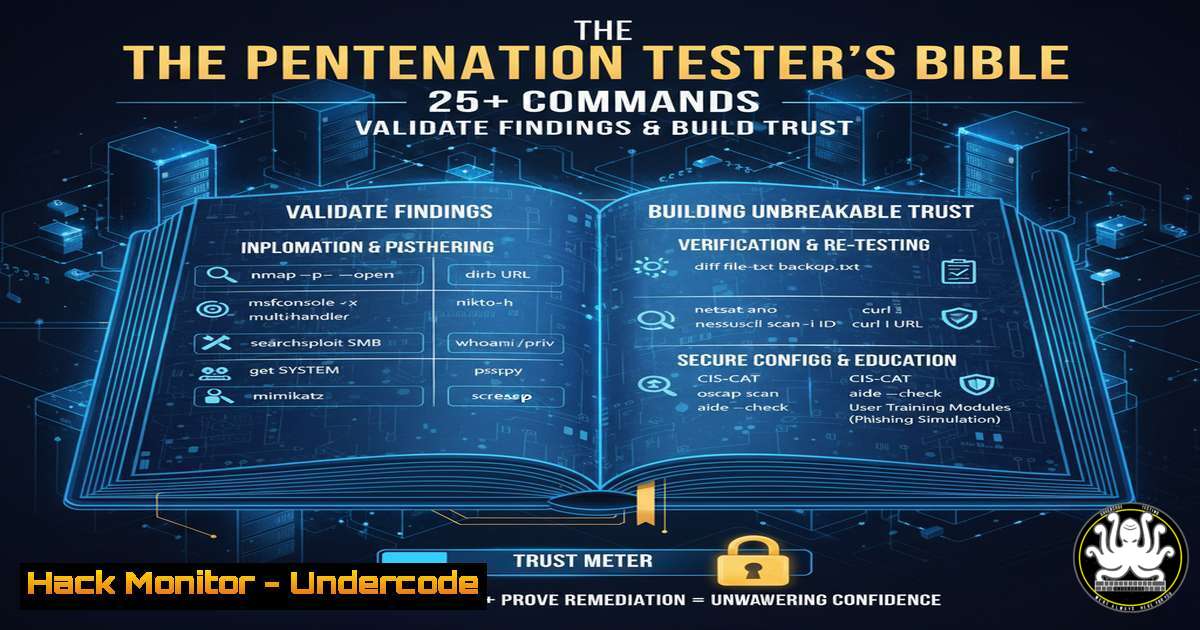
A penetration test report is the ultimate deliverable, transforming technical data into a strategic tool for risk reduction. Its quality directly impacts client trust and the effectiveness of security remediation. This guide provides the technical backbone for writing reports that are not only credible but actionable, equipping you with commands to verify, demonstrate, and validate your findings.
Learning Objectives:
- Master commands to substantiate common penetration testing findings across various environments.
- Learn how to translate raw command output into clear, evidence-backed report narratives.
- Acquire techniques for demonstrating proof-of-concept exploits and recommended mitigations.
You Should Know:
1. Validating Weak Service Configurations
A critical finding often involves services with insecure configurations. Using precise commands to demonstrate the issue is key.
` Linux – Check for world-writable files in sensitive directories`
`find /etc /usr/local/bin -type f -perm -o=w 2>/dev/null`
` Linux – Check SSH configuration for weak settings`
`grep -i “PermitRootLogin\|PasswordAuthentication\|Protocol” /etc/ssh/sshd_config`
Step-by-step guide: The `find` command scans `/etc` (configuration files) and `/usr/local/bin` (custom binaries) for files that are writable by any user on the system (-perm -o=w). This is a severe misconfiguration that could allow privilege escalation. The `grep` command checks the SSH daemon configuration for high-risk settings like allowing root login or password-based authentication, which should typically be disabled in favor of key-based auth. Including this output in your report provides irrefutable evidence of the configuration weakness.
2. Demonstrating Network Exposure
Finding open ports is step one; demonstrating what’s accessible and how is what builds the finding.
` Nmap – Service version detection and script scanning`
`nmap -sV -sC -p- -T4 `
` Netcat – Banner grabbing manually`
`nc -nv 22`
` Windows – List all established connections`
`netstat -an | findstr ESTABLISHED`
Step-by-step guide: The `nmap` command performs a comprehensive scan (-p- for all ports) with service version detection (-sV) and default script scanning (-sC) to identify vulnerabilities. For a specific service like SSH on port 22, use `netcat` (nc) to manually grab the banner, which often reveals the software version. On a compromised Windows host, `netstat -an` lists all connections; filtering for `ESTABLISHED` shows active communication, which can be evidence of lateral movement or a persistent backdoor. This multi-layered approach proves the network’s exposure level.
3. Evidence of Privilege Escalation Vectors
A high-risk finding must be backed by commands that show the path to higher privileges.
` Linux – Check for SUID binaries with potential abuse vectors`
`find / -perm -4000 -type f 2>/dev/null`
` Linux – Check sudo privileges for the current user`
`sudo -l`
` Windows – Check user privileges`
`whoami /priv`
` Windows – Check for unquoted service paths`
`wmic service get name,displayname,pathname,startmode | findstr /i /v “C:\Windows\” | findstr /i “\ “`
Step-by-step guide: On Linux, the `find` command locates SUID binaries, which execute with the owner’s privileges—a common escalation method. `sudo -l` lists the commands the current user is allowed to run with elevated privileges, which might be exploitable. On Windows, `whoami /priv` displays enabled privileges, some of which (like SeBackupPrivilege) can be leveraged. The `wmic` command helps find unquoted service paths, a known vulnerability where a service runs an executable from a path containing spaces without quotes, allowing an attacker to place a malicious executable earlier in the path. Showing these commands’ output makes the escalation risk tangible.
4. API Security Testing and Data Exposure
Modern apps rely on APIs, which are frequent targets. Your report must show how to test them.
` Use curl to test for insecure direct object reference (IDOR)`
`curl -H “Authorization: Bearer
` Test for broken access control by changing the HTTP method`
`curl -X PUT https://api.target.com/v1/users/12345 -d ‘{“role”:”admin”}’`
` Use jq to parse and filter large JSON responses from APIs`
`curl -s https://api.target.com/v1/users | jq ‘.[] | select(.email | contains(“admin”))’`
Step-by-step guide: The first `curl` command tests for IDOR by attempting to access a user record by a predictable ID. If successful, it demonstrates a failure in access control. The second command tests if a regular user can upgrade their privilege by using a `PUT` request to change their role. Piping the output of `curl` to `jq` allows you to efficiently sift through large datasets returned by an API to find sensitive information, like admin email addresses. Including these requests and responses in an appendix provides concrete proof of API vulnerabilities.
5. Cloud Infrastructure Misconfigurations
Cloud security findings require cloud-specific commands to validate.
` AWS CLI – Check for public S3 buckets`
`aws s3api list-buckets –query “Buckets[].Name”`
`aws s3api get-bucket-acl –bucket `
` AWS CLI – Check security groups for overly permissive rules`
`aws ec2 describe-security-groups –filters Name=ip-permission.cidr,Values=’0.0.0.0/0′ –query “SecurityGroups[].[GroupId,GroupName]”`
` Check for overly permissive IAM policies attached to a user`
`aws iam list-attached-user-policies –user-name `
`aws iam get-policy-version –policy-arn –version-id `
Step-by-step guide: The first set of commands lists all S3 buckets and then retrieves the access control list (ACL) for a specific bucket to confirm if it’s misconfigured for public access. The `describe-security-groups` command filters for security groups that allow inbound traffic from anywhere (0.0.0.0/0), a common critical finding. The IAM commands list the policies attached to a user and then retrieve the specific policy document to show the excessive permissions. This CLI-based evidence is essential for convincing cloud engineers of the risk.
6. Post-Exploitation Evidence Collection
After gaining access, commands that show the extent of the compromise are vital for impact analysis.
` Linux – Search for files containing ‘password’`
`grep -r -i “password” /etc /home /var/www 2>/dev/null | head -n 10`
` Linux – Check command history`
`history`
` Windows – Dump SAM database for offline cracking (Demo only, with permission)`
`reg save hklm\sam sam.save`
`reg save hklm\system system.save`
` Windows – Check for recently modified files`
`dir /s /o-d C:\ | head /n 20`
Step-by-step guide: The `grep` command recursively searches directories for the string “password,” often uncovering credentials in configuration or script files. The `history` command shows previously executed commands, which can reveal attacker activity or useful paths. On Windows, the `reg save` commands export the SAM database (containing password hashes) for offline analysis, demonstrating the ability to compromise domain credentials. The `dir` command lists files sorted by modification date (/o-d) to find recently touched data. This evidence collection underscores the severity of a breach.
7. Mitigation and Hardening Commands
A great report doesn’t just find problems; it offers solutions. Provide the commands to fix the issues.
` Linux – Remove SUID bit from a vulnerable binary (Mitigation)`
`sudo chmod u-s /path/to/vulnerable/binary`
` Linux – Apply strict permissions to a sensitive configuration file`
`sudo chmod 600 /etc/myapp/config.conf`
`sudo chown root:root /etc/myapp/config.conf`
` Windows – Via GPO or command line, disable a vulnerable service`
`sc config “vulnservice” start= disabled`
`sc stop “vulnservice”`
` AWS CLI – Block public access on an S3 bucket (Mitigation)`
`aws s3api put-public-access-block –bucket –public-access-block-configuration BlockPublicAcls=true,IgnorePublicAcls=true,BlockPublicPolicy=true,RestrictPublicBuckets=true`
Step-by-step guide: These commands provide actionable remediation. The Linux `chmod u-s` removes the SUID bit, neutralizing that escalation vector. Setting file permissions to `600` (rw- for owner only) and correct ownership secures a config file. The Windows `sc` command disables and stops a vulnerable service. Finally, the AWS CLI command applies a public access block to an S3 bucket, a definitive fix for a common cloud misconfiguration. Including these commands transforms your report from a list of problems into a roadmap for solutions.
What Undercode Say:
- The Report is the Product: The technical exploit is temporary; the report is the permanent record that justifies your engagement’s cost and drives organizational change. Without clear, evidence-backed findings, the technical work loses most of its value.
- Command-Line Evidence Builds Credibility: Raw output from system commands is the digital equivalent of a photograph from a crime scene. It is unambiguous, verifiable, and bridges the gap between the tester’s assertion and the client’s understanding, building immense trust.
The most common failure in penetration testing reports is a lack of concrete evidence. Vague statements like “weak passwords were found” are dismissed. Conversely, a report that includes the `grep` command used to find a password in a config file, and the resulting output, is incontrovertible. This shift from subjective opinion to objective proof is what separates an amateur assessment from a professional audit. It demonstrates rigorous methodology and allows the client’s IT team to immediately understand, reproduce, and fix the issue. Ultimately, the commands you run during the test are for you; the commands you showcase in the report are for the client, to build the trust necessary for them to act.
Prediction:
The future of penetration testing reporting will be driven by automation and integration. We will see the rise of AI-assisted tools that can automatically correlate findings, generate detailed narrative explanations, and even suggest tailored mitigation commands based on the target environment (e.g., AWS, Azure, Kubernetes). Reports will become living documents, integrated directly into DevOps and SOAR platforms, where findings automatically create tickets and recommended commands are deployed as remediation scripts. This will shift the pentester’s role from pure execution and documentation towards that of a strategic validator and interpreter of automated security assessments, making the human insight in the report—the context, risk analysis, and business impact—even more valuable.
🎯Let’s Practice For Free:
IT/Security Reporter URL:
Reported By: Adan %C3%A1lvarez – Hackers Feeds
Extra Hub: Undercode MoN
Basic Verification: Pass ✅


