Listen to this Post
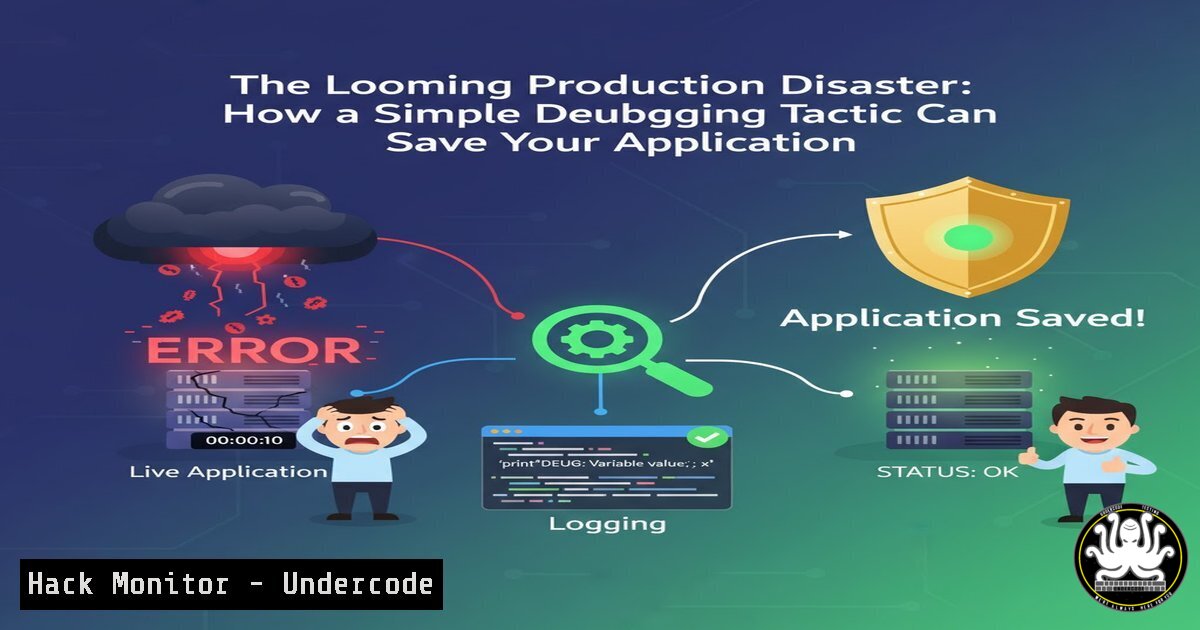
Introduction:
In the relentless pace of software development, the gap between a debugging session and a production deployment is often where catastrophic failures occur. The practice of using Feature Flags, or feature toggles, has emerged as a critical devops and cybersecurity strategy, enabling developers to deploy code safely, perform controlled rollouts, and instantly mitigate vulnerabilities without full-scale redeployments. This technique transforms risky “big bang” releases into a controlled, granular process.
Learning Objectives:
- Understand the core architecture and security benefits of implementing Feature Flags.
- Learn to implement basic and advanced feature flags in both application code and server configurations.
- Master the operational procedures for canary releases and emergency kill switches to maintain system stability and security.
You Should Know:
1. The Fundamental Architecture of a Feature Flag
A feature flag is a simple conditional statement that wraps a new or updated piece of functionality. Its power lies not in its complexity, but in its strategic placement and management. The core concept is to separate deployment from release. You can deploy code to production but keep it hidden from users until you are ready to activate it.
Step-by-step guide explaining what this does and how to use it.
Step 1: Define the Flag Condition. Instead of relying on a staging server, you use a dynamic condition to control feature visibility. This can be based on a configuration file, an environment variable, or a database value.
Step 2: Wrap New Code. Encase the new, potentially unstable feature within this conditional block.
Step 3: Control the Flag. By changing the flag’s controlling value (e.g., toggling it from `FALSE` to TRUE), you can activate the feature for specific users, groups, or everyone, without touching the codebase again.
Example in PHP:
// Read the feature flag from an environment variable
$new_dashboard_enabled = getenv('NEW_DASHBOARD_ENABLED');

if ($new_dashboard_enabled === 'true') {
// Load the new, experimental dashboard
include 'new_dashboard.php';
} else {
// Load the old, stable dashboard
include 'old_dashboard.php';
}
Example in Python (Flask):
import os

@app.route('/dashboard')
def dashboard():
if os.getenv('NEW_DASHBOARD_ENABLED') == 'true':
return render_template('new_dashboard.html')
else:
return render_template('old_dashboard.html')
2. Implementing Environment-Based Flags for Security
Using environment variables to control flags is a secure and common practice. It prevents the need to hardcode sensitive toggles and allows for quick changes across different environments (development, staging, production) without code commits.
Step-by-step guide explaining what this does and how to use it.
Step 1: Set the Variable. Define the environment variable on your server.
Linux/macOS: `export NEW_DASHBOARD_ENABLED=false`
Windows (Command Prompt): `set NEW_DASHBOARD_ENABLED=false`
Via .env file (for development): `NEW_DASHBOARD_ENABLED=false`
Step 2: Access in Code. As shown in the examples above, your application code reads this variable.
Step 3: Dynamic Toggle. To enable the feature, simply change the environment variable to `true` and restart your application (or, with more advanced setups, do it without a restart). This is your first line of defense—a kill switch for faulty features.
3. Advanced Targeting: Canary Releases and User Segmentation
Moving beyond a simple on/off switch, advanced feature flags allow you to release features to a small percentage of users (a “canary” group) or specific user segments (e.g., admin users, beta testers). This is crucial for security testing and performance monitoring under real-world load.
Step-by-step guide explaining what this does and how to use it.
Step 1: Define Your Segment. Decide on the segment: e.g., “users with ID less than 1000” or “users from the ‘beta_tester’ group”.
Step 2: Implement the Logic. Add more complex conditions to your flag check.
 A simple canary release for 10% of users
import random

def is_in_canary_group(user_id):
return user_id % 10 == 0  Release to every 10th user

@app.route('/new-feature')
def new_feature():
user_id = get_current_user_id()
if is_in_canary_group(user_id) or user.is_admin:
return new_feature_implementation()
else:
return stable_feature_implementation()
Step 3: Monitor and Ramp Up. Monitor error rates and performance metrics for the canary group. If all is stable, gradually increase the percentage until the feature is fully rolled out.
4. The Critical Kill Switch for Incident Response
A feature flag can act as an instant kill switch for a feature that is causing performance issues, security vulnerabilities, or data corruption. This is faster and lower risk than attempting a hotfix or a full rollback of the deployment.
Step-by-step guide explaining what this does and how to use it.
Step 1: Pre-emptively Flag. Any new feature that interacts with critical systems (payment processing, data storage, external APIs) must be wrapped in a feature flag.
Step 2: Monitor Systems. Use your application performance monitoring (APM) and security tools to watch for anomalies.
Step 3: Execute the Kill. Upon detecting an issue, simply toggle the feature flag to off. The faulty code is immediately deactivated for all users, and the system falls back to the stable path. This can be done in seconds, often through a web dashboard if you’re using a dedicated feature management service.
5. Integrating with CI/CD Pipelines and Nginx
Feature flags can be managed at the infrastructure level for even more powerful control, such as routing traffic to different backend services.
Step-by-step guide explaining what this does and how to use it.
Step 1: Use a Dedicated Service. Consider services like LaunchDarkly, Split, or Flagsmith for complex flag management with UI dashboards and robust SDKs.
Step 2: CI/CD Integration. In your `.gitlab-ci.yml` or Jenkinsfile, you can have deployment stages that only run if a specific feature flag is active.
Step 3: Web Server Configuration. Use a load balancer or web server like Nginx to perform canary releases at the infrastructure level.
Example Nginx Configuration for Canary Release:
 Define an upstream block with two servers
upstream backend {
server 10.0.0.1:8001;  Stable version
server 10.0.0.2:8002;  New version
}

server {
listen 80;

Split traffic based on a cookie
set $backend "backend";
if ($http_cookie ~ "canary=true") {
set $backend "10.0.0.2:8002";
}

location / {
proxy_pass http://$backend;
}
}
This routes all users to the stable server unless they have a `canary=true` cookie, in which case they are directed to the server with the new version.
What Undercode Say:
- Deployment is Not Release. The most powerful mindset shift is decoupling the act of shipping code from the act of making it live. This reduces risk exponentially.
- Your First Line of Defense. A feature flag is more than a convenience; it is an operational and security tool that provides a rapid response mechanism for production incidents.
Analysis: The original post correctly identifies the core pain point: the tension between continuous development and production stability. While it presents a basic “if-statement” solution, the professional implementation is far more strategic. It’s a gateway to modern DevOps practices like CI/CD, blue-green deployments, and dark launching. From a cybersecurity perspective, this is paramount. A vulnerability discovered in a newly deployed feature can be neutralized in seconds without a frantic, error-prone rollback process. It transforms panic-driven firefighting into a calm, procedural response. Furthermore, it empowers developers to collaborate more safely with product teams, as the capability to revert changes is always at their fingertips.
Prediction:
The tactical use of feature flags will evolve into the standard operational model for all cloud-native applications. We will see a tighter integration between feature management platforms and AI-driven DevOps tools. These AIOps systems will automatically toggle features based on real-time analysis of security telemetry and performance metrics. For instance, an AI could detect a novel attack pattern targeting a specific code path and instantly disable the corresponding feature flag before human operators are even aware of the threat, creating a self-healing and proactively secure application environment. The “kill switch” will become an autonomous, intelligent guardian of production systems.
🎯Let’s Practice For Free:
IT/Security Reporter URL:
Reported By: Itsahmedatef %D8%AA%D8%B1%D9%8A%D9%83%D8%A7%D9%8A%D8%A9 – Hackers Feeds
Extra Hub: Undercode MoN
Basic Verification: Pass ✅


