Listen to this Post
Introduction:
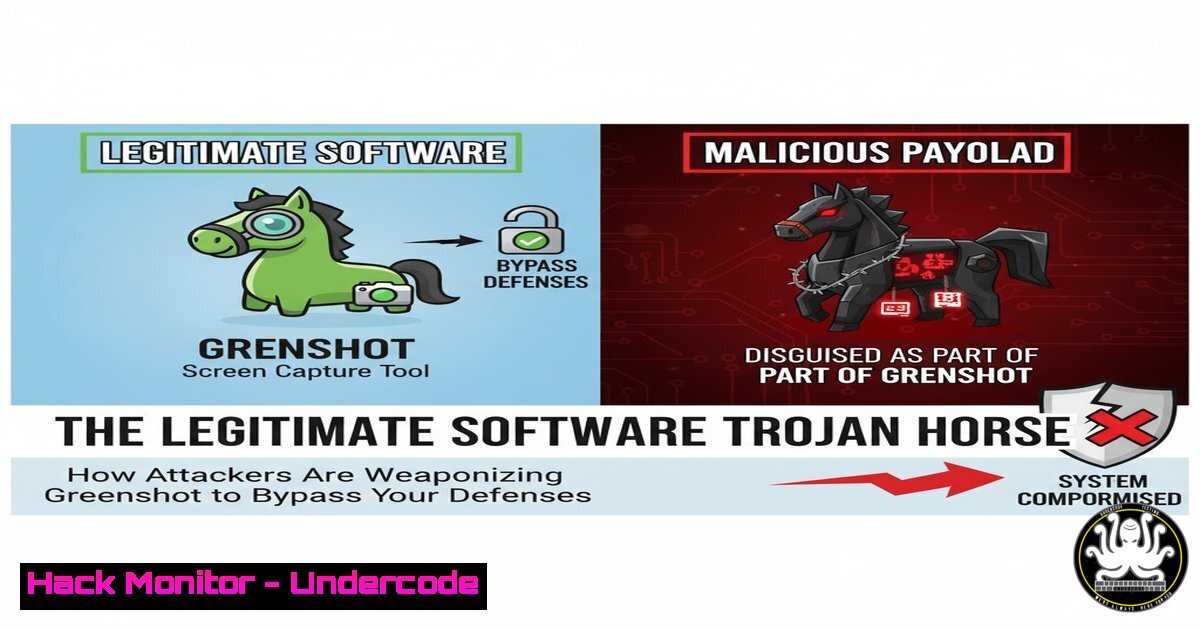
A sophisticated new campaign demonstrates a chilling evolution in cyber-attacks: the complete abandonment of custom malware in favor of abusing legitimate, digitally signed software. By weaponizing the popular Greenshot screenshot tool, threat actors have constructed an attack chain that leverages DLL sideloading, indirect syscalls, and clever traffic masquerading to slip past traditional security controls. This shift underscores a critical vulnerability in modern security postures—the inherent trust placed in signed applications.
Learning Objectives:
- Understand the step-by-step mechanics of the Greenshot DLL sideloading attack chain.
- Learn the commands and techniques to detect and hunt for similar Living-off-the-Land (LotL) attacks.
- Implement mitigation strategies to harden systems against the abuse of trusted executables and indirect syscall evasion.
You Should Know:
1. Detecting Malicious DLL Sideloading
DLL sideloading exploits a Windows feature where an application loads a DLL from its current directory before searching the system directories. Attackers place a malicious DLL alongside a legitimate, signed executable (like Greenshot.exe).
Hunting Command (PowerShell):
Get-Process | Where-Object {$<em>.Modules | Where-Object {$</em>.FileName -like "\Greenshot\"}} | Select-Object ProcessName, Id, Path | Format-Table -AutoSize
Step-by-step guide:
This PowerShell command lists all running processes that have loaded a module (like a DLL) from a path containing “Greenshot”. A legitimate Greenshot process should typically run from C:\Program Files\Greenshot\. If you find one running from a user’s Temp or Downloads directory, it is a strong indicator of sideloading. Regularly baseline normal application paths in your environment to quickly spot anomalies.
2. Uncovering Cache Smuggling Delivery
Cache smuggling abuses cache-control headers to trick caching proxies (like CDNs) into storing and serving malicious payloads. This is how the initial Greenshot payload is often delivered.
Investigation Command (curl):
curl -H "Cache-Control: public, max-age=31536000" -I http://suspicious-domain.com/malicious-payload.zip
Step-by-step guide:
The `curl -I` command fetches only the HTTP headers. Inspect the `Cache-Control` header in the response. A `max-age` value set very high (e.g., 31536000 seconds is one year) on a dynamically generated or suspicious resource is a red flag. Security teams should monitor and alert on external resources with overly permissive cache directives being served to endpoints.
3. Analyzing Indirect System Call Evasion
Indirect syscalls are a sophisticated technique to evade Endpoint Detection and Response (EDR) hooks. Instead of calling the `syscall` instruction directly, the malware calculates the system call number (SSN) from an unhooked function in `ntdll.dll` and then executes the syscall, bypassing user-mode hooks.
Detection Script Snippet (Python-like pseudocode):
 This conceptual code checks for unusual syscall instruction addresses.
 Use a debugger or EDR with deep system introspection.
if syscall_address not in expected_ntdll_range:
print("Potential Indirect Syscall Detected!")
Step-by-step guide:
Directly detecting this requires low-level monitoring. EDRs and advanced threat hunters can use tools that trace execution flow. The key is to look for `syscall` instructions whose return addresses do not point back to a known, expected module like ntdll.dll. This indicates the syscall was triggered from a non-standard location, a hallmark of manual syscall techniques.
4. Identifying Masqueraded C2 Traffic
Command and Control (C2) traffic in this campaign masquerades as requests for common JavaScript libraries like jQuery, blending in with normal web traffic to avoid TLS inspection and network-based detection.
Network Hunting Command (Zeek/Bro Logs):
cat http.log | zeek-cut host uri user_agent | grep "jquery" | awk '$3 !~ /Mozilla|Chrome|Edge/'
Step-by-step guide:
This command parses Zeek (formerly Bro) HTTP logs. It looks for requests to URIs containing “jquery” but where the `user_agent` string does not match a common browser (Mozilla, Chrome, Edge). A `user_agent` like `python-requests/2.28.0` or a blank field on a jQuery request is highly suspicious and warrants immediate investigation.
5. Forensic Analysis with Process Creation Monitoring
Monitoring parent-child process relationships can reveal the sideloading chain, where a benign executable spawns unexpected or malicious child processes.
Detection Command (Windows Event Log/SIEM Query):
-- Sample query for Azure Sentinel/Splunk looking for Greenshot spawning unusual children.
DeviceProcessEvents
| where InitiatingProcessFileName =~ "Greenshot.exe"
| where FileName !in~ ("notepad.exe", "snippingtool.exe") // Whitelist expected children
Step-by-step guide:
This Kusto Query Language (KQL) example queries process creation events. It triggers an alert when `Greenshot.exe` is the parent process for any child process that is not on a pre-approved whitelist (e.g., `notepad.exe` if it opens a screenshot). Tune the whitelist based on your organization’s approved software interactions.
6. Hunting for Fake UI Processes
The fake “FortiClient compliance checker” progress bar is a social engineering tactic. The window title can be a hunting ground.
Hunting Command (PowerShell):
Get-Process | Where-Object {$_.MainWindowTitle -like "FortiClientcompliance"} | Stop-Process -Force
Step-by-step guide:
This command scans all running processes for any that have a window title containing “FortiClient” and “compliance”. This is a known indicator for this specific campaign. While this exact string might change, hunting for processes with window titles mimicking legitimate security or system software is a valuable technique. Always investigate before terminating processes in a production environment.
7. System Hardening Against DLL Sideloading
Prevention is key. Implementing application control policies like Windows Defender Application Control (WDAC) can prevent unauthorized executables from running, including malicious Greenshot copies.
WDAC Policy Creation (PowerShell as Admin):
 Create a base WDAC policy for Windows
New-CIPolicy -Level FilePublisher -FilePath "C:\ReferenceFiles\Greenshot.xml" -UserPEs -Fallback Hash -ScanPath "C:\Program Files\Greenshot" -OmitPaths "C:\Windows", "C:\Program Files\WindowsApps"
Step-by-step guide:
This command creates a new Code Integrity policy based on the file publisher of the legitimate Greenshot installation in C:\Program Files\Greenshot. This policy, when deployed and enforced, will block any version of Greenshot (or a malicious clone) that is not from the trusted publisher and location. This is a robust defense against this entire class of attacks.
What Undercode Say:
- The era of relying solely on digital signatures for trust is over. Signatures indicate origin, not intent, and are now a tool for attackers.
- Defense-in-depth must evolve to focus on behavior and context, not just static indicators. The individual components of this attack were benign; only their sequence was malicious.
This campaign is a masterclass in offense mirroring defense. As defenses have improved at detecting overtly malicious files, attackers have simply stopped using them. They are now investing more effort in staging than in exploitation, carefully constructing attack chains from trusted components. This forces a fundamental re-evaluation of security telemetry. EDR alerts on a single, benign action are useless; what’s needed is correlation across processes, network, and file systems to see the entire “movie” instead of a single “frame.” The future of security operations lies in automated, high-fidelity correlation that can identify these malicious sequences in real-time.
Prediction:
The success of this “legitimate software abuse” methodology will catalyze a massive shift in the cybercrime ecosystem. We predict a surge in the development and sale of “Attack Chain-as-a-Service” (ACaaS) kits on darknet forums. These kits will provide less technical criminals with pre-packaged, modular scripts that weaponize a variety of signed tools (from image editors to system utilities), complete with traffic obfuscation and EDR evasion built-in. This will lower the entry barrier for sophisticated attacks, forcing a defensive pivot from pure prevention to advanced behavioral detection and automated threat hunting at scale. The cat-and-mouse game is moving to a higher, more complex plane.
🎯Let’s Practice For Free:
IT/Security Reporter URL:
Reported By: Expel Attackers – Hackers Feeds
Extra Hub: Undercode MoN
Basic Verification: Pass ✅


