Listen to this Post
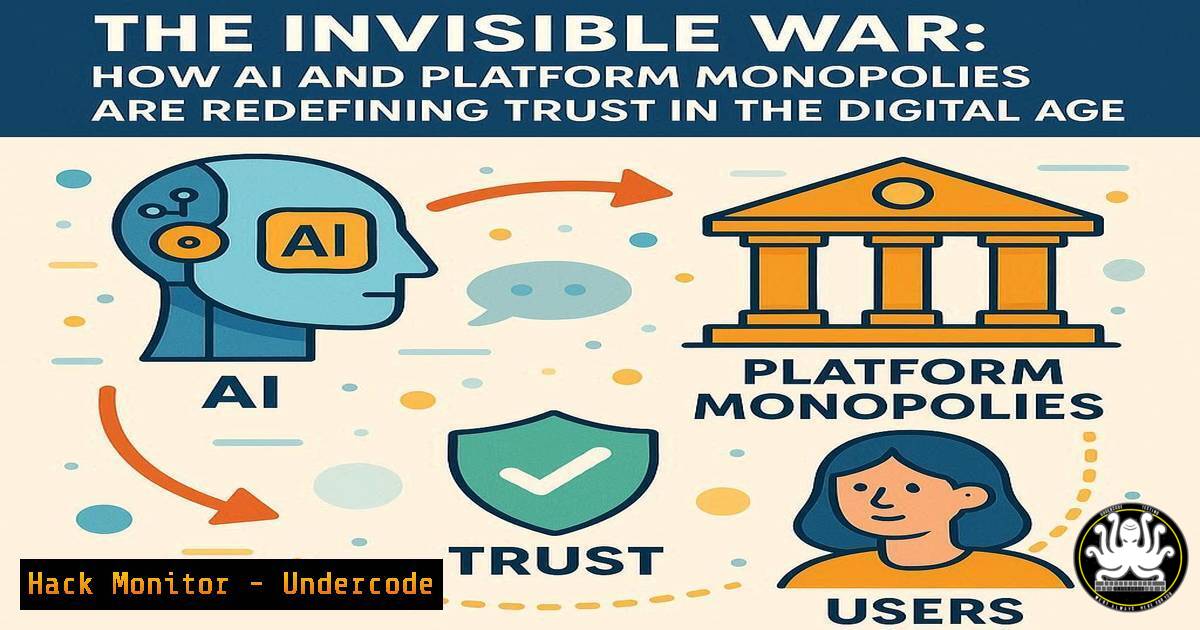
Introduction:
The foundational pillars of modern commerce and public discourse—verification and validation—are under silent assault. The emergence of generative AI and the strategic consolidation of platform power are engineering a paradigm where one-sided trust is not a bug, but a core feature of new business models. This shift away from interdependence threatens to create a digital ecosystem where users are forced into a “take it or leave it” relationship with technologies they cannot audit or verify, fundamentally altering the balance of power in cyberspace.
Learning Objectives:
- Understand the critical, unfixable security flaws inherent in generative AI systems and their implications for enterprise risk.
- Learn practical command-line and configuration skills to audit systems, harden environments, and detect AI-generated artifacts.
- Develop a strategic mindset for mitigating the risks associated with digital platform dependence and opaque AI technologies.
You Should Know:
1. Auditing System Integrity with Linux Commands
A foundational step in maintaining a secure posture is verifying the integrity of your own systems. The following commands are essential for any administrator.
 Check for unauthorized rootkits and suspicious processes
ps aux | grep -E '(cpuprogram|minerd|kinsing|xmrig)'  Scans for common crypto-mining malware
sudo rkhunter --check  Performs a rootkit scan
sudo ls -la /etc/ | grep '..'  Looks for suspicious parent directory references

Verify checksums of critical binaries
sha256sum /usr/bin/ssh  Compare against a known-good hash
sudo find / -uid 0 -perm -4000 2>/dev/null  Find all SUID binaries, a common privilege escalation vector
Step-by-step guide: Begin by running `ps aux` to list all running processes. Pipe this output to `grep` to search for known malicious process names. Regularly schedule `rkhunter` scans to detect rootkits. The `find` command for SUID binaries should be run periodically; any new, unexpected SUID binary warrants immediate investigation as it could allow a normal user to execute code as root.
2. Windows Forensic Analysis and Indicator Hunting
When a breach is suspected, rapid forensic analysis on Windows systems is critical.
 PowerShell commands for incident response
Get-WinEvent -FilterHashtable @{LogName='Security'; ID=4624,4625} | Select-Object -First 20  Recent logons and failures
Get-WmiObject -Class Win32_StartupCommand | Select-Object Name, command, User, Location  Audit startup items
Get-Process | Where-Object { $_.CPU -gt 90 }  Identify processes with high CPU usage (potential malware)
netstat -ano | findstr "ESTABLISHED"  List all active network connections and their associated PIDs
Step-by-step guide: Open PowerShell as Administrator. Use `Get-WinEvent` to query the Security log for specific Event IDs: 4624 (successful logon) and 4625 (failed logon). This can reveal brute-force attacks or successful compromises. The `netstat` command, when combined with findstr, shows all active connections, allowing you to cross-reference the Process ID (PID) with the output of `Get-Process` to identify malicious network traffic.
3. Hardening Cloud API Security
APIs are the backbone of modern cloud services and a primary attack vector. Securing them is non-negotiable.
 Using curl to test API security headers
curl -I -X GET https://yourapi.endpoint.com/  Check for missing security headers

Example of a secure response header:
 HTTP/2 200
 content-type: application/json
 strict-transport-security: max-age=63072000; includeSubDomains; preload
 x-content-type-options: nosniff
 x-frame-options: DENY

Using jq to parse and validate API JSON Web Tokens (JWT) structure
echo "$JWT_TOKEN" | cut -d"." -f1,2 | sed 's/./\n/g' | base64 -d | jq .  Decode JWT header and payload
Step-by-step guide: Use the `curl -I` command to fetch only the headers from your API endpoint. Verify the presence of `strict-transport-security` (HSTS) to enforce HTTPS, `x-content-type-options` to prevent MIME sniffing, and `x-frame-options` to avoid clickjacking. For JWT analysis, the one-liner uses cut, sed, and `base64` to decode the token’s components, then pipes to `jq` for pretty-printing to inspect claims for validity.
- Detecting AI-Generated Code and Text in Your Environment
As AI tools proliferate, so does the risk of unvetted AI-generated code entering your codebase or social engineering campaigns.
 Python script snippet to detect common AI code patterns (e.g., placeholder comments, generic variable names)
import re

def analyze_code_snippet(code):
red_flags = []
 Check for generic AI placeholder comments
if re.search(r' (Add your comments here|TODO: Add functionality)', code, re.IGNORECASE):
red_flags.append("Generic placeholder comment detected.")
 Check for overly simplistic error handling common in AI code
if len(re.findall(r'except:', code)) > len(re.findall(r'except \w+:', code)):
red_flags.append("Bare 'except:' clauses are prevalent.")
 Check for a high ratio of generic variable names (x, y, z, temp, var)
generic_vars = re.findall(r'\b(x|y|z|temp|var|data)\b', code)
if len(generic_vars) > 5:
red_flags.append("High frequency of generic variable names.")
return red_flags

Example usage
sample_code = """
def process_data(data):
try:
x = data['key']
y = x + 10  Add your comments here
return y
except:
return None
"""
print(analyze_code_snippet(sample_code))
Step-by-step guide: This script provides a basic heuristic for spotting potential AI-generated code. Integrate such checks into your CI/CD pipeline or code review process. The function uses regular expressions to search for code smells typical of AI output, such as non-specific comments and poor error handling. A high number of flags should trigger a mandatory manual review.
- Mitigating Model Poisoning and Data Exfiltration in AI Systems
Securing the AI pipeline itself is a new frontier for cybersecurity professionals.
 Monitor for suspicious outbound connections from data processing nodes
tcpdump -i any -n 'dst port 53 or dst port 80 or dst port 443' | grep -v "your-trusted-domain.com"

Use Docker security options to containerize an AI model inference service
docker run --rm -it \
--read-only \
--cap-drop=ALL \
--security-opt="no-new-privileges:true" \
-v /path/to/model:/model:ro \
your-ai-inference-image:latest

Command to checksum training data files to detect unauthorized alterations
find /training_data -type f -exec sha256sum {} \; > /secure/location/training_data_hashes.txt
Step-by-step guide: The `tcpdump` command monitors all network interfaces for DNS, HTTP, and HTTPS traffic, filtering out connections to trusted domains to spot potential data exfiltration. The `docker run` command demonstrates how to launch a container with a hardened security profile: it makes the root filesystem read-only, drops all Linux capabilities, and prevents privilege escalation, thereby containing a potential compromise of the AI service.
6. Network Segmentation to Limit Lateral Movement
Preventing a breach in one service from compromising an entire platform is a core tenet of zero trust.
 Using iptables to create strict microsegmentation rules
iptables -A FORWARD -p tcp --dport 5432 -s 10.0.1.10 -d 10.0.2.20 -j ACCEPT  Allow only AppServer to DB
iptables -A FORWARD -p tcp --dport 5432 -j DROP  Drop all other DB traffic

Using Windows Firewall with Advanced Security (via PowerShell) for similar segmentation
New-NetFirewallRule -DisplayName "Allow SQL from AppServer" -Direction Inbound -Protocol TCP -LocalPort 1433 -RemoteAddress 10.0.1.10 -Action Allow
New-NetFirewallRule -DisplayName "Block all other SQL" -Direction Inbound -Protocol TCP -LocalPort 1433 -Action Block
Step-by-step guide: On your Linux-based gateways or hosts, use `iptables` to create explicit allow rules for specific source-destination-service tuples, followed by a blanket deny rule. This “default deny” posture ensures that only explicitly authorized communication paths are open, drastically reducing the attack surface for lateral movement.
7. Verifying Digital Signatures and Software Provenance
In an era of opaque platforms, verifying the authenticity of software is paramount.
 Verify a PGP signature on a downloaded software package
wget https://example.com/software.tar.gz
wget https://example.com/software.tar.gz.sig
gpg --verify software.tar.gz.sig software.tar.gz

Verify authenticity of a Docker image
docker trust inspect --pretty your-registry/your-image:tag

Check the code signing certificate of a Windows executable
signtool verify /v /pa "C:\Path\To\Program.exe"
Step-by-step guide: Before installing any critical software, always seek out a digital signature. For Linux, use `gpg` with the vendor’s public key to ensure the package has not been tampered with. For Docker images, use `docker trust inspect` to verify that the image was signed by a trusted entity. On Windows, `signtool` (from the Windows SDK) allows you to inspect and validate the code signing certificate chain.
What Undercode Say:
- The push towards opaque AI and platform monopolies is not a technological inevitability but a strategic business decision that creates systemic risk.
- The only effective countermeasure is a renewed and rigorous commitment to the principles of verification, validation, and transparency at both a technical and policy level.
The dialogue surrounding AI and platform power is often framed as a technical challenge, but it is fundamentally a power dynamic. The “unfixable flaw” in generative AI for enterprise is its inherent lack of verifiable provenance and deterministic output. This creates a one-sided trust relationship where the user bears all the risk. The commands and strategies outlined above are not just technical remedies; they are acts of defiance against this imposed opacity. They represent the technical community’s insistence on the right to audit, to verify, and to understand the systems upon which modern society depends. Failing to build and maintain these skills is to cede control entirely.
Prediction:
The current trajectory will lead to a major “crisis of verification” within the next 3-5 years, culminating in a high-profile catastrophic failure directly attributable to unverified AI decision-making or a platform-level integrity breach. This event will serve as a digital “Pearl Harbor,” forcing governments and industries to impose stringent transparency and auditability regulations on critical AI systems and dominant digital platforms, fundamentally reshaping the tech regulatory landscape.
🎯Let’s Practice For Free:
IT/Security Reporter URL:
Reported By: Mil Williams – Hackers Feeds
Extra Hub: Undercode MoN
Basic Verification: Pass ✅


