Listen to this Post
Introduction:
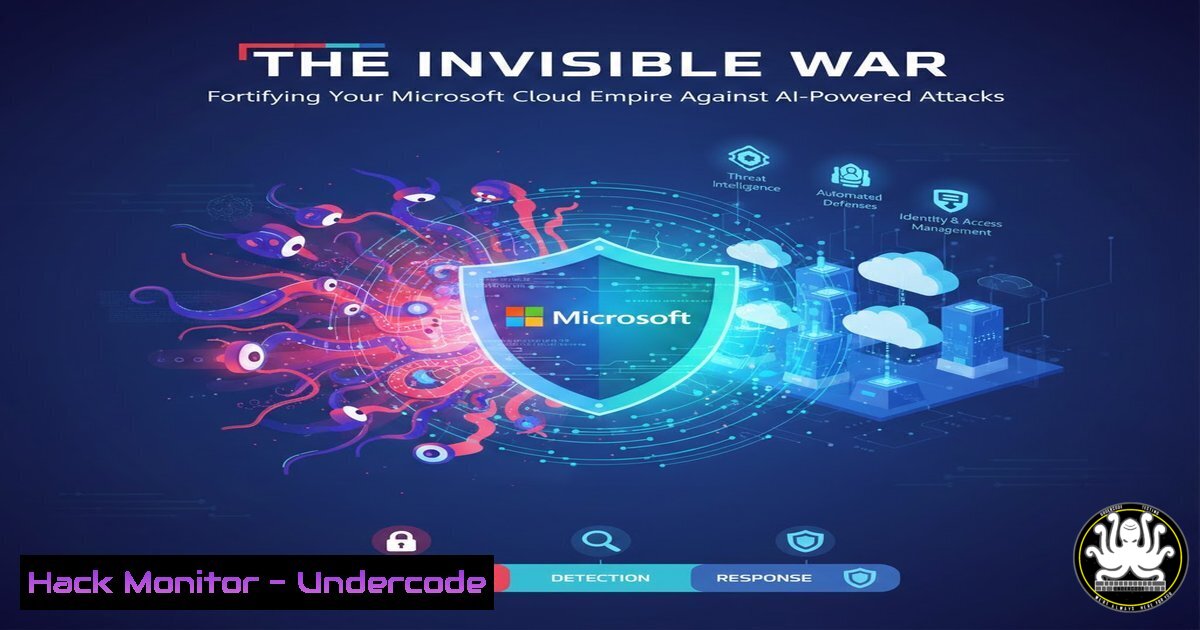
The modern digital fortress is no longer bounded by firewalls; it spans identity layers, AI models, and cloud workloads. As highlighted in a recent series of expert podcasts from the Workplace Ninja and MC2MC communities, securing platforms like Microsoft 365, Entra, and Azure AI is a multidimensional battle. This article distills critical insights from these sessions into actionable guidance, moving from theory to hardened configuration.
Learning Objectives:
- Implement core security configurations for Entra ID, Azure AI, and Microsoft Purview.
- Apply practical monitoring and hardening steps using Azure-native tools and queries.
- Understand the emerging attack surface introduced by AI integrations and cloud-native services.
You Should Know:
- Locking Down the New Perimeter: Entra ID Protection
The identity plane is the primary attack surface. Entra ID Protection and Managed Service Accounts are critical for moving beyond basic MFA.
Step‑by‑step guide:
- Enable and Review Risky Sign-ins: Navigate to Microsoft Entra admin center > Protection > Risky sign-ins. Review detections daily.
- Configure Risk Policies: Go to Policies > Identity Protection. Configure a User Risk Policy to require password change for medium/high risk and a Sign-in Risk Policy to enforce MFA for medium/high-risk sign-ins.
- Secure Service Accounts: Implement Group Managed Service Accounts (gMSA) for on-premises workloads to automate password management. In an Azure-only context, use Entra ID Workload Identities with conditional access and credential hygiene policies.
On-premises: Create a gMSA account (Requires AD PowerShell Module)
New-ADServiceAccount -Name "svc_AzureSync" -DNSHostName "svc_AzureSync.domain.com" -PrincipalsAllowedToRetrieveManagedPassword "SQL_Servers$"
2. Defending the Intelligent Layer: Azure AI Security
Azure AI services like OpenAI models, Cognitive Services, and Azure Machine Learning present unique data exfiltration and prompt injection risks.
Step‑by‑step guide:
- Enforce Network Isolation: Deploy Azure AI services within a private network. Use Private Endpoints and disable public network access.
az cognitiveservices account update --name "my-ai-account" --resource-group "my-rg" --public-network-access Disabled
- Enable Content Filtering: In your Azure AI Studio deployment, configure content filters for violence, self-harm, hate, and sexual content to mitigate abuse.
- Audit and Log All Interactions: Ensure diagnostic settings are enabled to stream logs to a Log Analytics workspace. Use the `AIServicesAudit` and `AIServicesInference` log categories.
-
Gaining Visibility: Microsoft Sentinel Cost Management & Hunting
Uncontrolled logging costs can blindside a security program. Effective cost management ensures you retain critical security data.
Step‑by‑step guide:
- Implement Log Filtering: Use Sentinel’s Basic Logs tier for high-volume, low-value data. Create custom filters to reduce ingestion.
// KQL query to identify top noisy event sources
union isfuzzy=true
| summarize Count = count() by EventProduct, EventVendor
| top 10 by Count desc
- Leverage Watchlists for Filtering: Create a watchlist of low-priority IP addresses or user accounts and use it in ingestion rules to drop unnecessary noise.
-
Schedule Analytics Rule Optimization: Review and tune Analytic Rules weekly. Disable low-fidelity rules and adjust query timeframes to be as narrow as possible.
-
Securing the Hybrid Core: Windows 365 & Azure PAAS Security
Cloud PCs and Platform-as-a-Service (PAAS) offerings require a shared responsibility mindset, focusing on configuration management.
Step‑by‑step guide:
- Harden Windows 365 Images: Use Microsoft Intune to deploy security baselines to Cloud PC devices. Enforce BitLocker, Windows Defender Antivirus, and local firewall policies.
- Implement Just-In-Time (JIT) Access for Azure PAAS: For services like Azure SQL, enable Microsoft Defender for Cloud’s JIT feature to restrict access to management ports only when needed.
- Encrypt All Data at Rest: Ensure all Azure SQL, Storage Accounts, and Cosmos DB instances have encryption enabled using customer-managed keys (CMK) in Azure Key Vault.
5. Governing Data Everywhere: Microsoft Purview Compliance
A proactive data governance strategy is essential for compliance and to prevent sensitive data leaks.
Step‑by‑step guide:
- Discover and Classify Data: Set up Purview Data Map with automated scanning of Azure, on-premises, and SaaS sources. Apply sensitivity labels (e.g., “Confidential”, “Internal Only”) automatically based on content.
- Configure Data Loss Prevention (DLP): Create a DLP policy in Purview Compliance Portal to detect and block the sharing of sensitive information outside the organization. Test in “Audit” mode first.
- Activate Insider Risk Management: Use indicators from DLP alerts, HR triggers, and anomalous user behavior to configure Insider Risk Policies, helping to detect malicious or negligent insiders.
-
The Automation Advantage: Graph API & Infrastructure as Code
Manual configuration drifts and becomes unmanageable. Security must be automated and codified.
Step‑by‑step guide:
- Use Microsoft Graph API for Security Posture: Automate Entra ID and Intune security configurations. First, authenticate and explore.
Authenticate to Graph API with appropriate scopes
Connect-MgGraph -Scopes "Policy.Read.All", "DeviceManagementConfiguration.ReadWrite.All"
Get all conditional access policies
Get-MgIdentityConditionalAccessPolicy
- Deploy Security as Code: Use Bicep or Terraform to define and deploy security resources like Sentinel Watchlists, Defender for Cloud plans, and Key Vaults. This ensures environment consistency and auditability.
What Undercode Say:
- Identity is the Unforgiving Battlefield: Every other security control is irrelevant if an attacker owns a valid identity. Entra ID Protection and rigorous conditional access are non-negotiable baseline configurations.
- AI Security is Data Security: Securing AI fundamentally means governing its training data, inputs, and outputs. Isolate the service, filter content, and audit relentlessly to prevent model poisoning and data leakage.
The convergence of AI, identity, and ubiquitous cloud services has created a security landscape that is both incredibly powerful and perilously complex. The insights from these community experts underscore that a siloed approach is fatal. A winning strategy integrates continuous hardening of identity, proactive governance of data across all platforms, and intelligent automation of security posture management. The tools are available within the Microsoft ecosystem; the imperative is to configure them with depth, coherence, and an assumption of breach.
Prediction:
The next 18-24 months will see a surge in AI-specific attack frameworks targeting the supply chain of AI models and the integrity of training datasets. Simultaneously, “legitimate” user sessions compromised via AI-phishing and session hijacking will become the primary vector for cloud breaches, forcing a rapid evolution beyond current conditional access paradigms toward continuous, behavioral-based authentication. Organizations that treat AI security and identity not as features but as the core architectural pillars will be the only ones capable of effective defense.
▶️ Related Video (86% Match):
🎯Let’s Practice For Free:
IT/Security Reporter URL:
Reported By: Michelvvliet Wpninjaconnect – Hackers Feeds
Extra Hub: Undercode MoN
Basic Verification: Pass ✅


