Listen to this Post
Introduction:
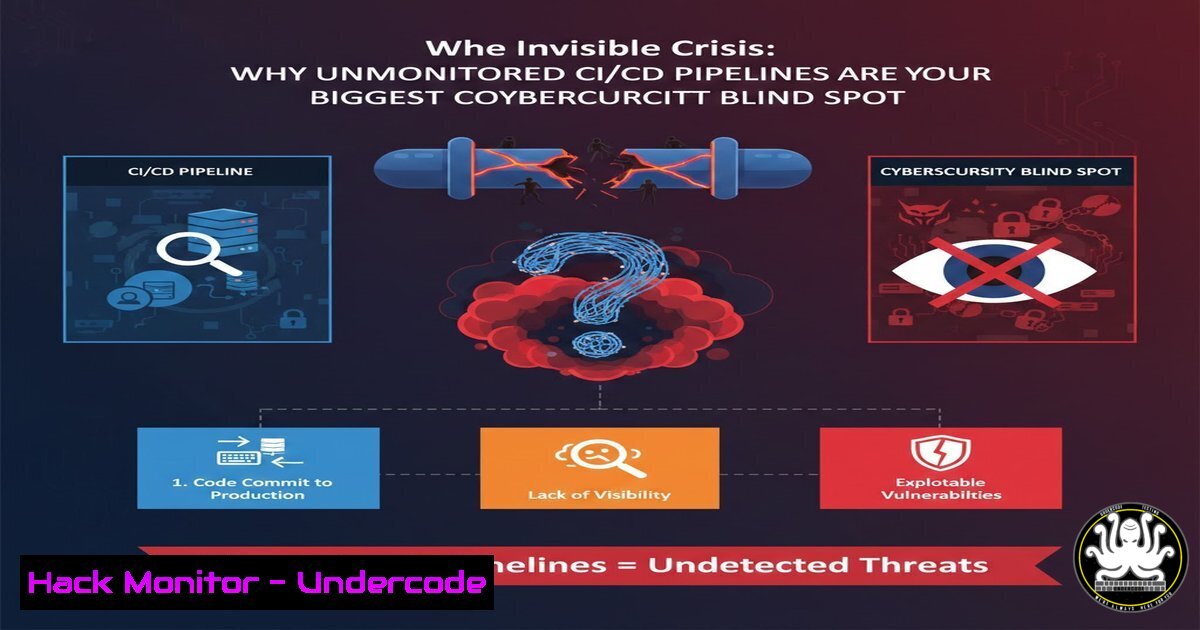
In the relentless pursuit of DevOps velocity, many organizations have inadvertently created a critical security and operational vulnerability: blind CI/CD pipelines. While automation accelerates deployment, a lack of pipeline observability turns your delivery chain into a black box where failures, security flaws, and compliance violations can propagate silently into production. This absence of visibility isn’t just an operational headache; it’s a fertile ground for supply chain attacks, credential leakage, and undetected breaches that compromise your entire software lifecycle.
Learning Objectives:
- Understand the critical security and operational risks of an unmonitored CI/CD environment.
- Learn how to instrument pipelines for logs, metrics, and traces using the modern observability stack.
- Implement actionable monitoring, alerting, and visualization to detect failures, security anomalies, and performance degradation.
You Should Know:
- Instrumenting Every Pipeline Stage: The Foundation of Visibility
The first line of defense is comprehensive instrumentation. You must embed telemetry collection at each stage: source code commit, build, test, security scan, and deployment. This allows you to trace a failed security check back to a specific code change.
Step-by-step guide:
Integrate OpenTelemetry (OTel) into your pipeline agents. OTel provides a vendor-neutral framework for generating traces and metrics.
For a Jenkins pipeline, add an OpenTelemetry configuration block to your Jenkinsfile:
pipeline {
agent any
options {
otelTraces('jenkins-pipeline')
}
stages {
stage('Build') {
steps {
otelSpan('maven-build') {
sh 'mvn clean compile'
}
}
}
}
}
Ensure your build tools emit structured logs. Configure tools like Maven or npm to output in JSON format for easier parsing and ingestion by log aggregation systems.
2. Centralizing Logs: Correlating Events for Threat Detection
Scattered logs are useless for incident response. Centralization is key to correlating a failed login on your Git server with a subsequent, anomalous pipeline execution that might indicate compromised credentials.
Step-by-step guide:
Deploy Grafana Loki or the ELK Stack. Loki is lightweight and optimized for logs, while ELK (Elasticsearch, Logstash, Kibana) offers powerful search and analysis.
Configure your pipeline runners to forward logs. For a GitHub Actions runner, you can use the loki-log-action:
- name: Send logs to Loki
uses: grafana/loki-log-action@main
with:
loki-url: ${{ secrets.LOKI_URL }}
filename: './build-output.log'
Use log querying to investigate. In Loki’s LogQL, you can search for errors in a specific time window:
{job="jenkins"} |= "ERROR" | logfmt | line_format "{{.trace_id}}"
3. Tracking Security-Centric Metrics: From Builds to Breaches
Move beyond basic success/failure rates. Track metrics that signal security health, such as dependency scan failure rates, secret detection counts, and image vulnerability scores.
Step-by-step guide:
Expose Prometheus metrics from your security tools. Many SAST/DAST and container scanning tools have Prometheus endpoints.
Use a custom script to scrape pipeline-specific metrics. Example: A script to count critical vulnerabilities from a Trivy scan and expose it for Prometheus:
!/bin/bash
 Scan image and parse critical vulnerabilities
CRITICAL_COUNT=$(trivy image --severity CRITICAL --quiet my-image:latest | wc -l)
 Write metric in Prometheus format
echo "pipeline_image_critical_vuls $CRITICAL_COUNT" > /metrics/pipeline_metrics.prom
Configure Prometheus to scrape the new endpoint by adding a job to your prometheus.yml.
- Configuring Smart, Tiered Alerts to Prevent Alert Fatigue
A barrage of alerts is ignored. Implement tiered alerting: immediate, critical alerts for security failures (e.g., a new critical CVE in the base image) and lower-priority notifications for performance degradation.
Step-by-step guide:
Define alerting rules in Prometheus. Create a rule that fires if the secret detection count is above zero.
groups:
- name: ci-cd-security
rules:
- alert: CredentialsExposedInPipeline
expr: pipeline_detected_secrets > 0
annotations:
summary: "Potential hard-coded secret detected in pipeline {{ $labels.job }}"
Route alerts via Alertmanager. Configure routing to send security alerts to a dedicated security channel in Slack or PagerDuty, and performance alerts to a general DevOps channel.
routes:
- match:
severity: critical
receiver: security-team-pager
- match:
severity: warning
receiver: devops-slack-channel
- Visualizing the Pipeline Attack Surface with Grafana Dashboards
A unified dashboard is your mission control. It should visualize the pipeline’s security posture, performance, and reliability, enabling at-a-glance assessment of risk.
Step-by-step guide:
Build a comprehensive Grafana dashboard. Import a base dashboard (like ID 12705 for Jenkins) and customize it.
Add security-specific panels.
1. Panel 1: A time-series graph of `pipeline_image_critical_vuls`.
- Panel 2: A stat panel showing `test_pass_rate` with a threshold warning if it dips below 95%.
- Panel 3: A log panel from Loki showing recent entries containing “ERROR” or “WARNING” from your pipeline jobs.
- Panel 4: A trace timeline from Jaeger, showing the duration of each pipeline stage, highlighting bottlenecks.
Set dashboard variables to filter by Git branch, pipeline name, or date range for forensic investigation.
6. Hardening the Pipeline: Securing Your Monitoring Stack
The monitoring infrastructure itself is a target. Harden it by implementing network policies, authentication, and encryption.
Step-by-step guide:
Secure Prometheus, Loki, and Grafana with TLS. Use Let’s Encrypt or internal PKI.
For Grafana, configure in `grafana.ini`:
[bash]
protocol = https
cert_file = /etc/ssl/grafana.crt
cert_key = /etc/ssl/grafana.key
Enforce role-based access control (RBAC). In Grafana, create roles with least privilege (e.g., `Viewer` for developers, `Admin` for SREs).
Use network policies in Kubernetes to restrict access. Only allow ingress to Prometheus from approved namespaces (e.g., your pipeline runners).
apiVersion: networking.k8s.io/v1
kind: NetworkPolicy
metadata:
name: allow-prometheus-only-from-ci
spec:
podSelector:
matchLabels:
app: prometheus
ingress:
- from:
- namespaceSelector:
matchLabels:
name: ci-cd-namespace
What Undercode Say:
Visibility is the Prerequisite for Security: You cannot secure what you cannot see. An uninstrumented CI/CD pipeline is not just inefficient; it’s an unmonitored entry point for attackers into your core systems.
Shift-Left on Observability: Integrate monitoring as a first-class citizen in pipeline design, not a post-production afterthought. The same rigor applied to application observability must be applied to the delivery mechanism itself.
The modern CI/CD pipeline is complex software infrastructure. Treating it with the same observability, security, and operational standards as production applications is no longer optional. The convergence of DevOps and SecOps demands that every log line, metric, and trace from the pipeline be analyzed not just for performance, but for malicious intent and compliance deviation. A failure to do so leaves a gaping hole in your organization’s defensive perimeter.
Prediction:
Within the next 18-24 months, unmonitored CI/CD pipelines will become a primary attack vector, leading to a significant increase in software supply chain breaches. This will catalyze the emergence of “Pipeline Detection and Response” (PDR) as a standard cybersecurity practice, paralleling EDR and NDR. Regulatory frameworks will begin to mandate observable and auditable pipeline logs, making the practices outlined here not just a technical advantage, but a compliance necessity. The teams that master pipeline observability today will be those that avert the headline-making breaches of tomorrow.
▶️ Related Video (82% Match):
🎯Let’s Practice For Free:
IT/Security Reporter URL:
Reported By: Adityajaiswal7 Devops – Hackers Feeds
Extra Hub: Undercode MoN
Basic Verification: Pass ✅


