Listen to this Post
Introduction:
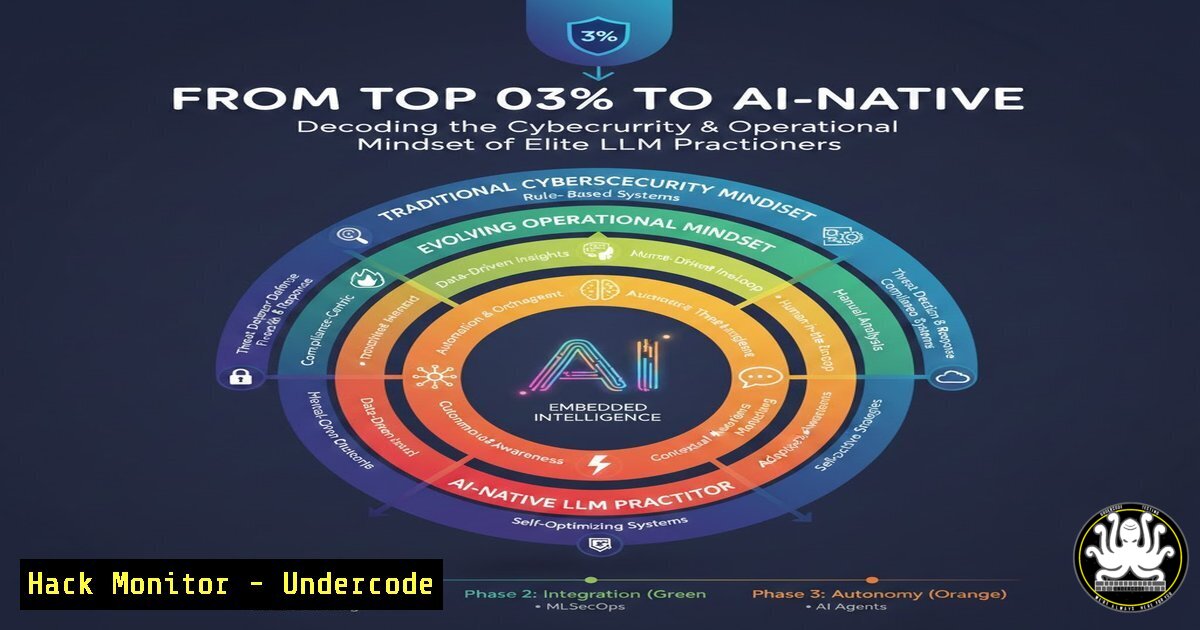
The revelation of being in the top 0.3% of ChatGPT users, with tens of thousands of interactions, signifies more than casual usage; it represents a paradigm shift toward “AI-Native” operations. This fluency, built on relentless testing and integration, is becoming a critical asymmetric advantage in cybersecurity, IT automation, and strategic defense. This article deconstructs the operational patterns behind such proficiency and provides a technical blueprint for achieving it within secure, production-ready environments.
Learning Objectives:
- Understand the core components of an “AI-First” operational stack, including APIs, wrappers, and secure automation workflows.
- Implement secure, auditable interactions with LLMs through CLI tools and scripting to enhance security postures.
- Develop a framework for continuous, hands-on testing and integration of AI tools to build genuine defensive and offensive fluency.
You Should Know:
- Building Your Secure AI Command-Line Interface (CLI) Foundation
The first step to operational fluency is moving beyond the web interface. Using official APIs and command-line tools allows for automation, logging, and integration into secure pipelines.
Step-by-step guide:
Obtain and Secure Your API Key: Log into your OpenAI platform account, generate a new API key, and immediately store it using a secure secrets manager (e.g., pass, 1Password CLI, or your cloud’s secret manager). Never hardcode it into scripts.
Linux/macOS Setup with curl: Test your connectivity and basic prompt engineering securely from the terminal.
 Set your key as an environment variable for the current session (more secure than hardcoding)
export OPENAI_API_KEY='your-secure-key-here'
 Make a simple API call to test
curl https://api.openai.com/v1/chat/completions \
-H "Content-Type: application/json" \
-H "Authorization: Bearer $OPENAI_API_KEY" \
-d '{
"model": "gpt-4-turbo-preview",
"messages": [{"role": "user", "content": "Translate this log entry for threats: Failed password for root from 192.168.1.100"}],
"temperature": 0
}'
Windows Setup (PowerShell): Achieve the same in a Windows environment for infrastructure analysis.
 Set environment variable for the session
$env:OPENAI_API_KEY='your-secure-key-here'
 Use Invoke-RestMethod for a structured call
$body = @{
model='gpt-4-turbo-preview'
messages=@(@{role='user'; content='Analyze this PowerShell command for malicious intent: Get-WmiObject -Class Win32_Process | Select-Object Name, ProcessId, CommandLine'})
temperature=0
} | ConvertTo-Json
Invoke-RestMethod -Uri 'https://api.openai.com/v1/chat/completions' -Method Post -Headers @{Authorization="Bearer $env:OPENAI_API_KEY"} -Body $body -ContentType 'application/json'
This foundational step shifts AI from a manual chat tool to an automatable asset, enabling its use in security log analysis, code review, and IR playbook execution.
- Implementing Audit Trails for AI-Generated Code & Commands
Elite usage implies volume, but professional usage mandates auditability. Every AI-generated code snippet, command, or configuration must be logged, versioned, and reviewed before execution in sensitive environments.
Step-by-step guide:
Create a Dedicated Logging Directory: `mkdir -p ~/ai_ops/audit_logs`
Develop a Wrapper Script: Create a script (e.g., secure_ai_query.sh) that logs all prompts and completions.
!/bin/bash
 secure_ai_query.sh
TIMESTAMP=$(date -u +"%Y-%m-%dT%H:%M:%SZ")
PROMPT="$@"
LOG_FILE="$HOME/ai_ops/audit_logs/ai_audit_$(date +%Y%m%d).log"

RESPONSE=$(curl -s https://api.openai.com/v1/chat/completions \
-H "Authorization: Bearer $OPENAI_API_KEY" \
-H "Content-Type: application/json" \
-d "{
\"model\": \"gpt-4-turbo-preview\",
\"messages\": [{\"role\": \"user\", \"content\": \"$PROMPT\"}]
}")

Extract and format the AI's response
AI_OUTPUT=$(echo $RESPONSE | jq -r '.choices[bash].message.content')

Log the entire interaction
echo "" >> "$LOG_FILE"
echo "Timestamp: $TIMESTAMP" >> "$LOG_FILE"
echo " $PROMPT" >> "$LOG_FILE"
echo "Response: $AI_OUTPUT" >> "$LOG_FILE"

Output the response to the user
echo "$AI_OUTPUT"
Usage: `./secure_ai_query.sh “Generate a Python script to monitor for unusual outbound network connections on Linux.”` This logs the potentially dangerous request and the AI’s output, creating a mandatory review checkpoint before any code is deployed.
3. Hardening AI-Generated Code & Configuration Scripts
AI is a powerful co-pilot but can produce code with vulnerabilities, outdated libraries, or dangerous assumptions. A “test and break” mindset requires a security-focused review pipeline.
Step-by-step guide:
- Generate a Script: Use your audited CLI to request a script, e.g., for automating firewall rule analysis.
2. Static Analysis: Before execution, run security linters.
 If it's Python code, use Bandit for security analysis
bandit generated_script.py -f txt -o bandit_report.txt
 If it's Shell, use ShellCheck
shellcheck generated_script.sh
3. Sandbox Testing: Execute the AI-generated code in an isolated environment.
 Use a Docker container for safe testing
docker run --rm -v $(pwd)/generated_script.py:/script.py python:3-slim python /script.py
4. Implement the Principle of Least Privilege: Modify the AI’s script to run with minimal necessary permissions (e.g., using a non-root user, specific IAM roles in the cloud).
4. Orchestrating Multi-Model Security Checks via API
Fluency involves using multiple models (Claude, Gemini) to cross-verify outputs, especially for critical tasks like vulnerability analysis or policy generation, reducing the risk of model-specific errors or biases.
Step-by-step guide:
Create a Comparative Analysis Script: Write a Python script that queries different AI providers on the same security prompt.
import openai, anthropic, google.generativeai as genai
import os

prompt = "Describe the top 3 MITRE ATT&CK techniques relevant to cloud container escape and a mitigation for each."

OpenAI GPT
openai_client = openai.OpenAI(api_key=os.getenv('OPENAI_API_KEY'))
gpt_response = openai_client.chat.completions.create(model="gpt-4-turbo", messages=[{"role": "user", "content": prompt}])

Anthropic Claude (example)
anthropic_client = anthropic.Anthropic(api_key=os.getenv('ANTHROPIC_API_KEY'))
claude_response = anthropic_client.messages.create(model="claude-3-opus-20240229", max_tokens=1000, messages=[{"role": "user", "content": prompt}])

Compare and contrast the responses in a report
with open('model_comparison.md', 'w') as f:
f.write(f" Security Analysis: Model Comparison\n\n {prompt}\n\n GPT-4 Output:\n{gpt_response.choices[bash].message.content}\n\n Claude-3 Output:\n{claude_response.content[bash].text}")
This technique builds robustness and provides a more comprehensive threat landscape view.
5. Automating Threat Intelligence & Log Analysis Workflows
The volume of interaction (14k+ messages) suggests automation. Embedding LLMs into Security Orchestration, Automation, and Response (SOAR) pipelines can triage alerts, summarize logs, and draft initial incident reports.
Step-by-step guide:
Set Up a Log Ingestion Point: Use a simple Python service to feed log entries to an LLM for preliminary analysis.
import subprocess, json
 Simulate fetching a recent auth log
log_data = subprocess.check_output(['tail', '-20', '/var/log/auth.log']).decode('utf-8')

analysis_prompt = f"Analyze these SSH auth logs for brute force patterns or anomalies:\n{log_data}"
 Use the secure_ai_query.sh script from earlier
result = subprocess.run(['./secure_ai_query.sh', analysis_prompt], capture_output=True, text=True)

Parse result and if critical, trigger an alert via webhook
if "brute force" in result.stdout.lower() or "multiple failures" in result.stdout.lower():
subprocess.run(['curl', '-X', 'POST', 'https://your-soar-platform/alert', '-d', json.dumps({'log_analysis': result.stdout})])
Schedule with Cron: `0 /usr/bin/python3 /path/to/log_analyzer.py` to run hourly, creating a continuous, AI-augmented monitoring layer.
What Undercode Say:
- Fluency is a Function of Volume in a Controlled Environment. The leap from user to top performer is defined by systematic, high-volume interaction, but enterprise viability demands that every interaction be traceable, auditable, and executed within secure guardrails. The commands and pipelines outlined above transform casual prompting into a disciplined engineering practice.
- The “AI-Native” Advantage is a Security Posture. Thinking “AI-First” about a problem in IT or cybersecurity now means architecting solutions that inherently include secure AI agentic loops, automated validation gates, and comprehensive audit logs. This is the operational reality behind the “14,710 messages” statistic.
Prediction:
The public release of “Wrapped”-style analytics for professional AI tools will catalyze a new metric for organizational cyber-readiness: AI Operational Density (AOD). Teams will be measured not just on usage volume, but on the quality, security, and automation level of their AI-integrated workflows. This will create a tangible divide between organizations that “dabble” in AI and those that have engineered it into their defensive DNA, leading to faster incident response, more proactive threat hunting, and adaptive security policies generated in near-real-time. The top 0.3% today are the early adopters of this operational model, which will become the baseline standard for security and IT teams within two years.
▶️ Related Video (78% Match):
🎯Let’s Practice For Free:
IT/Security Reporter URL:
Reported By: Edwardfmorris So – Hackers Feeds
Extra Hub: Undercode MoN
Basic Verification: Pass ✅


