Listen to this Post
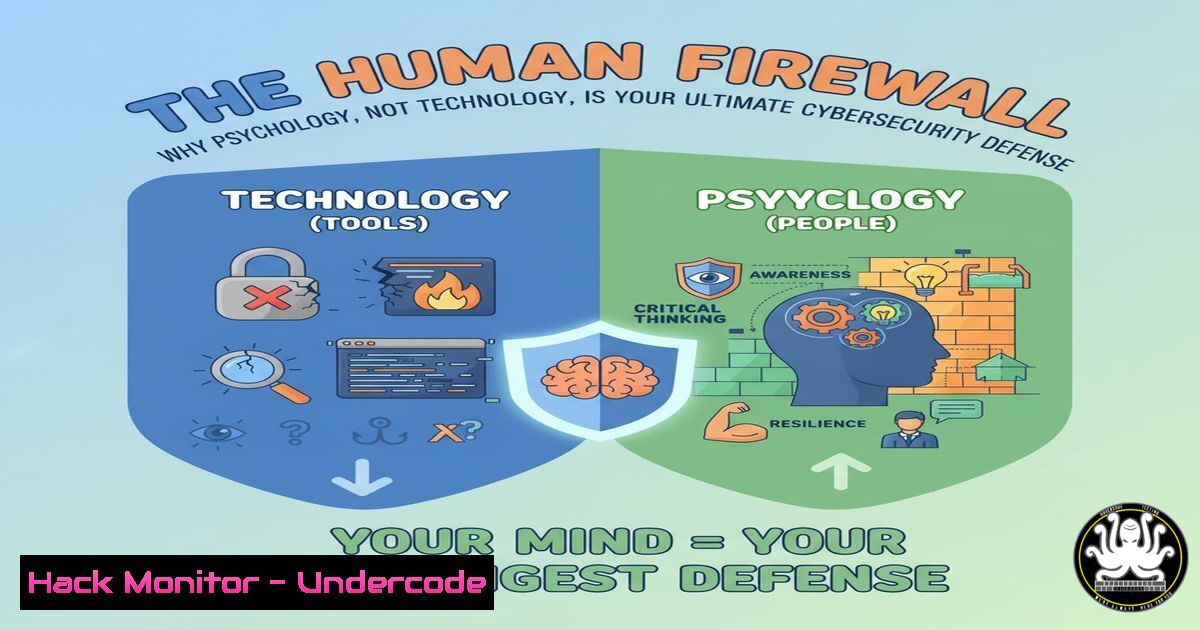
Introduction:
For over a decade, the cybersecurity landscape has been dominated by a paradoxical constant: despite advancements in AI and machine learning, the most persistent threats remain phishing, social engineering, and human error. This article deconstructs the enduring nature of these attacks and provides a tactical toolkit to fortify the human element—your organization’s first and last line of defense.
Learning Objectives:
- Understand the psychological principles exploited in modern social engineering attacks.
- Master essential commands and tools for detecting and investigating credential harvesting and phishing campaigns.
- Implement proactive hardening techniques for endpoints and cloud environments to mitigate human-centric risks.
You Should Know:
1. Investigating Suspicious URLs and Domains
The first line of defense against phishing is the ability to analyze a URL without clicking it.
 Use 'whois' to query domain registration information
whois suspicious-domain.com

Use 'dig' or 'nslookup' to check DNS records
dig A suspicious-domain.com
dig MX suspicious-domain.com
nslookup -type=ANY suspicious-domain.com

Use curl to fetch HTTP headers without retrieving the entire body
curl -I http://suspicious-domain.com/fake-login
Step-by-step guide: Before any interaction with a potentially malicious link, use these command-line tools from a safe, isolated environment. The `whois` command reveals the domain’s registrar, creation date, and registrant contact—recently created domains are a major red flag. The `dig` commands check the domain’s DNS records; look for mismatches between A records (IP addresses) and the legitimate service’s known IPs. Finally, `curl -I` fetches only the HTTP headers, which can reveal if the site is using insecure HTTP or has other suspicious server configurations.
2. Analyzing Email Headers for Phishing Indicators
Phishing emails often have tell-tale signs hidden in their full headers.
 Key headers to analyze in a saved .eml file or header data:
Received: from mail.server.com (192.168.1.1) by your.mail.server.com
Reply-To: [email protected]
Message-ID: <a href="mailto:unique-id@mail.fake-domain.com">unique-id@mail.fake-domain.com</a>
Authentication-Results: your.mail.server.com; spf=fail softfail; dkim=fail
Step-by-step guide: When a suspicious email is received, view its “full headers” or “original message.” Manually inspect the `Received` headers for inconsistencies in the originating IP and server names. Crucially, check the `Reply-To` header; it often differs from the “From” address in phishing attempts. The `Message-ID` format can indicate a non-corporate domain. Finally, review the `Authentication-Results` for SPF (Sender Policy Framework), DKIM (DomainKeys Identified Mail), and DMARC (Domain-based Message Authentication) failures, which are strong indicators of email spoofing.
3. Windows Command Line for Incident Triage
When a user reports a potential click on a malicious link, immediate triage is critical.
 Check active network connections
netstat -ano | findstr ESTABLISHED

List recently run processes
wmic process get caption,commandline,processid

Check scheduled tasks for persistence mechanisms
schtasks /query /fo LIST

Examine DNS cache for recently resolved domains
ipconfig /displaydns
Step-by-step guide: Run `netstat -ano` to list all active network connections and their associated Process IDs (PIDs). Cross-reference these PIDs with the output from `wmic process` to identify unknown applications calling home. The `schtasks` command reveals any tasks scheduled by an attacker to maintain access. The `ipconfig /displaydns` command shows the DNS cache, which may contain domains resolved by a malicious payload, providing crucial Indicators of Compromise (IoCs).
4. PowerShell for Deep System Analysis
PowerShell provides deep visibility into system activity and is essential for hunting threats.
 Get a detailed list of all running processes
Get-Process | Format-Table Name, Id, Path, CPU -AutoSize

Check for unsigned scripts or executables in running processes
Get-Process | Where-Object {$<em>.Path} | Get-AuthenticodeSignature | Where-Object {$</em>.Status -ne "Valid"}

Query Windows Event Logs for specific security events
Get-WinEvent -FilterHashtable @{LogName='Security'; ID=4624,4625} -MaxEvents 20 | Format-List
Step-by-step guide: Use `Get-Process` to get a comprehensive, scriptable list of running processes. The second command pipeline checks the digital signature of all running processes, flagging any that are not valid—a common trait in malware. Finally, query the Security event log for events 4624 (successful logon) and 4625 (failed logon) to identify brute-force attacks or unauthorized access attempts that may have originated from a credential harvesting campaign.
5. Linux System Hardening Commands
Harden your Linux systems to reduce the attack surface available to social engineers.
 Check for unnecessary open ports
sudo netstat -tulpn
sudo ss -tulpn

Verify file permissions on critical files (e.g., passwd, shadow)
ls -l /etc/passwd /etc/shadow
sudo chmod 600 /etc/shadow  Ensure correct permissions

Check for and disable unused user accounts
sudo cat /etc/passwd | awk -F: '{ print $1 }'
sudo usermod -L [bash]  Lock an account

Configure and enable the Uncomplicated Firewall (UFW)
sudo ufw status
sudo ufw enable
sudo ufw default deny incoming
sudo ufw allow ssh
Step-by-step guide: Regularly run `netstat` or `ss` to audit listening services and close any unnecessary ports. Verify that `/etc/shadow` has permissions of 600 (read/write for root only) to prevent unauthorized access to password hashes. Audit `/etc/passwd` for non-standard or unused accounts and lock them with usermod -L. Finally, implement a default-deny firewall policy with UFW, only explicitly allowing required services like SSH.
6. Cloud Security Posture Management (CSPM) Basics
Attackers exploit misconfigured cloud storage and services, often via compromised credentials.
 AWS CLI command to check S3 bucket policies
aws s3api get-bucket-policy --bucket my-bucket-name

Check for public S3 buckets
aws s3api get-bucket-acl --bucket my-bucket-name

Azure CLI command to list storage accounts and their configuration
az storage account list --query '[].{Name:name, HTTPS:enableHttpsTrafficOnly, PublicNetworkAccess:publicNetworkAccess}'

Check for overly permissive IAM policies in AWS
aws iam list-policies --scope Local --query 'Policies[?AttachmentCount!=<code>0</code>]'
Step-by-step guide: In AWS, use the `get-bucket-acl` and `get-bucket-policy` commands to audit S3 buckets for public read or write access, a common data leak vector. In Azure, use the `az storage account list` command to ensure that HTTPS is enforced and public access is disabled where not required. Regularly list IAM policies to identify and review those attached to users, groups, or roles, ensuring the principle of least privilege.
7. API Security Testing with cURL
Fake login pages often communicate with backend APIs to harvest credentials. Test your own and be suspicious of others.
 Test for weak HTTP methods (e.g., TRACE)
curl -X TRACE http://api.example.com/v1/user

Test for missing security headers
curl -I http://api.example.com/login | grep -i "strict-transport-security\|content-security-policy"

Test for verbose error messages that leak information
curl http://api.example.com/v1/user/invalid_user_id_12345
Step-by-step guide: Use `curl -X TRACE` to test if unnecessary HTTP methods are enabled, which can be a security risk. The second command checks for the presence of critical security headers like `Strict-Transport-Security` (HSTS), which forces HTTPS. The final command probes the API with an invalid input to see if it returns verbose errors that could reveal stack traces, database schemas, or other sensitive information useful to an attacker.
What Undercode Say:
- The core vulnerability in any system is, and will remain, the predictable nature of human psychology.
- AI is a force multiplier for both attackers and defenders, but it does not change the fundamental rules of the game.
The cybersecurity industry’s obsession with technological silver bullets is a dangerous distraction. Aaron Roberts’s 13-year observation hits the mark: the tactics are unchanged because they prey on timeless human traits like curiosity, fear, and trust. While we invest millions in AI-driven threat detection platforms, attackers invest minutes in crafting a believable story. The analysis suggests a necessary rebalancing of resources. Defensive strategy must pivot to continuous, engaging security awareness training that turns employees into a skeptical, human sensor network. Furthermore, security tools must be designed with an understanding of human workflow to minimize friction and the temptation to bypass controls. The future of defense is not just smarter machines, but a more resilient and security-conscious culture.
Prediction:
The next five years will see AI-powered social engineering become so personalized and context-aware that distinguishing between a legitimate communication and an attack will be nearly impossible for the untrained eye. Deepfake audio and video will be used for real-time vishing (voice phishing) and Business Email Compromise (BEC) at scale. However, this will force a paradigm shift in defense. Organizations will finally prioritize human-centric security design, leading to the widespread adoption of mandatory, simulation-based training and passwordless/phishing-resistant multi-factor authentication (MFA) as the new baseline. The companies that survive will be those that recognize their human layer not as a liability to be patched, but as a core defensive capability to be trained and empowered.
🎯Let’s Practice For Free:
IT/Security Reporter URL:
Reported By: Aaroncti Ive – Hackers Feeds
Extra Hub: Undercode MoN
Basic Verification: Pass ✅


