Listen to this Post
Introduction:
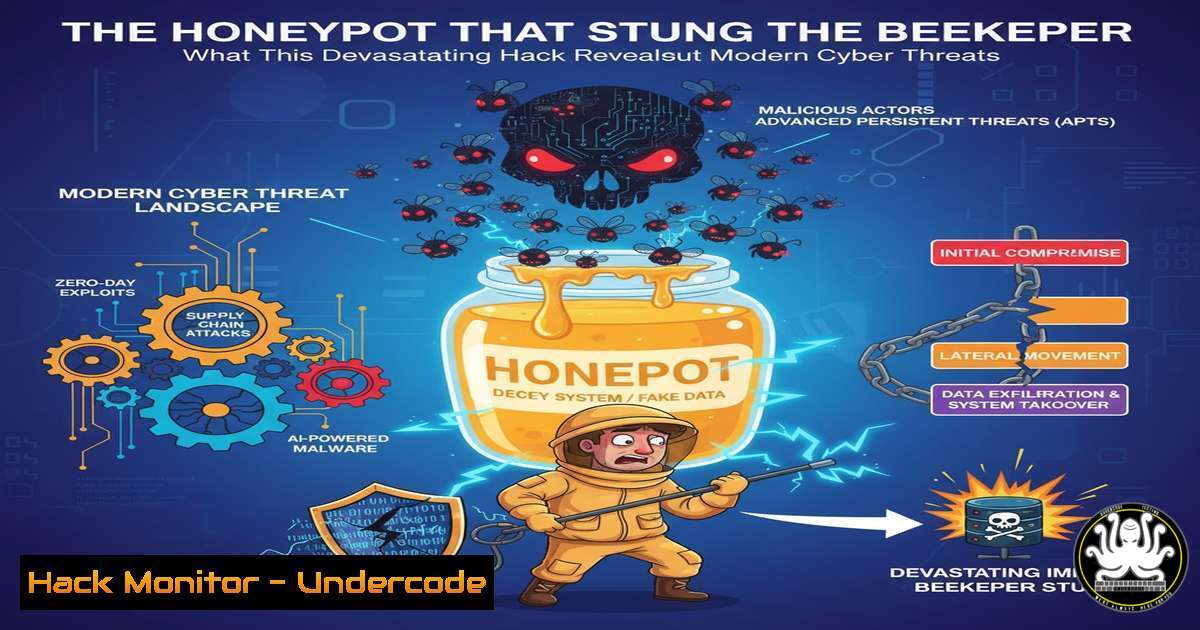
The recent compromise of a security researcher’s honeypot by the notorious Lazarus Group serves as a stark reminder that even defensive setups are prime targets for advanced persistent threats. This incident transcends a simple breach, revealing sophisticated tradecraft aimed at exploiting the very tools used by defenders to study adversary behavior, thereby poisoning threat intelligence and eroding trust within the security community.
Learning Objectives:
- Understand the specific Tactics, Techniques, and Procedures (TTPs) used by advanced threat actors to compromise security research environments.
- Learn critical commands and methodologies to detect, analyze, and harden honeypots and research systems against targeted attacks.
- Implement robust isolation and monitoring protocols to safely conduct threat intelligence gathering without becoming a victim.
You Should Know:
1. Detecting Covert Network Listeners and Connections
Attackers often establish hidden backdoors or exfiltrate data through network connections. Detecting these is the first step in incident response.
Verified Commands & Snippets:
Linux – List All Network Connections:
sudo netstat -tunlp
`-t`: Show TCP ports.
`-u`: Show UDP ports.
-n: Show numerical addresses instead of resolving hostnames.
`-l`: Show only listening ports.
-p: Show the PID and name of the program to which the socket belongs.
How to Use: Run this command on your honeypot regularly to establish a baseline. Investigate any unknown listening services or unexpected outbound connections, especially to foreign IP addresses.
Linux – Monitor Real-time Network Connections:
sudo ss -ptua | grep -v 127.0.0.1
`-p`: Show process information.
`-t`: TCP.
`-u`: UDP.
`-a`: Display all sockets.
How to Use: The `ss` command is faster and more modern than netstat. This specific command filters out localhost traffic, helping you focus on external communication attempts.
Windows – List All Active TCP Connections:
Get-NetTCPConnection | Where-Object {$_.State -eq "Established"} | Format-Table LocalAddress, LocalPort, RemoteAddress, RemotePort, OwningProcess -AutoSize
How to Use: This PowerShell cmdlet provides a detailed view of all active connections. Cross-reference the `OwningProcess` with Task Manager or `Get-Process -Id
2. Advanced Process and Service Interrogation
Malware often masquerades as legitimate system processes. Deep inspection is required to uncover anomalies.
Verified Commands & Snippets:
Linux – Process Tree for Context:
ps auxf
`a`: Show processes for all users.
`u`: Display user-oriented format.
x: Show processes not attached to a terminal.
`f`: ASCII art process hierarchy (forest).
How to Use: This reveals parent-child process relationships. A suspicious process spawned by a trusted one (e.g., `bash` spawned by apache2) is a major red flag.
Linux – Check for Hidden Processes:
ps -ef | awk '{print $2}' | sort -n | tail -5
How to Use: This lists the highest PIDs. A very high PID for a common system process could indicate an attacker’s tool that started recently.
Windows – Detailed Process Information with PowerShell:
Get-WmiObject Win32_Process | Select-Object Name, ProcessId, ParentProcessId, CommandLine | Format-Table -AutoSize
How to Use: This powerful command shows the process name, PID, parent PID, and the full command line used to start it. Look for mismatches, like `svchost.exe` running from a user’s `Temp` directory.
3. Forensic Timeline Creation with File System Auditing
Understanding when files were accessed, modified, or changed is crucial for building an attack timeline.
Verified Commands & Snippets:
Linux – Check File Integrity & Timestamps:
stat /path/to/suspicious/file
ls -la /path/to/suspicious/directory/
How to Use: The `stat` command provides detailed timestamps (Access, Modify, Change). Compare these against your known good baselines and system logs.
Linux – Find Recently Modified Files:
find / -type f -mtime -1 -exec ls -la {} \; 2>/dev/null
-mtime -1: Files modified in the last 24 hours.
-exec ls -la {} \;: Execute `ls -la` on each found file.
`2>/dev/null`: Suppress permission denied errors.
How to Use: Run this after a suspected incident to quickly locate attacker-touched files. Focus on directories like /tmp, /dev/shm, and user home folders.
4. Honeypot Hardening and Deception
A honeypot must be convincingly vulnerable yet meticulously isolated and monitored.
Verified Commands & Snippets:
Linux – Isolate Honeypot with Network Namespaces:
sudo ip netns add honeypot-ns
sudo ip link add veth0 type veth peer name veth1
sudo ip link set veth1 netns honeypot-ns
sudo ip netns exec honeypot-ns ip addr add 192.168.100.2/24 dev veth1
sudo ip netns exec honeypot-ns ip link set veth1 up
How to Use: This creates a completely isolated network namespace. Your honeypot services run inside honeypot-ns, preventing the attacker from pivoting to your real host network if they escape the application.
Linux – Aggressive Logging with Auditd:
sudo auditctl -w /etc/passwd -p wa -k user_account_changes
sudo auditctl -a always,exit -F arch=b64 -S execve -k executed_programs
-w /etc/passwd -p wa: Watch the `/etc/passwd` file for write or attribute changes.
`-S execve`: Log all program executions.
-k: Assign a key for easy searching in the logs.
How to Use: Configure `/etc/audit/audit.rules` with these rules permanently. They provide an immutable record of critical system events.
5. Mitigating Social Engineering and Supply-Chain Attacks
Lazarus is known for “watering hole” attacks and delivering trojanized tools.
Verified Commands & Snippets:
Windows – PowerShell Execution Policy Restriction:
Get-ExecutionPolicy -List
Set-ExecutionPolicy -ExecutionPolicy RemoteSigned -Scope LocalMachine
How to Use: Ensure your execution policy is not set to Unrestricted. `RemoteSigned` prevents the running of unsigned scripts downloaded from the internet, a common infection vector.
Linux – Verify Software Checksums:
sha256sum vulnerable-tool.tar.gz
How to Use: Always download checksums from the official project website and verify them against your download before installation. Do not trust checksums from the same mirror as the binary.
General – Network Segmentation with Firewall:
 Isolate research VLAN
sudo iptables -A FORWARD -s 192.168.50.0/24 -d 192.168.10.0/24 -j DROP
How to Use: This iptables rule prevents a host on the research network (e.g., 192.168.50.100) from initiating connections to the corporate production network (192.168.10.0/24). This contains any potential breach.
6. Proactive Threat Hunting with YARA
Create signatures to hunt for known Lazarus tools and techniques within your environment.
Verified Commands & Snippets:
YARA Rule for Common Backdoor Patterns:
rule Lazarus_Backdoor_Indicator {
meta:
description = "Hunts for potential Lazarus backdoor strings"
author = "Your-Security-Team"
strings:
$a = "cmd.exe /c" nocase
$b = /powershell.-encod/
$c = "mshta.exe" nocase
condition:
any of them
}
How to Use: Save this as `lazarus_indicator.yar` and run it against your memory dumps or disk images: yara lazarurs_indicator.yar /path/to/scan. This can detect obfuscated command execution and script-based payloads.
What Undercode Say:
- No System is Trusted by Default: The paradigm has shifted. Honeypots, research machines, and developer workstations are now high-value targets. Assume they will be targeted and build your security posture accordingly, with zero-trust principles and strict segmentation.
- The Intelligence Double-Blind: An attacker compromising your threat intelligence source fundamentally corrupts your understanding of the battlefield. This incident underscores the necessity of multi-source intelligence validation and the extreme risks of relying on a single, potentially poisoned, data stream.
Analysis:
This attack by the Lazarus Group is not merely a technical breach; it is a profound psychological and strategic operation. By targeting a security researcher, they aim to achieve several goals beyond initial access: they sow distrust within the infosec community, discourage independent research into their activities, and potentially plant false flags or misleading tools that could lead other researchers down wrong paths. The sophistication required to identify, profile, and successfully compromise a honeypot operator indicates a highly resourceful adversary with a long-term strategy to degrade the defensive capabilities of their opponents. This move from attacking core infrastructure to attacking the minds and tools of the defense marks a dangerous escalation in the cyber arms race.
Prediction:
In the immediate future, we will witness a surge in targeted attacks against open-source security tool maintainers, independent researchers, and threat intelligence platforms. Adversaries will increasingly weaponize AI to create hyper-realistic but malicious security tools and personas on professional networks like LinkedIn to facilitate social engineering. The integrity of the entire threat intelligence ecosystem will be challenged, forcing a industry-wide shift towards cryptographic signing of tools, reproducible builds, and decentralized, trustless verification of security data. The next major front in cybersecurity will be the defense of the defenders themselves.
🎯Let’s Practice For Free:
IT/Security Reporter URL:
Reported By: Duncanboyne Not – Hackers Feeds
Extra Hub: Undercode MoN
Basic Verification: Pass ✅


