Listen to this Post
Introduction:
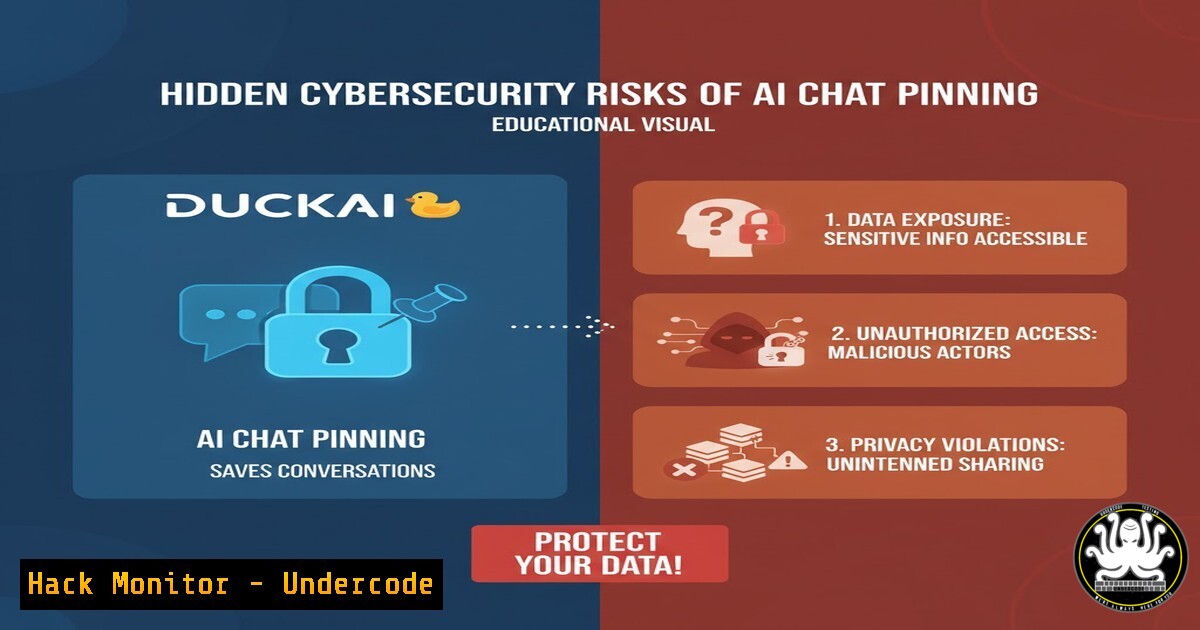
The introduction of pinned chats in AI platforms like Duck.ai represents a fundamental shift in how we interact with conversational AI, creating a persistent data storage mechanism where none existed before. This feature, while enhancing user convenience, introduces new attack surfaces and data retention policies that cybersecurity professionals must understand to protect sensitive organizational information from exposure or exfiltration.
Learning Objectives:
- Understand the data persistence and security implications of AI chat pinning features
- Identify potential attack vectors through pinned chat data storage and retrieval
- Implement security controls and monitoring for AI platform usage within enterprise environments
You Should Know:
1. Analyzing AI Platform Data Storage Patterns
 Monitor file system changes when using AI chat applications
sudo inotifywait -m -r --format '%w%f %e' /home/$USER/.config/duck.ai/ /tmp/duckai | tee -a duckai_monitor.log

Check for new SQLite databases created by AI applications
find ~/ -name ".db" -o -name ".sqlite" -o -name ".sqlite3" -mtime -1 | grep -i duck
This monitoring approach helps security teams understand what data the AI application persists locally. The first command uses inotifywait to track all file system activities in real-time within potential Duck.ai configuration directories, logging all access patterns. The second command searches for recently created database files that might contain pinned chat histories, helping identify where conversation data is stored.
- Network Traffic Analysis for AI Chat Data Synchronization
Capture and analyze outbound traffic from AI applications
sudo tcpdump -i any -w duckai_traffic.pcap host chat.duck.ai or host api.duck.ai

Analyze captured traffic for sensitive data leakage
tshark -r duckai_traffic.pcap -Y "http or https" -T fields -e http.host -e http.request.uri | grep -i "chat|pin|history"
Organizations need to understand what data leaves their network when using AI chat features. The tcpdump command captures all network traffic to and from Duck.ai servers, while the tshark analysis specifically looks for HTTP/HTTPS traffic containing chat-related data, helping identify potential data exfiltration vectors through the pinning feature.
3. Browser Storage Inspection for Web-Based AI Interfaces
// Browser Console Commands to Inspect Local Storage
console.log('Local Storage:', JSON.stringify(localStorage));
console.log('Session Storage:', JSON.stringify(sessionStorage));
console.log('IndexedDB Databases:', window.indexedDB.databases ? await window.indexedDB.databases() : 'Not accessible');

// Check for pinned chats in storage
Object.keys(localStorage).forEach(key => {
if (key.includes('pin') || key.includes('chat')) {
console.log(<code>Storage Key: ${key}</code>, localStorage.getItem(key));
}
});
Web-based AI interfaces often store pinned chats in browser storage mechanisms. These commands help security professionals audit what data is being stored locally, including potentially sensitive conversations that users have chosen to pin for future reference.
4. Enterprise DLP Rule Configuration for AI Platforms
 Windows: Create DLP audit rules for AI application data
Add-MpPreference -AttackSurfaceReductionRules_Ids 75668C1F-73B5-4CF0-93B3-9C0246A5B6F2 -AttackSurfaceReductionRules_Actions Enabled

Monitor process creation for AI applications
Get-WinEvent -FilterHashtable @{LogName='Security'; ID=4688} |
Where-Object {$_.Message -like "duck.ai"} |
Select-Object TimeCreated, Message
Data Loss Prevention (DLP) rules are crucial for organizations using AI platforms. These PowerShell commands help security teams monitor and control how AI applications interact with sensitive data, particularly focusing on the new persistence layer introduced by chat pinning features.
5. Containerized AI Application Sandboxing
 Dockerfile for sandboxed AI application usage
FROM ubuntu:20.04
RUN apt-get update && apt-get install -y firefox
RUN useradd -m -s /bin/bash duckuser
USER duckuser
WORKDIR /home/duckuser

Run with: docker run -it --rm --name duckai-sandbox sandboxed-duckai
 Run the AI application in a contained environment
docker build -t sandboxed-duckai .
xhost +local:docker
docker run -it --rm \
-e DISPLAY=$DISPLAY \
-v /tmp/.X11-unix:/tmp/.X11-unix \
--security-opt seccomp=unconfined \
sandboxed-duckai
For high-security environments, running AI applications in containers prevents persistent data from affecting the host system. This Docker configuration creates an isolated environment where pinned chats and other data cannot persist beyond the current session unless explicitly exported through controlled channels.
6. API Security Monitoring for AI Chat Applications
!/usr/bin/env python3
 AI API Security Monitor
import requests
import json
from datetime import datetime

def monitor_ai_api_traffic():
headers = {
'User-Agent': 'Security-Monitor/1.0',
'Content-Type': 'application/json'
}

Example: Detect unusual pinned chat activity
api_endpoints = [
'https://api.duck.ai/v1/chats/pinned',
'https://api.duck.ai/v1/chats/export'
]

for endpoint in api_endpoints:
try:
response = requests.get(endpoint, headers=headers, timeout=10)
if response.status_code == 200:
data = response.json()
print(f"[{datetime.now()}] API Endpoint: {endpoint}")
print(f"Data Retrieved: {len(str(data))} bytes")
 Add security analysis logic here
except Exception as e:
print(f"Error monitoring {endpoint}: {str(e)}")

if <strong>name</strong> == "<strong>main</strong>":
monitor_ai_api_traffic()
This Python script demonstrates how to monitor API endpoints used by AI chat applications, specifically looking at pinned chat functionality. Security teams can extend this to detect anomalous data access patterns or large-scale data exports through the pinning feature.
7. Memory Forensics for AI Application Analysis
 Capture process memory of AI applications
sudo pmap -x $(pidof duck.ai) > duckai_memory_map.txt

Search for sensitive strings in process memory
sudo strings /proc/$(pidof duck.ai)/mem | grep -i "pinned|chat|confidential" > memory_strings.txt

Volatility memory analysis for AI applications
volatility -f memory.dump --profile=Win10x64_18362 pslist | grep -i duck
volatility -f memory.dump --profile=Win10x64_18362 memdump -p <pid> -D output/
Memory analysis can reveal how AI applications handle pinned chat data in RAM. These commands help forensic investigators understand what sensitive information might be exposed in memory, including conversation histories that users believed were only temporarily stored.
What Undercode Say:
- The pinning feature transforms ephemeral chat data into persistent corporate knowledge bases that may contain sensitive information
- Organizations must update their data classification policies to include AI-generated content and pinned conversations
- The convenience of chat persistence creates new attack vectors for data exfiltration through seemingly benign features
The introduction of chat pinning in AI platforms represents a paradigm shift from transient interactions to persistent knowledge repositories. This creates significant security implications that most organizations are unprepared to address. The pinned chats effectively become unstructured data stores containing potentially proprietary information, trade secrets, or compliance-regulated data. Security teams must now consider AI chat platforms as data storage systems requiring the same security controls as traditional databases or file shares. The risk is compounded by the fact that employees may not recognize they’re creating persistent records of sensitive conversations, leading to accidental data retention violations. Furthermore, the synchronization of pinned chats across devices creates multiple copies of sensitive data, each representing a potential breach point. As AI platforms continue evolving from tools to teammates, their data persistence features require commensurate security scrutiny.
Prediction:
Within 12-18 months, we will see the first major data breach originating from compromised pinned chat repositories in AI platforms. Threat actors will increasingly target these concentrated knowledge bases, which often contain credentials, internal processes, and proprietary information that users have saved for convenience. Regulatory bodies will respond by creating specific guidelines for AI-generated content retention, forcing organizations to implement sophisticated data governance frameworks for AI interactions. The security industry will develop specialized DLP solutions focused exclusively on AI platform data flows, and we’ll see the emergence of “AI conversation governance” as a dedicated cybersecurity discipline.
🎯Let’s Practice For Free:
IT/Security Reporter URL:
Reported By: Duck Duck – Hackers Feeds
Extra Hub: Undercode MoN
Basic Verification: Pass ✅


