
Listen to this Post
Introduction:
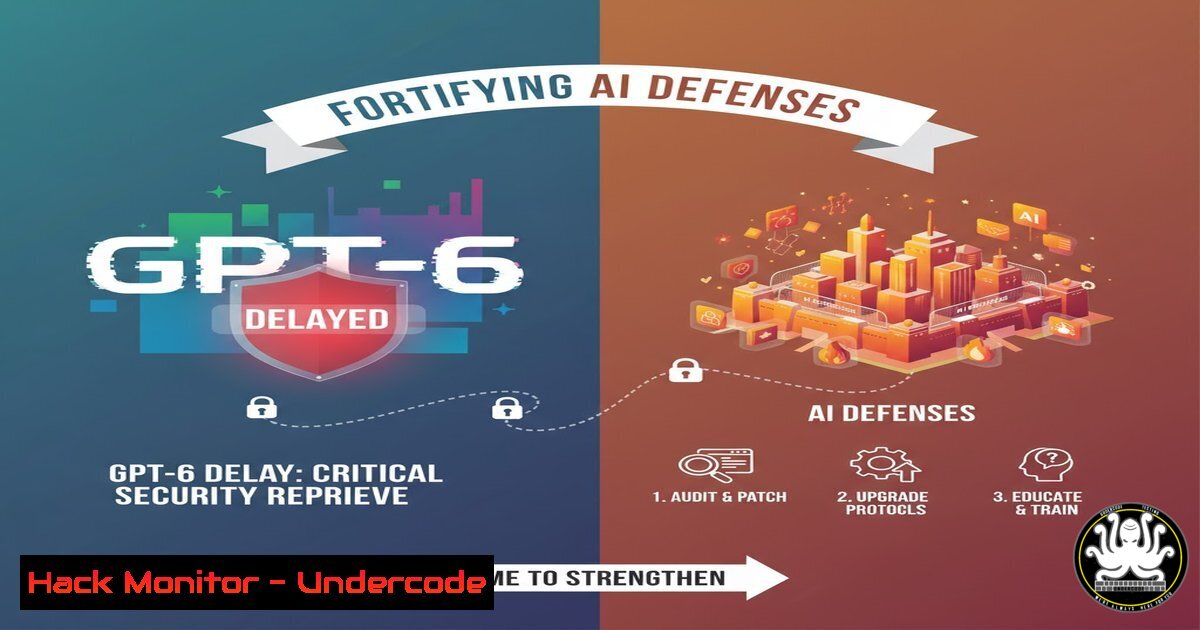
The official delay of GPT-6’s launch is more than a product roadmap update; it’s a strategic window for cybersecurity professionals to fortify defenses. This pause allows the industry to address the profound security challenges introduced by GPT-4 and its successors, from sophisticated social engineering to novel code exploitation. Understanding and mitigating the current generation’s threats is paramount before the next wave of AI capabilities arrives.
Learning Objectives:
- Understand the specific cybersecurity threats amplified by current-generation LLMs like GPT-4.
- Learn immediate, actionable commands and techniques to harden systems against AI-powered attacks.
- Develop a proactive security posture to prepare for the advanced capabilities expected in future AI models.
You Should Know:
1. Detecting AI-Generated Phishing with Command-Line Analysis
AI-powered phishing emails are now highly personalized and grammatically flawless. You can analyze email headers and body content from the command line to identify automated patterns.
 Analyze an email's header for originating IP and SPF/DKIM results
cat email.eml | grep -E "(Received:|From:|Return-Path:)" | head -10

Use 'strings' and 'grep' to look for common AI phrasing in a suspicious document
strings malicious_doc.doc | grep -i -E "(as a large language model|I am an AI|kindly|ensure to|for security reasons)"
Step-by-step guide:
The first command extracts key header lines to trace the email’s path. Look for inconsistencies in the “From:” address and the “Return-Path”. The second command searches the raw text of a document for phrases commonly found in AI-generated content, which can be a telltale sign of a mass-produced phishing attempt. While AI is evolving, these heuristics can help flag low-effort, automated attacks.
2. Hardening Web Applications Against AI-Powered Fuzzing
LLMs can be weaponized to generate sophisticated fuzzing payloads, probing your applications for unknown vulnerabilities. Strengthen your web server’s logging and implement Web Application Firewall (WAF) rules.
 Check your Nginx/Apache logs for common fuzzing patterns
tail -f /var/log/nginx/access.log | grep -E "(union.select|eval(|base64_decode|../../)"

Use ModSecurity with the OWASP Core Rule Set to block complex attacks
 Check if ModSecurity is active
httpd -M 2>/dev/null | grep security || nginx -V 2>&1 | grep -i modsecurity
Step-by-step guide:
Continuously monitor your web logs using `tail -f` and `grep` for SQL injection, path traversal, and code execution indicators. This allows for real-time detection of automated attacks. Furthermore, ensure a WAF like ModSecurity with the OWASP CRS is installed and enabled. The verification command checks for its presence in Apache (httpd -M) or Nginx (nginx -V).
3. Securing API Endpoints from AI-Driven Reconnaissance
APIs are prime targets for AI bots that can quickly understand and exploit poorly documented endpoints.
 Use nmap to scan your own API gateway for unexpected open ports
nmap -sV -p 1-65535 your-api-gateway.com

Use jq to analyze API log files for unusual traffic spikes or error rates
cat api.log | jq '. | {timestamp, endpoint, status_code, user_agent}' | grep -v "200" | head -20
Step-by-step guide:
Regularly scan your own API endpoints with `nmap` to discover any services exposed beyond the standard ports (80, 443, 8080). This helps identify misconfigurations. Then, use jq, a powerful JSON processor, to parse your API logs. Filtering for non-200 status codes can reveal automated probing attempts that cause errors, a common signature of AI-driven reconnaissance.
4. Implementing Advanced EDR Querying for Malicious Processes
AI can generate polymorphic code, making signature-based detection less effective. Use Endpoint Detection and Response (EDR) command-line tools to hunt for anomalous process behavior.
 Example EDR CLI command to list processes with network connections and unsigned parents
edr-cli process list --fields name,pid,parent_pid,command_line,signer --filter "signer=Unknown"

Query for processes making outbound connections on non-standard ports
edr-cli network list --filter "local_port>1024 AND direction=Outbound" --group-by process_name
Step-by-step guide:
These are generic examples for an EDR CLI. The first command lists processes where the digital signer is “Unknown,” which could indicate a malicious script or executable spawned by an AI attack. The second query identifies processes initiating outbound connections on high-numbered ports, which is often used by malware for command and control. Consult your specific EDR vendor’s documentation for the exact syntax.
- Auditing Cloud IAM Roles to Prevent AI-Powered Privilege Escalation
AI tools are exceptionally good at finding convoluted privilege escalation paths in complex cloud environments like AWS.
 Use the AWS CLI to list all IAM policies attached to your current user/role
aws iam list-attached-user-policies --user-name $(aws sts get-caller-identity --query User --output text)

Simulate a security assessment to see what actions a specific user is allowed to perform
aws iam simulate-principal-policy --policy-source-arn arn:aws:iam::ACCOUNT:user/USERNAME --action-names "iam:CreateUser" "s3:DeleteBucket"
Step-by-step guide:
The first command retrieves the identity of the current CLI user and then lists the IAM policies attached to them. This is crucial for understanding your own permissions footprint. The `simulate-principal-policy` command is a powerful security tool that lets you test if a user has permissions for specific, high-risk actions (like creating new IAM users or deleting S3 buckets) without actually executing them. Run this regularly to identify over-permissioned roles.
6. Leveraging Threat Intelligence Feeds with Scripting
Automate your defense by integrating threat intelligence feeds that track emerging AI-based threats.
 Use curl to fetch a threat intelligence feed of known malicious IPs and add them to a blocklist
curl -s https://raw.githubusercontent.com/stamparm/ipsum/master/ipsum.txt | grep -v "" | head -100 >> /etc/ufw/blocklist.txt

Script to update your firewall (e.g., UFW) with new malicious IPs
while read ip; do sudo ufw deny from $ip; done < /tmp/new_malicious_ips.txt
Step-by-step guide:
This script uses `curl` to download a publicly available list of malicious IPs. It then pipes the output through `grep` to remove comments and uses `head` to take the top 100 entries, appending them to a blocklist file. A subsequent loop reads this file and adds a `ufw deny` rule for each IP. Automate this with a cron job to keep your perimeter defenses updated against the latest botnets, some of which may be AI-enhanced.
7. Analyzing Malware with Static and Dynamic Tools
AI can help obfuscate malware. Use a combination of static and dynamic analysis tools to dissect suspicious files.
 Static Analysis with strings and file
strings -n 10 suspicious_file.exe | head -50
file suspicious_file.exe

Dynamic Analysis by setting up a simulated network service to log connection attempts
 Use netcat to listen on a port and log all incoming data
nc -lvnp 8080 > connection_attempts.log
Step-by-step guide:
Start by running the `file` command to identify the file type, even if it’s disguised. Then, use `strings` to extract human-readable text, which might reveal hardcoded IPs, URLs, or commands. For dynamic analysis, use `netcat` (nc) to listen on a port. When the malware sample is executed in a sandboxed environment and attempts to “call home,” the connection data will be logged to connection_attempts.log, revealing its command and control server.
What Undercode Say:
- The GPT-6 delay is not a slowdown but a necessary consolidation phase, forcing a focus on securing the foundational AI technologies we already have.
- The most immediate threat is not a super-intelligent AGI, but the weaponization of current LLMs to automate and refine existing attack vectors at an unprecedented scale.
The industry’s breathless anticipation of GPT-6 has created a dangerous distraction. The real cybersecurity battle is being fought today against GPT-4-level capabilities. This reprieve allows security teams to shift from a reactive to a proactive stance. By implementing robust logging, hardening APIs and cloud configurations, and automating threat intelligence, organizations can build a defensive foundation that is resilient not just to today’s AI-powered attacks, but also more adaptable to the unknown threats of tomorrow. The focus must be on security fundamentals, scaled and automated to counter the speed and volume of AI-driven adversaries.
Prediction:
The delay of GPT-6 will lead to an “AI Security Spring” in 2025-2026, characterized by a surge in specialized security startups and integrated features within existing EDR and SIEM platforms focused explicitly on detecting and mitigating AI-orchestrated attacks. When GPT-6 or a comparable model eventually launches, its security impact will be less about raw intelligence and more about its ability to perform autonomous, multi-step attack chains, making AI-on-AI cyber warfare in controlled environments a standard training practice for defensive teams.
🎯Let’s Practice For Free:
IT/Security Reporter URL:
Reported By: Michael Tchuindjang – Hackers Feeds
Extra Hub: Undercode MoN
Basic Verification: Pass ✅


