Listen to this Post
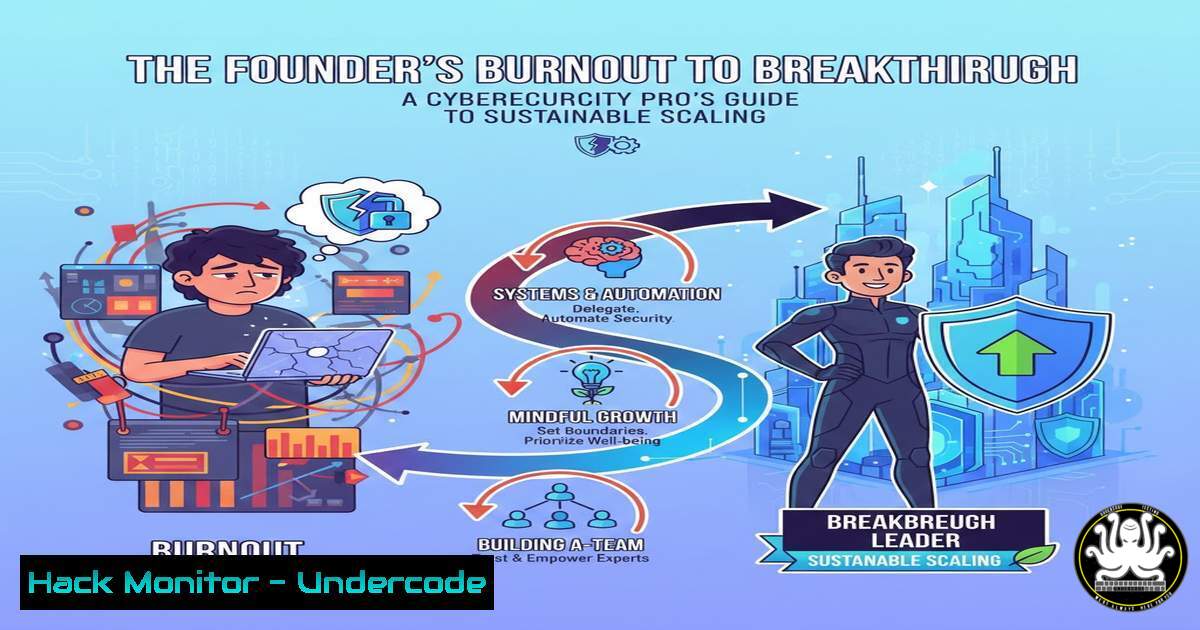
Introduction:
The harrowing journey of entrepreneurial burnout, as chronicled by Kellen Casebeer, mirrors a critical failure pattern in cybersecurity: the trade-off between rapid growth and sustainable operational integrity. Just as a founder can no longer ignore physical health for short-term gains, security teams cannot sacrifice long-term resilience for immediate feature deployment without incurring catastrophic technical debt. This article translates the lessons from The Deal Lab’s scaling journey into a hardened framework for building secure, automated, and resilient IT infrastructures that thrive under pressure.
Learning Objectives:
- Architect automated security monitoring and incident response systems to reduce manual toil.
- Implement identity and access management (IAM) controls that enforce the principle of least privilege.
- Establish continuous vulnerability assessment and patch management cycles.
- Develop a disaster recovery and business continuity plan for critical assets.
- Harden cloud configurations against common exploitation vectors.
You Should Know:
- Automating Security Monitoring: From Manual Panic to Proactive Control
The founder’s shift from “wake up to sleep” work to implementing systems is a direct parallel to moving from manual security checks to automated monitoring. Continuous oversight is impossible for a single human, but trivial for a properly configured system.
Step‑by‑step guide explaining what this does and how to use it.
Step 1: Deploy a SIEM (Security Information and Event Management) solution. A SIEM aggregates logs from servers, network devices, and applications, correlating events to identify threats.
Step 2: Ingest Critical Logs. Forward authentication logs, network flow data, and application errors to your SIEM.
Linux (using rsyslog to forward to a SIEM):
 Edit /etc/rsyslog.conf
. @<SIEM_IP>:514
 Restart the service
systemctl restart rsyslog
Step 3: Create Alerting Rules. Configure alerts for specific events, such as multiple failed logins or a change to a critical system file.
- Enforcing Principle of Least Privilege (PoLP) and Just-In-Time Access
The narrative of “delegation becomes real” in the business aligns with the cybersecurity imperative of PoLP. Users and systems should only have the permissions absolutely necessary to perform their functions, reducing the attack surface.
Step‑by‑step guide explaining what this does and how to use it.
Step 1: Audit Current Permissions. Use built-in tools to list user privileges.
Linux: `getent group | grep admin` and `sudo -l` for all users.
Windows (PowerShell): `Get-LocalGroupMember “Administrators”`
Step 2: Implement Role-Based Access Control (RBAC). Group permissions by job function (e.g., developer, database-admin) rather than assigning them individually.
Step 3: Require MFA and Use Privileged Access Workstations (PAWs). For administrative accounts, enforce Multi-Factor Authentication and mandate that privileged tasks are performed from dedicated, secure machines.
3. Implementing Continuous Vulnerability Management
The “health issue” that served as a wake-up call is analogous to a zero-day vulnerability. A continuous process for finding and fixing weaknesses is non-negotiable.
Step‑by‑step guide explaining what this does and how to use it.
Step 1: Schedule Regular Vulnerability Scans. Use a tool like OpenVAS or a commercial scanner to weekly scan your internal and external network ranges.
Step 2: Prioritize Remediation. Triage results using the CVSS (Common Vulnerability Scoring System) score and the context of your specific environment. Focus on critical and high-severity vulnerabilities on internet-facing systems first.
Step 3: Automate Patch Deployment. Where possible, use configuration management tools to deploy security patches.
Linux (Ubuntu) Unattended Upgrades for security:
 Install the necessary package
sudo apt install unattended-upgrades
 Configure to install security updates automatically
sudo dpkg-reconfigure -plow unattended-upgrades
- Building a Resilient Backup and Disaster Recovery (DR) Plan
The financial “catching up” and debt mentioned are similar to the technical debt incurred by not having a robust backup strategy. A DR plan ensures you can recover from a ransomware attack or major system failure.
Step‑by‑step guide explaining what this does and how to use it.
Step 1: Follow the 3-2-1 Rule. Keep at least 3 copies of your data, on 2 different media, with 1 copy stored off-site (e.g., in a cloud storage bucket).
Step 2: Automate Backups. Use cron jobs or scheduled tasks to run backups without manual intervention.
Linux (Example cron job for a database dump):
 Edit crontab: crontab -e
 Run every night at 2 AM
0 2    /usr/bin/mysqldump -u [bash] -p[bash] [bash] > /backups/db-$(date +\%Y\%m\%d).sql
Step 3: Test Your Restores Quarterly. A backup is only as good as your ability to restore from it. Regularly perform test restores to a sandbox environment.
5. Hardening Cloud Configurations Against Attack
Expanding the business (“the team triples in size”) often means expanding the cloud footprint. Default cloud configurations are notoriously insecure and must be hardened.
Step‑by‑step guide explaining what this does and how to use it.
Step 1: Use Infrastructure as Code (IaC). Define your cloud environment (e.g., AWS CloudFormation, Terraform) in code. This allows for version control, peer review, and repeatable, consistent deployments.
Step 2: Enforce Security with Policy-as-Code. Use tools like AWS Config or Open Policy Agent to automatically check that deployed resources comply with security policies (e.g., “no S3 buckets can be publicly readable”).
Step 3: Scan IaC Templates Pre-Deployment. Use a tool like `tfsec` for Terraform or `cfn-nag` for CloudFormation to find misconfigurations before the infrastructure is even built.
Example tfsec command:
 Install tfsec and run in a Terraform directory
tfsec .
What Undercode Say:
- Treat Security as an Asset, Not an Expense. Just as the founder learned to treat his health as an asset, security must be viewed as a fundamental component of business value and longevity, not a cost center. Proactive investment prevents catastrophic losses.
- Automation is the Keystone of Scale and Sanity. Manual security processes are the “7 days a week” grind that leads to burnout and human error. Automating compliance, monitoring, and response frees up skilled personnel for strategic work and reduces mean time to recovery (MTTR).
The founder’s breakthrough came from systematization and self-preservation, a lesson that applies directly to SecOps. A team drowning in alerts and manual patches is a liability. By building automated, resilient systems, you create a security posture that scales with the business, protects assets without impeding growth, and allows the team to focus on strategic threats rather than operational drudgery. The initial investment in building these systems is the technical equivalent of prioritizing sleep and health—it feels like a slowdown at first but is the only path to sustainable, accelerated growth.
Prediction:
The increasing velocity of software development and cloud adoption will make manual security processes completely untenable within the next 3-5 years. Organizations that fail to integrate security automation, policy-as-code, and robust identity management directly into their development and operational lifecycles will face disproportionately higher costs from breaches, compliance failures, and operational downtime. The future belongs to organizations where security is an automated, intrinsic property of the system—a silent, efficient asset—not a reactive team of firefighters.
🎯Let’s Practice For Free:
IT/Security Reporter URL:
Reported By: Kellen Casebeer – Hackers Feeds
Extra Hub: Undercode MoN
Basic Verification: Pass ✅


