Listen to this Post
Introduction:
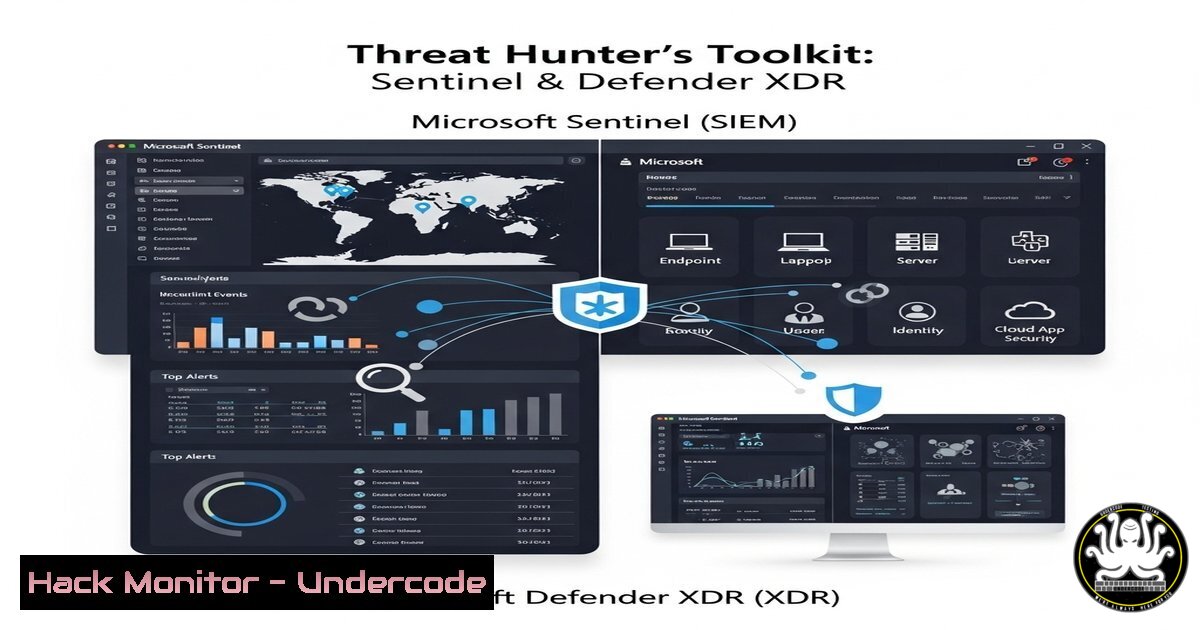
Microsoft Sentinel and Defender XDR form the core of a modern SIEM and extended detection and response (XDR) strategy for enterprises. Mastering the Kusto Query Language (KQL) and PowerShell commands is paramount for effective threat hunting, incident response, and cloud security hardening. This guide provides the foundational commands and techniques used by professionals to secure their environments.
Learning Objectives:
- Master essential KQL queries for proactive threat hunting in Microsoft Sentinel.
- Utilize PowerShell to automate security configurations and data collection in Defender XDR.
- Implement advanced hunting techniques to identify and mitigate sophisticated attacks.
You Should Know:
1. Foundational KQL for Log Exploration
Verified KQL command list for initial log investigation in Microsoft Sentinel.
SecurityEvent
| where TimeGenerated > ago(1h)
| where EventID == 4625 // An failed logon attempt
| project TimeGenerated, Computer, Account, IpAddress
| take 10
Step‑by‑step guide: This query retrieves the last 10 failed logon attempts (Event ID 4625) from the SecurityEvent table within the past hour. Use this as a starting point to investigate potential brute-force attacks. The `project` operator specifies which columns to display, focusing the output on critical details.
2. Hunting for Process Execution Anomalies
Verified KQL command for hunting suspicious processes in Defender XDR.
DeviceProcessEvents
| where FileName in~ ("powershell.exe", "cmd.exe", "whoami.exe", "nslookup.exe")
| where InitiatingProcessFileName !in~ ("msedge.exe", "chrome.exe", "explorer.exe")
| project Timestamp, DeviceName, FileName, InitiatingProcessFileName, AccountName
Step‑by‑step guide: This query targets process events, looking for common post-exploitation tools like `cmd` or powershell. The key is filtering out processes initiated by common benign parents like browsers (msedge.exe) or the shell (explorer.exe). Results outside these norms warrant immediate investigation.
3. Investigating Network Connections
Verified KQL command to analyze outbound network traffic.
DeviceNetworkEvents
| where RemoteUrl contains "pastebin" or RemoteIP contains "185.178.45."
| project Timestamp, DeviceName, RemoteUrl, RemoteIP, RemotePort, InitiatingProcessFileName
Step‑by‑step guide: Hunt for data exfiltration by querying connections to known malicious or suspicious domains like pastebin, or a specific suspect IP range. Correlate the initiating process to identify the compromised application or user account.
4. PowerShell for Defender Antivirus Exclusions (Admin Caution)
Verified Windows PowerShell command to manage AV exclusions.
Get-MpPreference | Select-Object -ExpandProperty ExclusionPath
Add-MpPreference -ExclusionPath "C:\LegitApp\Binaries\"  Use with extreme caution
Step‑by‑step guide: The `Get-MpPreference` cmdlet reviews current Microsoft Defender Antivirus settings, including exclusions. While `Add-MpPreference` can add an exclusion, this should only be done after rigorous validation. Misuse creates a critical security blind spot.
5. PowerShell to Force a Defender Signature Update
Verified Windows PowerShell command for immediate signature updates.
Update-MpSignature -UpdateSource MicrosoftUpdateServer
Step‑by‑step guide: Ensure your endpoints have the latest threat definitions. This command forces an immediate signature update from Microsoft’s servers, crucial during active incident response or after deploying new endpoints.
6. KQL for Azure Resource Audit Logging
Verified KQL command to audit Azure role assignments in Sentinel.
AzureActivity
| where OperationNameValue == "MICROSOFT.AUTHORIZATION/ROLEASSIGNMENTS/WRITE"
| project TimeGenerated, Caller, CallerIpAddress, OperationName, Properties
Step‑by‑step guide: Monitor for critical changes in your cloud environment. This query surfaces all events where a new Azure role was assigned, helping you detect overly permissive permissions or attacker persistence mechanisms.
- KQL Query to Detect Office 365 Mailbox Forwarding Rules
Verified KQL command to hunt for inbox rules.
OfficeActivity
| where Operation == "New-InboxRule"
| where Parameters contains "ForwardTo" or Parameters contains "RedirectTo"
| project TimeGenerated, UserId, Operation, Parameters
Step‑by‑step guide: Attackers often create inbox rules to forward emails externally for surveillance or data theft. This query in Sentinel identifies the creation of such rules, a key indicator of a compromised email account.
What Undercode Say:
- Mastery of KQL is non-negotiable for modern cloud-driven threat hunting; it is the primary tool for extracting signal from the noise of telemetry data.
- Automation through PowerShell is a force multiplier for security teams, but it must be implemented with a principle of least privilege and rigorous change control to avoid introducing new vulnerabilities.
The distinction between an analyst and a senior engineer often lies in the depth of their scripting and querying skills. The provided commands are the building blocks for developing advanced, automated detection rules and response playbooks. True expertise comes from chaining these basics together to create sophisticated hunting hypotheses that can uncover stealthy adversaries lurking in enterprise environments.
Prediction:
The integration of AI, as seen with Microsoft Security Copilot, will rapidly democratize advanced KQL query generation and threat hunting, lowering the barrier to entry for junior analysts. However, this will simultaneously raise the sophistication of AI-powered attacks, creating an arms race where deep, fundamental knowledge of the underlying query languages and system APIs will become even more critical to validate AI-generated alerts and to hunt for anomalies that evade standard detection models. The professional threat hunter will evolve into an AI trainer and validator.
🎯Let’s Practice For Free:
IT/Security Reporter URL:
Reported By: Sergioalbea Microsoftmvp – Hackers Feeds
Extra Hub: Undercode MoN
Basic Verification: Pass ✅


