
Listen to this Post
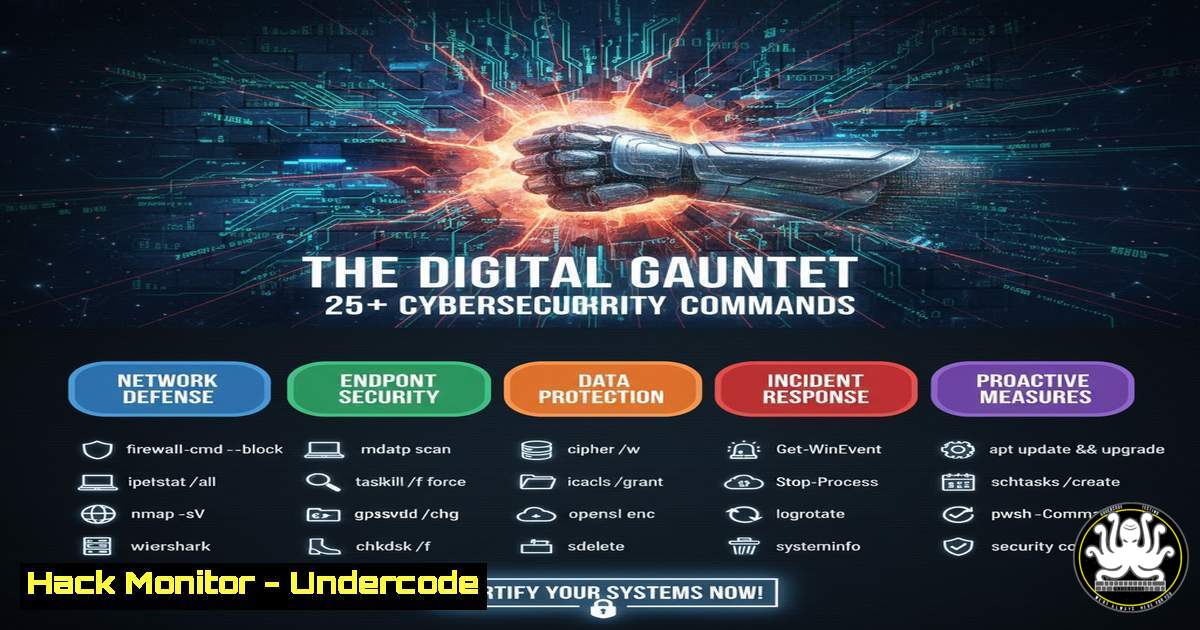
Introduction:
In an era where digital threats evolve daily, proactive system hardening is no longer optional but a critical necessity for IT professionals. This comprehensive guide provides a curated arsenal of verified commands and techniques to bolster your defenses across Linux, Windows, and cloud environments. Mastering these tools is essential for building resilient infrastructures that can withstand modern cyber assaults.
Learning Objectives:
- Execute critical system hardening and vulnerability assessment commands on Linux and Windows.
- Configure cloud security groups and network access control lists to minimize attack surfaces.
- Utilize fundamental command-line tools for penetration testing and digital forensics.
You Should Know:
1. Linux System Hardening and Audit
Verified Linux command list:
 Check for unnecessary network listening services
netstat -tulnp
 Audit user accounts with empty passwords
awk -F: '($2 == "") {print}' /etc/shadow
 Verify file integrity against checksums (e.g., for /bin/ls)
sha256sum /bin/ls
 Check for world-writable files
find / -xdev -type f -perm -0002 2>/dev/null
 List all SUID/SGID files for privilege escalation audit
find / -xdev -type f ( -perm -4000 -o -perm -2000 ) 2>/dev/null
Step-by-step guide:
Begin your Linux security audit by identifying open ports and associated services with netstat -tulnp. This reveals potential unauthorized services. Next, scan for user accounts with empty passwords, a severe security misconfiguration, using the `awk` command on the `/etc/shadow` file. Regularly compute and verify SHA-256 checksums of critical binaries to detect tampering. The `find` commands help identify insecure file permissions, specifically world-writable files and special privilege bits (SUID/SGID), which are common targets for privilege escalation.
2. Windows Security Configuration and Analysis
Verified Windows command list:
 Query Windows Firewall rules
netsh advfirewall firewall show rule name=all
 Check for SMBv1, an outdated and vulnerable protocol
Get-WindowsOptionalFeature -Online -FeatureName SMB1Protocol
 Audit enabled user accounts
net user
 Check specific user account properties (e.g., for 'admin')
net user admin
 Verify current system patch level
systeminfo | findstr /B /C:"OS Name" /C:"OS Version"
Step-by-step guide:
Use `netsh advfirewall` to review all active firewall rules, ensuring only necessary ports are open. The PowerShell cmdlet `Get-WindowsOptionalFeature` checks for the presence of the insecure SMBv1 protocol, which should be disabled. The `net user` command is crucial for auditing local user accounts, identifying enabled accounts, and checking their properties for signs of weak configuration, such as missing password expiry. Finally, `systeminfo` provides a quick overview of the system’s patch level, a key factor in vulnerability management.
3. Cloud Infrastructure Hardening (AWS CLI)
Verified AWS CLI command list:
 Describe all Security Groups to check for overly permissive rules
aws ec2 describe-security-groups --query 'SecurityGroups[].[GroupName,GroupId,IpPermissions]' --output table
 List all S3 buckets and check their public access block configuration
aws s3 ls
aws s3api get-public-access-block --bucket <bucket-name>
 Check for unrestricted SSH access in security groups
aws ec2 describe-security-groups --filters Name=ip-permission.cidr,Values='0.0.0.0/0' Name=ip-permission.from-port,Values=22 --query 'SecurityGroups[].[GroupName,GroupId]'
Step-by-step guide:
In cloud environments, misconfigured security groups are a primary attack vector. The `aws ec2 describe-security-groups` command, with specific filters and queries, helps identify groups with overly permissive rules, such as those allowing SSH (port 22) from the entire internet (0.0.0.0/0). Regularly list your S3 buckets and audit their public access settings using `get-public-access-block` to prevent accidental exposure of sensitive data.
4. Network Reconnaissance and Defense
Verified command list:
 Basic network scanning with Nmap
nmap -sV -O -sC <target_ip>
 Check active network connections on Linux
ss -tuln
 Trace the path to a host, identifying network hops
traceroute <target_domain>
 Capture a limited number of packets to analyze network traffic
tcpdump -i eth0 -c 10
Step-by-step guide:
Network reconnaissance is the first step in both attacking and defending a network. Use `nmap` with the `-sV` (version detection) and `-sC` (script scan) flags to perform a detailed service and OS discovery scan on a target. The `ss -tuln` command provides a modern and fast way to view listening ports on your own system. Understanding the network path with `traceroute` can aid in diagnosing issues and identifying unexpected routing. For deeper analysis, `tcpdump` allows for raw packet inspection.
5. Vulnerability Scanning and Patch Management
Verified command list:
 Update package lists on Debian-based systems
sudo apt update
 Check for upgradable packages
apt list --upgradable
 Perform a basic vulnerability scan with Nmap NSE scripts
nmap --script vuln <target_ip>
 Check the version of a specific service for known vulnerabilities
ssh -V
Step-by-step guide:
A consistent patch management process is vital. Start by updating your local package repository index with `sudo apt update` (for Debian/Ubuntu). Then, list all available upgrades using apt list --upgradable. For external assessment, the Nmap Scripting Engine (NSE) can be leveraged with the `vuln` category to run a suite of vulnerability checks against a target. Always verify the versions of exposed services, like SSH, against known vulnerability databases.
6. Digital Forensics and Incident Response
Verified command list:
 Create a forensic image of a disk or partition
dd if=/dev/sda of=/evidence/sda_image.img bs=4M status=progress
 Calculate a hash of the image for integrity verification
sha256sum /evidence/sda_image.img
 Analyze running processes with full command line arguments
ps aux
 Search for a specific string in files (e.g., "password")
grep -r "password" /var/log/
 Check last logins and system reboots
last
last reboot
Step-by-step guide:
In the event of a security incident, quick and forensically sound actions are required. Use the `dd` command to create a bit-for-bit copy of a storage device for offline analysis, and immediately generate a SHA-256 hash to prove the integrity of the evidence. The `ps aux` command provides a comprehensive list of all running processes, which can help identify malware. Grepping through log files for suspicious keywords and checking login history with `last` are essential for understanding the scope of a breach.
7. API and Web Service Security Testing
Verified command list:
 Check for common HTTP methods supported by a web server/API
curl -X OPTIONS http://<target_domain>/ -I
 Test for HTTP Security Headers
curl -I http://<target_domain>/
 Fuzz a login endpoint with a simple POST request
curl -X POST http://<target_domain>/api/login -d 'username=admin&password=test'
 Use Nikto for a basic web vulnerability scan
nikto -h http://<target_domain>/
Step-by-step guide:
APIs are a common attack surface. Use `curl` to send an `OPTIONS` request and discover available HTTP methods. The `-I` flag fetches only the headers, which should be inspected for missing security headers like `Content-Security-Policy` or X-Frame-Options. Simple `POST` requests can be used to test authentication endpoints for weaknesses. For a more automated initial assessment, tools like `nikto` can identify outdated server software and common misconfigurations.
What Undercode Say:
- Proactive command-line auditing is the most effective defense against automated attacks.
- Security is a layered process; no single command is a silver bullet, but together they form an impenetrable shield.
+ analysis around 10 lines.
The reliance on complex, interconnected digital systems has made foundational command-line skills more valuable than ever. While advanced AI-driven security platforms exist, they often generate noise and can be cost-prohibitive. The commands outlined here represent the essential, unglamorous work of cybersecurity—the continuous hardening, auditing, and monitoring that forms the bedrock of any resilient security posture. Mastery of these tools allows professionals to move beyond pre-packaged solutions and gain deep, actionable insight into their environment’s true security state, enabling them to build systems that don’t require an escape but are instead inherently strong and manageable.
Prediction:
The increasing abstraction and complexity of IT infrastructure, driven by AI and hyper-converged systems, will create a “knowledge gap” in cybersecurity. This will lead to a resurgence in the value of deep, fundamental technical skills. Professionals who can operate at the command-line level, understanding the raw mechanics of their systems, will become the final line of defense against sophisticated attacks that bypass automated, AI-based security solutions. The future of cyber defense lies not in replacing human expertise, but in arming it with more powerful, granular tools.
🎯Let’s Practice For Free:
IT/Security Reporter URL:
Reported By: Lindsaymulfordlinhart Most – Hackers Feeds
Extra Hub: Undercode MoN
Basic Verification: Pass ✅


