
Listen to this Post
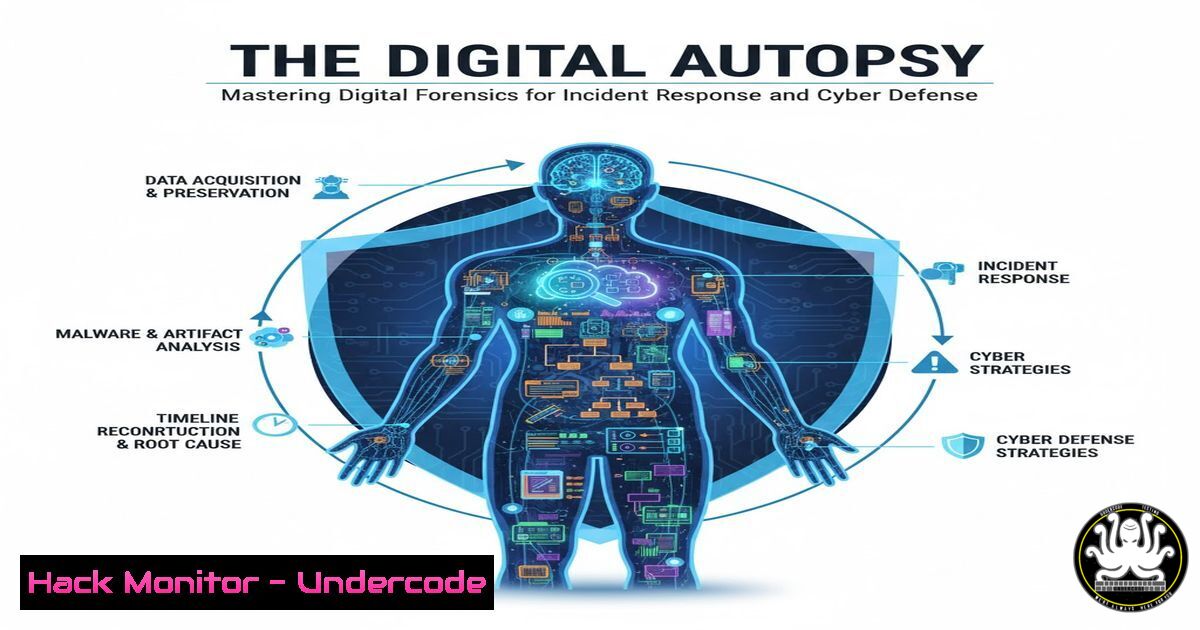
Introduction:
In the aftermath of a cyberattack, the difference between recovery and ruin often lies in the ability to conduct a meticulous digital investigation. Digital forensics is the scientific process of extracting, preserving, and analyzing evidence from digital devices to understand the scope of a breach, attribute actions, and prevent future incidents. As the backbone of any effective Blue Team strategy, forensics transforms raw data into actionable intelligence, ensuring that when a system is compromised, the “Hidden Lock” of security is replaced by a transparent window into the attacker’s methods.
Learning Objectives:
- Understand the core principles of evidence acquisition and chain of custody.
- Learn to utilize command-line tools in both Linux and Windows for live system analysis.
- Master the techniques for analyzing file systems, memory, and logs to reconstruct attack timelines.
You Should Know:
1. The First Response: Acquiring Volatile Data
When responding to an incident, time is of the essence. The most volatile data—the data most likely to change or disappear when the power is cut—must be captured first. This includes information from running processes, network connections, and current memory contents.
On a live Windows system, a responder should use a trusted USB drive with portable tools to execute the following commands, redirecting output to the evidence drive (e.g., E:\case\):
:: Capture current system time and date
date /t >> E:\case\system_time.txt
time /t >> E:\case\system_time.txt

:: List active network connections and listening ports
netstat -anob >> E:\case\netstat.txt

:: Display current running processes
tasklist /v >> E:\case\tasklist.txt

:: Capture ARP cache to see recently contacted local hosts
arp -a >> E:\case\arp.txt

:: Log currently logged-in users
query user >> E:\case\ logged_in_users.txt
On a Linux system, the equivalent commands would be:
 Record system time
date > /mnt/evidence/system_time.txt

Show network connections
ss -tulpan >> /mnt/evidence/network_connections.txt

List running processes with full details
ps aux >> /mnt/evidence/process_list.txt

Display ARP table
arp -n >> /mnt/evidence/arp_table.txt

Show logged-in users
w >> /mnt/evidence/logged_in_users.txt
Step‑by‑step guide: This step creates a snapshot of the system’s live state, providing context for any malicious processes or backdoor connections that may be running in memory.
2. Creating a Forensic Image (Write-Blocking is Mandatory)
Before any deep analysis, a bit-for-bit copy of the storage media must be created. This process, known as imaging, preserves the original evidence. It is critical to use a hardware or software write-blocker to prevent any modification to the suspect drive.
Using `dd` (or `dcfldd` for added hashing) on a Linux forensics workstation, the command to image a drive (/dev/sdb) is:
 Ensure the drive is not mounted
sudo lsof /dev/sdb
sudo fuser -m /dev/sdb

Create a raw image and calculate its MD5 hash simultaneously
sudo dcfldd if=/dev/sdb of=/evidence/case001/image.dd hash=md5 hashlog=/evidence/case001/image.md5 bs=4M
Step‑by‑step guide: `if=` specifies the input file (the suspect drive), `of=` is the output image file, and `bs=` sets the block size for faster reading. The hash is calculated during acquisition to verify the image is an exact, unaltered copy of the original later on.
3. Analyzing Windows Artifacts: The $MFT and $LogFile
The Master File Table ($MFT) is the heart of the NTFS file system, containing metadata for every file and folder. By analyzing the $MFT, an investigator can see when a file was created, modified, or deleted, even if the file has been removed from the Recycle Bin.
Tools like `MFTECmd` from Eric Zimmerman can parse this data:
MFTECmd.exe -f "C:\case\C\$MFT" --csv "C:\case\output"
Step‑by‑step guide: This command extracts the $MFT from a mounted image (C:\case\C) and outputs the results to a CSV file. By reviewing the “Created0x10” and “LastModified0x10” timestamps, you can pinpoint when a malicious executable first appeared on the system and when it was last run, building a precise timeline of the compromise.
4. Memory Forensics with Volatility 3
Malware often resides solely in RAM to avoid detection by file-based antivirus. If a memory dump was captured during the live response, Volatility 3 is the industry-standard framework for analysis.
To identify a malicious process injected into a legitimate one, you can use the `windows.malfind` plugin:
python3 vol.py -f memory.dump windows.malfind
Step‑by‑step guide: This plugin scans memory for heuristic indicators of code injection (like executable pages not backed by a file on disk). The output will show the process ID (PID) and the virtual address containing the suspicious code. You can then dump that specific memory region for further reverse engineering using `windows.dumpfiles` or windows.memmap.
5. Linux Log Forensics: Uncovering Attacker Activity
Linux systems store extensive logs in /var/log/. The `auth.log` (or `secure` on some distributions) is crucial for identifying authentication attacks.
To find a pattern of failed SSH logins followed by a successful one, indicative of a brute-force attack, you can use grep, sort, and uniq:
 Find failed root login attempts
sudo grep "Failed password for root" /var/log/auth.log | awk '{print $11}' | sort | uniq -c | sort -nr

Find successful logins
sudo grep "Accepted password" /var/log/auth.log
Step‑by‑step guide: The first command extracts all IP addresses that failed to log in as root, counts the occurrences, and sorts them to show the most aggressive attackers. The second command lists all successful logins, helping to confirm if a specific brute-force IP was eventually successful, marking a potential point of entry.
6. Network Forensics: Carving Files from PCAPs
If network traffic was captured during the incident, tools like `tshark` and `foremost` can extract files transferred over the network, such as a payload downloaded via HTTP.
First, isolate the TCP stream containing the file transfer using tshark:
tshark -r capture.pcap -Y "http.request.method==GET" -T fields -e http.request.uri -e ip.src
Then, use `foremost` to carve all files from the pcap:
foremost -t all -i capture.pcap -o /evidence/extracted_files
Step‑by‑step guide: The `tshark` command filters for HTTP GET requests to see what files were requested. `foremost` then scans the raw packet data, looking for file headers (like JFIF for JPEGs or MZ for EXEs) to reconstruct the downloaded malware or stolen data, regardless of the file’s original name.
7. Timeline Creation: The Key to the Narrative
A super timeline combines file system metadata, log events, and registry changes into a single, sorted view. This allows an investigator to follow the attacker’s actions second by second.
Using tools like `Plaso` (log2timeline), you can process a mounted image and then view the timeline:
 Process the image and create a Plaso storage file
log2timeline.py --storage-file case.plaso /mnt/image/

Export the timeline to a human-readable CSV
psort.py -o l2tcsv -w timeline.csv case.plaso
Step‑by‑step guide: `log2timeline.py` recursively parses every file, log, and registry hive it recognizes. `psort.py` then sorts all these billions of events chronologically. The final `timeline.csv` is a powerful resource that, when opened in a spreadsheet, lets you filter by timestamp and see exactly what the attacker did—from initial dropper execution to lateral movement and data exfiltration.
What Undercode Says:
- The Evidence of Absence is Still Evidence: In digital forensics, what is not there—gaps in logs, deleted files, or missing time slices—often tells a more compelling story than what remains. A sophisticated attacker will try to cover their tracks, and identifying these deliberate erasures is a core skill of a senior analyst.
- Process Over Tools: While tools like Volatility and FTK Imager are indispensable, they are only as good as the methodology behind them. The true value of a forensic expert lies in their ability to adhere to a rigorous, court-defensible process: preserve the integrity of the evidence first, ask questions later. The chain of custody is the only thing that turns data into admissible proof.
Prediction:
As AI-generated deepfakes and polymorphic malware become more prevalent, digital forensics will pivot from reactive artifact recovery to proactive “cyber provenance.” We will see a rise in AI-driven forensic tools capable of sifting through petabytes of data to identify behavioral patterns of attacks in real-time. However, this will also usher in an era of “anti-forensics AI,” where attackers use generative models to create deceptive log entries or entire fake timelines, turning the discipline into a high-stakes battle of artificial intelligences. The human investigator will evolve from a data processor into a strategic director, guiding these algorithmic duels.
▶️ Related Video (84% Match):
🎯Let’s Practice For Free:
IT/Security Reporter URL:
Reported By: Intro For – Hackers Feeds
Extra Hub: Undercode MoN
Basic Verification: Pass ✅


