Listen to this Post
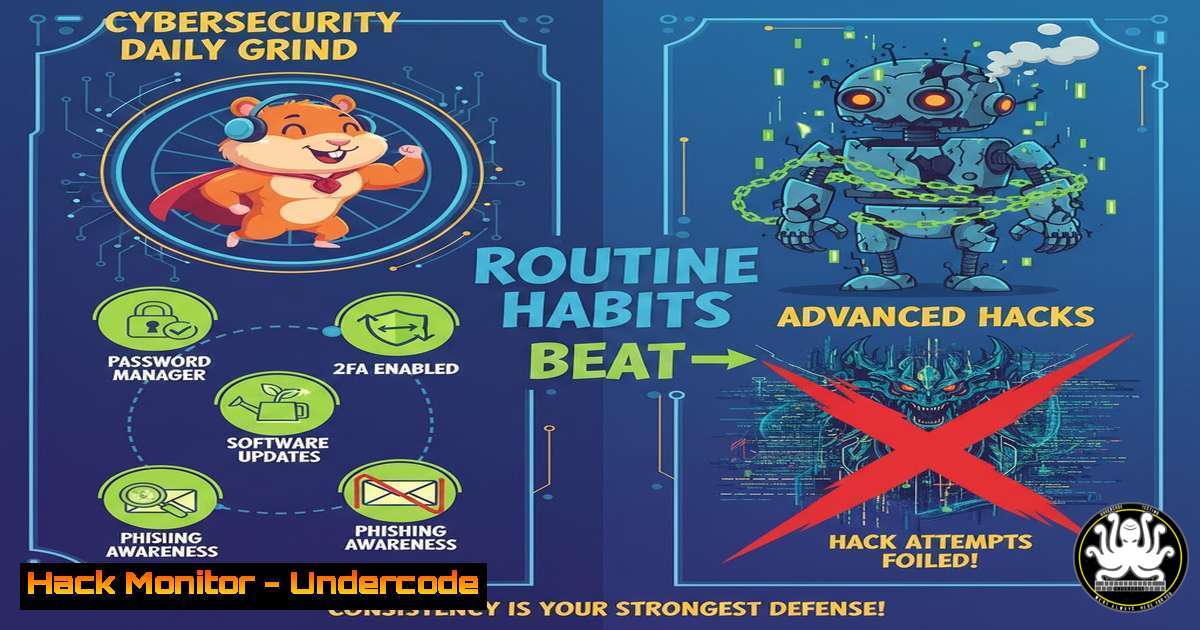
Introduction:
In the relentless landscape of modern cyber threats, the most sophisticated attacks often exploit the most fundamental human and technical oversights. While advanced persistent threats capture headlines, consistent, disciplined daily practices form the unbreakable backbone of effective defense. This article deconstructs the essential, actionable routines that transform cybersecurity from a periodic audit into a resilient lifestyle, integrating core IT principles across password hygiene, phishing defense, and endpoint hardening.
Learning Objectives:
- Master the implementation of robust credential management using modern password managers and multi-factor authentication (MFA).
- Develop a systematic approach to identifying and neutralizing phishing attempts and social engineering lures.
- Apply essential endpoint and network hardening techniques on both Linux and Windows systems to reduce attack surfaces.
You Should Know:
1. Mastering Credential Management: Beyond the Password
The foundation of personal and organizational security lies in controlling access. Weak or reused passwords are the primary vector for breaches, making credential management the most critical daily habit.
Step‑by‑step guide explaining what this does and how to use it.
Step 1: Adopt a Password Manager. Tools like Bitwarden (open-source), 1Password, or KeePassXC generate, store, and autofill complex, unique passwords for every account. They encrypt your vault with a single, strong master password.
Step 2: Enable Multi-Factor Authentication (MFA) Everywhere. Always use an authenticator app (e.g., Authy, Microsoft Authenticator) or a hardware security key (YubiKey) over SMS-based codes. This adds a critical “something you have” layer.
Step 3: Conduct Regular Credential Audits. Use your password manager’s built-in security audit feature to identify weak, reused, or compromised passwords. Schedule a quarterly review to update them.
Command Line Example (Checking for Breached Passwords):
While online services like “Have I Been Pwned” are standard, you can check password hashes locally. First, create a SHA-1 hash of a password you’re concerned about:
`echo -n “YourPassword123” | sha1sum | tr ‘[:lower:]’ ‘[:upper:]’`
You can then check the first 5 characters of this hash (the prefix) against the HIBP API anonymously or use the `hibp` CLI tool.
2. The Phishing Filter: Deconstructing the Deceptive Email
Phishing remains the most common attack vector. Building a mental and technical filter is a daily necessity.
Step‑by‑step guide explaining what this does and how to use it.
Step 1: Inspect, Don’t Click. Hover over all links to preview the actual URL. Look for misspellings (e.g., micr0soft.com), strange domains, or legitimate domains used with misleading paths.
Step 2: Analyze the Header. For suspicious emails, view the full email header. Check the Return-Path, Reply-To, and `Received` fields for inconsistencies with the claimed sender.
Step 3: Sandbox Attachments. Never open unexpected attachments directly. Use a sandbox environment. For IT professionals, tools like `strings` or `file` on Linux can provide clues:
`strings suspicious_document.doc | head -50`
`file –mime-type downloaded_file.pdf`
Step 4: Verify Through Alternate Channels. If an email requests urgent action or sensitive info, contact the sender via a known, trusted method (phone call, separate email thread) to confirm.
3. Endpoint Hardening: Locking Down Your Daily Machine
Your laptop or desktop is your primary interface to digital assets. A hardened endpoint is a formidable barrier.
Step‑by‑step guide explaining what this does and how to use it.
For Linux (Ubuntu/Debian example):
Automatic Updates: sudo apt update && sudo apt upgrade -y. Configure unattended-upgrades: sudo apt install unattended-upgrades.
Firewall Configuration: Use ufw: sudo ufw enable, sudo ufw default deny incoming, sudo ufw default allow outgoing.
Disable Unused Services: sudo systemctl list-unit-files --type=service | grep enabled. Audit and disable unnecessary ones: sudo systemctl disable <service_name>.
For Windows:
Enable Core Security Features: Ensure Windows Defender Antivirus and Firewall are active. Run `Get-MpComputerStatus` in PowerShell to verify.
Configure Windows Update for Business: Use Group Policy or local policy to enforce automatic updates.
Harden PowerShell: Enable logging by setting the execution policy via GPO and consider enabling constrained language mode for standard users.
4. Network Awareness: Securing Your Digital Perimeter
Whether at home or on public Wi-Fi, understanding your network environment is crucial.
Step‑by‑step guide explaining what this does and how to use it.
Step 1: Use a VPN on Untrusted Networks. A reputable VPN encrypts traffic between your device and the VPN server, preventing eavesdropping on public Wi-Fi.
Step 2: Segment Your Home Network. Use your router’s settings to create separate networks for IoT devices, guests, and your primary computers to limit lateral movement.
Step 3: Basic Network Reconnaissance (For Understanding): Know what’s on your network.
Linux/Windows: Use `nmap` to scan your subnet (for authorized testing only): `nmap -sn 192.168.1.0/24` to list live hosts.
Windows: `arp -a` to see the ARP cache, listing IP-MAC address associations.
5. Incident Response Fundamentals: Your First 5 Minutes
When you suspect a compromise, calm, pre-planned action is vital.
Step‑by‑step guide explaining what this does and how to use it.
Step 1: Isolate. Immediately disconnect the affected device from the network (turn off Wi-Fi, unplug Ethernet).
Step 2: Preserve Evidence (For Analysis). If instructed by IT, capture volatile data. On Linux, you might run `ps aux > /tmp/processlist.txt` or `netstat -tunap > /tmp/network_connections.txt` before powering down.
Step 3: Report. Follow your organization’s security incident reporting protocol immediately. If personal, change passwords for critical accounts from a known-clean device.
Step 4: Recover from Clean Backups. Wipe and reinstall the operating system from trusted media, then restore data from verified, clean backups.
What Undercode Say:
- Consistency Over Complexity: The most elegant security tool is useless without daily, disciplined application. A simple, followed routine is infinitely more valuable than a complex, ignored policy.
- The Human Layer is the Deciding Layer: Technical controls are imperative, but their effectiveness is determined by human habit. Continuous, engaging security awareness is not optional—it is the core of defense.
- Analysis: The LinkedIn post, with its focus on `cybersecuritytips` and
awareness, underscores a pivotal industry shift: moving from purely technology-centric solutions to human-centric resilience engineering. The “Pic of the Day” concept mirrors the need for daily, digestible security practice. The promoted DBA program, while off-topic, ironically highlights the need for strategic, leadership-driven governance in cybersecurity—tying daily habits to board-level risk management. The future of defense lies not in silver-bullet solutions but in cultivating a pervasive culture where secure behavior is as routine as checking the time.
Prediction:
The convergence of AI-driven social engineering and automated vulnerability exploitation will make manual, slow security practices obsolete. The future belongs to organizations and individuals who seamlessly integrate automated security hardening (via DevOps/ GitOps security pipelines), AI-assisted threat detection at the endpoint, and continuous, adaptive security training that evolves with the threat landscape. The “daily grind” will become increasingly automated, freeing human analysts to focus on strategic threat hunting and complex incident response, while foundational hygiene is enforced silently and perpetually by intelligent systems.
▶️ Related Video (84% Match):
🎯Let’s Practice For Free:
IT/Security Reporter URL:
Reported By: Hackingarticles Infosec – Hackers Feeds
Extra Hub: Undercode MoN
Basic Verification: Pass ✅


