Listen to this Post
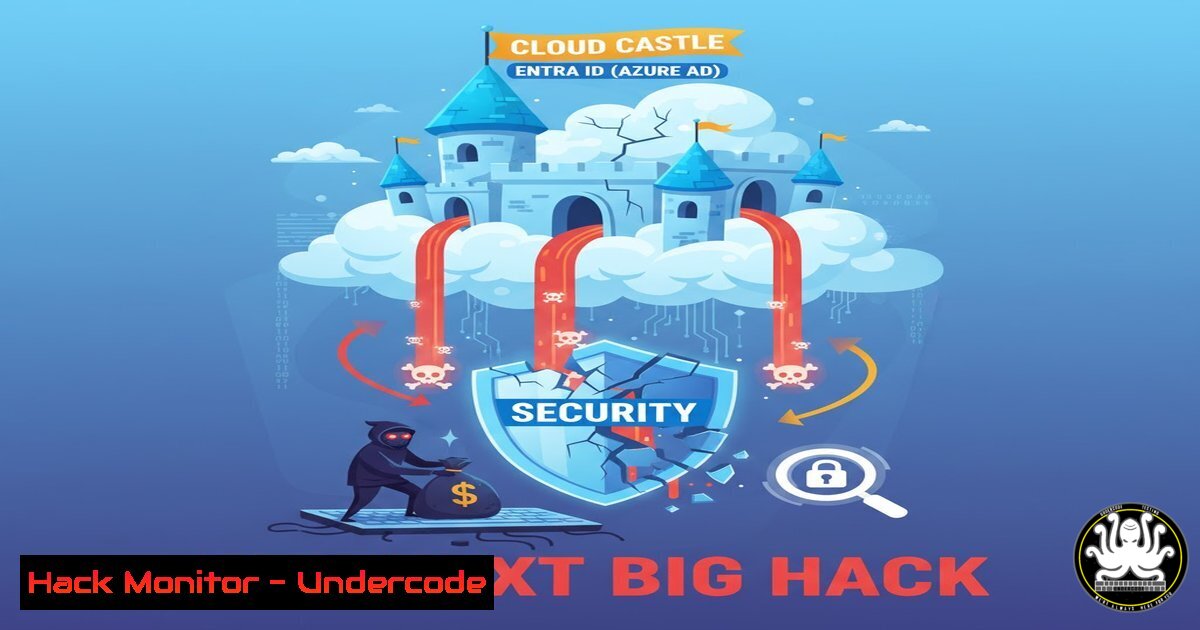
Introduction:
As organizations rapidly migrate to the cloud, their security perimeter has shifted from network firewalls to identity providers. Microsoft Entra ID (formerly Azure AD) now acts as the primary gatekeeper for countless enterprises, making it a prime target for cybercriminals. Mastering its security configuration is no longer a niche skill but a fundamental requirement for any cybersecurity professional.
Learning Objectives:
- Understand the critical attack vectors and common misconfigurations in Entra ID environments.
- Learn practical, hands-on commands and techniques to audit and harden your Entra ID tenant.
- Develop a proactive security posture to defend against identity-based attacks and prevent cloud-centric data breaches.
You Should Know:
1. The Identity Perimeter: Your New Battlefield
The traditional network perimeter has dissolved. In a cloud-first world, a user’s identity is the new security boundary. Entra ID controls access to a vast array of services, from Microsoft 365 and Azure SQL databases to countless third-party SaaS applications integrated via SSO. A single compromised account, especially one with excessive privileges, can lead to a catastrophic breach, allowing attackers to exfiltrate data, deploy ransomware, or establish a persistent foothold across your entire digital estate. This shift makes understanding Entra ID’s security model paramount.
- Auditing Entra ID with PowerShell: The First Step to Defense
Before you can defend, you must assess. PowerShell, combined with the Microsoft Graph PowerShell SDK, is the primary tool for interrogating your Entra ID environment. It allows you to programmatically discover users, roles, applications, and conditional access policies that might be exposing your organization to risk.
Step-by-step guide:
- Install the Module: Open PowerShell as an administrator and install the required modules.
Install the Microsoft Graph PowerShell module
Install-Module Microsoft.Graph -Force
- Connect and Scopes: Connect to Microsoft Graph with the necessary permissions. Always use the principle of least privilege.
Connect with read-only access for auditing
Connect-MgGraph -Scopes "User.Read.All", "Group.Read.All", "Application.Read.All", "Policy.Read.All"
- Audit Critical Areas: Run initial discovery commands to map your environment.
Get all users and their properties
Get-MgUser -All | Select-Object DisplayName, UserPrincipalName, AccountEnabled, SignInActivity

List all administrative units
Get-MgDirectoryAdministrativeUnit

Enumerate all registered applications
Get-MgApplication | Select-Object DisplayName, AppId, SignInAudience
-
Taming Privileged Access: The Principle of Least Privilege
The most common path to escalation in Entra ID is through misconfigured administrator roles. Accounts with permanent, standing privileges like Global Administrator or SharePoint Administrator are ticking time bombs. The goal is to implement Privileged Identity Management (PIM) to make all privileged access “just-in-time” and “time-bound.”
Step-by-step guide:
- Identify Standing Admins: Discover users with permanent privileged roles.
Connect with the 'RoleManagement.Read.All' scope first
Connect-MgGraph -Scopes "RoleManagement.Read.All"
Get all users with a permanent Global Admin role
$GlobalAdminRole = Get-MgDirectoryRole -Filter "DisplayName eq 'Global Administrator'"
Get-MgDirectoryRoleMember -DirectoryRoleId $GlobalAdminRole.Id
- Activate PIM: Navigate to the Azure Portal > Identity Governance > Privileged Identity Management.
- Configure a Role: Select “Azure AD roles” and choose a role like “Global Administrator.” Change the assignments from “Active” to “Eligible.” This ensures users must activate the role for a limited time (e.g., 2 hours) when needed, requiring a justification and, ideally, multi-factor authentication.
4. Conditional Access: Building Context-Aware Gates
A password alone is no longer sufficient. Conditional Access (CA) policies are the core of a modern, zero-trust identity strategy. They allow you to create automated access decisions based on signals like user, device, location, and application risk.
Step-by-step guide:
- Plan a Policy: Start with a high-impact, low-friction policy. A foundational policy is to require MFA for all administrative roles.
- Create in Report-Only Mode: In the Azure Portal, go to Entra ID > Security > Conditional Access. Create a new policy. Assign the policy to the “Global Administrator” and other directory roles. Under Grant, select “Require multi-factor authentication.” Initially, set the policy to “Report-only” mode to monitor its impact without blocking anyone.
- Analyze and Enforce: After a monitoring period, check the CA logs to ensure no legitimate access is blocked. Once confident, change the policy state to “On.”
5. Hardening Service Principals and App Registrations
Third-party and custom applications integrate with Entra ID through “App Registrations,” which create a “Service Principal.” These non-human identities often have powerful permissions (e.g., reading all user profiles, writing to SharePoint) and are frequently over-permissioned and poorly monitored.
Step-by-step guide:
- Audit App Permissions: Use PowerShell to find applications with high-privilege permissions.
Get all service principals and their delegated and application permissions Get-MgServicePrincipal -All | Where-Object { $<em>.PasswordCredentials -ne $null -or $</em>.KeyCredentials -ne $null } | Format-List DisplayName, AppId, ServicePrincipalType - Review and Remediate: In the Azure Portal, go to Entra ID > Applications > App registrations. Select an application and navigate to “API permissions.” Remove any unused permissions and ensure that only the minimum required permissions are granted. Prefer “Delegated” permissions over “Application” permissions where possible, as the former are constrained by the signed-in user’s privileges.
6. Linux Integration: Auditing from a Non-Windows Perspective
Many attacks originate from Linux-based systems. You can audit your Entra ID environment directly from a Linux command line using the Microsoft Graph API with `curl` and jq.
Step-by-step guide:
- Create an App Registration: In Azure, create a new App Registration. Grant it the `Application.Read.All` permission and grant admin consent.
- Get an Access Token: Use the client ID and secret to obtain a token.
Set your variables
TENANT_ID="your-tenant-id"
CLIENT_ID="your-client-id"
CLIENT_SECRET="your-client-secret"

Get the access token
ACCESS_TOKEN=$(curl -s -X POST -H "Content-Type: application/x-www-form-urlencoded" \
"https://login.microsoftonline.com/$TENANT_ID/oauth2/v2.0/token" \
-d "client_id=$CLIENT_ID&client_secret=$CLIENT_SECRET&grant_type=client_credentials&scope=https://graph.microsoft.com/.default" | jq -r '.access_token')
- Query the Graph API: Use the token to call the Microsoft Graph API.
List all users
curl -s -H "Authorization: Bearer $ACCESS_TOKEN" "https://graph.microsoft.com/v1.0/users" | jq '.value[] | {displayName: .displayName, userPrincipalName: .userPrincipalName}'
What Undercode Say:
- Quality Training is a Force Multiplier. The post highlights that effective cloud security training is not just about content, but about pedagogy and adaptability. A skilled instructor who can translate complex concepts into practical, actionable knowledge is invaluable, especially for junior professionals navigating the vastness of cloud security.
- The Human Element is Critical. The most perfectly configured Conditional Access policy is useless if an administrator falls for a social engineering attack. Continuous, practical training that builds muscle memory for both tool usage and security thinking is the best defense against the evolving tactics of attackers.
Prediction:
The focus on identity-based attacks will intensify, moving beyond password spray and MFA fatigue to more sophisticated techniques like adversary-in-the-middle (AiTM) phishing to steal session cookies and “token replay” attacks. We will see a surge in automated tooling specifically designed to find and exploit misconfigurations in Entra ID and other identity providers. Security teams that fail to invest deeply in identity-centric security skills, moving beyond basic MFA and into granular conditional access, privileged identity management, and continuous monitoring of service principals, will be disproportionately affected by the next wave of cloud data breaches. The bootcamp model, focusing on intensive, lab-driven learning, will become the standard for building these essential defensive capabilities.
🎯Let’s Practice For Free:
IT/Security Reporter URL:
Reported By: Valerian Capon – Hackers Feeds
Extra Hub: Undercode MoN
Basic Verification: Pass ✅


