
Listen to this Post
Introduction:
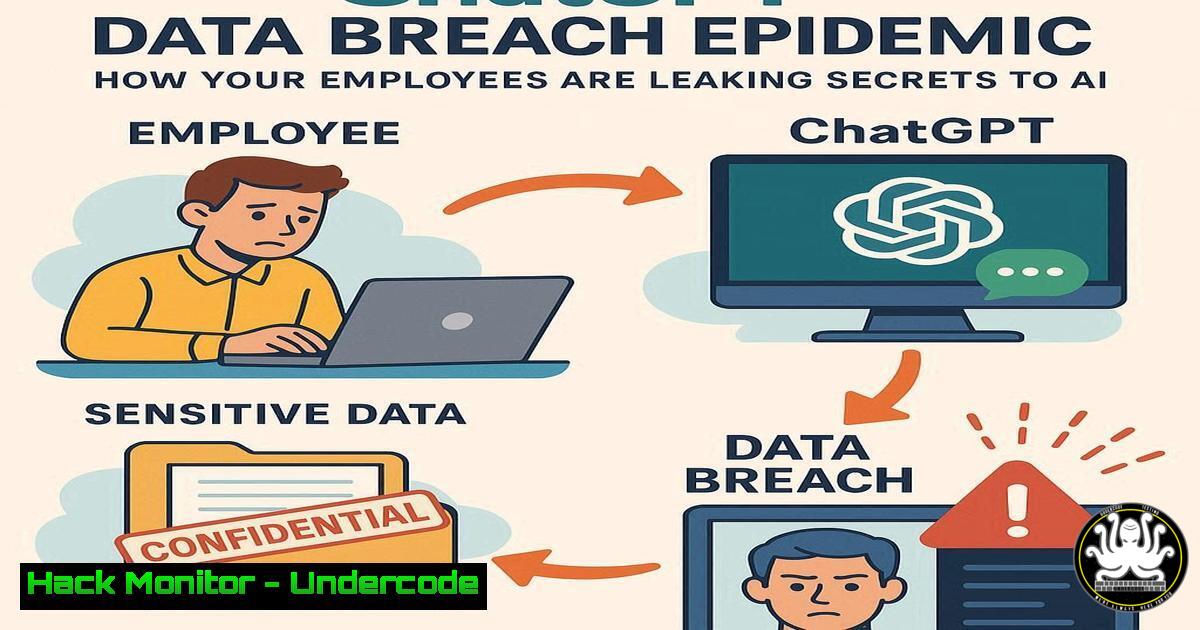
A startling new report from LayerX reveals that employees are routinely inputting sensitive corporate data, including Personally Identifiable Information (PII) and Payment Card Industry (PCI) data, into public generative AI tools like ChatGPT. With 45% of enterprise employees now using these tools, this represents one of the fastest-growing shadow IT security threats facing organizations today.
Learning Objectives:
- Understand the scope and severity of unauthorized AI data exposure
- Implement technical controls to monitor and prevent sensitive data exfiltration to AI platforms
- Develop comprehensive governance policies for enterprise AI usage
You Should Know:
1. Monitoring Network Traffic to AI Platforms
`tshark -i eth0 -Y “http.host contains openai.com or http.host contains anthropic.com or http.host contains claude.ai” -w ai_traffic.pcap`
This Wireshark command captures all HTTP traffic to major AI platforms, allowing security teams to monitor what data is being sent externally. Run this on your network perimeter to establish baseline AI usage patterns and identify potential policy violations.
2. Data Loss Prevention Rule for AI Domains
`Regex pattern: (?i)(openai|anthropic|claude|bard|gemini)\.com`
Configure this regex pattern in your DLP solution to flag outbound communications to AI platforms. Combine with content inspection rules that detect PII patterns (SSN, credit card numbers) to automatically block sensitive data transmission.
3. Windows Registry Modification to Block AI Sites
`reg add “HKEY_LOCAL_MACHINE\SOFTWARE\Policies\Microsoft\Edge” /v “URLBlocklist” /t REG_SZ /d “[\”openai.com\”,\”claude.ai\”,\”anthropic.com\”]” /f`
This registry entry blocks access to specified AI domains through Microsoft Edge group policy. Deploy through GPO to prevent unauthorized access to these services from corporate devices.
4. Detecting ChatGPT Usage in Proxy Logs
`grep -E “(chatgpt|openai|claude|anthropic)” /var/log/squid/access.log | awk ‘{print $3, $7}’ | sort | uniq -c | sort -nr`
This Linux command analyzes Squid proxy logs to identify which internal IP addresses are accessing AI platforms and how frequently. Run daily to detect shadow AI usage patterns.
5. PowerShell Script to Monitor Clipboard Data
`Get-AsrRule -Name | Where-Object {$_.State -eq “Enabled”} | Add-MpPreference -AttackSurfaceReductionRules_Ids D1E49AAC-8F56-4280-B9BA-3A4DCA5F9FBB`
This PowerShell command enables Attack Surface Reduction rules to monitor for suspicious clipboard activity that might indicate data exfiltration attempts to AI interfaces.
6. Browser Extension Security Audit
`npx eslint extensions/ –config security-config.js –rule “no-eval: error, no-unsanitized: error”`
Use this command to audit browser extensions for security vulnerabilities that might be exploited to capture data entered into AI interfaces. Focus on extensions with permissions to access page content.
7. API Key Monitoring and Revocation
`aws iam generate-credential-report && aws iam get-credential-report –output text | grep -B2 -A2 “API_KEY”`
This AWS CLI command generates and reviews credential reports to identify and monitor API keys that might be used for unauthorized AI service access, enabling quick revocation if compromised.
8. Container Security for AI Development
`docker run –security-opt no-new-privileges:true –read-only -v /tmp:/tmp:ro ai-sandbox:latest`
Run AI development environments in restricted Docker containers with this command to prevent data leakage through filesystem access or privilege escalation.
9. Memory Analysis for Data Exfiltration
`volatility -f memory.dump –profile=Win10x64_18362 mimikatz | grep -i “password\|creditcard\|ssn”`
Use Volatility Framework to analyze memory dumps for evidence of sensitive data that might have been copied into AI interfaces before transmission.
10. Network Segmentation for AI Traffic
`iptables -A FORWARD -s 192.168.1.0/24 -d openai.com -j DROP && iptables -A FORWARD -s 192.168.1.0/24 -d ports 443,80 -m string –string “chatgpt” –algo bm -j LOG`
This iptables rule blocks and logs attempts to access OpenAI from specific subnets while also detecting ChatGPT-related traffic through string matching.
What Undercode Say:
- The convenience of AI tools has created a massive blind spot in corporate security, with employees willingly trading sensitive data for productivity gains.
- Current security frameworks are inadequate for addressing the unique challenge of authorized users intentionally bypassing controls for AI access.
The LayerX study reveals a fundamental disconnect between security policy and user behavior. With 77% of AI users copying and pasting data into chatbots and 22% of those operations containing PII/PCI data, organizations face an unprecedented data exfiltration vector. The problem is compounded by the fact that 83.5% of employees use only one AI tool, primarily ChatGPT, creating a single point of potential mass data leakage. Traditional DLP solutions are failing because they don’t account for employees who see AI tools as productivity enhancers rather than security threats. The solution requires both technical controls and cultural transformation that addresses the root cause: employees seeking efficiency without understanding the security implications.
Prediction:
Within two years, we will see the first major regulatory action against a company for AI data leakage, resulting in fines exceeding $50 million. This will trigger widespread adoption of AI-specific security frameworks and the emergence of specialized insurance products for AI-related data breaches. Organizations that fail to implement comprehensive AI governance will face not only regulatory consequences but also irreversible loss of intellectual property and competitive advantage as corporate secrets become training data for public AI models.
🎯Let’s Practice For Free:
IT/Security Reporter URL:
Reported By: Michael Tchuindjang – Hackers Feeds
Extra Hub: Undercode MoN
Basic Verification: Pass ✅


