Listen to this Post
Introduction:
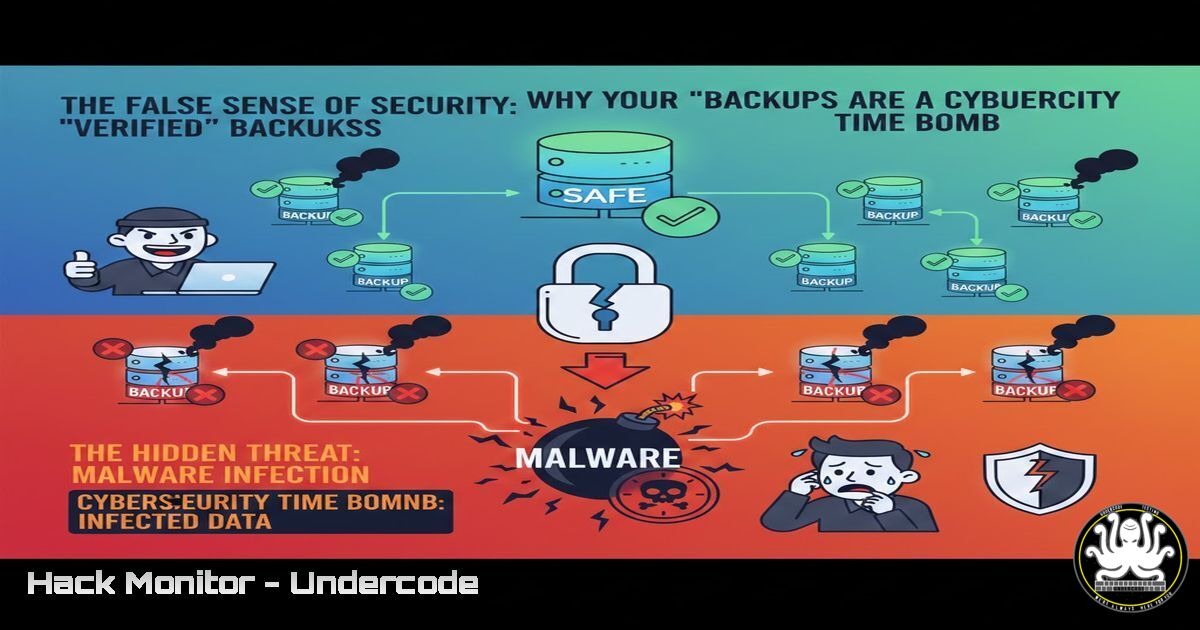
In cybersecurity, backups are the last line of defense against ransomware, data corruption, and operational disasters. However, an untested backup is not a recovery plan—it’s a hypothesis. This article dissects the critical gap between backup creation and verifiable restoration, transforming a theoretical safety net into a deterministic recovery strategy.
Learning Objectives:
- Implement a technical framework for automated backup restoration testing.
- Harden backup integrity against credential compromise and ransomware.
- Develop incident response playbooks that integrate proven restoration procedures.
You Should Know:
1. The Anatomy of a Backup Verification Failure
A backup is a complex artifact comprising data, permissions, application states, and dependencies. A successful restoration requires all components to be coherent. Failure often stems from unvalidated assumptions.
Step‑by‑step guide:
- Inventory Backup Components: List every element your backup captures.
Linux (tar backup example): `tar -tvf /backups/full_backup_$(date +%Y%m%d).tar.gz | head -50` to list contents.
Windows (PowerShell):Get-ChildItem -Path "C:\Backups\" -Recurse | Select-Object FullName, Length, LastWriteTime | Export-Csv -Path backup_inventory.csv. - Identify Silent Dependencies: Use system profiling tools to catch what your backup tool might miss.
Linux (for a web server): `ldd /usr/sbin/apache2` to list library dependencies.
Windows (Registry): Document service dependencies withsc query type= service state= all. - Document the Recovery Bill of Materials (BOM): Create a manifest file (
recovery_bom.yaml) stored separately from backups, detailing versions, config paths, and service accounts.
2. Building Your Quarterly Restore Test Lab
Simulating production restores requires an isolated environment that mirrors key systems without incurring cloud excess costs.
Step‑by‑step guide:
- Leverage Infrastructure-as-Code (IaC): Use Terraform or Ansible to spin up disposable test environments.
Terraform (AWS EC2 example):
resource "aws_instance" "restore_test" {
ami = "ami-0c55b159cbfafe1f0"
instance_type = "t3.medium"
tags = {
Name = "Quarterly-Restore-Test-${timestamp()}"
}
}
2. Automate Environment Sanitization: Ensure no production data persists in the test lab. Use scripts to wipe sensitive data from restored datasets.
Bash script snippet: pg_restore -d test_db /backups/prod_db.dump && psql -d test_db -c "UPDATE users SET email=concat(id, '@test.local'), password_hash='';".
3. Measure Recovery Time Objective (RTO): Time the entire process from declaring a disaster to a “ready for business” state in the test lab. Log every step for analysis.
3. Ransomware Simulation: Testing Your Last-Defense Integrity
Modern ransomware targets backups. Your test must validate backups are immutable and accessible even if the primary domain is compromised.
Step‑by‑step guide:
- Test Backup Immutability: Attempt to delete or encrypt a backup from a simulated compromised account.
AWS S3 Immutable Vault CLI test:aws s3api delete-object --bucket your-backup-vault --key critical-db-backup.zip --expected-bucket-owner YOUR_ACCOUNT_ID. This command should fail withAccessDenied. - Perform an Air-Gapped Restoration: Simulate a complete network compromise by restoring from an offline or write-once-read-many (WORM) source.
Procedure: Physically disconnect the backup storage network interface. Boot a clean OS from USB, mount the backup media, and restore to the isolated test lab. - Validate Application Consistency Post-Restore: After restoring a database, run integrity checks.
MySQL:mysqlcheck -u root -p --all-databases --check-upgrade --auto-repair.
PostgreSQL: `pg_catalog.pg_check` or run `VACUUM VERBOSE ANALYZE;`.
4. Automating Validation with Pre- and Post-Restore Scripts
Human error kills recovery. Automate validation checks before and after restoration.
Step‑by‑step guide:
- Create a Pre-Restore Integrity Check: Before attempting a restore, verify the backup file integrity and authenticity.
Bash script example:
 Verify checksum
echo "$(cat backup.tar.gz.sha256) backup.tar.gz" | sha256sum -c
 Verify GPG signature (if signed)
gpg --verify backup.tar.gz.sig backup.tar.gz
 Check for corruption in tar archive
tar -tzf backup.tar.gz > /dev/null && echo "Archive OK" || echo "Archive Corrupted"
2. Create Post-Restore Validation Scripts: Automatically verify that restored services are functional.
Python script snippet (tests a restored web app):
import requests
import sys
restored_url = "http://restore-test-lab/internal/health"
try:
resp = requests.get(restored_url, timeout=10)
if resp.status_code == 200 and resp.json().get('status') == 'OK':
sys.exit(0)  Success
else:
sys.exit(1)  Failed health check
except requests.exceptions.RequestException:
sys.exit(1)  Connection failed
3. Integrate into CI/CD Pipeline: Schedule these validation scripts to run quarterly using a Jenkins or GitLab CI job, with reports sent to the security team.
- Hardening the Backup Chain: From Credentials to Storage
The backup system itself is a high-value target. Harden every link.
Step‑by‑step guide:
- Implement Least-Privilege Access for Backup Service Accounts: Use dedicated credentials for backup software with only the necessary permissions.
Windows Command (set service account):sc config "BackupService" obj= "DOMAIN\backup-svc" password= "StrongP@ssw0rd!".
Linux (sudo rules): In/etc/sudoers.d/backup-svc:backup-svc ALL=(root) NOPASSWD: /usr/bin/rsync, /usr/bin/systemctl restart postgresql. - Encrypt Backups at Rest and in Transit: Ensure backups are encrypted using strong keys managed separately (e.g., AWS KMS, HashiCorp Vault).
OpenSSL encryption command for offline archives:openssl aes-256-cbc -salt -pbkdf2 -in raw_backup.sql -out encrypted_backup.sql.enc -k $(cat /secure/path/to/keyfile). - Monitor for Exfiltration or Unauthorized Access: Set alerts on abnormal data egress from backup storage.
AWS CloudTrail Alert (via CloudWatch): Monitor forDeleteSnapshot,ModifySnapshotAttribute, or large `GetObject` calls from unusual IPs.
What Undercode Say:
- A Backup is a Promise, a Restore is the Proof. Your SLA is defined by your proven recovery capability, not your backup success logs. Quarterly tests transform hope into a measurable metric.
- Automate or Perish. Manual recovery procedures fail under stress. The scripts and IaC you write during peace time are the playbooks that will save you during an incident.
Analysis:
The core failure in the anecdote is a classic observability gap: teams monitor backup job success but not the restorability state of the system. This creates a dangerous illusion of safety. In cybersecurity terms, an untested backup chain is an unpatched vulnerability with a CVSS score of “Critical,” as its failure leads directly to data loss and business continuity collapse. The fix is operational rigor—treating recovery verification as a non-negotiable, auditable control, equivalent to penetration testing or vulnerability scanning.
Prediction:
As ransomware gangs increasingly employ AI to identify and cripple backup systems pre-attack, organizations with untested, monolithic backup strategies will face catastrophic data extinction events. The future belongs to organizations adopting a “Zero Trust Backup” model—where every backup is continuously validated, encrypted with offline keys, and restored in immutable, ephemeral environments. The convergence of ransomware-as-a-service and AI-driven attack automation will make quarterly restore tests not a best practice, but the minimum viable requirement for cyber insurance and regulatory compliance.
▶️ Related Video (84% Match):
🎯Let’s Practice For Free:
IT/Security Reporter URL:
Reported By: Dc10g Com – Hackers Feeds
Extra Hub: Undercode MoN
Basic Verification: Pass ✅


