
Listen to this Post
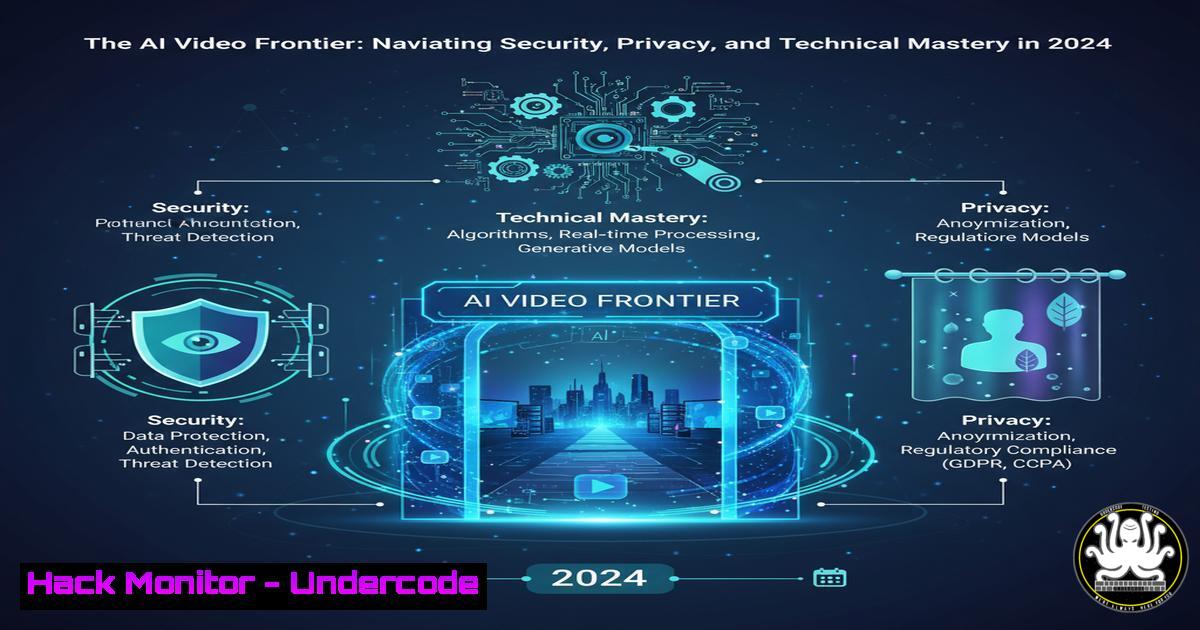
Introduction:
The rapid democratization of AI video generation, as highlighted by creators exploring tools like Google Veo3 and Higgsfield AI, presents a new frontier of cybersecurity and IT operational challenges. Securing AI workflows, protecting intellectual property, and hardening the underlying infrastructure are no longer optional but critical for anyone building in this digital “playground.”
Learning Objectives:
- Understand the core cybersecurity risks associated with AI video generation platforms and APIs.
- Learn essential commands for securing local development environments where AI tools are utilized.
- Implement hardening procedures for cloud-based AI workloads and data pipelines.
You Should Know:
1. Securing Your AI Development Workstation
The first line of defense is the machine where you create, test, and manage your AI projects. A compromised workstation can lead to stolen API keys, hijacked models, and corrupted video assets.
 Linux/Mac: Basic system integrity and network check
sudo ss -tulpn | grep LISTEN  List all listening ports and associated processes
ps aux | grep -i "veo|ai"  Check for any suspicious AI-related processes
sudo lsof -i :7860  Check what process is using a common AI tool port (e.g., for Stable Diffusion)

Windows PowerShell: Equivalent checks
Get-NetTCPConnection -State Listen | Select-Object LocalPort, OwningProcess
Get-Process | Where-Object {$_.ProcessName -like "ai"}
netstat -ano | findstr :7860
Step-by-step guide:
Run the `ss` or `Get-NetTCPConnection` commands regularly to establish a baseline of normal network activity on your machine. When using new AI software, check again to see which ports it opens unexpectedly. An unknown listening port could be a backdoor. The lsof/netstat command helps identify the application bound to a specific port, allowing you to verify its legitimacy.
2. Hardening API Key Usage and Storage
AI video tools often require API keys for cloud services. Hardcoding these in scripts or client-side applications is a severe vulnerability.
 Linux/Mac: Securely set and use environment variables
echo 'export VEO_API_KEY="your_super_secret_key_here"' >> ~/.bashrc
source ~/.bashrc
 In your Python script, access the key securely
import os
api_key = os.environ.get('VEO_API_KEY')

Windows PowerShell: Securely store and use credentials
$secureKey = Read-Host -AsSecureString -Prompt "Enter API Key"
$B = [Runtime.InteropServices.Marshal]::SecureStringToBSTR($secureKey)
$api_key = [Runtime.InteropServices.Marshal]::PtrToStringBSTR($B)
 Use $api_key variable in your script. It exists only in this session's memory.
Step-by-step guide:
Never save API keys in your source code. For Linux/Mac, add the `export` command to your shell profile (~/.zshrc for Zsh users). This loads the key into your environment for the session. In scripts, always use `os.environ.get()` to retrieve it. For Windows, the PowerShell method avoids writing the key to disk in plaintext, keeping it only in volatile memory for the current session.
3. Container Security for Isolated AI Model Execution
Using Docker or Podman to run open-source AI models (like Wan2.2) isolates them from your host system, containing potential threats.
 docker-compose.yml for an AI tool
version: '3.8'
services:
ai-video-service:
image: your-ai-model-image:latest
container_name: isolated-ai-runner
restart: unless-stopped
ports:
- "127.0.0.1:7860:7860"  Bind only to localhost, not all interfaces
volumes:
- ./ai-output:/output  Isolated volume for outputs
read_only: true  Run the container's root filesystem as read-only
cap_drop:
- ALL  Drop all Linux capabilities by default
Step-by-step guide:
Create a `docker-compose.yml` file with the above configuration. The key security directives are read_only: true, which prevents malware from writing to the container filesystem, and cap_drop: - ALL, which removes unnecessary privileges. Binding to `127.0.0.1` only prevents external network access to the service. Run it with docker-compose up -d.
4. Network Security for AI Tool Traffic
AI applications communicate with APIs and models. Encrypting and monitoring this traffic is crucial to prevent eavesdropping or man-in-the-middle attacks.
 Use curl to test API endpoints with strict TLS verification
curl -H "Authorization: Bearer $API_KEY" https://api.veo.example.com/v1/generate \
--tlsv1.3 \  Enforce modern TLS
--cacert /path/to/trusted-ca.crt  Specify trusted Certificate Authority

Linux: Use tcpdump to monitor traffic to/from an AI tool's domain (for debugging)
sudo tcpdump -i any -A host api.veo.example.com
 WARNING: Only run this for debugging, as it can expose sensitive data.

Windows: Use PowerShell to check TLS version used by a remote endpoint
$request = [Net.HttpWebRequest]::Create("https://api.veo.example.com")
$request.GetResponse()
Step-by-step guide:
When integrating an AI video API, use the `curl` command with `–tlsv1.3` to ensure your client negotiates a strong, modern encryption protocol. The `–cacert` option is an extra precaution to verify the server’s certificate against a specific CA bundle you trust. The `tcpdump` command is a diagnostic tool; use it to confirm that traffic is indeed encrypted (you should not see plaintext API keys or video data).
5. Vulnerability Scanning for AI Dependencies
The Python libraries and containers you use for AI projects can contain known vulnerabilities.
 Scan a Python requirements.txt for vulnerabilities using safety
pip install safety
safety check -r requirements.txt --output json

Scan a Docker image for vulnerabilities using Trivy
trivy image your-ai-model-image:latest

Use Snyk to monitor your project's dependencies for new vulnerabilities
snyk test --file=requirements.txt --project-name="My AI Video Project"
Step-by-step guide:
After creating a `requirements.txt` file with pip freeze > requirements.txt, run `safety check` to get a report of known security issues in your dependencies. Before deploying a Docker image, scan it with trivy. Integrate these commands into your CI/CD pipeline (e.g., GitHub Actions) to automatically block builds with critical vulnerabilities.
6. Cloud IAM Hardening for AI Services
When using cloud-based AI tools, the principle of least privilege must be applied to your Identity and Access Management (IAM) roles.
 AWS CLI: Attach a minimal policy to a user for an AI service (example: S3 for output storage)
aws iam put-user-policy --user-name Stella --policy-name MinimalS3Write --policy-document '{
"Version": "2012-10-17",
"Statement": [{
"Effect": "Allow",
"Action": [
"s3:PutObject"
],
"Resource": "arn:aws:s3:::my-ai-output-bucket/"
}]
}'

GCloud CLI: Create a custom role with specific permissions
gcloud iam roles create ai_video_user --project=$PROJECT_ID \
--title="AI Video User" \
--description="Custom role for generating and storing AI videos" \
--permissions="aiplatform.endpoints.predict,storage.objects.create"
Step-by-step guide:
Instead of using pre-built administrator roles, create custom IAM roles. The AWS example grants a user only the ability to write objects to a specific S3 bucket, nothing else. The GCP example creates a role that only allows making predictions on an AI platform endpoint and creating storage objects. This limits the “blast radius” if your credentials are compromised.
- Incident Response for a Compromised AI Model or API Key
Despite best efforts, breaches happen. Having a pre-defined response plan is critical.
 Linux/Mac/Windows (curl): Immediately revoke a compromised API key
curl -X DELETE -H "X-API-Key: $MASTER_KEY" \
https://api.veo.example.com/v1/keys/compromised_key_id

AWS CLI: Rotate access keys immediately
aws iam create-access-key --user-name Stella
aws iam delete-access-key --user-name Stella --access-key-id COMPROMISED_KEY_ID

System audit command to find recently run commands (for forensic analysis)
history | grep -E "(curl|wget|python|docker)" | tail -20
Step-by-step guide:
The moment you suspect an API key is leaked, use the provider’s API (as shown with curl) or CLI to revoke it. Immediately create a replacement key. For cloud credentials, use the `aws iam` commands to rotate keys. Simultaneously, use the `history` command to audit what was recently executed on your system, looking for anomalous activity that might indicate how the breach occurred.
What Undercode Say:
- The Human Element is the New Firewall. The creator’s emotional struggle and willingness to share their process is a powerful reminder that security awareness is a personal journey. The most sophisticated technical controls can be undone by a single moment of fatigue or frustration at 2:09 AM. Security training must be empathetic and integrated into the creative workflow, not just a set of compliance checkboxes.
- The “Student Perk” is a Threat Vector. The search for student discounts and free access creates a prime social engineering and supply-chain attack surface. Attackers can create fake “AI tool” offers to harvest credentials or distribute malware-laden SDKs. Verification of these offers through official channels and the use of isolated environments (like containers) for testing new tools is non-negotiable.
Prediction:
The normalization of AI video creation will lead to a new class of threats in 2024-2025, specifically “AI Model Poisoning” and “Synthetic Media Hijacking.” Malicious actors will begin targeting the datasets and training pipelines of popular models to introduce biases, backdoors, or vulnerabilities that manifest in the generated content. Furthermore, we will see the first major worm that propagates by exploiting vulnerabilities in the interconnection between different AI services (e.g., an AI video generator calling an AI music API), creating self-replicating synthetic media campaigns. The security community’s focus will need to shift from just protecting the infrastructure to also assuring the integrity and provenance of the AI-generated content itself.
🎯Let’s Practice For Free:
IT/Security Reporter URL:
Reported By: Stella Soribe – Hackers Feeds
Extra Hub: Undercode MoN
Basic Verification: Pass ✅


