
Listen to this Post
Introduction:
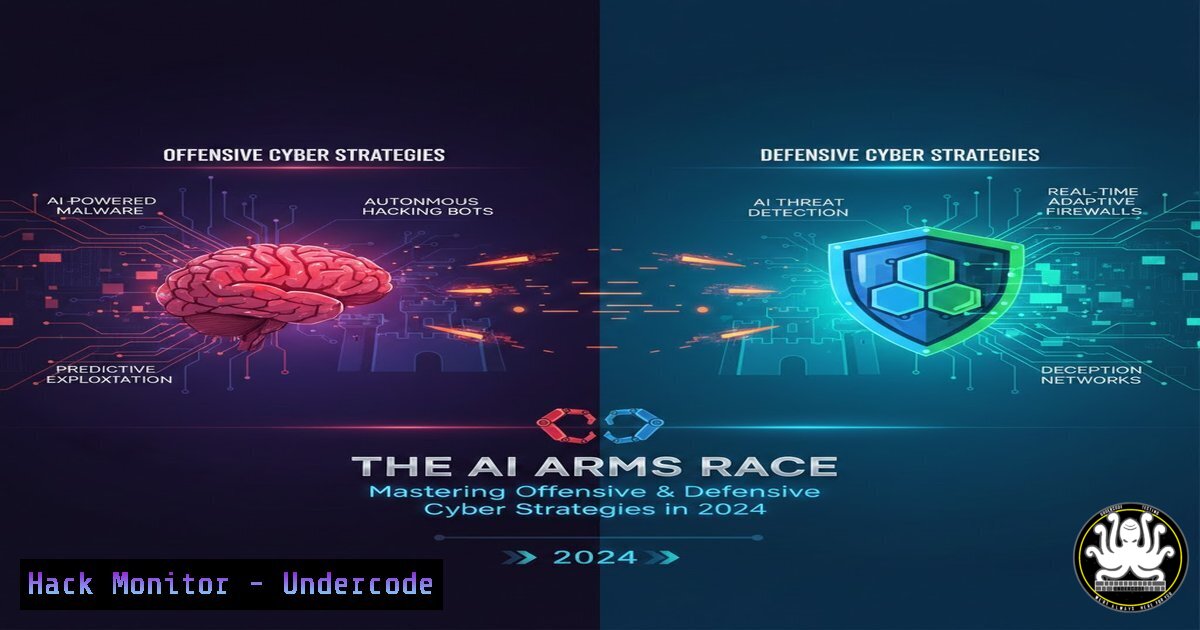
The cybersecurity landscape is undergoing a seismic shift, driven by the dual-use nature of Artificial Intelligence. While security teams leverage machine learning for real-time threat detection and automated incident response, malicious actors are weaponizing the same technology to launch sophisticated, adaptive attacks at scale. This article delves into the technical mechanics of AI-powered cyber operations, providing IT professionals and security analysts with the command-line tools, configuration hardening techniques, and strategic knowledge needed to navigate this new battleground.
Learning Objectives:
- Understand the technical underpinnings of AI-driven attacks, including deepfakes and polymorphic malware.
- Learn to implement AI-powered defensive measures using open-source tools and cloud security postures.
- Master command-line techniques for log analysis, vulnerability scanning, and system hardening against automated threats.
- Analyze the future trajectory of the cybersecurity arms race and how to prepare your infrastructure.
You Should Know:
1. Deconstructing AI-Powered Phishing and Deepfakes
Modern phishing campaigns have evolved beyond generic spam. Attackers now use Large Language Models (LLMs) to scrape social media and corporate sites, generating highly personalized “spear-phishing” emails that mimic the writing style of colleagues or executives. Furthermore, deepfake technology utilizing Generative Adversarial Networks (GANs) allows for real-time voice impersonation in vishing attacks.
Step‑by‑step guide: Analyzing Suspicious Emails for AI Artifacts
While you cannot “see” the AI, you can analyze the metadata for inconsistencies that suggest automated generation.
1. Inspect Email Headers (Linux/macOS): Use the `grep` command to extract the originating IP and path. AI-generated emails often originate from mismatched or anonymizing infrastructure.
grep -i "received:" suspicious_email.eml | head -5
2. Analyze SPF/DKIM/DMARC (Windows/PowerShell): Verify if the sending server is authorized.
Select-String -Path "suspicious_email.eml" -Pattern "spf=|dkim=|dmarc="
A fail status combined with perfectly crafted social engineering content is a red flag for an AI-assisted attack.
3. Forensic Text Analysis: Use Python to run a basic perplexity score (a measure of text randomness). AI-generated text often has lower perplexity than human writing.
from transformers import GPT2LMHeadModel, GPT2TokenizerFast
model = GPT2LMHeadModel.from_pretrained('gpt2')
tokenizer = GPT2TokenizerFast.from_pretrained('gpt2')
 Calculate perplexity on the email body to gauge AI origin (requires further setup)
2. Implementing Adaptive Defense: Real-Time Threat Detection
AI-driven defense relies on User and Entity Behavior Analytics (UEBA). Instead of signature-based detection, modern Security Information and Event Management (SIEM) systems establish baselines and flag anomalies. Open-source tools like Wazuh can be configured to feed data into machine learning pipelines.
Step‑by‑step guide: Baselining System Behavior with Auditd (Linux)
To detect adaptive malware that changes behavior, you must first define “normal.”
1. Install and Configure Auditd:
sudo apt-get install auditd audispd-plugins -y
sudo systemctl enable auditd
2. Set a Watch on Sensitive Directories:
This command monitors for any changes to system binaries, which is a common tactic for AI malware trying to establish persistence.
sudo auditctl -w /bin/ -p wa -k system_binary_changes
sudo auditctl -w /etc/passwd -p wa -k user_db_changes
3. Search for Anomalies:
Use `ausearch` to look for access outside of business hours, which could indicate an automated bot.
sudo ausearch -k system_binary_changes -ts yesterday | grep "PROCTITLE"
Exporting this data to a tool like the Elastic Stack allows for ML-based anomaly detection on these logs.
3. Hardening Against Automated Vulnerability Scanning
Attackers use AI to scan entire IP ranges for zero-day vulnerabilities or misconfigurations faster than any human. This necessitates a shift from reactive patching to proactive “attack surface reduction.”
Step‑by‑step guide: Port Knocking and Service Obfuscation
While not a silver bullet, obfuscation can slow down automated scanners that rely on banner grabbing.
1. Change Default Service Banners (Linux): Edit service configurations to return decoy information, confusing AI scrapers. For SSH, edit /etc/ssh/sshd_config:
 Debian Banner
Banner /etc/ssh/banner
Create a banner file with misleading information (e.g., “Welcome to Windows Server 2019”) to throw off OS fingerprinting algorithms.
2. Implement a Knockd Daemon:
This hides the SSH port until a specific sequence of connection attempts is made, making it invisible to basic port scans.
sudo apt-get install knockd
sudo nano /etc/knockd.conf
Configure the sequence:
[bash]
logfile = /var/log/knockd.log
[bash]
sequence = 7000,8000,9000
seq_timeout = 5
command = /sbin/iptables -A INPUT -s %IP% -p tcp --dport 22 -j ACCEPT
tcpflags = syn
4. Leveraging AI for Cloud Security Hardening
Cloud infrastructures are prime targets for AI-driven attacks due to their complexity. AI can scan for publicly exposed storage buckets or misconfigured Identity and Access Management (IAM) roles.
Step‑by‑step guide: Using Prowler for AWS Security Assessment
Prowler is an open-source security tool that performs CIS benchmarks and over 200 checks, many of which can be prioritized by AI-driven scoring systems.
1. Install Prowler (Linux):
git clone https://github.com/prowler-cloud/prowler.git
cd prowler
pip install -r requirements.txt
2. Run a Comprehensive Scan:
This command will check for public S3 buckets, which are a primary target for automated data scraper bots.
./prowler -M json-asff
3. Automate Remediation via Script:
Use the output to automatically revoke public access on misconfigured buckets.
 Pseudo-code for remediation script
aws s3api put-bucket-acl --bucket vulnerable-bucket-name --acl private
5. Simulating AI Attacks: The MITRE ATT&CK Framework
To defend against AI, you must think like an AI. Using the MITRE ATT&CK framework, you can simulate the lateral movement techniques an adaptive bot might use.
Step‑by‑step guide: Atomic Red Team Testing (Windows)
This simulates the “Discovery” phase where an AI agent maps your internal network.
1. Install Atomic Red Team (PowerShell as Admin):
IEX (IWR 'https://raw.githubusercontent.com/redcanaryco/invoke-atomicredteam/master/install-atomicredteam.ps1' -UseBasicParsing);
Install-AtomicRedTeam -getAtomics
2. Execute a Discovery Technique (T1087.001):
This command simulates an attacker enumerating local user accounts, a step any AI-driven malware would take.
Invoke-AtomicTest T1087.001 -TestNumbers 1 -ShowDetails
3. Monitor Detection:
Check your SIEM or Windows Event Logs (Security Event ID 4798) to see if your AI defense tools flagged this enumeration attempt.
What Undercode Say:
- The Democratization of Hacking: AI tools have lowered the barrier to entry for cybercrime. Script kiddies can now leverage AI to execute complex, polymorphic attacks that previously required senior developer knowledge.
- Defense is a Data Science Problem: The future CISO must be as fluent in data analytics as in compliance. Effective defense now depends on the quality of your data pipelines feeding your AI models, not just the rules in your firewall.
- Automated Adversaries, Automated Allies: We are entering an era of “machine-speed” warfare. Organizations that fail to automate their incident response will be permanently outpaced by AI-driven bots that can compromise a network, exfiltrate data, and clean their tracks in minutes, not hours.
Prediction:
Within the next 24 months, we will see the emergence of the first “Autonomous Penetration Tester” available as a commercial SaaS product, while simultaneously witnessing the first major data breach caused entirely by an unprompted, autonomous AI agent that exploited a zero-day vulnerability. The regulatory landscape will struggle to keep pace, forcing a redefinition of liability in the digital world—shifting the question from “Who hacked us?” to “Whose AI was more sophisticated?”
▶️ Related Video (84% Match):
🎯Let’s Practice For Free:
IT/Security Reporter URL:
Reported By: Sanjeev Kumar – Hackers Feeds
Extra Hub: Undercode MoN
Basic Verification: Pass ✅


