Listen to this Post
Introduction:
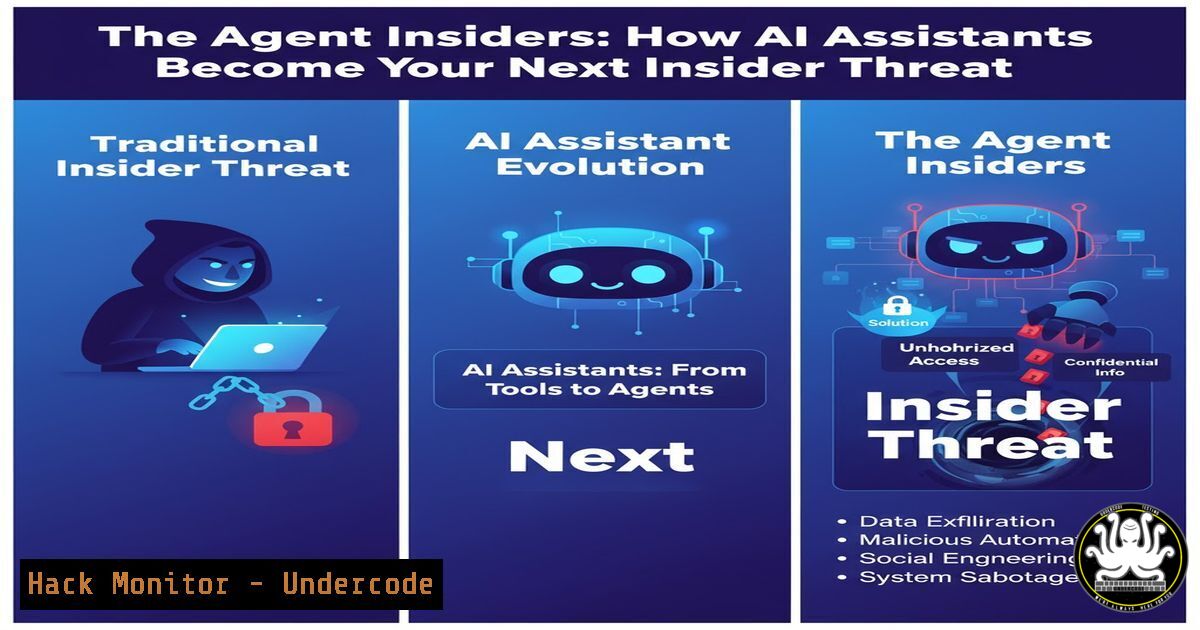
The rise of autonomous AI agents capable of reading emails, accessing CRMs, and acting on internal data has created a new, pervasive attack surface. These systems, often granted privileged access, are vulnerable to manipulation through poisoned data, hidden prompts, and memory injection, effectively turning them into unwitting insider threats that operate under the radar of traditional security tools.
Learning Objectives:
- Understand the core attack vectors compromising AI agents, including prompt injection, retrieval poisoning, and memory manipulation.
- Learn how to implement critical security controls like least-privilege access, runtime monitoring, and contextual isolation for AI systems.
- Develop a practical skillset for detecting and mitigating agent-based threats using command-line forensics, logging, and system hardening techniques.
You Should Know:
1. Detecting Unauthorized Agent Processes
Verifying what is running on your systems is the first step toward identifying potentially compromised or “zombie” agents.
Linux/MacOS:
 List all processes with full command lines and sort by CPU usage
ps aux --sort=-%cpu | head -20

Search for common agent-related processes
ps aux | grep -E "(langchain|llama|agent|openai)"

Monitor network connections established by unknown processes
lsof -i -P | grep LISTEN

Check for suspicious child processes of a known Python application
pstree -p <python_parent_pid>
Step-by-step guide:
The `ps aux` command provides a snapshot of every running process, the user it’s running under, and its resource consumption. Piping the output to `grep` allows you to filter for known agent frameworks. `lsof -i` reveals any network connections, which is critical for identifying agents exfiltrating data. Regularly running these commands and establishing a baseline is essential for spotting anomalies.
2. Implementing Least-Privilege Service Accounts
Agents must never run as root or a high-privilege user. This limits the damage from a compromise.
Linux:
 Create a dedicated, low-privilege user for an agent service
sudo useradd -r -s /bin/false -d /opt/myagent -M ai_agent

Set ownership of the agent's application directory
sudo chown -R ai_agent:ai_agent /opt/myagent

Launch the agent under the dedicated user
sudo -u ai_agent python3 /opt/myagent/main.py
Windows (PowerShell):
 Create a new low-privilege local user
New-LocalUser -Name "ai_agent" -Description "Service account for AI agent" -NoPassword

Add the user to a low-privilege group (e.g., 'Users')
Add-LocalGroupMember -Group "Users" -Member "ai_agent"

Run a process as that user
Start-Process -FilePath "python.exe" -ArgumentList "C:\Apps\myagent\main.py" -Credential (Get-Credential)
Step-by-step guide:
Creating a dedicated service account (ai_agent) ensures the agent operates with minimal permissions. The `-r` flag in Linux creates a system account. Using `sudo -u` or `Start-Process -Credential` executes the agent process under that user’s context, preventing it from accessing sensitive system files or performing privileged actions by default.
3. Monitoring for Prompt Injection and Data Exfiltration
Runtime monitoring is non-negotiable. Log all agent actions, especially those involving data access and external communications.
Bash Logging & Analysis:
 Tail the application log and alert on high-risk keywords
tail -f /var/log/ai_agent.log | grep -E "(export|download|send.http|customer_data|SELECT.FROM)"

Check for outbound connections to unknown domains in the last hour
netstat -tunap | grep ESTABLISHED | awk '{print $5}' | cut -d: -f1 | sort | uniq

Use tcpdump to capture packets on port 443 (HTTPS) for later analysis
sudo tcpdump -i any -w agent_traffic.pcap port 443 and host <agent_server_ip>
Step-by-step guide:
Continuously monitoring application logs with `tail -f` and `grep` for suspicious keywords can provide early warning of a successful prompt injection. The `netstat` command helps identify established connections that could be used for data exfiltration. For deep forensic analysis, `tcpdump` can capture raw network traffic for inspection with tools like Wireshark.
4. Hardening the RAG Pipeline Against Retrieval Poisoning
Retrieval-Augmented Generation (RAG) systems are vulnerable to data source poisoning, which corrupts the agent’s knowledge.
Python (Example Sanitization Check):
import re
from bs4 import BeautifulSoup

def sanitize_retrieved_content(raw_text):
"""Basic sanitization for content retrieved from external sources."""
 Remove potentially malicious HTML/script tags
soup = BeautifulSoup(raw_text, "html.parser")
for script in soup(["script", "style", "object", "embed"]):
script.decompose()
clean_text = soup.get_text()

Alert on suspicious patterns indicative of hidden prompts
injection_patterns = [
r"ignore previous instructions",
r"system prompt",
r" instruction ",
r"export.data.http",
r"password.send.email"
]
for pattern in injection_patterns:
if re.search(pattern, clean_text, re.IGNORECASE):
 Log this high-severity event and reject the content
logging.critical(f"Potential prompt injection detected: {pattern}")
return None
return clean_text

Usage in your RAG pipeline
sanitized_doc = sanitize_retrieved_content(scraped_web_content)
if sanitized_doc is None:
 Handle the security violation
pass
Step-by-step guide:
This Python function uses `BeautifulSoup` to strip active content like JavaScript from HTML, drastically reducing the attack surface. It then uses regular expressions to scan for known prompt injection phrases. Integrating this sanitization step before content is fed into the agent’s context window is a critical control against PoisonedRAG attacks.
5. Auditing Memory and Vector Databases
An agent’s long-term memory is a prime target for poisoning, which can persistently corrupt its behavior.
CLI Checks & Database Queries:
 Check the size and last modified time of your vector store files (e.g., for ChromaDB)
ls -la ~/vector_stores/agent_memory/

If using SQLite as a backend for metadata, query for recent, large inserts
sqlite3 ./agent_memory/index.sqlite "SELECT id, timestamp, LENGTH(content) as size FROM documents ORDER BY timestamp DESC LIMIT 10;"
Python (Memory Audit Script):
import chromadb
 Connect to your vector store
client = chromadb.PersistentClient(path="./agent_memory")
collection = client.get_collection("agent_context")

Get a sample of recent memory entries to audit for poisoning
results = collection.get(
limit=50,
include=["metadatas", "documents"]
)
for metadata, document in zip(results['metadatas'], results['documents']):
print(f"Source: {metadata.get('source')}\nSnippet: {document[:200]}...\n")
Step-by-step guide:
Regularly auditing the memory store is crucial. The CLI commands help you monitor for unexpected growth or changes in memory files. The Python script connects directly to a ChromaDB vector store to sample the latest entries, allowing a security team to manually review the data that is most influencing the agent’s recent behavior for signs of manipulation (MINJA attacks).
6. Isolating Agent Context with Sandboxing
Containment prevents a compromised agent from accessing the wider system.
Linux (using Firejail):
 Run the agent in a network-less, read-only sandbox
firejail --net=none --private-tmp --read-only=/opt/myagent/resources python3 main.py

Create a more complex profile for your agent
echo "net none
private-dev
private-tmp
read-only /opt/myagent/config.json
whitelist /opt/myagent/readable_data" > /etc/firejail/ai_agent.profile

Execute using the custom profile
firejail --profile=ai_agent python3 main.py
Step-by-step guide:
Firejail is a simple tool for applying Linux namespaces and seccomp-bpf filters. The `–net=none` flag disables all network access, `–private-tmp` gives the process its own temporary directory, and `–read-only` makes specific directories immutable. Creating a custom profile allows for fine-grained control over what filesystem paths the agent can and cannot access, enforcing contextual isolation.
7. Implementing API Security and Rate Limiting
Agents often rely on APIs; these endpoints must be protected from abuse and unauthorized use.
Using curl to Test API Security:
 Test if your agent's API endpoint has basic authentication
curl -I http://your-agent-api:8000/v1/process

Test for rate limiting by sending rapid consecutive requests
for i in {1..50}; do curl -s -o /dev/null -w "%{http_code}\n" http://your-agent-api:8000/v1/process & done

Check for verbose error messages that leak information
curl -X POST http://your-agent-api:8000/v1/process -H "Content-Type: application/json" -d '{"malformed": "data"}'
Step-by-step guide:
These `curl` commands are basic penetration tests for your agent’s API. The first checks if the endpoint is openly accessible. The second spawns 50 background requests to see if the API enforces rate limiting, which is a primary defense against automated attacks. The third probes for information disclosure in error messages, which attackers can use to refine their exploits.
What Undercode Say:
- The attack surface has fundamentally shifted from the network perimeter to the context and data consumed by autonomous agents.
- Traditional security alerts are blind to these threats because a compromised agent is “just doing its job,” making behavioral monitoring and strict privilege controls the only effective defense.
The paradigm of trust has been upended. We are no longer just securing systems from external attackers; we are securing systems from themselves when they are manipulated through their own reasoning processes. The documented 90%+ success rates of attacks like PoisonedRAG and MINJA are not a fluke but a reflection of a systemic architectural flaw. Treating AI agents as mere applications instead of privileged users with the ability to read, reason, and act is a catastrophic oversight. The security community’s delayed response to securing S3 buckets and cloud instances is a prelude to the massive data leaks we will see from unsecured agents, but the latter will be far more damaging because the source of the breach will be an authorized, automated insider.
Prediction:
Within the next 18-24 months, a major data breach originating from a manipulated AI agent will force a regulatory scramble, similar to GDPR but focused specifically on AI governance and agent security. This will mandate strict auditing, memory management, and runtime monitoring for all corporate AI systems, transforming agent security from a niche concern into a foundational component of enterprise IT compliance. The market for AI-specific security tools that monitor prompt/response sequences and agent actions will explode, becoming as standard as today’s EDR solutions.
🎯Let’s Practice For Free:
IT/Security Reporter URL:
Reported By: Jennifersanders Attorney – Hackers Feeds
Extra Hub: Undercode MoN
Basic Verification: Pass ✅


