Listen to this Post
Introduction:
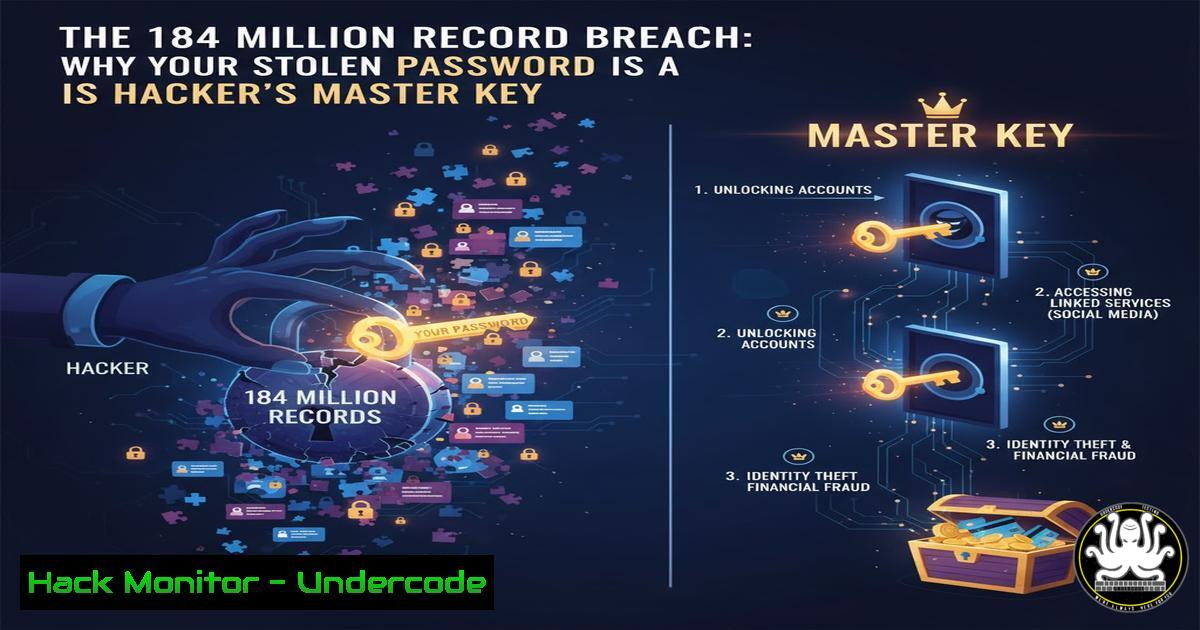
A massive data leak, comprising 184 million user credentials, has been exposed from infected computers worldwide. This incident, stemming from Infostealer malware, underscores that modern credential theft targets individual endpoints, not just corporate servers, making every employee a potential entry point.
Learning Objectives:
- Understand the operational mechanics of Infostealer malware and how it harvests credentials.
- Learn critical commands to detect malicious activity and harden systems against credential theft.
- Implement proactive measures for credential monitoring and enforcing multi-factor authentication (MFA).
You Should Know:
1. Infostealer Malware: The Silent Credential Harvestor
Infostealers are malicious programs designed to silently scrape data from an infected computer. They typically target browsers, password managers, and cryptocurrency wallets, harvesting saved credentials, cookies, and autofill data.
Command to Scan for Suspicious Processes (Windows PowerShell):
`Get-WmiObject Win32_Process | where {$_.Name -notlike “Microsoft”} | select Name, ProcessId, CommandLine | fl`
Step-by-step guide: This PowerShell command queries all running processes. It filters out some common Microsoft processes for a more manageable list and displays the process name, its ID, and the full command line used to start it. Look for unrecognized processes, especially those with suspicious command-line arguments or located in temporary folders (%temp%, AppData\Local\Temp). This can help identify running Infostealer payloads.
2. Hunter Becomes the Hunted: Querying Threat Intelligence
Once a data breach is public, you can check if your organization’s email domains have been compromised. This allows for proactive password resets and user alerts.
Command to Query Have I Been Pwned’s API via PowerShell:
`Invoke-RestMethod -Uri “https://haveibeenpwned.com/api/v3/breached-domain/yourcompany.com” -Headers @{“hibp-api-key” = “YourApiKeyHere”}`
Step-by-step guide: This command uses `Invoke-RestMethod` to call the HIBP API. Replace `yourcompany.com` with your organization’s domain. You must obtain a free API key from HIBP and insert it in the header. A successful response with data indicates your domain was found in a known breach, listing the breach sources. This intelligence is crucial for incident response.
3. Hardening Windows Defender Against Payload Delivery
Windows Defender Antivirus can be configured for stronger protection against script-based Infostealer droppers.
PowerShell Command to Enable Controlled Folder Access:
`Set-MpPreference -EnableControlledFolderAccess Enabled`
Step-by-step guide: Controlled Folder Access is a feature that protects your valuable data from malicious apps and threats, like ransomware and Infostealers. Executing this command in an administrative PowerShell session enables the feature. It will block unauthorized applications from making changes to files in protected folders (like Documents, Pictures, and Desktop). Test this in a non-production environment first, as it may block legitimate software.
4. Auditing Linux System for Unauthorized User Access
Infostealers can create or leverage existing user accounts for persistence. Regular auditing is essential.
Linux Command to List All Users and Their Login Shells:
`cat /etc/passwd | awk -F: ‘{ print $1 ” – ” $7 }’ | sort`
Step-by-step guide: This command reads the `/etc/passwd` file, which stores user account information. The `awk` command parses the file (using colon `:` as a field separator) to print only the username ($1) and their login shell ($7). The output is then sorted. Scrutinize this list for unknown users or users with a shell (like /bin/bash) that should not have one (e.g., a service account like `nginx` or mysql).
5. Detecting Network Callbacks to C2 Servers
Infostealers often “call home” to exfiltrate data. Monitoring for unexpected network connections is key.
Linux netstat Command for Active Connections:
`netstat -tunap | grep ESTABLISHED`
Step-by-step guide: The `netstat` command displays network connections. The flags `-t` (TCP), `-u` (UDP), `-n` (show numerical addresses), `-a` (show all), and `-p` (show process ID/program name) combine to give a detailed view. Piping to `grep ESTABLISHED` filters for active connections. Investigate any established connections to unknown external IP addresses, especially on unusual ports.
6. The Non-Negotiable Defense: Enforcing Multi-Factor Authentication
The primary lesson from this leak is that passwords alone are insufficient. MFA is critical. While often configured via cloud admin consoles, the principle can be checked via command-line tools for certain services.
AWS CLI Command to Check MFA Status for an IAM User:
`aws iam list-mfa-devices –user-name `
Step-by-step guide: This command uses the AWS Command Line Interface to list the MFA devices associated with a specific IAM user. Replace `
7. Analyzing Dumped LSASS Memory for Credential Theft
Advanced Infostealers often dump the LSASS process memory to extract plaintext passwords and NTLM hashes. Monitoring for this activity is critical.
Windows Command to Monitor for LSASS Access (using Sysinternals Process Monitor from command line):
`Procmon.exe /AcceptEula /Quiet /BackingFile C:\Logs\procmon.pml /LoadConfig MyFilter.pmc`
Step-by-step guide: This command launches Sysinternals Process Monitor with a pre-defined filter configuration. You must create a filter (MyFilter.pmc) that highlights processes accessing lsass.exe. The log is written to a file for later analysis. Seeing a process like mimikatz.exe, dump.exe, or any non-Microsoft process accessing LSASS is a high-fidelity alert of credential theft attempts.
What Undercode Say:
- The Perimeter is Personal: The corporate network perimeter has dissolved into every employee’s laptop. Security training must evolve from “don’t click bad links” to “your device is a treasure trove for attackers; here’s how to lock it down.”
- Intelligence is Actionable: Merely knowing about a breach is not enough. The technical ability to quickly query threat intelligence feeds and cross-reference them with internal user directories is what separates proactive from reactive security teams. The commands provided are the first step in building that automation.
This incident is not a failure of major tech providers but a stark reminder of the persistent threat landscape on the endpoint. The analysis shows a clear shift towards attacks that amass credentials from a vast number of individual sources, which are then aggregated and weaponized.
Prediction:
The aggregation of Infostealer logs into centralized, searchable databases will commoditize initial access for ransomware groups and state-sponsored actors. We will see a rise in “access brokers” selling validated corporate credentials on dark web markets. This will lower the barrier to entry for sophisticated attacks, making it imperative for organizations to deploy robust Endpoint Detection and Response (EDR) systems, enforce MFA universally, and adopt a “zero-trust” posture where no user or device is inherently trusted.
🎯Let’s Practice For Free:
IT/Security Reporter URL:
Reported By: Emeline Cyclic – Hackers Feeds
Extra Hub: Undercode MoN
Basic Verification: Pass ✅


