Listen to this Post
Introduction:
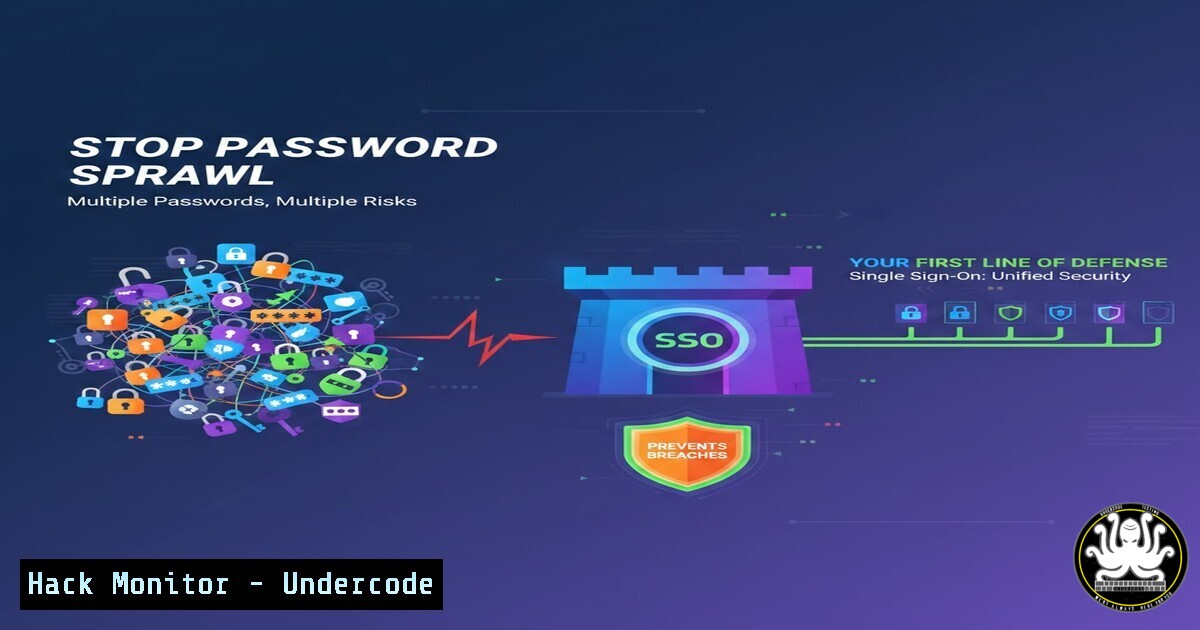
In the modern enterprise, the humble password has become the greatest vulnerability. The proliferation of SaaS applications—from ERP and CRM to HRMS and internal tools—forces employees to manage dozens of credentials, leading to “password fatigue.” This fatigue inevitably results in risky behaviors like password reuse and creates a massive attack surface for phishers. Implementing Single Sign-On (SSO) is no longer just a convenience feature; it is a critical security control that centralizes identity management, enforces robust authentication policies, and significantly reduces the organization’s exposure to credential-based attacks.
Learning Objectives:
- Understand the security risks associated with decentralized password management and the architecture of SSO.
- Learn how to audit your current identity landscape and map out an SSO implementation strategy.
- Gain practical knowledge of protocols like SAML and OIDC, and explore configuration steps for popular tools.
You Should Know:
1. Auditing the Current Identity Chaos
Before implementing a solution, you must quantify the problem. The first step is to discover every application and service currently in use within your organization. Shadow IT is a significant risk; employees often sign up for tools without involving the IT department.
Step‑by‑step guide to discover SaaS sprawl:
- Browser Credential Audit (Client-Side): Ask users to check their browser password managers. This provides a list of sites where credentials are stored.
– In Chrome: Navigate to `chrome://settings/passwords`
– In Firefox: Navigate to `about:logins`
2. Network Log Analysis (Server-Side): Analyze proxy logs or firewall logs to identify outbound traffic to domains associated with business applications (e.g., slack.com, asana.com, salesforce.com).
– Linux Command: Use `grep` and `awk` to parse Squid or Apache access logs for unique domains.
 Extract and count unique domains from access logs (example for Apache)
sudo cat /var/log/apache2/access.log | awk '{print $4}' | sort | uniq -c | sort -nr | head -20
3. Active Directory / LDAP Query (Windows): Identify applications that may be using LDAP for authentication.
 PowerShell: Check for service accounts that might be used for application bindings
Get-ADUser -Filter {ServicePrincipalName -like ""} -Properties ServicePrincipalName
2. Core Protocols: SAML vs. OIDC
SSO relies on standard protocols to exchange authentication data. The two most common are Security Assertion Markup Language (SAML) and OpenID Connect (OIDC). Understanding the difference is key to configuration.
– SAML 2.0: Uses XML to pass assertions (identity data) from the Identity Provider (IdP) to the Service Provider (SP). It is common in older enterprise software.
– OIDC: Built on top of OAuth 2.0, it uses JSON Web Tokens (JWTs). It is more modern and suited for mobile and API-centric applications.
Step‑by‑step guide to decoding a SAML Response:
When troubleshooting SSO, you might need to inspect the SAML payload.
1. Use a browser extension like “SAML Tracer” to capture the HTTP POST containing the SAML Response.
2. Copy the Base64-encoded SAML Response.
- Decode it using a Linux command-line tool to read the XML assertion.
Decode Base64 SAML Response to view user attributes and issuer
echo "Base64EncodedStringHere" | base64 -d | xmllint --format -
3. Hardening the Identity Provider (IdP) Configuration
Once you choose an IdP (like Azure AD, Okta, or JumpCloud), misconfigurations can negate the security benefits of SSO.
Step‑by‑step guide to conditional access policies (Azure AD Example):
1. Navigate to Azure Active Directory > Security > Conditional Access.
2. Create a new policy.
- Assignments > Users and groups: Select “All users” or specific pilot groups.
- Assignments > Cloud apps or actions: Select the SSO-integrated applications.
- Access controls > Grant: Enforce “Require multi-factor authentication” and “Require device to be marked as compliant.”
- Enable policy: Set to “Report-only” initially to audit impact before turning it “On.”
– Security Concept: This ensures that even if a user’s password is stolen, the attacker cannot access the app without the second factor or a managed device.
- Implementing SSO on Linux Servers (PAM and SSSD)
SSO isn’t just for web apps; it should extend to server infrastructure. Integrating Linux servers with Active Directory or LDAP via SSO ensures that SSH access is centralized and can be revoked immediately upon employee termination.
Step‑by‑step guide to joining Linux to AD for SSO (using realmd/SSSD):
1. Install the necessary packages on Ubuntu/Debian:
sudo apt update
sudo apt install realmd sssd sssd-tools libnss-sss libpam-sss adcli packagekit
2. Discover the domain:
sudo realm discover YOURDOMAIN.COM
3. Join the domain:
sudo realm join --user=administrator YOURDOMAIN.COM
4. Configure SSSD to permit login only for specific groups (enforcing role-based access):
sudo nano /etc/sssd/sssd.conf
 Under the [domain/yourdomain.com] section, add:
 access_provider = simple
 simple_allow_groups = linux-admins, developers
5. Restart the service:
sudo systemctl restart sssd
5. Automating Offboarding with API Calls
The “Instant access revoke” benefit of SSO is crucial. When an employee leaves, their access must be cut off from all applications simultaneously. This can be automated via the IdP’s API.
Step‑by‑step guide to deactivating a user via the Okta API (cURL Example):
1. Generate an API token in the Okta Admin console.
2. Use cURL to deactivate the user. This action typically suspends the user in Okta, which in turn terminates active sessions in all connected apps via SCIM (System for Cross-domain Identity Management).
 Deactivate a user by their Okta User ID
curl -X POST \
-H "Accept: application/json" \
-H "Content-Type: application/json" \
-H "Authorization: SSWS ${YOUR_API_TOKEN}" \
"https://{yourOktaDomain}.okta.com/api/v1/users/${USER_ID}/lifecycle/deactivate"
6. API Security: Beyond the User
Modern applications rely heavily on APIs. SSO often uses OAuth2, which issues tokens to applications, not just users. Securing machine-to-machine communication is part of the same identity fabric.
Step‑by‑step guide to validating a JWT in a microservice:
When a service receives an OIDC token, it must validate the signature before trusting it.
1. Obtain the Public Key: Fetch the JWKS (JSON Web Key Set) from the IdP’s discovery endpoint.
 Python snippet using the 'jose' library to validate a token
from jose import jwt
import requests

Fetch the public keys from your IdP (e.g., Okta, Azure AD)
jwks = requests.get('https://{yourIdP}/oauth2/default/v1/keys').json()

Decode and validate the token's signature and audience (aud) claim
claims = jwt.decode(token, jwks, algorithms=['RS256'], audience='yourApiClientId')
print(claims)  Contains user/application identity
What Undercode Say:
- SSO is a Strategic Control, Not a Tactical Tool: Implementing SSO shifts the security paradigm from perimeter-based defense to identity-centric security. It transforms identity into the new firewall, giving security teams a centralized “kill switch” for the entire digital estate.
- MFA is Non-Negotiable: SSO without MFA is simply putting a single, high-value lock on the door. The real power of SSO is realized when combined with conditional access policies that require strong authentication based on risk signals (location, device health, IP reputation).
The analysis of this post underscores a fundamental truth in cybersecurity: complexity is the enemy of security. By aggregating authentication points into a single, hardened gateway, organizations reduce the attack surface, eliminate the risk of password fatigue, and create auditable, compliant access trails. The transition from managing thousands of passwords to managing a single, federated identity is the cornerstone of zero-trust architecture. It moves the organization from a reactive state of password resets to a proactive state of identity governance.
Prediction:
As the threat landscape evolves, we will see a complete migration away from passwords toward Passwordless Authentication (using biometrics, FIDO2 keys, and passkeys). SSO infrastructure will be the backbone that supports this transition, but the next wave will focus on securing the identity fabric itself against AI-driven phishing attacks that can bypass traditional MFA. The market will pivot toward Continuous Adaptive Trust, where sessions are continuously monitored for behavioral anomalies, forcing re-authentication in real-time rather than just at the login gate.
▶️ Related Video (82% Match):
🎯Let’s Practice For Free:
IT/Security Reporter URL:
Reported By: Hitesh Gopani – Hackers Feeds
Extra Hub: Undercode MoN
Basic Verification: Pass ✅


