
Listen to this Post
Introduction:
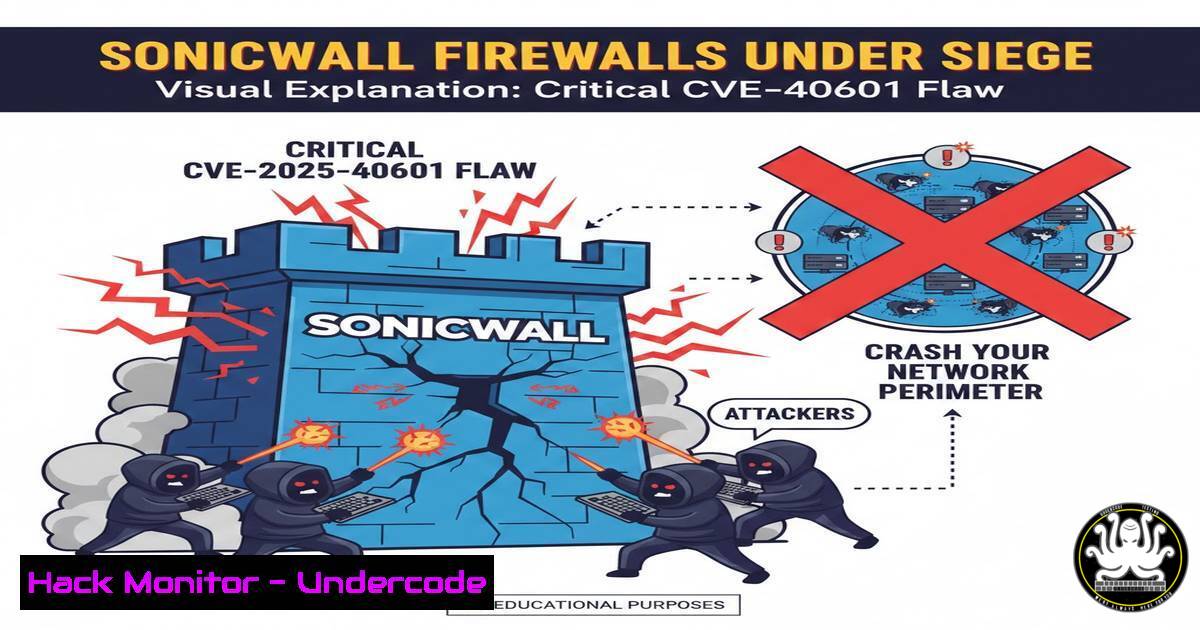
A newly disclosed high-severity vulnerability in SonicWall SonicOS has sent shockwaves through the cybersecurity community. Tracked as CVE-2025-40601, this stack-based buffer overflow flaw in the SSL-VPN component threatens the stability of Gen7 and Gen8 firewalls, potentially allowing unauthenticated attackers to trigger a denial-of-service condition and cripple organizational network perimeters. This vulnerability underscores the persistent threat facing critical network infrastructure and the urgent need for comprehensive patch management strategies.
Learning Objectives:
- Understand the technical mechanism behind the CVE-2025-40601 stack-based buffer overflow vulnerability.
- Identify vulnerable SonicWall firewall models and firmware versions in your environment.
- Implement immediate mitigation strategies including patching and security hardening.
- Develop monitoring capabilities to detect exploitation attempts against your VPN infrastructure.
- Establish a proactive vulnerability management program for network security devices.
You Should Know:
- Vulnerability Deep Dive: Deconstructing the Stack-Based Buffer Overflow
A stack-based buffer overflow occurs when a program writes more data to a buffer located on the stack than it can hold, overwriting adjacent memory including the return address. In the context of CVE-2025-40601, the SonicOS SSL-VPN service fails to properly validate the size of incoming data before processing it, allowing attackers to craft malicious packets that exceed the allocated buffer space.
Step-by-step guide explaining what this does and how to use it:
– The vulnerability resides in how SonicOS handles specific SSL-VPN requests, particularly in the packet parsing logic.
– When an oversized packet is received, it overflows the designated buffer on the stack.
– This overwrites critical control data, including the function return pointer, which controls what code executes next.
– In a denial-of-service scenario, the overwritten pointer typically points to invalid memory, causing the SSL-VPN service—or the entire firewall—to crash.
– While current analysis indicates this leads to DoS, sophisticated attackers could potentially leverage this to achieve remote code execution by carefully crafting the overflow data to point to malicious shellcode.
2. Identifying Vulnerable Systems in Your Environment
The first step in mitigation is identifying all potentially affected systems. CVE-2025-40601 impacts both hardware and virtual firewalls running SonicOS on Gen7 and Gen8 platforms. Specific vulnerable versions include SonicOS 7.x and certain SonicOS 6.5.x releases.
Step-by-step guide explaining what this does and how to use it:
– Access your SonicWall firewall management interface via web browser (typically https://[firewall-ip]).
– Navigate to System > Status to view the firmware version and hardware platform.
– For command-line verification, SSH into the firewall and execute:
show version
This command displays detailed firmware information including the SonicOS version and platform generation.
– Cross-reference your version against SonicWall’s security advisory to confirm vulnerability status.
– Document all instances in your asset management system, noting IP addresses, firmware versions, and business criticality.
3. Immediate Patching and Firmware Upgrade Procedures
SonicWall has released fixed firmware versions that address this vulnerability. Immediate patching is the most effective mitigation strategy. Always test updates in a non-production environment before deployment.
Step-by-step guide explaining what this does and how to use it:
– Download the appropriate firmware from the MySonicWall support portal specific to your hardware model.
– Backup your current configuration via System > Settings > Backup Settings in the management interface.
– Upload the new firmware through System > Firmware & Backups > Firmware Upgrade.
– Schedule a maintenance window as the firewall will reboot during the upgrade process.
– Verify successful upgrade by checking the firmware version post-reboot and confirming network connectivity is restored.
– For automated deployment across multiple firewalls, use SonicWall’s GMS (Global Management System) to push updates centrally.
4. Network Monitoring and Intrusion Detection Signatures
While patching is underway, implement network monitoring to detect potential exploitation attempts. Specific patterns in SSL-VPN traffic can indicate attack activity.
Step-by-step guide explaining what this does and how to use it:
– Deploy Suricata or Snort IDS/IPS with custom rules targeting anomalous SSL-VPN traffic:
alert tcp any any -> $HOME_NET 443 (msg:"SonicWall CVE-2025-40601 Exploit Attempt"; flow:to_server,established; content:"|SSLVPN|"; depth:6; byte_test:4,>,1024,0,relative; sid:1000001; rev:1;)
– Monitor firewall logs for SSL-VPN service crashes or restarts via System > Log > View.
– Set up SIEM alerts for multiple connection attempts to the SSL-VPN service from single sources.
– Implement netflow monitoring to detect unusual traffic patterns to your firewall’s management interface.
5. Compensating Controls and Temporary Mitigations
If immediate patching isn’t feasible, implement compensating controls to reduce attack surface while planning for remediation.
Step-by-step guide explaining what this does and how to use it:
– Restrict SSL-VPN access to specific source IP ranges through Firewall > Access Rules.
– Disable SSL-VPN entirely if not business-critical via VPN > SSL-VPN > Server Settings.
– Implement geographic blocking for countries without legitimate users.
– Enable certificate-based authentication instead of username/password to add an additional layer of security.
– Segment network access so that VPN users cannot directly access firewall management interfaces.
6. Vulnerability Scanning and Validation
Regular vulnerability scanning helps identify unpatched systems and validate remediation efforts. Both authenticated and unauthenticated scans provide different insights.
Step-by-step guide explaining what this does and how to use it:
– Configure Nessus or OpenVAS with SonicWall plugin families enabled.
– Run unauthenticated network scans to identify vulnerable services from an external perspective.
– Perform authenticated scans using firewall administrator credentials for deeper configuration assessment.
– Utilize specialized tools like SonicWall’s own security analytics or third-party firewall management platforms.
– Schedule recurring scans to detect configuration drift or missed patches in your environment.
7. Building a Proactive Network Security Posture
Beyond addressing this specific CVE, organizations should implement structured programs to maintain network security hygiene and accelerate future response efforts.
Step-by-step guide explaining what this does and how to use it:
– Establish a formal patch management policy with defined SLA for critical security updates.
– Maintain hardware lifecycle documentation with end-of-support dates for all network devices.
– Implement configuration management using tools like Ansible, Puppet, or Chef for network devices.
– Conduct regular tabletop exercises simulating vulnerability response scenarios.
– Subscribe to vendor security advisories and CVE notification services for immediate awareness.
– Develop automated deployment pipelines for firewall configuration and firmware updates.
What Undercode Say:
- Perimeter devices remain prime targets for attackers due to their exposed nature and critical network position. The recurrence of buffer overflow vulnerabilities in network infrastructure highlights fundamental software development lifecycle issues that vendors must address.
- The operational impact of firewall compromise extends beyond simple downtime, potentially enabling lateral movement into protected networks. Organizations should treat these devices with the same security rigor as critical servers, including rigorous testing, minimal exposed services, and comprehensive monitoring.
The disclosure of CVE-2025-40601 follows a familiar pattern of VPN-related vulnerabilities being discovered and weaponized. What distinguishes this event is its impact on widely deployed Gen7 and Gen8 platforms that form the backbone of many mid-market enterprise networks. The buffer overflow mechanism, while a classic vulnerability class, continues to appear in complex network services, suggesting that memory-safe programming practices haven’t been fully adopted in this domain. The relatively straightforward path to denial-of-service creates immediate business continuity concerns, while the potential for future weaponization into remote code execution cannot be ignored. Organizations that delay patching face not only service disruption risks but also potential compliance violations if the vulnerability affects protected data environments.
Prediction:
The discovery of CVE-2025-40601 will likely catalyze increased scanning and exploitation attempts against SonicWall infrastructure in the wild. Within weeks, we anticipate the emergence of Metasploit modules and standalone exploit tools targeting this vulnerability. The relative simplicity of triggering a denial-of-service condition makes this an attractive tool for hacktivists and unsophisticated attackers, while advanced threat actors may reverse engineer the patch to develop reliable remote code execution capabilities. This event will further accelerate the zero-trust migration trend as organizations seek to reduce their dependency on perimeter-based VPN technologies. SonicWall and competing firewall vendors will likely face increased scrutiny of their code quality assurance processes, potentially leading to more comprehensive security development lifecycle implementations across the network security industry.
🎯Let’s Practice For Free:
IT/Security Reporter URL:
Reported By: Wayne Shaw – Hackers Feeds
Extra Hub: Undercode MoN
Basic Verification: Pass ✅


