Listen to this Post
Introduction:
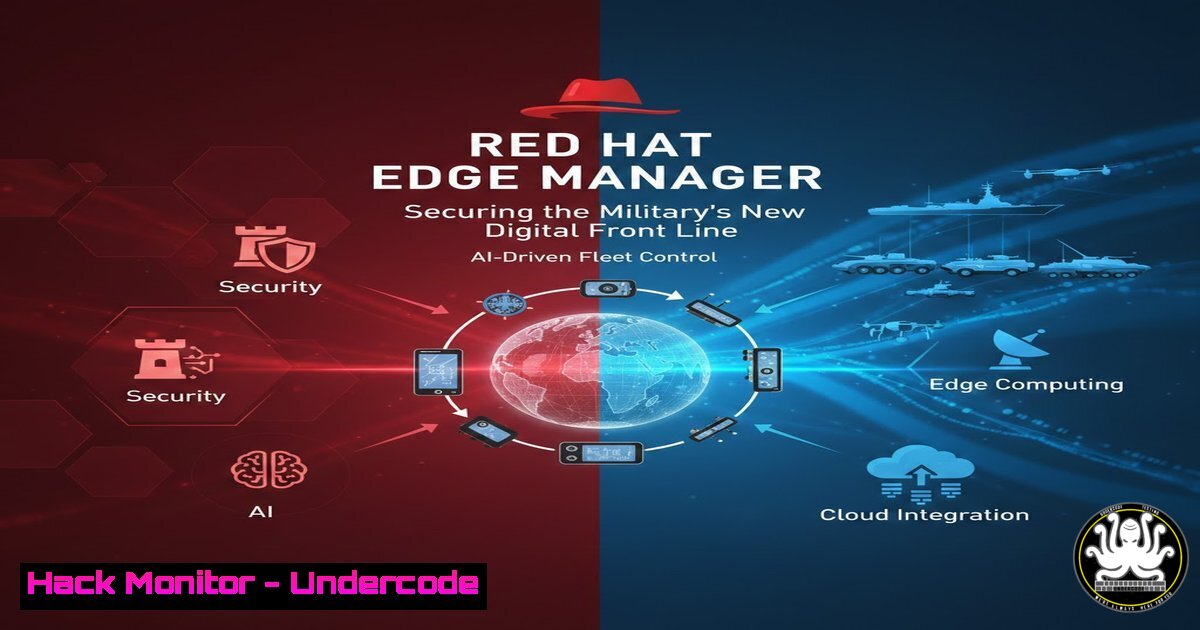
As defense operations increasingly rely on real-time data from drones, sensors, and distributed units, the traditional perimeter-based security model has dissolved. The network edge has become the new front line, introducing massive complexity and attack surfaces. Managing and securing thousands of disparate devices across hostile or austere environments requires a paradigm shift toward centralized, declarative management. Red Hat Edge Manager addresses this by enabling operators to define a desired state once and enforce it across the entire fleet, integrating security directly into the operational pipeline without adding procedural overhead.
Learning Objectives:
- Understand the architecture of declarative fleet management for edge devices in high-security environments.
- Learn how to integrate AI-driven data pipelines with secure, immutable infrastructure.
- Identify key Linux system hardening commands and configurations for remote edge nodes.
- Explore best practices for secure device onboarding and certificate management.
You Should Know:
- Centralized Declarative Management: The “Single Source of Truth”
Red Hat Edge Manager allows administrators to define the desired configuration, applications, and security policies for all edge devices from a single console. This model, often leveraging tools like Red Hat Ansible Automation Platform, ensures that if a device is compromised or drifts from its configuration, it can be automatically remediated or quarantined.
Step‑by‑step guide: Understanding the Declarative Workflow
This is a conceptual workflow based on Red Hat’s approach, often involving `rpm-ostree` for immutable systems.
1. Define the Golden Image: Create a standardized, hardened operating system image. This image includes only necessary packages and pre-configured security settings.
– Example (Image Builder CLI):
 Create a blueprint for a hardened edge device
sudo composer-cli blueprints push hardened-edge-device.toml
sudo composer-cli compose start hardened-edge-device image-installer
2. Push the Desired State: Use the Edge Manager API or UI to assign this image and a configuration policy to a specific device group.
3. Device Check-In: The edge device checks in with the management hub. It compares its current state against the desired state. If a mismatch is found (e.g., an unauthorized package or disabled security service), the device pulls the latest image or configuration.
– Verification on device (after check-in):
 Check the current deployment status
rpm-ostree status
 View the last applied configuration from the management server
sudo cat /etc/redhat-access-insights/machine-id.json
2. Hardening the Edge Node: Linux System Security
Securing the physical or virtual device itself is the first line of defense. This involves strict access controls, firewall rules, and intrusion detection at the host level.
Step‑by‑step guide: Essential Hardening Commands for RHEL Edge Devices
1. Update and Patch:
 Ensure the system is fully patched, especially for kernel vulnerabilities
sudo dnf update -y
2. Configure Firewalld:
Restrict traffic to only necessary ports. For a sensor device, this might only be outbound HTTPS to the management API.
 Set default zone to drop
sudo firewall-cmd --set-default-zone=drop
 Allow only outgoing DNS and HTTPS
sudo firewall-cmd --permanent --direct --add-rule ipv4 filter OUTPUT 0 -p udp --dport 53 -j ACCEPT
sudo firewall-cmd --permanent --direct --add-rule ipv4 filter OUTPUT 0 -p tcp --dport 443 -j ACCEPT
sudo firewall-cmd --permanent --direct --add-rule ipv4 filter OUTPUT 1 -j LOG
sudo firewall-cmd --reload
3. Enable SELinux:
Ensure SELinux is in enforcing mode to prevent privilege escalation attacks.
 Check current status
getenforce
 If disabled, set to enforcing (requires reboot)
sudo sed -i 's/SELINUX=disabled/SELINUX=enforcing/' /etc/selinux/config
sudo reboot
3. Secure Device Onboarding and Certificate Management
In a defense context, trusting a new device is critical. Manual processes are too slow, but zero-trust onboarding must be cryptographically verified.
Step‑by‑step guide: Automated Certificate Signing Request (CSR) Workflow
Edge devices should generate their own keys locally and never transmit private keys.
1. Generate Key and CSR on the Edge Device:
 Generate a private key (store securely, e.g., in a TPM)
openssl genrsa -out device.key 4096
 Create a CSR with the device's unique ID
openssl req -new -key device.key -out device.csr -subj "/CN=edge-device-001"
2. Submit CSR to Red Hat Edge Manager (or a linked CA):
The device securely uploads the `device.csr` file to the management console.
3. Approve and Sign (Automated Policy Check):
The management hub verifies the device serial number or a pre-shared key against an inventory list. If valid, it signs the certificate.
4. Download and Install Signed Certificate:
The device pulls the signed certificate and uses it for all future mTLS connections.
 Store the returned certificate
curl https://mgmt.local/get-cert/device-001 > device.crt
 Validate the certificate
openssl x509 -in device.crt -text -noout
- Securing the AI Data Pipeline at the Edge
Edge devices often run AI inference models on sensitive data (e.g., surveillance footage). This data must be protected in transit and at rest, and the model itself must be verified to prevent tampering.
Step‑by‑step guide: Implementing Data Encryption and Integrity Checks
1. Encrypt Data at Rest:
Use LUKS for full disk encryption, with the key potentially stored in a TPM or retrieved from a secure vault upon successful boot attestation.
 Example: Encrypt a secondary data partition
sudo cryptsetup luksFormat /dev/sdb1
sudo cryptsetup open /dev/sdb1 encrypted-data
sudo mkfs.ext4 /dev/mapper/encrypted-data
2. Verify AI Model Integrity:
Before loading a model, verify its cryptographic signature to ensure it hasn’t been replaced with a malicious version.
 Check the GPG signature of the model file
gpg --verify model.bin.sig model.bin
 Or use checksum verification from the management server
sha256sum -c <(curl https://mgmt.local/models/model.bin.sha256)
5. Vulnerability Exploitation and Mitigation at the Edge
Understanding how an edge device might be attacked helps in building better defenses. A common vector is exploiting exposed APIs or unpatched services.
Step‑by‑step guide: Simulating and Mitigating an API Vulnerability
1. Simulate an Attack (on a test system):
An unauthenticated API endpoint on the edge device might allow command injection.
 Attacker sends a crafted request
curl -X POST http://edge-device:8080/api/update -d "param=;whoami"
2. Mitigation 1: Input Sanitization (Application Level):
Ensure the application code does not directly pass user input to system shells. Use parameterized queries and allow-lists.
3. Mitigation 2: Network Segmentation (Infrastructure Level):
Use `firewalld` or `iptables` to restrict access to the API port (8080) only from specific management IPs, not the entire network.
sudo firewall-cmd --permanent --zone=internal --add-source=192.168.1.0/24
sudo firewall-cmd --permanent --zone=internal --add-port=8080/tcp
sudo firewall-cmd --reload
4. Mitigation 3: Read-Only Root Filesystem (Immutable OS):
If the device uses rpm-ostree, the root filesystem is typically read-only, preventing persistent malware installation even if an attack succeeds.
What Undercode Say:
- Key Takeaway 1: Centralized declarative management is not just an IT convenience; it is a critical security control for edge computing. By enforcing an immutable “desired state,” defenders can instantly detect and remediate compromised devices, reducing the dwell time of attackers in sensitive networks.
- Key Takeaway 2: The integration of AI at the edge introduces new supply chain risks. Verifying the integrity of AI models and securing the data they consume must be automated and cryptographically enforced, as manual checks are impossible at the scale of modern defense operations.
The shift to edge computing in defense is irreversible, but it demands a security transformation. The technology stack, exemplified by Red Hat Edge Manager, is evolving to provide the necessary tools for zero-trust at the endpoint. However, the success of these platforms will depend on rigorous configuration, continuous monitoring, and the ability to perform rapid, secure updates across thousands of nodes in contested environments. It’s a move from protecting a fortress to securing a mobile, intelligent, and highly distributed army of data points.
Prediction:
Within the next three years, we will see the emergence of autonomous security orchestration at the edge. AI-driven management planes will not just enforce a static desired state but will dynamically reconfigure edge defenses based on real-time threat intelligence and observed anomalies. This will lead to a new class of cyber weapons and defenses that operate at machine speed, potentially outpacing human decision-makers and creating a volatile, automated battlespace in the digital domain.
▶️ Related Video (78% Match):
🎯Let’s Practice For Free:
IT/Security Reporter URL:
Reported By: Steffen L – Hackers Feeds
Extra Hub: Undercode MoN
Basic Verification: Pass ✅


