Listen to this Post
Introduction:
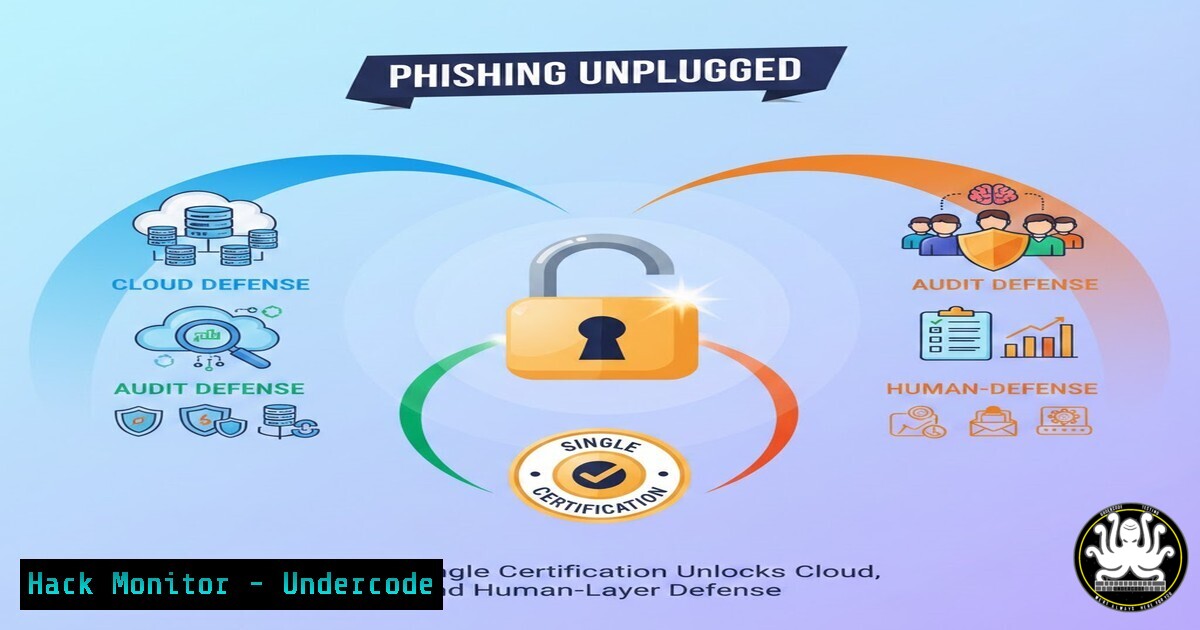
The modern phishing landscape has evolved far beyond crude email scams, now encompassing sophisticated cloud-based attacks, social engineering on collaborative platforms, and identity-based compromise. Achieving a certification like the Certified Phishing Prevention Specialist (CPPS) signifies a holistic understanding of this threat, blending technical controls with governance, risk, and compliance (GRC) frameworks to protect hybrid environments. This article deconstructs the core competencies behind such a credential, providing actionable steps for implementation.
Learning Objectives:
- Understand the technical and procedural pillars of a modern phishing defense program spanning cloud, on-premise, and human factors.
- Learn to implement specific detective and preventive controls using native cloud tools, email filters, and security frameworks.
- Integrate phishing prevention with IT audit and risk management requirements, particularly aligning with standards like ISO 27001.
You Should Know:
- Architecting Cloud-Native Phishing Defenses in Microsoft 365 & Google Workspace
The shift to cloud productivity suites has expanded the attack surface. Attackers exploit legitimate cloud features and application permissions. Defense requires configuring native security settings to their maximum potential.
Step‑by‑step guide:
- Enable and Configure Multi-Factor Authentication (MFA): This is the single most effective control. In Microsoft 365, navigate to the Microsoft Entra admin center > Security > Authentication methods. Disable weaker methods like SMS and push notifications in favor of phishing-resistant methods like FIDO2 security keys or Microsoft Authenticator (number matching).
PowerShell (MSOL): `Set-MsolUser -UserPrincipalName [email protected] -StrongAuthenticationRequirements @{}` can be used programmatically, but the admin center is preferred for policy management. - Implement Conditional Access Policies: Go beyond blanket MFA. Create policies that trigger additional verification based on risk.
In the Entra admin center, go to Protection > Conditional Access. Create a new policy.
Under Users or workload identities, selectAll users.
Under Cloud apps or actions, selectAll cloud apps.
Under Conditions, set Sign-in risk to `High` andMedium.
Under Grant, select `Grant access` andRequire multifactor authentication. Enforce the policy. - Harden Email Security with Defender for Office 365: Enable anti-phishing policies.
In the Microsoft 365 Defender portal, go to Policies & rules > Threat policies > Anti-phishing.
Create a policy. Under Impersonation, set protection for your domain and key executives (CEO, CFO).
Under Advanced settings, enable `Mailbox intelligence` andSpoof intelligence.
For Google Workspace, navigate to Security > Phishing and malware protection and set up strict URI matching and attachment scanning.
2. Simulating Attacks: Building Your Internal Phishing Campaign
Awareness training is ineffective without testing. Regular, measured phishing simulations identify vulnerable users and tailor training.
Step‑by‑step guide:
- Define Objectives & Scope: Decide what you’re testing—link clicking, attachment opening, credential harvesting. Obtain formal management approval.
- Choose a Platform: Use tools like Microsoft Defender for Office 365’s Attack simulation training, GoPhish (open-source), or commercial platforms like KnowBe4.
- Craft Credible Templates: Mimic common internal communications (IT updates, HR benefits) or trusted external services. Avoid overtly malicious-looking emails.
- Deploy and Monitor: Send the campaign to a targeted group. Use the platform’s dashboard to track opens, clicks, and data submissions in real-time.
- Provide Immediate Remedial Training: Configure the tool to automatically present a short, interactive training module to users who fail the simulation.
-
The Responder’s Playbook: Incident Handling for a Phishing Success
When a user reports (or worse, falls for) a phishing email, a swift, standardized response is critical to contain damage.
Step‑by‑step guide:
1. Isolation & Containment:
For the User: Immediately disable the potentially compromised account’s active sessions. In Entra ID, select the user and click Sign out all sessions.
For the Email: Use your email security tool to search for and delete all instances of the malicious message from all user mailboxes.
PowerShell (Purge): `Search-UnifiedAuditLog -StartDate (Get-Date).AddHours(-24) -EndDate (Get-Date) -MessageId “
2. Forensic Analysis: Examine email headers for source IP, Return-Path, and SPF/DKIM/DMARC results. Use URL sandboxes like VirusTotal or Hybrid Analysis to dissect any links or attachments.
3. Credential Reset & Investigation: Force a password reset for the impacted user. Search logs (Entra ID Sign-in logs, Defender 365) for suspicious activity from that account post-compromise.
- Hardening the Endpoint: The Last Line of Defense
When phishing evades email filters, robust endpoint detection and response (EDR) can prevent execution and lateral movement.
Step‑by‑step guide:
- Application Control: Implement Application Allowlisting via Windows Defender Application Control (WDAC) or third-party tools.
WDAC Policy Creation (Windows): Use PowerShell: `New-CIPolicy -Level Publisher -FilePath “C:\initial.xml” -UserPEs` to create a baseline policy from trusted installed software. - Configure Antivirus/EDR Exclusions Prudently: Only exclude paths essential for business operations. Regularly audit exclusions as they are a common evasion path.
- Restrict Macro Execution: Enforce via Group Policy:
Computer Configuration > Policies > Administrative Templates > Microsoft Office 2016 > Security Settings > Block macros from running in Office files from the Internet. -
Aligning with IT Audit & GRC: From Control to Compliance
Phishing prevention must be demonstrable to auditors. Map your technical controls to regulatory frameworks.
Step‑by‑step guide:
- Control Mapping: Document how each anti-phishing control satisfies a specific requirement.
Example: MFA for all cloud access directly addresses ISO 27001 Annex A.9.4.2 (Secure log-on procedures) and PCI DSS Requirement 8.3. - Evidence Generation: Automate the collection of proof. Use scripts to export Conditional Access policy settings, MFA enrollment reports, and phishing simulation results.
PowerShell (MFA Report): `Get-MsolUser -All | Select UserPrincipalName, StrongAuthenticationMethods | Export-Csv MFA_Status.csv`
3. Continuous Monitoring: Integrate control status into your risk register. Treat a drop in MFA enrollment rates or a spike in phishing success as an identified risk requiring mitigation.
6. API Security: The Phishing Blind Spot
Phishing often seeks tokens or keys for cloud APIs (e.g., Microsoft Graph, AWS CLI). Securing these is paramount.
Step‑by‑step guide:
- Inventory and Classify API Keys: Use tools like AWS IAM Access Analyzer or Azure Purview to discover and classify secrets stored in code repositories or documentation.
- Implement Just-In-Time (JIT) Access: For privileged API access, use PAM solutions or cloud-native JIT elevation (e.g., Azure PIM for roles) instead of static long-lived keys.
- Monitor API Usage for Anomalies: In Azure, use Microsoft Sentinel queries to detect impossible travel or unusual volume for a service principal. Example KQL query:
AADServicePrincipalSignInLogs
| where ResultType == 0
| summarize LocationCount = dcount(Location), StartTime = min(TimeGenerated), EndTime = max(TimeGenerated) by ServicePrincipalId, AppDisplayName
| where LocationCount > 2
| extend TimeSpan = EndTime - StartTime
| where TimeSpan < 1h // Multiple locations in an improbably short time
What Undercode Say:
Integrated Defense is Non-Negotiable: Effective phishing prevention is no longer a siloed email filter problem. It is a convergence of cloud security configuration, endpoint hardening, continuous human training, and auditable process controls.
Automation is the Force Multiplier: Manual response to phishing is too slow. Automated playbooks for email purge, session termination, and evidence collection are essential for scaling defense and meeting compliance demands.
The CPPS certification represents a shift from viewing phishing as a “user error” issue to treating it as a critical enterprise risk vector. The technical controls outlined—from Conditional Access to API monitoring—form a defense-in-depth mesh. The integration with GRC ensures these controls are sustainable, measurable, and accountable. As AI-powered phishing (like deepfake audio/video) emerges, the principles remain: minimize attack surface, assume breach, and prepare for rapid, automated containment.
Prediction:
The next wave of phishing will leverage generative AI to create hyper-personalized, multilingual campaigns at scale, making traditional signature-based detection obsolete. Simultaneously, attackers will increasingly target the identity and API layer, using stolen tokens to move laterally within cloud environments without needing to compromise endpoints. This will force a consolidation of security tools towards Identity Threat Detection and Response (ITDR) and AI-native security platforms that can analyze user behavior, API calls, and email content in real-time to detect the subtle anomalies of a machine-crafted social engineering attack. Compliance frameworks will evolve to mandate specific controls against AI-driven social engineering.
▶️ Related Video (84% Match):
🎯Let’s Practice For Free:
IT/Security Reporter URL:
Reported By: Essafi Fatima – Hackers Feeds
Extra Hub: Undercode MoN
Basic Verification: Pass ✅


