
Listen to this Post
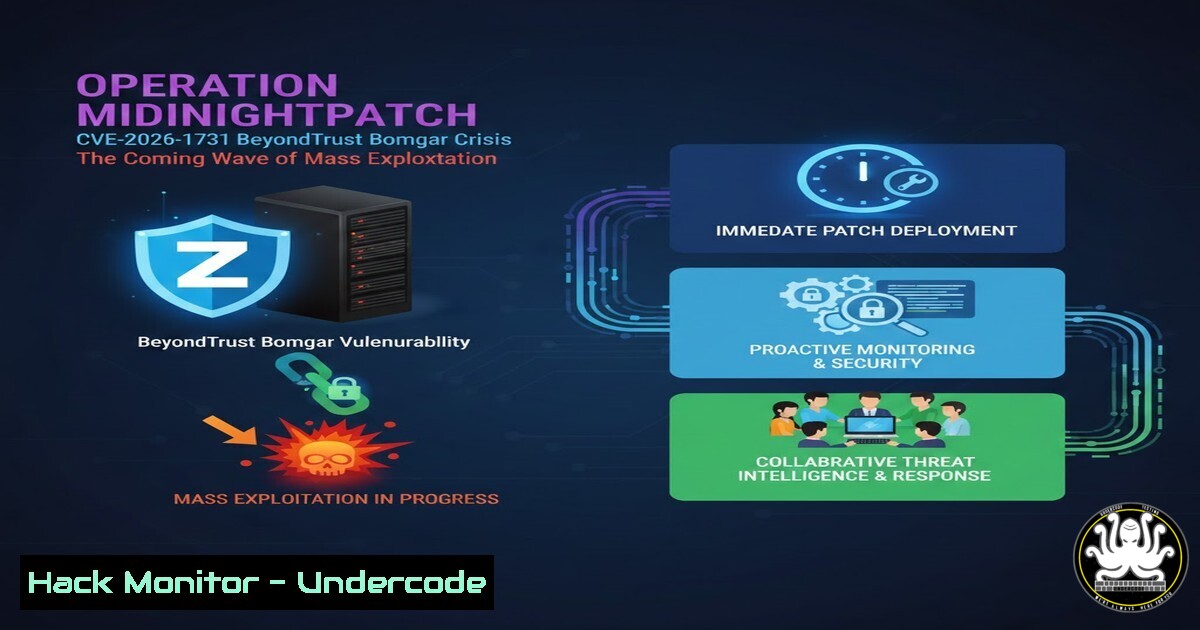
Introduction:
A critical pre-authentication remote code execution (RCE) flaw, designated CVE-2026-1731, has been uncovered in BeyondTrust Remote Support (formerly Bomgar), a cornerstone of enterprise remote access infrastructure. With patch diffing revealing exploit pathways and targeted attacks already underway, security teams are in a race against time before widespread mass exploitation begins. This vulnerability transforms trusted support portals into open gateways for threat actors.
Learning Objectives:
- Understand the mechanism and severity of the CVE-2026-1731 pre-auth RCE vulnerability.
- Learn immediate steps to detect potential exploitation on both Linux and Windows appliance deployments.
- Master the patching, mitigation, and hardening procedures for BeyondTrust Remote Support appliances.
You Should Know:
- The Anatomy of CVE-2026-1731: From Patch Diff to Payload
The vulnerability resides within the web component of the BeyondTrust Remote Support appliance, allowing an unauthenticated attacker to execute arbitrary code by sending a specially crafted HTTP request. Security researchers at Hacktron AI performed patch diffing—comparing the patched and unpatched versions—to isolate the flawed code path, a technique now commonplace for rapid reverse-engineering. The exploit likely involves improper deserialization or command injection within a pre-authentication API endpoint, giving attackers root or SYSTEM-level control of the appliance. This immediate, deep access is why remote access infrastructure is a prime target.
Step‑by‑step guide explaining what this does and how to use it.
While the full exploit code is not published here, understanding the detection methodology is critical. You can use `curl` to probe for anomalous responses from your appliance’s web interface as an initial health check.
 Basic probe to check if the web interface is responding (replace TARGET_IP)
curl -v -k "https://TARGET_IP/"
 Look for unusual HTTP status codes (e.g., 500 errors) or unexpected response headers.
 Monitor application logs on the appliance for stack traces or errors mentioning deserialization.
On the appliance itself, immediately review logs:
 On the BeyondTrust (Linux-based) Appliance, access via SSH or console.
sudo tail -f /var/log/remote-support/app.log | grep -i "error|exception|invalid"
2. Immediate Detection: Hunting for Active Intrusion
Before patching, assume compromise. Threat actors may have already weaponized this flaw to install backdoors, lateral movement tools, or crypto-miners. Focus on anomalous processes and network connections.
Step‑by‑step guide explaining what this does and how to use it.
Linux Appliance Commands:
 Check for unusual processes running as root or the beyondtrust user
ps aux | grep -E '(sh|wget|curl|perl|python|nc|ncat|socat|.\/)' | grep -v grep

Check for unauthorized listening ports or outgoing connections
sudo netstat -tunap | grep -E 'LISTEN|ESTABLISHED' | grep -vE ':(22|443|80)\s'

Check for recent modifications to critical directories or binaries
sudo find /opt/bomgar /usr/local -type f -mtime -7 -ls
Windows Appliance Commands (via Command Prompt as Administrator):
netstat -ano | findstr /i "listening established" | findstr /v ":3389 :443 :80"
tasklist /v | findstr /i "cmd.exe powershell.exe wscript.exe cscript.exe"
 Check for new services:
wmic service get name,displayname,pathname,startmode | findstr /i "auto" | findstr /v "C:\Windows"
3. The Imperative Patching Procedure
BeyondTrust has released urgent security patches. Applying them is non-negotiable. The process varies slightly based on your deployment model (virtual appliance, physical appliance, or cloud-hosted).
Step‑by‑step guide explaining what this does and how to use it.
1. Identify Your Version: Log into your BeyondTrust appliance admin interface. Navigate to Administration > Software Updates. Note the current version.
2. Download the Patch: Access the BeyondTrust Secure Customer Portal. Locate the hotfix or service pack specifically addressing CVE-2026-1731 for your exact version.
3. Create a Verified Backup: In the admin interface, go to Administration > Backup / Restore. Perform a full configuration backup and download it securely.
4. Apply the Update: In Administration > Software Updates, use the “Upload Update” function to upload the downloaded `.mru` file. Follow the on-screen wizard. The appliance will restart its services.
5. Verification: Post-update, confirm the version has incremented. Re-run your detection commands from Section 2 to ensure no persistent threats remain.
4. Network Containment and Hardening
Patching alone is insufficient if the appliance is exposed more than necessary. Immediate network-level containment is required to reduce the attack surface.
Step‑by‑step guide explaining what this does and how to use it.
1. Review Firewall Rules: Ensure the BeyondTrust appliance is only accessible from specific, trusted IP ranges (e.g., your corporate VPN or helpdesk IPs). Block all inbound traffic from the internet if possible.
 Example Linux iptables rule to restrict web UI access (port 443)
sudo iptables -A INPUT -p tcp --dport 443 -s YOUR_TRUSTED_IP_RANGE -j ACCEPT
sudo iptables -A INPUT -p tcp --dport 443 -j DROP
2. Implement a Web Application Firewall (WAF): Deploy a WAF (e.g., ModSecurity, cloud WAF) in front of the appliance. Create rules to block requests containing common RCE payload patterns (e.g., base64 encoded commands, suspicious `cmd.exe` strings).
3. Segment the Network: Place the BeyondTrust appliance on a dedicated, tightly controlled network segment, separate from critical AD domains or data servers, to limit lateral movement.
5. Post-Patch Forensic Analysis and API Security Review
After containment and patching, a thorough review is needed to identify any indicators of compromise (IOCs) and to harden the API surface.
Step‑by‑step guide explaining what this does and how to use it.
1. Export and Analyze Logs: Download full application and system logs for the period leading up to the patch. Use SIEM tools or `grep` to search for IOCs.
 Search for potential exploit patterns in access logs
sudo zgrep -E "(../|%2e%2e|@\w+|\${|\(|\)|`)" /var/log/remote-support/access.log
2. Audit User and Session Lists: In the admin console, review Administration > Users & Sessions. Look for unknown user accounts, active sessions from unusual locations, or privilege escalations.
3. Review API & Integration Settings: Examine all configured integrations (AD, SSO, ticketing). Ensure API keys for integrations are rotated post-patch and that integration accounts have the minimum necessary privileges.
6. Building a Proactive Vulnerability Management Stance
This event highlights the need for a proactive, not reactive, approach to securing critical infrastructure like remote access.
Step‑by‑step guide explaining what this does and how to use it.
1. Subscribe to Immediate Threat Intel: Follow CERT alerts (US-CERT, CISA), vendor security advisories, and researchers like Hacktron AI. Use an RSS feed aggregator.
2. Establish a Patch SLA: Define a Service Level Agreement for critical vulnerabilities: e.g., “Critical, pre-auth RCE flaws in perimeter systems must be patched within 24 hours of patch availability.”
3. Conduct Regular Attack Surface Reviews: Monthly, map all internet-facing assets. Use automated scanning (responsibly) alongside manual review to identify forgotten systems like test appliances.
What Undercode Say:
- The Perimeter is Inside Out: Your most trusted administrative tools are your greatest external threat. Modern attackers don’t just break down walls; they walk through the admin door left open by a single vulnerability.
- Patch Diffing is the New Normal: The timeline from patch release to exploit has collapsed to near zero. The “patch window” is now measured in hours, not days. Your vulnerability management process must operate at machine speed.
Analysis:
The disclosure of CVE-2026-1731 follows a now-standard playbook: critical flaw in widely used software, rapid patch diffing by researchers/actors, targeted exploitation, and finally, mass scanning and commoditized attacks. BeyondTrust/Bomgar’s market position makes this a tipping point. Organizations that delay patching are not merely at risk; they are actively being compromised. This event underscores the existential vulnerability of hybrid-remote work infrastructures, where the tools enabling productivity are the same tools that, if breached, can evaporate an organization’s security perimeter entirely. The next phase will involve botnets like Mirai derivatives adapting the exploit for cryptomining or ransomware deployment across vulnerable appliances.
Prediction:
Within the next 7-10 days, we will witness the full weaponization of CVE-2026-1731 into ransomware campaigns and state-sponsored espionage. Exploit modules will be integrated into frameworks like Metasploit and Canvas, lowering the barrier for entry for mid-tier threat actors. Furthermore, we will see a rise in “supply-chain” attacks via compromised managed service providers (MSPs) who use BeyondTrust for client support. This will force a broader industry reckoning, accelerating the shift towards zero-trust network access (ZTNA) models and potentially phasing out traditional, appliance-based remote support tools in favor of more ephemeral, code-native access solutions.
▶️ Related Video (80% Match):
🎯Let’s Practice For Free:
IT/Security Reporter URL:
Reported By: Https: – Hackers Feeds
Extra Hub: Undercode MoN
Basic Verification: Pass ✅


