Listen to this Post
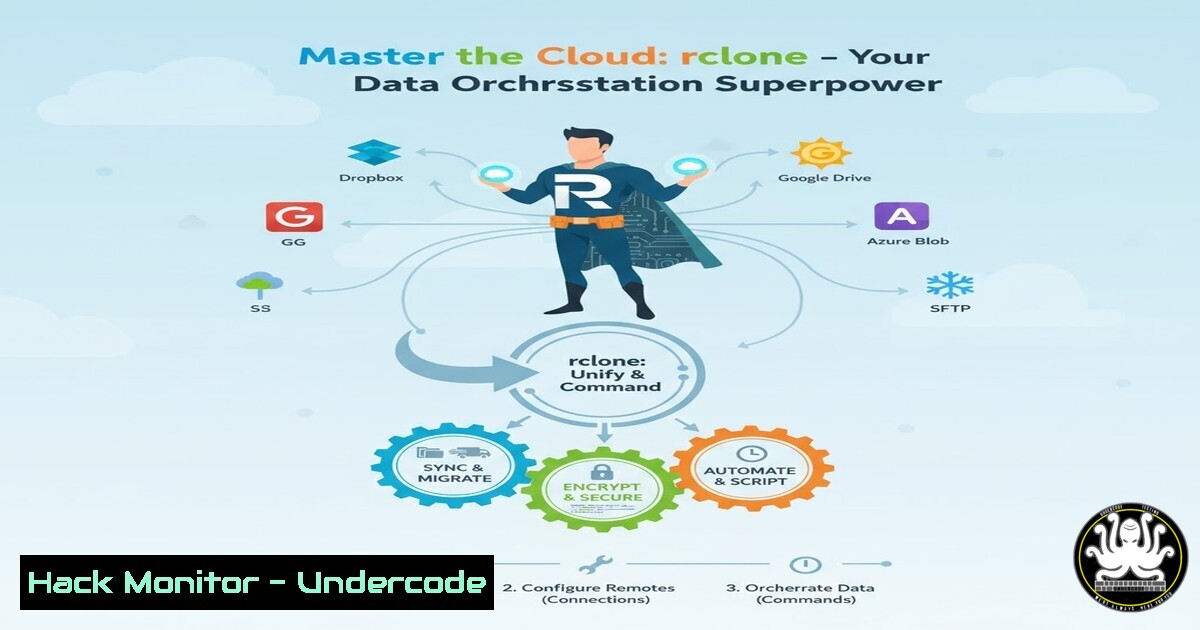
Introduction:
In an era of multi-cloud environments, professionals are drowning in inefficient web interfaces for data management. Rclone emerges as a command-line powerhouse that transforms how we synchronize, transfer, and secure data across diverse cloud platforms, offering unprecedented control and automation capabilities that eliminate vendor lock-in while ensuring data integrity.
Learning Objectives:
- Master rclone configuration for major cloud storage providers including S3, Google Drive, and Nextcloud
- Implement automated synchronization and integrity verification workflows
- Leverage advanced features like encryption remotes and FUSE mounting for seamless cloud integration
You Should Know:
1. Initial Configuration and Remote Setup
Rclone operates through a configuration-based system where you define “remotes” for each cloud storage service. The initial setup involves authenticating with your cloud providers and creating named endpoints for future operations.
Step-by-step guide:
First, install rclone on your system:
 Linux (Ubuntu/Debian)
sudo apt update && sudo apt install rclone

macOS
brew install rclone

Windows
choco install rclone
Configure your first remote (Google Drive example):
rclone config
Follow the interactive prompt:
- Select `n` for new remote
- Choose a name (e.g., “my_gdrive”)
- Select storage type (enter number for Google Drive)
- Follow OAuth authentication flow in your browser
- Complete configuration
Verify configuration:
rclone listremotes
2. Basic File Operations and Synchronization
Rclone mirrors rsync’s functionality but extends it to cloud storage. The sync command ensures source and destination match exactly, while copy preserves existing files at the destination.
Step-by-step guide:
List contents of remote storage:
rclone ls my_gdrive:documents
Synchronize local directory to cloud (destructive):
rclone sync /local/path/ my_gdrive:backups --progress
Copy files without deleting extras:
rclone copy /local/path/ my_gdrive:backups -P
Monitor transfers in real-time:
rclone copy /large/files/ my_gdrive:archive -P --transfers 4
3. Advanced Cryptography for Secure Backups
Rclone’s crypt remote adds encryption layer to any storage backend, ensuring data privacy even with untrusted cloud providers. It encrypts file names and contents using industry-standard algorithms.
Step-by-step guide:
Create crypt remote wrapping existing remote:
rclone config
Choose crypt remote type and specify:
- Base remote (e.g., my_gdrive:encrypted_data)
- Password and salt for encryption key derivation
Encrypt existing data:
rclone copy /sensitive/files/ my_crypt:documents --progress
Structure ensures only encrypted data reaches cloud:
Local Files → Crypt Remote → Base Remote → Cloud Storage
(Plaintext) (Encryption) (Transport) (Encrypted)
4. Cross-Cloud Transfers and Bandwidth Optimization
Rclone enables direct cloud-to-cloud transfers without downloading to local machine, significantly accelerating large-scale migrations and reducing bandwidth costs.
Step-by-step guide:
Direct transfer between Google Drive and Amazon S3:
rclone copy gdrive:projects s3:my-bucket/projects -P
Limit transfer speed to avoid network congestion:
rclone copy gdrive:archive s3:backup-archive --bwlimit 10M
Schedule automated transfers using cron:
 Daily sync at 2 AM
0 2    /usr/bin/rclone sync gdrive:work nextcloud:backups --quiet
5. FUSE Mounting for Transparent Cloud Access
Rclone’s FUSE mounting feature presents cloud storage as local filesystem, enabling seamless integration with existing applications without API modifications.
Step-by-step guide:
Mount Google Drive as local directory:
mkdir ~/cloud_drive
rclone mount my_gdrive: ~/cloud_drive --daemon --vfs-cache-mode writes
Windows equivalent using winfsp:
rclone mount my_gdrive: Z: --fuse-flag --VolumePrefix=\server\share
Unmount safely:
 Linux
fusermount -u ~/cloud_drive

Windows (as Administrator)
net use Z: /delete
6. Data Integrity Verification and Checksum Management
Rclone provides robust checksum verification to ensure data consistency across transfers and detect corruption, supporting multiple hash types including MD5, SHA-1, and SHA-256.
Step-by-step guide:
Check integrity between source and destination:
rclone check /local/source/ my_gdrive:destination --size-only
Perform checksum verification (more thorough):
rclone check /local/source/ my_gdrive:destination --checksum
Generate checksum files:
rclone hashsum SHA256 /important/files/ > local_checksums.sha256
7. Enterprise-Grade Automation and Monitoring
For production environments, rclone integrates with system monitoring, logging, and alerting systems to provide enterprise-level reliability and visibility.
Step-by-step guide:
Comprehensive logging for audit trails:
rclone sync /data/ s3:company-backup --log-file=/var/log/rclone.log --log-level=INFO
Email notifications on completion:
rclone sync /data/ s3:backup --progress && mail -s "Backup Complete" [email protected]
Dockerized execution for consistency:
FROM rclone/rclone:latest
COPY rclone.conf /config/rclone/rclone.conf
COPY backup-script.sh /scripts/
CMD ["/scripts/backup-script.sh"]
What Undercode Say:
- Rclone eliminates cloud vendor lock-in through standardized CLI operations across 60+ storage providers
- The crypt remote feature provides military-grade encryption that surpasses many native cloud security implementations
- Command-line precision comes with significant responsibility – misconfigured sync operations can cause irreversible data loss
Rclone represents a fundamental shift in cloud data management philosophy, prioritizing automation and reproducibility over user-friendly interfaces. While the learning curve is substantial, the operational efficiency gains are transformative for organizations managing petabytes across multiple clouds. The tool’s open-source nature ensures continuous security auditing and community-driven enhancements, making it more reliable than proprietary alternatives. However, enterprises must implement strict change control procedures for rclone operations to prevent catastrophic data incidents.
Prediction:
As multi-cloud architectures become the enterprise standard, rclone-style data orchestration will evolve into intelligent data fabric controllers that automatically optimize storage placement based on cost, performance, and compliance requirements. We’ll see increased integration with AI-driven data classification systems and blockchain-based integrity verification, creating fully autonomous data management ecosystems that minimize human intervention while maximizing security and efficiency.
🎯Let’s Practice For Free:
IT/Security Reporter URL:
Reported By: Lamirkhanian Vous – Hackers Feeds
Extra Hub: Undercode MoN
Basic Verification: Pass ✅


