Listen to this Post
Introduction
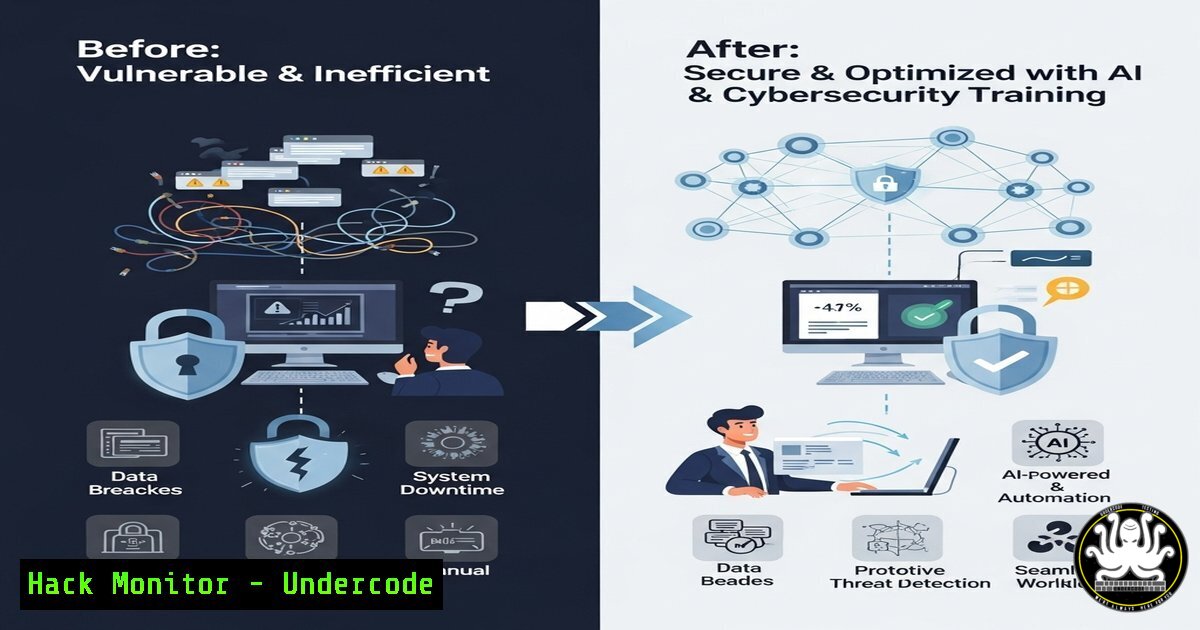
Artificial Intelligence (AI) is revolutionizing industries by automating tasks, enhancing creativity, and improving efficiency. In cybersecurity, AI-driven tools help detect threats faster, while IT professionals leverage automation to streamline workflows. This article explores key AI and cybersecurity techniques that can save time and enhance productivity.
Learning Objectives
- Understand how AI tools automate repetitive tasks
- Learn cybersecurity best practices for secure automation
- Discover command-line and scripting techniques for efficiency
You Should Know
1. Automating Tasks with AI-Powered Scripts
Command (Python – OpenAI API):
import openai
response = openai.ChatCompletion.create(
model="gpt-4",
messages=[{"role": "user", "content": "Generate a report summary for Q2 cybersecurity threats."}]
)
print(response.choices[bash].message.content)
What This Does:
This Python script uses OpenAI’s GPT-4 to generate a cybersecurity report summary, saving hours of manual work.
Steps to Use:
1. Install OpenAI’s Python package: `pip install openai`
- Replace the API key with your own (get it from OpenAI)
3. Run the script to automate report generation.
2. Securing Automated Workflows with Linux Commands
Command (Linux – Log Monitoring):
sudo grep "Failed password" /var/log/auth.log | awk '{print $9}' | sort | uniq -c | sort -nr
What This Does:
This command checks for brute-force attacks by counting failed SSH login attempts.
Steps to Use:
- Run in a terminal on a Linux server.
2. Analyze IPs with the highest failed attempts.
3. Block suspicious IPs using `iptables`:
sudo iptables -A INPUT -s <IP_ADDRESS> -j DROP
3. Windows PowerShell for Security Automation
Command (PowerShell – Malware Scan):
Get-MpThreatDetection | Where-Object { $_.InitialDetectionTime -gt (Get-Date).AddDays(-7) } | Format-Table -AutoSize
What This Does:
Scans for malware detected by Windows Defender in the last 7 days.
Steps to Use:
1. Open PowerShell as Administrator.
2. Run the command to review recent threats.
3. Export results:
Get-MpThreatDetection | Export-Csv -Path "C:\threat_report.csv"
4. AI-Driven Cybersecurity with SIEM Tools
Command (Splunk Query for Anomaly Detection):
index=security_logs sourcetype=firewall action=blocked | stats count by src_ip | where count > 100
What This Does:
Identifies IPs with excessive blocked requests, indicating a potential attack.
Steps to Use:
1. Log into Splunk.
2. Run the query in the search bar.
3. Set alerts for high-frequency blocks.
5. Cloud Security Hardening (AWS CLI)
Command (AWS – Check Unencrypted S3 Buckets):
aws s3api list-buckets --query 'Buckets[].Name' | xargs -I {} aws s3api get-bucket-encryption --bucket {} || echo "{} is unencrypted"
What This Does:
Lists all S3 buckets without encryption enabled.
Steps to Use:
1. Install AWS CLI and configure credentials.
2. Run the command to audit buckets.
3. Enable encryption:
aws s3api put-bucket-encryption --bucket <BUCKET_NAME> --server-side-encryption-configuration '{"Rules": [{"ApplyServerSideEncryptionByDefault": {"SSEAlgorithm": "AES256"}}]}'
What Undercode Say
- AI automation can save 3+ hours daily (as seen in Bekir Yildirim’s case).
- Cybersecurity automation reduces breach risks by detecting threats early.
Analysis:
Businesses that integrate AI and cybersecurity automation gain a competitive edge. AI-driven content generation, threat detection, and cloud security hardening are no longer optional—they’re essential for efficiency and risk mitigation.
Prediction
By 2026, 80% of businesses will use AI for cybersecurity, reducing manual workloads and improving threat response times. Companies that ignore this shift risk falling behind in both productivity and security.
Ready to automate your workflow? Start with these commands and explore AI-powered tools today. 🚀
🎯Let’s Practice For Free:
IT/Security Reporter URL:
Reported By: Christophetrain Teamvideo2025 – Hackers Feeds
Extra Hub: Undercode MoN
Basic Verification: Pass ✅


