
Listen to this Post
Introduction:
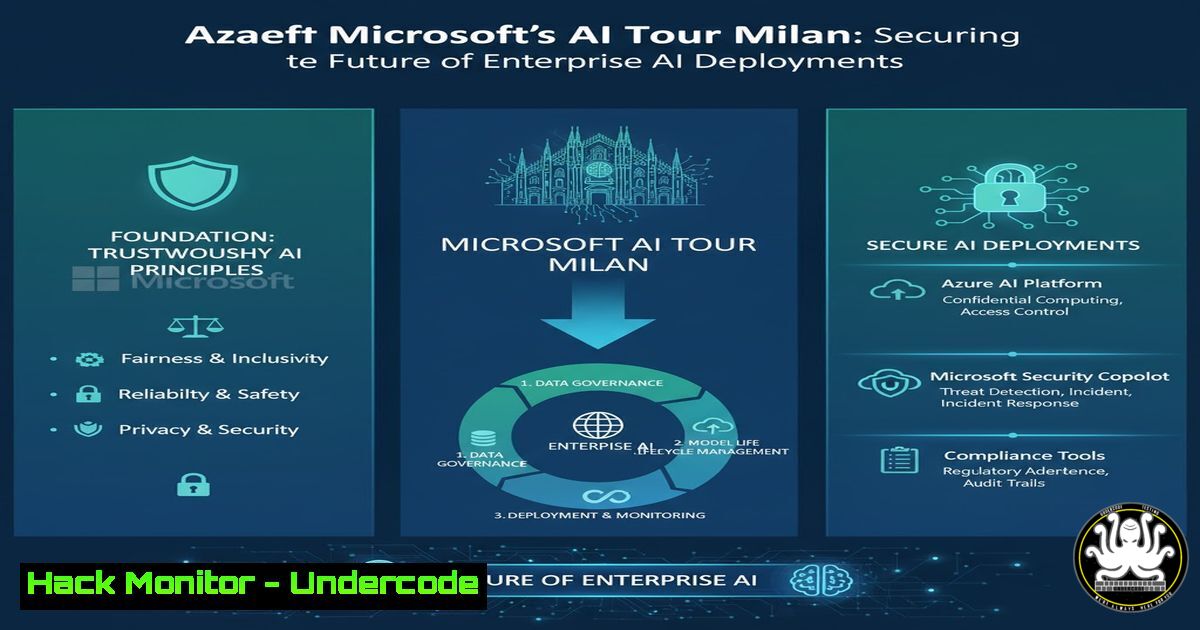
The recent Microsoft AI Tour in Milan, held at the newly inaugurated CityOval, marked a significant milestone not just for event logistics but for the convergence of enterprise AI and cybersecurity. As organizations race to adopt Frontier AI models, the underlying infrastructure—from cloud tenants to API endpoints—becomes a prime target for adversaries. This article dissects the technical backbone required to secure such large-scale AI integrations, translating the event’s visionary momentum into actionable security blueprints for IT professionals.
Learning Objectives:
- Understand the security architecture required for hosting and scaling enterprise AI events and infrastructure.
- Learn to configure and harden cloud environments (Azure) against AI-specific attack vectors.
- Master commands and tools for auditing API security, container deployments, and identity management in AI-driven ecosystems.
You Should Know:
1. Securing the Azure Tenant for AI Workloads
The AI Tour’s success depended on a robust backend, likely hosted on Microsoft Azure. Before deploying any AI model, administrators must lock down the tenant. This involves enabling advanced threat protection and configuring just-in-time access for critical resources.
– Step‑by‑step guide:
– Enable Defender for Cloud: In the Azure Portal, navigate to `Microsoft Defender for Cloud` -> `Environment Settings` -> Select your subscription. Turn on “Servers”, “Databases”, and “Key Vault” protections.
– Configure JIT VM Access: Go to `Microsoft Defender for Cloud` -> `Workload protections` -> Just-in-time VM access. Enable JIT on all VMs hosting AI models to reduce the attack surface.
– Linux Command (to verify VM security): Once connected to a Linux-based AI workload VM, check for open ports and unauthorized access:
sudo netstat -tulpn | grep LISTEN
sudo grep "Failed password" /var/log/auth.log | tail -20
2. Hardening API Endpoints for AI Services
AI models are accessed via APIs. If these endpoints are misconfigured, they can lead to data leaks or model theft. Rate limiting and proper authentication are non-negotiable.
– Step‑by‑step guide:
– Azure API Management (APIM): Deploy an APIM instance in front of your AI model endpoint.
– Apply Rate Limiting: In APIM, create a product. Add your AI API to the product. Navigate to `Policies` and add the following XML snippet to limit requests to 100 per minute:
<inbound>
<rate-limit calls="100" renewal-period="60" />
</inbound>
– Test the Endpoint (cURL): From a Windows or Linux terminal, test the rate limit by sending rapid requests. You should eventually receive a `429 Too Many Requests` response.
for i in {1..110}; do curl -X GET https://your-ai-endpoint.azure-api.net/predict -H "Ocp-Apim-Subscription-Key: your-key"; done
3. Auditing AI Infrastructure with PowerShell (Windows)
Security teams managing hybrid environments need to audit configurations continuously. PowerShell is essential for extracting security configurations from Windows-based servers that might be processing AI training data.
– Step‑by‑step guide:
– Audit Local Users and Groups: On a Windows Server hosting AI development tools, run PowerShell as Administrator.
– List all local users:
Get-LocalUser | Select-Object Name, Enabled, LastLogon
– Check for Unauthorized Admin Accounts:
Get-LocalGroupMember -Group "Administrators" | Format-Table -AutoSize
– Review Security Logs for Anomalies: Look for failed logon attempts (Event ID 4625) which could indicate brute-force attacks against AI resource accounts.
Get-EventLog -LogName Security -InstanceId 4625 -Newest 20 | Format-Table -Property TimeGenerated, Message -Wrap
4. Container Security for AI Model Deployment
AI models are often deployed in containers. Ensuring these containers are free from vulnerabilities is critical. This involves scanning images and running them with the least privileges.
– Step‑by‑step guide:
– Scan a Docker Image for CVEs (Linux): Using Trivy, an open-source vulnerability scanner.
 Install Trivy (on Ubuntu)
sudo apt-get install wget apt-transport-https gnupg
wget -qO - https://aquasecurity.github.io/trivy-repo/deb/public.key | sudo apt-key add -
echo deb https://aquasecurity.github.io/trivy-repo/deb $(lsb_release -sc) main | sudo tee -a /etc/apt/sources.list.d/trivy.list
sudo apt-get update
sudo apt-get install trivy

Scan your AI model image
trivy image your-docker-repo/ai-model:latest
– Run Container with Non-Root User: Modify your Dockerfile to create and use a non-root user.
FROM python:3.9-slim
RUN useradd -m -s /bin/bash modeluser
USER modeluser
COPY --chown=modeluser:modeluser . /app
WORKDIR /app
CMD ["python", "app.py"]
5. Monitoring AI Network Traffic with Zeek (Linux)
To detect data exfiltration or unusual patterns in AI model queries, network monitoring is paramount. Zeek (formerly Bro) can analyze traffic to and from your AI cluster.
– Step‑by‑step guide:
– Install Zeek on a Ubuntu Sensor:
sudo apt update
sudo apt install zeek
– Configure Zeek to monitor the interface connected to the AI subnet: Edit `/etc/zeek/networks.cfg` to define your internal networks. Then, start Zeek:
sudo zeekctl deploy
– Analyze Logs for Suspicious API Calls: Check the `http.log` for long URIs or unusual payload sizes that might indicate an attempt to extract the entire training dataset via prompt injection.
cd /var/log/zeek/current/
zeek-cut -d ts uid id.orig_h id.resp_h method uri < http.log | grep "POST" | grep "/predict"
6. Implementing AI Red Teaming (Azure AI Studio)
Proactive security involves simulating attacks on your own AI models. Microsoft’s Azure AI Studio includes tools for generating adversarial inputs.
– Step‑by‑step guide:
– Access Azure AI Studio: Navigate to your project and select “Safety and Security” from the left menu.
– Run an Automated Red Team Attack: Click on “Automated red teaming”. Configure the attack objective (e.g., “Attempt to make the model reveal its system prompt”). Select the jailbreak and prompt injection techniques you want to simulate.
– Analyze Results: Review the generated adversarial prompts and the model’s responses to identify vulnerabilities in your content filters and base model behavior.
7. Hardening Kubernetes Secrets for AI (kubectl)
AI workloads in Kubernetes require access to database credentials and API keys. Mismanagement of these secrets is a leading cause of breaches.
– Step‑by‑step guide:
– Create a Secret from Literal Values (Insecure – for demonstration):
kubectl create secret generic ai-db-creds --from-literal=username='aiadmin' --from-literal=password='SuperSecurePass123!'
– Enable Encryption at Rest for Secrets (Secure): Check if encryption is enabled on your cluster.
 Check the encryption configuration
kubectl get encryptionconfig -n kube-system
– Recommended: Integrate with an external secrets manager like Azure Key Vault using the Secrets Store CSI driver. Mount secrets as volumes instead of environment variables to prevent them from being visible in process dumps.
What Undercode Say:
- Key Takeaway 1: The “wow” factor of AI events like the Milan tour must be backed by a “zero-trust” infrastructure. Securing APIs and containers is now as fundamental as securing the network perimeter.
- Key Takeaway 2: Security for AI is not just about the model; it’s about the entire pipeline. From the developer’s workstation (audited with PowerShell) to the production cluster (hardened with Kubernetes secrets), every layer must be validated.
The enthusiasm surrounding the Microsoft AI Tour highlights a collective pivot toward an AI-driven future. However, this transition is occurring on a battlefield. The analysis above shows that the tools to secure this future are available—from Trivy for container scans to Zeek for network monitoring—but they require deliberate implementation. The teams building these AI frontiers must embed security as a foundational element, not a post-construction thought, ensuring the innovation celebrated in Milan is built to last against evolving cyber threats.
Prediction:
Within the next 18 months, we will see a rise in “AI WAFs” (Web Application Firewalls specifically trained to detect prompt injection and model extraction attempts). The security operations center (SOC) will evolve to include “AI Threat Hunters,” professionals who specialize in analyzing model behavior logs and adversarial inputs, making roles like those hinted at by the cybersecurity students at the Milan event (like Filippo C.) increasingly critical to enterprise risk management.
▶️ Related Video (84% Match):
🎯Let’s Practice For Free:
IT/Security Reporter URL:
Reported By: Gretaorsi Microsoftaitour – Hackers Feeds
Extra Hub: Undercode MoN
Basic Verification: Pass ✅


