Listen to this Post
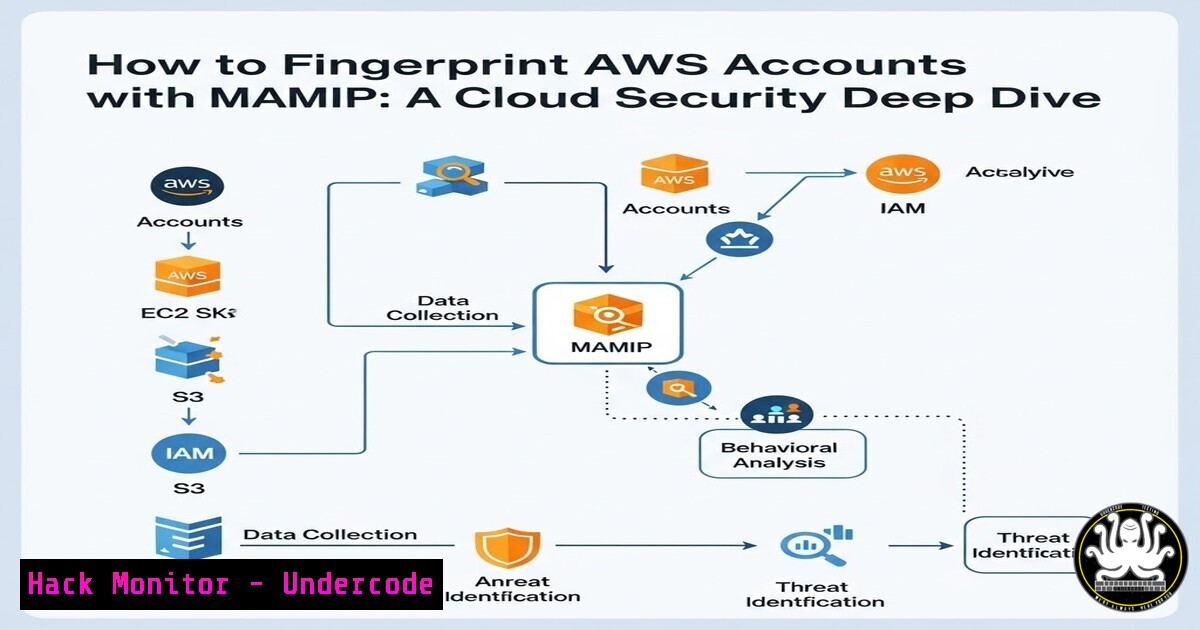
Introduction:
In the sprawling ecosystem of Amazon Web Services (AWS), identities are often represented by opaque, 12-digit account IDs. While necessary for infrastructure, these IDs can become a significant security blind spot when they are exposed in public artifacts, such as S3 bucket policies, CloudFormation templates, or error messages. Knowing which organization owns a specific AWS account ID is the first step in reconnaissance for an attacker. A new feature added to the MAMIP tool, leveraging the fwdcloudsec dataset, now allows security professionals and penetration testers to reverse-engineer these anonymous numbers, turning them into actionable threat intelligence.
Learning Objectives:
- Understand the security implications of exposed AWS Account IDs.
- Learn how to utilize the MAMIP web application to identify AWS account owners.
- Master the process of querying the fwdcloudsec dataset locally using command-line tools (Linux/macOS).
- Explore methods to integrate this lookup capability into automated security workflows.
You Should Know:
1. Understanding the fwdcloudsec Dataset and MAMIP
The foundation of this identification process is the `known_aws_accounts` dataset, curated by the fwdcloudsec community. This open-source repository aggregates publicly disclosed AWS account IDs and maps them to their known owners—ranging from major corporations like Netflix and Twilio to specific AWS services. MAMIP (Managed AWS Managed IAM Policies) is a web application originally designed to search the history of AWS Managed Policies. Its latest integration now serves as a frontend for this account dataset, allowing users to instantly look up an account ID without touching the command line.
- Using the MAMIP Web Interface for Rapid Reconnaissance
For quick, ad-hoc investigations, the web interface is the most efficient method. This is particularly useful during a security assessment where you have stumbled upon an AWS Account ID in a website’s JavaScript file or a misconfigured S3 bucket policy.
Step‑by‑step guide:
- Navigate to the MAMIP web application hosted at `https://mamip.zoph.io/`.
- Locate the search bar designated for the account lookup feature (usually integrated into the main interface or a dedicated section).
- Enter the 12-digit AWS Account ID you wish to investigate (e.g.,
123456789012).
4. Press Enter or click the search icon.
- Analyze the Output: The tool will query the fwdcloudsec dataset and return the associated name or organization. For example, entering an ID associated with a known service might return “AWS CloudTrail,” while another might return “Twilio Inc.” This immediately provides context, transforming a random number into a potential attack surface.
-
Leveraging the GitHub Repository for Offline and Automated Analysis
In a professional security context, manual web lookups are not scalable. You may need to analyze hundreds of account IDs from cloudtrail logs or VPC flow logs. This requires local access to the dataset.
Step‑by‑step guide (Linux/macOS):
- Clone the Repository: First, obtain the raw dataset locally.
git clone https://github.com/fwdcloudsec/known_aws_accounts.git
cd known_aws_accounts
- Examine the Data Structure: The data is typically stored in YAML or JSON files. List the contents to understand the structure.
ls -la
cat accounts.json | jq '.[bash]'  Preview the first entry if it's JSON
- Perform a Targeted Lookup (Linux/macOS): Use `grep` to search for a specific account ID. This is useful for quick verification without a web browser.
Assuming the data is in a JSON format where the key is the account ID
grep -r "123456789012" .
For a more structured search, use
jq. If the `accounts.json` file maps IDs to names, the command would look like this:Example: Find the name for account ID 123456789012 (adjust jq filter based on actual file structure) cat accounts.json | jq '.[] | select(.id == "123456789012")'
- Build a Simple Lookup Script (Linux/macOS): For repeated use, create a quick Bash function.
Add to your .bashrc or .zshrc
aws_account_lookup() {
if [ -z "$1" ]; then
echo "Usage: aws_account_lookup <ACCOUNT_ID>"
return 1
fi
grep -r "$1" /path/to/your/local/known_aws_accounts/
}
Reload the shell or run: source ~/.bashrc
aws_account_lookup 123456789012
4. Integrating Account Lookups into Security Workflows
The real power of this tool lies in automation. By integrating the dataset into your Security Information and Event Management (SIEM) or log analysis pipeline, you can automatically enrich alerts.
Conceptual Integration (Linux/macOS with Scripting):
- Extract Account IDs from Logs: Use tools like
awk,cut, or `grep` to extract AWS Account IDs from CloudTrail logs.Example: Extract unique account IDs from a CloudTrail log file (conceptual) cat cloudtrail_log.json | jq '.Records[].userIdentity.accountId' | sort -u > account_ids.txt
- Automate Enrichment: Write a Python or Bash script that reads
account_ids.txt, queries the local `known_aws_accounts` dataset, and appends the owner information. This turns a raw list of IDs into a report highlighting which accounts belong to you, which belong to partners, and which are completely unknown—a potential sign of compromised credentials or unauthorized activity.
5. Cloud Hardening and Mitigation Strategies
Understanding that account IDs are not secret is crucial for cloud hardening. They often leak through DNS names (S3 website endpoints) or AMI sharing.
Step‑by‑step guide for defenders (AWS Console & CLI):
- Audit S3 Bucket Policies: Check for policies that grant access to external accounts. This often requires you to list the other party’s account ID.
Using AWS CLI to get the bucket policy
aws s3api get-bucket-policy --bucket your-bucket-name --query Policy --output text | jq '.'
If you see a `Principal` like
"AWS": "123456789012", you can now use MAMIP to verify who that account belongs to. - Review Shared AMIs: Ensure you are not unintentionally sharing AMIs with unknown external parties.
Describe images you own and check permissions
aws ec2 describe-images --owners self --query 'Images[].ImageId'
aws ec2 get-launch-template-data --instance-id i-xxxxxxxxxx  Check permissions
- Monitor for Reconnaissance: Implement GuardDuty findings that alert on unusual API calls from unfamiliar account IDs, which could indicate an attacker probing your permissions.
6. Exploitation and Vulnerability Context (Red Team Perspective)
From an attacker’s standpoint, identifying an account ID is often the first step in a larger enumeration chain. If a developer accidentally hard-codes an Account ID in a public GitHub repository, an attacker can:
1. Identify the company using the ID via MAMIP.
2. Use that information to craft highly targeted phishing campaigns.
3. Search for other exposed assets belonging to that specific organization.
4. Attempt to assume roles from other compromised accounts if trust relationships are misconfigured.
Windows Equivalent Commands (for log analysis):
While the dataset is best handled in Linux/WSL, Windows administrators can use PowerShell for extraction:
 Extract account IDs from a text file using regex in PowerShell
Get-Content "C:\logs\raw_output.txt" | Select-String -Pattern "\b\d{12}\b" | ForEach-Object { $_.Matches.Value } | Sort-Object -Unique
What Undercode Say:
- The Myth of the Secret ID is Dead: The integration of the fwdcloudsec dataset into tools like MAMIP confirms that AWS Account IDs should be treated as public information. Security postures must shift from relying on the obscurity of these IDs to strictly enforcing identity and access management (IAM) with strong authentication and permissions boundaries.
- Proactive Detection is Non-Negotiable: Defenders must assume attackers will use these lookup tools. Security teams should proactively clone and integrate the `known_aws_accounts` dataset into their SIEM. By enriching logs with this data, they can instantly distinguish between traffic from a trusted partner (e.g., “Twilio”) and an unknown, potentially malicious entity, drastically reducing mean time to detection.
Prediction:
As these lookup tools become standard in every security engineer’s toolkit, we will see a rise in “attribution arms races.” Attackers will shift focus to exploiting the absence of an ID in the dataset, targeting smaller companies not yet cataloged. Conversely, we predict the emergence of automated red-team tools that not only fingerprint account owners but also cross-reference them with leaked credential databases and exposed public assets, creating a fully automated external attack surface mapping pipeline. The future of cloud security lies not in hiding numbers, but in dynamically managing trust in a world where everything is discoverable.
▶️ Related Video (84% Match):
🎯Let’s Practice For Free:
IT/Security Reporter URL:
Reported By: Grenuv Just – Hackers Feeds
Extra Hub: Undercode MoN
Basic Verification: Pass ✅


