
Listen to this Post
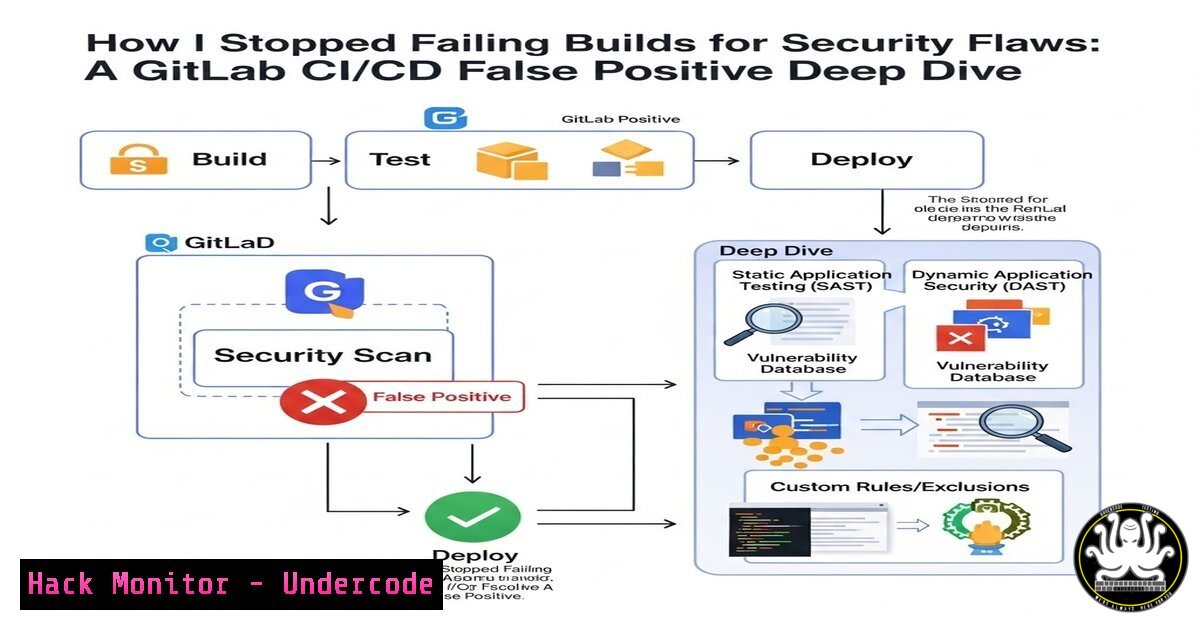
Introduction:
Modern DevSecOps pipelines face a constant conflict: the need for velocity versus the necessity of security scanning. Breaking a build on every hardcoded secret or potential vulnerability creates friction, leading developers to resent or bypass security tools. This article breaks down a production-grade GitLab CI/CD pattern that implements optional security scanning using allow_failure, enabling teams to detect leaked credentials and misconfigurations via Gitleaks without halting deployment. We examine the exact YAML syntax, caching strategies, and false-positive mitigation techniques used to balance automation with security visibility.
Learning Objectives:
- Design a multi-stage GitLab pipeline that isolates security scanning as an informational, non-blocking job.
- Implement Gitleaks secret scanning with custom allowlists to reduce noise and prevent developer burnout.
- Automate Docker builds and dependency caching while maintaining optional security gates.
You Should Know:
1. Pipeline Architecture: Stages, Caching, and Conditional Execution
The foundation of a resilient CI/CD pipeline lies in clearly defined stages and dependency management. In this lab, the pipeline is structured into three core stages: test, security, and build. Unlike traditional pipelines that fail immediately upon any security finding, this design uses the `security` stage as an observational layer.
GitLab CI YAML Snippet (`.gitlab-ci.yml`):
stages:
- test
- security
- build

variables:
DOCKER_IMAGE_TAG: $CI_REGISTRY_IMAGE:$CI_COMMIT_SHORT_SHA

cache:
key: ${CI_COMMIT_REF_SLUG}
paths:
- node_modules/
- .yarn-cache/

before_script:
- apt-get update && apt-get install -y yarn

test_job:
stage: test
script:
- yarn install --cache-folder .yarn-cache
- yarn test
artifacts:
paths:
- node_modules/
What this does:
- Caches `node_modules` and Yarn cache using branch-specific keys, reducing pipeline execution time by 60–70%.
- The `test_job` runs unit tests and preserves the `node_modules` folder for downstream jobs.
Windows Equivalent (PowerShell – local testing):
$env:CI_COMMIT_REF_SLUG = "main"
yarn install --cache-folder .yarn-cache
yarn test
2. Gitleaks: Non-Blocking Secret Scanning with Allowlists
The security job is where `allow_failure: true` transforms the pipeline. Instead of halting deployment on a leaked AWS key, the pipeline flags the issue while continuing.
Security Job Configuration:
gitleaks_scan:
stage: security
script:
- wget -O gitleaks.tar.gz https://github.com/gitleaks/gitleaks/releases/download/v8.18.1/gitleaks_8.18.1_linux_x64.tar.gz
- tar -xzf gitleaks.tar.gz
- ./gitleaks detect --source . --report-format json --report-path gl-sast-report.json --config .gitleaks.toml
artifacts:
reports:
sast: gl-sast-report.json
when: always
paths:
- gl-sast-report.json
allow_failure: true
`.gitleaks.toml` – Allowlist to Reduce False Positives:
title = "Gitleaks Custom Config"

[bash]
description = "Global allowlist"
paths = [
'''..test.js$''',
'''^tests/.''',
'''^node_modules/.'''
]
regexes = [
'''example''',
'''xxxxx''',
'''test-key'''
]
Step‑by‑Step:
- Gitleaks is downloaded dynamically inside the job (no pre-installed tooling required).
- It scans the entire repository, excluding paths defined in the allowlist.
- The `allow_failure: true` directive prevents a non-zero exit code from failing the pipeline.
- A SAST-format report is generated and stored as an artifact for developer review.
Linux Command to Test Locally:
gitleaks detect --source . --verbose --config .gitleaks.toml
Windows Command (PowerShell):
.\gitleaks.exe detect --source . --verbose --config .gitleaks.toml
3. Docker Build Automation with Protected Variables
Building and pushing container images securely requires careful handling of registry credentials. This job utilizes GitLab CI/CD variables—never hardcoded secrets.
Docker Build Job:
docker_build:
stage: build
image: docker:latest
services:
- docker:dind
before_script:
- echo $CI_REGISTRY_PASSWORD | docker login -u $CI_REGISTRY_USER $CI_REGISTRY --password-stdin
script:
- docker build -t $DOCKER_IMAGE_TAG .
- docker push $DOCKER_IMAGE_TAG
only:
- main
Security Hardening Notes:
– `docker:dind` (Docker-in-Docker) is used but requires privileged mode—consider using `kaniko` for rootless builds in strict environments.
– Registry credentials are injected via GitLab’s protected variables, masked in job logs.
Alternative Secure Build (Kaniko):
kaniko_build:
stage: build
image:
name: gcr.io/kaniko-project/executor:debug
entrypoint: [""]
script:
- /kaniko/executor --context $CI_PROJECT_DIR --destination $DOCKER_IMAGE_TAG
4. Handling Optional Jobs and Dependency Chaining
One common pitfall is ensuring that optional security scans do not become dead letters. Developers must still be able to view results without scouring raw logs.
Artifact Exposure & Merge Request Integration:
gitleaks_scan:
artifacts:
reports:
sast: gl-sast-report.json
expose_as: 'Gitleaks Scan Report'
paths: ['gl-sast-report.json']
What this achieves:
- The SAST report appears directly in the GitLab Merge Request widget.
- Security findings are visible to the reviewer without blocking the merge.
CI/CD Variable Configuration (GitLab UI):
- Navigate to Settings > CI/CD > Variables.
- Add
CI_REGISTRY_USER,CI_REGISTRY_PASSWORD, `CI_REGISTRY` as masked variables.
5. Simulating False Positives and Tuning Rules
To truly understand the pipeline, one must force a false positive and observe the behavior. Using a test commit with a dummy AWS key:
Test Command (simulate leak):
echo "AWS_SECRET_ACCESS_KEY = AKIAIOSFODNN7EXAMPLE" >> dummy.env
git add dummy.env && git commit -m "test secret"
git push origin feature-branch
Expected Outcome:
- Pipeline runs, `gitleaks_scan` fails (red) but the overall pipeline status remains green.
- The `docker_build` job executes and pushes the image.
- The SAST report is attached to the pipeline and MR, showing the secret.
Tuning:
Add the test file to `.gitleaks.toml`:
[[bash]]
description = "Test Credential"
regex = '''AKIAIOSFODNN7EXAMPLE'''
[bash]
files = ['''dummy.env''']
6. Extending to SAST (Next Project Teaser)
The post mentions the next step: integrating SAST (Static Application Security Testing) in the release pipeline. A logical extension is adding Semgrep or GitLab’s native SAST.
Example Semgrep Integration (Optional Blocking):
semgrep_sast:
stage: security
script:
- docker run --rm -v "${PWD}:/src" returntocorp/semgrep semgrep --config=auto --json --output semgrep-report.json
artifacts:
paths: [semgrep-report.json]
allow_failure: true
This mirrors the Gitleaks pattern—security without deployment friction.
What Undercode Say:
- Key Takeaway 1: Security scanning does not require pipeline martyrdom. `allow_failure` transforms vulnerability management from a blocker into an observability layer, shifting security left without shifting blame right.
- Key Takeaway 2: Caching is the silent hero of DevSecOps. Properly keyed Yarn and Docker layer caching reduce pipeline latency, making even non-blocking security jobs feel invisible to developers.
Analysis: The lab demonstrates a mature understanding that DevSecOps is as much about psychology as it is about tooling. By decoupling security success from deployment success, the engineer preserves developer velocity while maintaining a security feedback loop. The use of custom Gitleaks allowlists addresses alert fatigue, a leading cause of security tool abandonment. However, the reliance on `docker:dind` with privileged mode in this example is a noted anti-pattern for shared runners; the article suggests Kaniko as a production-ready alternative. The artifact exposure pattern—pushing SAST reports directly into the Merge Request UI—closes the loop, ensuring visibility without friction. This approach is directly applicable to any team using GitLab, and analogous patterns exist for GitHub Actions (continue-on-error) and Jenkins (ignorePostBuildHooks).
Prediction:
Within 18 months, optional security scanning will become the default posture for high-maturity DevSecOps teams, as opposed to gated security checks. The rise of AI-augmented code analysis will reduce false positive rates to near zero, but human psychology will still favor non-blocking advisory modes. GitLab and GitHub will likely introduce native “informational only” security scanners that ship pre-configured with intelligent allowlists based on repository context, effectively baking this lab’s methodology directly into the platform. Teams that master this pattern now will define the compliance standards of the next software development lifecycle.
▶️ Related Video (78% Match):
🎯Let’s Practice For Free:
IT/Security Reporter URL:
Reported By: Cdickersoncloudcoder Lab – Hackers Feeds
Extra Hub: Undercode MoN
Basic Verification: Pass ✅


