
Listen to this Post
Introduction:
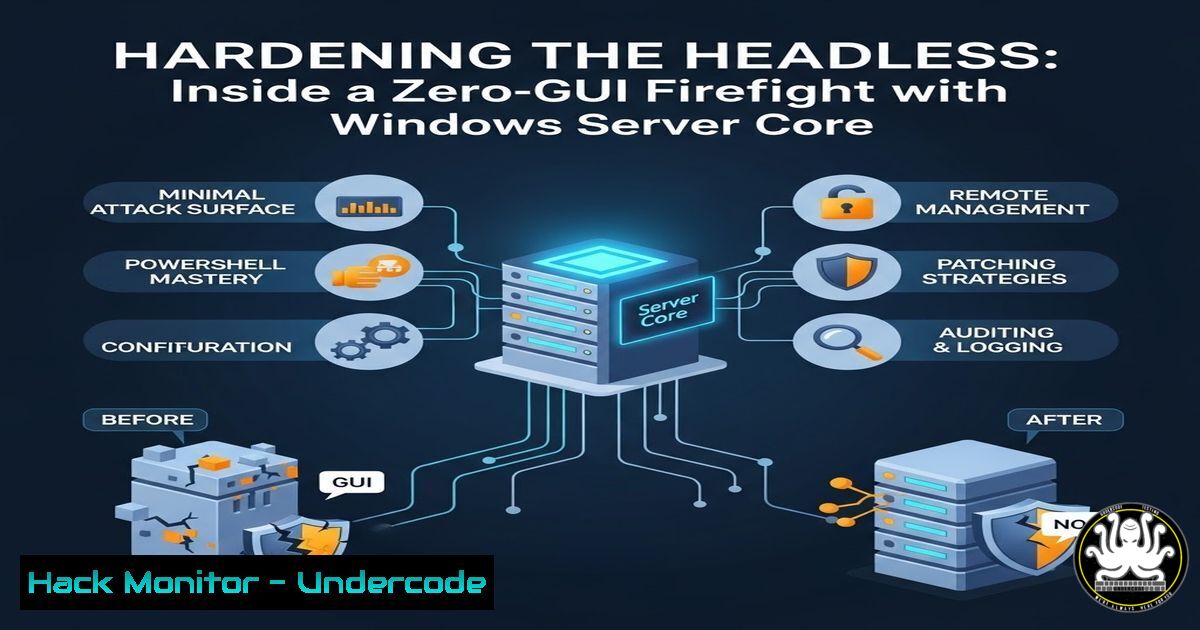
When a Red Team is actively scanning and you are locked inside a terminal-only Windows Server 2016 environment, every second counts. During the SECCDC qualifiers, defenders were forced to abandon GUI-based comfort zones and rely purely on PowerShell and registry-level configurations to survive. This article dissects the tactical hardening measures executed under fire—transforming a headless Windows Server into a resilient, zero-trust node using only command-line tools.
Learning Objectives:
- Understand how to fortify Local Security Authority (LSA) against credential dumping in a GUI-less environment.
- Enforce SMB signing and protocol-level integrity to neutralize relay attacks.
- Harden remote management services (RDP/WinRM) for stealth and availability.
- Implement registry-based attack surface reduction using native Windows tools.
- Apply basic Windows Firewall rules and logging from the command line.
1. Fortifying LSA and Restricting Anonymous Access
In a headless Windows Server, the registry is your primary control panel. Attackers often abuse null sessions and anonymous logins to dump credentials or enumerate users. Disabling these pathways immediately raises the cost of an initial foothold.
What this does:
The `RestrictAnonymous` registry keys control what information unauthenticated users can retrieve. Setting these values to `1` or `2` prevents enumeration of SAM accounts and shares.
Step‑by‑step guide (PowerShell – Server Core compatible):
 Set RestrictAnonymous to block anonymous enumeration of SAM accounts and shares
New-ItemProperty -Path "HKLM:\SYSTEM\CurrentControlSet\Control\Lsa" `
-Name "RestrictAnonymous" -Value 2 -PropertyType DWord -Force

 Additional lockdown for named pipes and null session access
New-ItemProperty -Path "HKLM:\SYSTEM\CurrentControlSet\Services\LanManServer\Parameters" `
-Name "RestrictNullSessAccess" -Value 1 -PropertyType DWord -Force

Verify the changes
Get-ItemProperty -Path "HKLM:\SYSTEM\CurrentControlSet\Control\Lsa" | Select RestrictAnonymous
Why under fire: These changes take effect immediately without reboot and stop tools like `enum4linux` or built-in `net view` commands from harvesting intel.
2. Enforcing SMB Security Signatures
SMB relay attacks are a favourite of red teams in segmented networks. Without signing, an attacker can impersonate a legitimate server or client. In a CLI-only environment, this must be enforced on both SMB server and client sides.
What this does:
Forces the SMB protocol to digitally sign every packet, preventing NTLM relay and tampering.
Step‑by‑step guide:
 Enable SMB signing on the server
Set-SmbServerConfiguration -RequireSecuritySignature $true -Force

Enable SMB signing on the client (prevents relay to other hosts)
Set-SmbClientConfiguration -RequireSecuritySignature $true -Force

Confirm settings
Get-SmbServerConfiguration | Select RequireSecuritySignature
Get-SmbClientConfiguration | Select RequireSecuritySignature
Note: These settings degrade performance slightly but are non-negotiable under active adversarial conditions.
3. Surgical Management of WinRM and RDP
In a headless environment, WinRM is often the only way to maintain your shell—but it is also a prime target. The goal is to keep the service alive for the blue team while hiding it from port scans and brute force.
What this does:
Changes default ports and restricts which IPs can connect, without breaking the scoring engine.
Step‑by‑step guide:
 Change WinRM listener port from 5985 to a high non‑standard port
winrm set winrm/config/Listener?Address=+Transport=HTTP '@{Port="8443"}'

Restrict RDP to a specific management subnet
Set-ItemProperty -Path "HKLM:\SYSTEM\CurrentControlSet\Control\Terminal Server\WinStations\RDP-Tcp" `
-Name "PortNumber" -Value 3389 -Type DWord  change port if needed

 Firewall: Allow only specific source IPs for RDP
New-NetFirewallRule -DisplayName "RDP_Admin_Only" -Direction Inbound -Protocol TCP `
-LocalPort 3389 -RemoteAddress "192.168.100.0/24" -Action Allow
Pro tip: Always test the scoring connectivity before changing critical ports—losing access in a competition is irreversible.
4. Disabling LLMNR and NetBIOS over TCP/IP
Name resolution poisoning (LLMNR/NBT-NS) is a low‑hanging fruit for relay attacks. In a hardened environment, these legacy protocols should be nuked via PowerShell.
What this does:
Stops the server from responding to broadcast name resolution requests, forcing attackers to use authenticated DNS.
Step‑by‑step guide:
 Disable LLMNR via Group Policy registry key
New-ItemProperty -Path "HKLM:\SOFTWARE\Policies\Microsoft\Windows NT\DNSClient" `
-Name "EnableMulticast" -Value 0 -PropertyType DWord -Force

 Disable NetBIOS over TCP/IP on all interfaces
$interfaces = Get-WmiObject Win32_NetworkAdapterConfiguration | Where { $_.TcpipNetbiosOptions -ne $null }
foreach ($interface in $interfaces) {
$interface.SetTcpipNetbios(2)  2 = Disable NetBIOS over TCP/IP
}
Validation: After reboot (or `ipconfig /renew`), `nbtstat -n` should show only the node type as “Peer-to-peer” with no unique names.
5. Command‑Line Windows Defender Hardening
On Server Core, Windows Defender is still available but managed exclusively via PowerShell. When under red team pressure, enabling cloud-delivered protection and ASR rules can stop fileless malware dead.
What this does:
Activates real‑time monitoring, cloud block level, and attack surface reduction rules—even without a UI.
Step‑by‑step guide:
 Set the cloud block level to "High" (most aggressive)
Set-MpPreference -CloudBlockLevel High

Enable network protection
Set-MpPreference -EnableNetworkProtection Enabled

Block Office apps from creating child processes (common ransomware behaviour)
Add-MpPreference -AttackSurfaceReductionRules_Ids "d4f940ab-401b-4efc-aadc-ad5f3c50688a" `
-AttackSurfaceReductionRules_Actions Enabled

 Verify all settings
Get-MpPreference | Select CloudBlockLevel, EnableNetworkProtection
Performance impact: Minimal; these settings primarily prevent execution rather than adding runtime overhead.
6. Logging and Sysmon (If Available)
If you have deployment rights, Sysmon is the gold standard for process-level logging. On a vanilla Server Core box, you can still crank up built‑in auditing from the command line.
What this does:
Enables command‑line process auditing and PowerShell script block logging—critical for understanding what the red team executed.
Step‑by‑step guide:
 Enable process creation auditing with command line
auditpol /set /category:"Detailed Tracking" /subcategory:"Process Creation" /success:enable
Set-ItemProperty -Path "HKLM:\SOFTWARE\Microsoft\Windows\CurrentVersion\Policies\System\Audit" `
-Name "ProcessCreationIncludeCmdLine_Enabled" -Value 1 -Type DWord

Enable PowerShell script block logging
New-Item -Path "HKLM:\SOFTWARE\Policies\Microsoft\Windows\PowerShell\ScriptBlockLogging" -Force
New-ItemProperty -Path "HKLM:\SOFTWARE\Policies\Microsoft\Windows\PowerShell\ScriptBlockLogging" `
-Name "EnableScriptBlockLogging" -Value 1 -PropertyType DWord -Force
Why it matters: With command‑line logging, even if the attacker clears event logs later, you may catch their activity in transit or memory.
What Undercode Say:
- Muscle memory over menus: In a headless environment, your ability to type registry paths and PowerShell cmdlets from memory determines survival. The GUI is a crutch; the CLI is a weapon.
- Security is asynchronous: You cannot wait for GPO refresh or security baselines to apply. Manual registry modification remains the fastest way to enforce zero‑trust mid‑incident.
- Stealth is part of hardening: Changing default ports and restricting management interfaces to known subnets does not fix vulnerabilities—but it buys time against automated scanners and low‑skill attacks.
Analysis:
This SECCDC scenario underscores a growing reality: modern enterprise servers are increasingly deployed in Core or Nano mode. Defenders must therefore evolve beyond click‑ops and embrace the command line as their primary interface. The techniques shown—LSA lockdown, SMB signing, service port manipulation—are not theoretical; they are the immediate, tactical responses that separate qualifying teams from eliminated ones. The emphasis on protocol integrity over application patching reflects a shift toward preventing lateral movement rather than merely chasing CVEs.
Prediction:
As infrastructure‑as‑code and immutable server images become standard, the “headless defender” skillset will move from niche competition tactic to mandatory enterprise requirement. We will see a new generation of blue‑team tools that are entirely PowerShell‑native, designed to be run inside containers and Server Core instances without any GUI dependency. The era of the terminal‑only defender has already begun.
▶️ Related Video (86% Match):
🎯Let’s Practice For Free:
IT/Security Reporter URL:
Reported By: Rohan D – Hackers Feeds
Extra Hub: Undercode MoN
Basic Verification: Pass ✅


