Listen to this Post
Introduction:
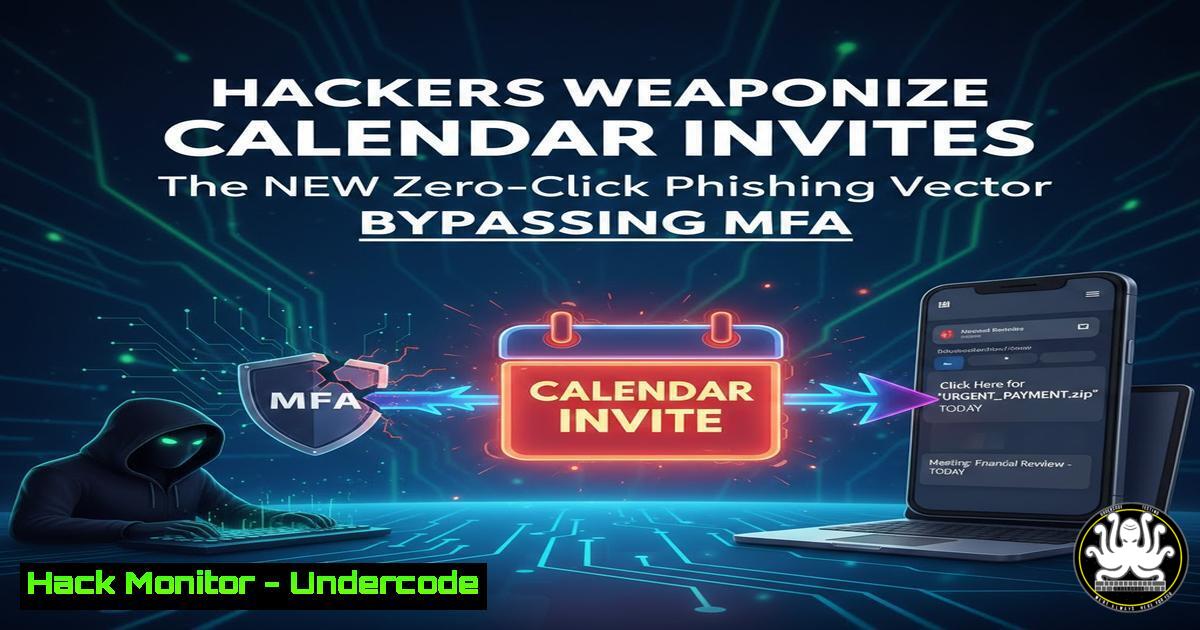
Cybercriminals have shifted their focus from malicious links in emails to abusing trusted collaboration tools, specifically calendar invitations. This new wave of “zero‑click” social engineering exploits the inherent trust users place in meeting requests from platforms like Microsoft Teams, Google Calendar, and Zoom. By bypassing traditional email security gateways and even multi‑factor authentication (MFA) prompts, attackers gain a foothold by simply having a victim accept a meeting that automatically provisions malicious payloads or harvesting pages.
Learning Objectives:
- Understand the mechanics of how calendar‑based phishing (”Cal‑Phishing”) evades standard email filters.
- Learn to analyze and dissect malicious `.ics` files and meeting links.
- Implement detection rules and hardening techniques for Microsoft 365 and Google Workspace.
- Explore post‑exploitation scenarios following a successful calendar invite compromise.
You Should Know:
- Anatomy of the Attack: The Malicious .ics File
Attackers are no longer sending PDFs or `.exe` files; they send calendar invites. These `.ics` files contain meeting descriptions with embedded links. Because the email infrastructure treats calendar invites as structured data rather than body text, security filters often fail to scan them with the same rigor.
Step‑by‑step guide: Analyzing a Malicious Calendar Invite
To inspect a suspicious invite without opening it:
- Linux/macOS: Save the `.ics` attachment and use `cat` or `less` to view its contents.
cat suspicious_invite.ics
Look for the `DESCRIPTION:` field. If it contains obfuscated JavaScript or a URL shortening service (e.g., bit.ly, tinyurl) followed by “Join Meeting,” it is malicious.
- Windows: Right‑click the file, open with Notepad, and search for the `ATTENDEE` or `URL` fields.
- Extract URLs: Use `grep` to pull all links from the file for sandbox analysis.
grep -Eo '(http|https)://[^"]+' suspicious_invite.ics
- Decode Obfuscation: If the link uses base64 encoding, decode it in the terminal:
echo "Base64StringHere" | base64 -d
What this does: This allows you to analyze the payload of the invite without triggering any automatic “Accept” features or rendering in a browser.
-
Bypassing MFA via Token Theft in Meeting Chats
Once a victim accepts a malicious calendar invite, the attacker often redirects them to a fake Microsoft 365 login page hosted within a “Meeting Chat” context. Since the user expects to join a meeting, they are more likely to enter credentials.
Step‑by‑step guide: Simulating the Redirection and Token Capture (Defensive Awareness)
1. Clone the Page: Security professionals can use `wget` or `httrack` to clone a legitimate O365 login page for testing awareness.
wget --mirror --convert-links --adjust-extension --page-requisites --no-parent https://login.microsoftonline.com
2. Set Up a Test Server: Run a local Python server to host the cloned page and demonstrate how easily session tokens can be logged.
python3 -m http.server 8080
3. Inspect Session Tokens: Use browser developer tools (F12) to show how cookies and session tokens are transmitted. In a real attack, the server would log the `$_POST` data containing the session cookie, allowing the attacker to import it into their own browser and bypass MFA entirely.
3. Hardening Microsoft 365 Against Calendar Phishing
Administrators must reconfigure default settings that prioritize user convenience over security. External meeting invites are often automatically processed, leading to the “zero‑click” nature of the attack.
Step‑by‑step guide: PowerShell Hardening for Exchange Online
Connect to Exchange Online PowerShell and implement the following restrictions:
1. Block External Meeting Requests: Prevent external domains from sending invites that auto‑add attendees.
Set-ExternalInOutlook -Enabled $false
2. Modify Mail Flow Rules: Create a transport rule to add a warning header to any email containing an `.ics` file from outside the organization.
New-TransportRule -Name "External Calendar Warning" -FromScope NotInOrganization -SubjectOrBodyContains "ics" -SetHeaderName "X-MS-Exchange-Organization-Phish" -SetHeaderValue "ExternalInvite"
3. Disable Automatic Processing: Ensure calendars do not auto‑process external requests.
Set-MailboxCalendarConfiguration -Identity "User" -AutoProcessing $false
4. API Security: Exploiting Graph API for Persistence
Advanced Persistent Threat (APT) groups are now using the Microsoft Graph API to maintain access after an initial calendar compromise. By obtaining a refresh token, they can silently add themselves to internal meetings or mailboxes.
Step‑by‑step guide: Detecting Suspicious API Calls
Monitor your SIEM logs for anomalous Graph API activity. Use KQL (Kusto Query Language) to hunt for attackers adding delegates to calendars:
// Detect mass addition of mailbox delegates via API
OfficeActivity
| where Operation == "AddMailboxPermissions"
| where UserId != "AttackerAddedUser"
| where ClientIP !in (allowed_ip_range)
| extend DelegateUser = tostring(Parameters[bash].Value)
| project TimeGenerated, UserId, DelegateUser, ClientIP
What this does: This query identifies if an attacker, after stealing a token, is granting themselves delegate access to read, send, or manage meetings.
- Linux Defense: Blocking Cobalt Strike Beacons Delivered via Invites
Often, the link in the calendar invite leads to a payload (e.g., a fake Teams update) that downloads a Cobalt Strike beacon. Linux‑based defense teams can use `iptables` or `nftables` to block outbound traffic to known Command & Control (C2) servers listed in threat feeds.
Step‑by‑step guide: Dynamic Blocking of Malicious IPs
1. Download a live threat feed.
wget https://feeds.feedburner.com/emergingthreats/rss -O emerging_threats.txt
2. Parse and block IPs (simplified example).
grep -oE '([0-9]{1,3}.){3}[0-9]{1,3}' emerging_threats.txt | sort -u | while read ip; do
sudo iptables -A OUTPUT -d $ip -j DROP
done
3. Log dropped packets for analysis.
sudo iptables -I OUTPUT -m limit --limit 5/min -j LOG --log-prefix "C2 Blocked: "
6. Cloud Hardening: Google Workspace Security Rules
Google Workspace admins must treat calendar invites as a primary vector. Google’s Context‑Aware Access can be configured to block access to calendar links from unmanaged devices.
Step‑by‑step guide: Configuring Google Calendar Security
- Navigate to
Admin console > Apps > Google Workspace > Calendar. - Under “Sharing settings,” set External invitations to “Only allow invitations from specified domains.”
- Enable “Safe linking” to scan all URLs pasted into calendar event descriptions.
- Use the Alert Center API to pull events regarding suspicious calendar activity.
Python script to pull calendar alerts
from google.oauth2 import service_account
from googleapiclient.discovery import build</li>
</ol>

SCOPES = ['https://www.googleapis.com/auth/apps.alerts']
credentials = service_account.Credentials.from_service_account_file('creds.json', scopes=SCOPES)
service = build('alertcenter', 'v1beta1', credentials=credentials)

result = service.alerts().list(pageSize=10, filter='type:"Suspicious calendar entry"').execute()
print(result)
What Undercode Say:
- Trust is the new attack surface: The shift to calendar‑based phishing proves that attackers are exploiting our behavioral trust in productivity tools, not just technical vulnerabilities. If a user expects a calendar invite, they will click the link.
- Configuration matters more than tools: Standard email gateways fail to catch `.ics` files. The only effective defense is reconfiguring collaboration suite defaults to “deny by default” and requiring explicit admin approval for external meeting requests.
- API monitoring is mandatory: The use of Graph API to maintain persistence shows that post‑breach detection must focus on legitimate tools used illegitimately. Monitor for unusual permission grants and delegate access.
Prediction:
As deepfake technology merges with calendar phishing, we will see “live” meeting invites where victims join a conference call expecting a colleague but are instead met with an AI‑generated voice clone asking them to reset a password or approve a transaction. The line between a scheduled meeting and a social engineering event will blur entirely, forcing organizations to implement biometric voice verification for any sensitive action taken during a virtual call.
▶️ Related Video (86% Match):
🎯Let’s Practice For Free:
IT/Security Reporter URL:
Reported By: Pablodiazt Aisecurity – Hackers Feeds
Extra Hub: Undercode MoN
Basic Verification: Pass ✅🔐JOIN OUR CYBER WORLD [ CVE News • HackMonitor • UndercodeNews ]
📢 Follow UndercodeTesting & Stay Tuned:


