Listen to this Post
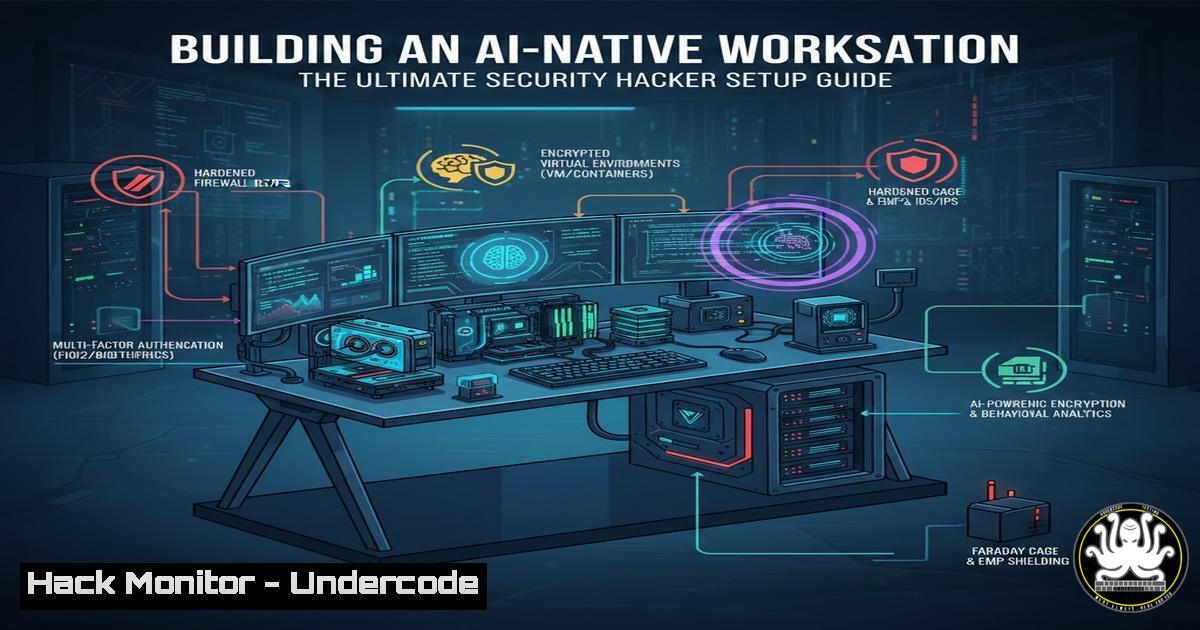
Introduction:
The evolution of penetration testing and development is shifting from manual scripting to agent-driven, AI-native workflows. By integrating large language models (LLMs) directly into the operating system and security tools, professionals can automate reconnaissance, streamline code analysis, and dynamically interact with targets. This guide explores how to build a hardened, AI-driven workstation using vanilla macOS, Code, Daniel Miessler’s PAI (Personal AI), Obsidian, and the Burp MCP server—creating a feedback loop where AI agents augment human-led security assessments.
Learning Objectives:
- Understand the architecture of an AI-native security workstation.
- Learn to install and configure Code, PAI, and Burp MCP for automated penetration testing.
- Master command-line workflows that bridge macOS, AI agents, and security tools.
- Implement context-scoping techniques to prevent AI “noise” during active security operations.
- Explore the future of autonomous red-teaming through Model Context Protocol (MCP) integrations.
You Should Know:
1. Vanilla macOS Hardening for AI Workloads
Before deploying AI agents, the host system must be secured to prevent data leakage and unauthorized access. Start with a clean macOS installation and apply these foundational security configurations.
Step‑by‑step guide:
- Enable FileVault: Full disk encryption ensures that if the machine is lost, AI-generated reports and findings remain encrypted.
sudo fdesetup enable
2. Configure the Application Layer Firewall:
sudo /usr/libexec/ApplicationFirewall/socketfilterfw --setglobalstate on
3. Disable unnecessary telemetry:
sudo defaults write /Library/Application\ Support/CrashReporter/DiagnosticMessagesHistory AutoSubmit -boolean false
4. Install essential CLI tools:
xcode-select --install
/bin/bash -c "$(curl -fsSL https://raw.githubusercontent.com/Homebrew/install/HEAD/install.sh)"
5. Create isolated user accounts for different AI projects to segment data.
2. Deploying Code for Autonomous Scripting
Code acts as the primary AI engineer, capable of generating exploit snippets, parsing log data, and suggesting remediation steps directly from the terminal.
Step‑by‑step guide:
1. Install via Homebrew:
brew install -code
2. Authenticate with your Anthropic API key:
-code auth --api-key YOUR_KEY
3. Use to analyze a packet capture:
sudo tcpdump -i en0 -c 100 -w capture.pcap
-code "Analyze capture.pcap for any suspicious HTTP traffic and suggest potential SQLi points."
4. Generate a reverse shell one-liner (for authorized testing):
-code "Write a Python reverse shell for Linux, obfuscated with base64."
- Installing and Wiring Burp MCP for Agentic Security Testing
The Model Context Protocol (MCP) server for Burp Suite allows AI agents to directly interact with Burp’s scanner, repeater, and proxy—enabling automated vulnerability discovery.
Step‑by‑step guide:
- Download the Burp MCP server from PortSwigger’s community repository.
- Start Burp Suite and enable the MCP listener on port 8081:
java -jar burp-mcp-server.jar --port 8081
3. Configure Code to use the MCP tool:
-code mcp add burp --endpoint http://localhost:8081
4. Instruct the agent to initiate a scan:
-code "Use burp to spider https://testfire.net and passively scan for vulnerabilities. Summarize findings."
5. To prevent noise, scope the scan tightly by providing explicit URL patterns or using Burp’s scope settings via the API.
- Daniel Miessler’s PAI v3: Persistent PRDs and Constraint Extraction
PAI (Personal AI) v3 introduces persistent Product Requirements Documents (PRDs) and automated constraint extraction, which are critical for maintaining context across multiple testing sessions.
Step‑by‑step guide:
1. Clone the PAI repository:
git clone https://github.com/danielmiessler/pai.git
cd pai
2. Install dependencies and configure your `.env` file with API keys.
3. Create a new project for a web app assessment:
pai project create "WebApp_Pentest" --prd "prd_webapp.md"
4. PAI will extract constraints (e.g., “No automated SQLi on login page”) and enforce them across all agent interactions.
5. Integrate with Obsidian to log findings:
pai obsidian connect /path/to/vault
pai log "Discovered XSS in search parameter" --tags xss,high
5. Managing AI Noise with Context Scoping
As highlighted by Subhash Dasyam, security tooling and agentic setups can become noisy. Scoping the AI’s context is essential to avoid false positives and wasted cycles.
Step‑by‑step guide (Linux/macOS):
- Use `jq` to filter Burp API responses before feeding them to :
curl -s http://localhost:8081/alerts | jq '.[] | select(.severity=="high")' | -code "Analyze these high-severity alerts only."
- Create a `.-scope` file in your project root that defines allowed actions and domains.
- For Windows environments, use PowerShell to scope tool output:
Get-Content .\nmap_scan.xml | Select-String -Pattern "open" | -code "Review open ports"
- Obsidian as a Collaborative Brain for AI Agents
Obsidian, when combined with MCP, becomes a knowledge base that AI agents can query for past findings, exploit techniques, and project context.
Step‑by‑step guide:
1. Install the Obsidian MCP bridge plugin.
- Create notes for each target with standardized frontmatter (e.g., IP, services, vulnerabilities).
- Use the CLI to query Obsidian from your terminal:
obsidian-mcp query "Show me all notes with 'critical' tag from last week"
4. Feed the results into for pattern analysis:
obsidian-mcp export --tag critical | -code "Identify common root causes of critical findings."
7. Automating the Loop: Gemini + Antigravity
The mention of “gemini + antigravity” hints at using Google’s Gemini models alongside speculative or experimental automation tools. While “antigravity” may be a playful reference, we can interpret it as leveraging high-level automation.
Step‑by‑step guide:
- Enable Gemini API access and install the Python client.
- Write a script that watches for new Burp findings and triggers a Gemini analysis:
import requests
import google.generativeai as genai</li>
</ol>

genai.configure(api_key="YOUR_KEY")
model = genai.GenerativeModel('gemini-pro')

while True:
alerts = requests.get("http://localhost:8081/alerts").json()
for alert in alerts:
response = model.generate_content(f"Explain how to exploit {alert}")
print(response.text)
3. For “antigravity,” consider using Apache Airflow (or a lightweight alternative) to orchestrate recurring scans and AI summaries.
What Undercode Say:
- Key Takeaway 1: The fusion of MCP servers with AI agents transforms security testing from manual point-and-click to semi-autonomous, context-aware operations.
- Key Takeaway 2: Noise reduction is paramount; without strict scoping and constraint extraction (via tools like PAI v3), AI-driven security can become overwhelming and inaccurate.
The experiment by Fredrik and the insights from Subhash demonstrate that we are on the cusp of a new paradigm. By treating the workstation as an AI-native environment, security professionals can offload repetitive tasks to agents while maintaining human oversight for complex decision-making. However, the success of this model hinges on proper configuration, isolation, and continuous refinement of the AI’s context window.
Prediction:
Within the next two years, autonomous red-teaming agents will become standard in enterprise security budgets. These agents, powered by MCP integrations and persistent PRDs, will conduct continuous, low-level security monitoring, freeing human experts to focus on strategic attack paths and zero-day research. The “AI-native workstation” will evolve into a collaborative hub where multiple specialized agents (network, web, cloud) work in parallel, with results aggregated and cross-referenced automatically. This shift will lower the barrier to entry for security testing but will also demand new skills in prompt engineering, agent orchestration, and AI output validation.
▶️ Related Video (88% Match):
🎯Let’s Practice For Free:
IT/Security Reporter URL:
Reported By: Fredrikalexandersson Just – Hackers Feeds
Extra Hub: Undercode MoN
Basic Verification: Pass ✅🔐JOIN OUR CYBER WORLD [ CVE News • HackMonitor • UndercodeNews ]
📢 Follow UndercodeTesting & Stay Tuned:


