Listen to this Post
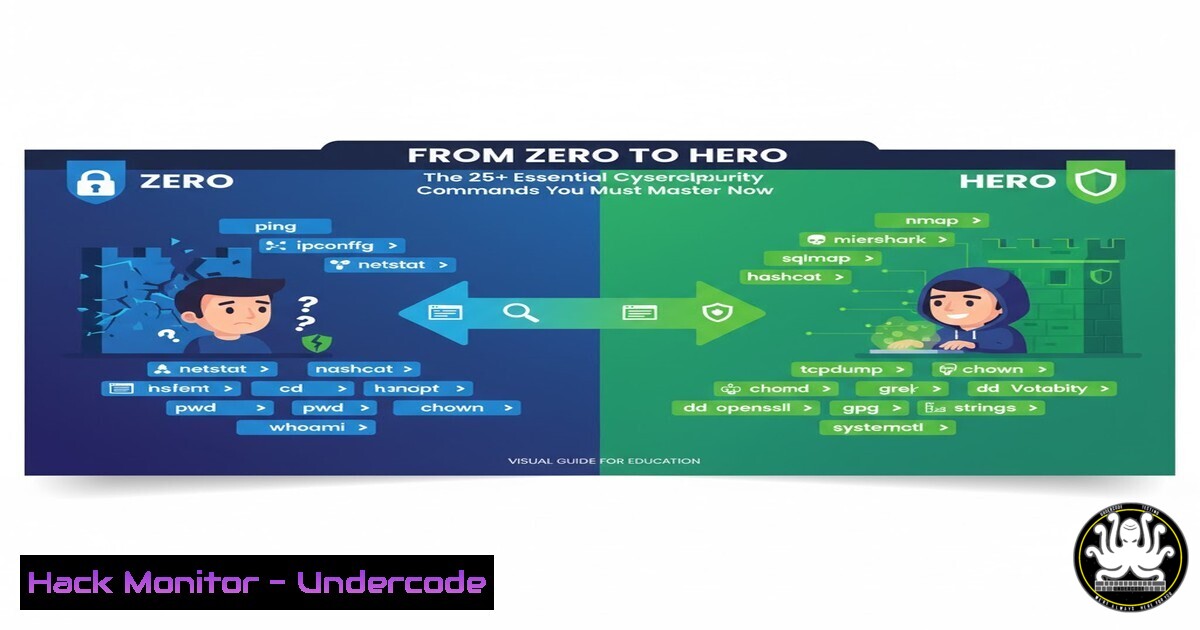
Introduction:
The journey into cybersecurity often begins with a single, daunting question: “Where do I start?” In a field saturated with complex tools and ever-evolving threats, practical, hands-on knowledge is the ultimate differentiator. Moving from theoretical concepts to executable commands is the critical leap that transforms an aspiring analyst into a capable defender.
Learning Objectives:
- Master fundamental command-line operations for both Linux and Windows environments essential for security tasks.
- Acquire practical skills in network reconnaissance, vulnerability assessment, and log analysis.
- Understand how to implement basic security hardening and detect malicious activity.
You Should Know:
1. Mastering the Linux Forensic Triad
The ability to quickly triage a system is a core SOC skill. These three commands provide a snapshot of system state.
 1. Check running processes
ps aux --sort=-%mem | head

<ol>
<li>Examine network connections
netstat -tulnpe</p></li>
<li><p>Review authenticated users and login history
who -a && last -20
Step-by-step guide:
The `ps aux` command lists all running processes, sorted by memory usage (--sort=-%mem), showing the top consumers which could indicate malware. `netstat -tulnpe` displays all listening (-l) TCP/UDP (-tu) ports, without resolving names (-n), with the associated process and user (-pe). This is crucial for identifying unauthorized services. Combining `who` and `last` gives a real-time and historical view of user logins, helping to spot suspicious access.
2. Windows Incident Response First Responder
When a potential breach occurs on a Windows system, these commands gather critical initial evidence.
 1. List established network connections
Get-NetTCPConnection | Where-Object {$_.State -eq "Established"}

<ol>
<li>Enumerate all running services
Get-Service | Where-Object {$_.Status -eq "Running"}</p></li>
<li><p>Check recently modified executables in Program Files
Get-ChildItem "C:\Program Files" -Recurse -Include .exe | Where-Object {$_.LastWriteTime -gt (Get-Date).AddDays(-1)} | Select-Object FullName, LastWriteTime
Step-by-step guide:
The PowerShell `Get-NetTCPConnection` cmdlet is the modern replacement for netstat, filtering for “Established” connections to see active communications. `Get-Service` piped to a `Where-Object` filter quickly lists all running services, which is where persistent threats often hide. The final command recursively searches the `C:\Program Files` directory for any `.exe` files modified in the last 24 hours, a common indicator of a dropped payload.
3. Network Reconnaissance with Nmap
Nmap is the undisputed king of network scanning for a reason. Mastering its syntax is non-negotiable.
 1. Basic TCP SYN scan
nmap -sS -T4 192.168.1.0/24

<ol>
<li>Service and version detection
nmap -sV -sC -p- 192.168.1.10</p></li>
<li><p>Aggressive scan with OS detection
nmap -A -O 192.168.1.10
Step-by-step guide:
The `-sS` flag initiates a SYN scan, the default and most efficient TCP scan. The `-T4` flag speeds up the scan. The `-sV` probe attempts to determine service/version info, while `-sC` runs default Nmap scripts. Using `-p-` scans all 65,535 ports. The `-A` flag enables OS detection, version detection, script scanning, and traceroute, providing a comprehensive picture of the target.
4. Web Application Vulnerability Scanning
Modern attacks target the application layer. These command-line tools are the first line of defense.
 1. Directory and file brute-forcing with Gobuster
gobuster dir -u https://example.com -w /usr/share/wordlists/dirb/common.txt

<ol>
<li>Nikto web server scanner
nikto -h https://example.com</p></li>
<li><p>Simple HTTP header security check with curl
curl -I https://example.com
Step-by-step guide:
`Gobuster` uses a wordlist (-w) to brute-force hidden directories and files on a web server (dir mode). `Nikto` performs comprehensive tests against a web server for dangerous files, outdated versions, and specific vulnerabilities. The `curl -I` command fetches only the HTTP headers of a response, allowing you to quickly check for missing security headers like `X-Frame-Options` or Content-Security-Policy.
5. Log Analysis for Threat Hunting
Logs are a goldmine of information. Using command-line tools to parse them is a superpower.
 1. Search for failed SSH attempts in auth.log
grep "Failed password" /var/log/auth.log

<ol>
<li>Count unique IPs attempting SSH access
grep "Failed password" /var/log/auth.log | grep -oE "[0-9]+.[0-9]+.[0-9]+.[0-9]+" | sort | uniq -c | sort -nr</p></li>
<li><p>Monitor Apache access logs for 404 errors in real-time
tail -f /var/log/apache2/access.log | grep "404"
Step-by-step guide:
The first `grep` filters the authentication log for all failed password attempts, a key indicator of brute-force attacks. The second, more complex command extracts IP addresses (grep -oE with a regex), sorts them, counts unique occurrences (uniq -c), and presents them in descending order (sort -nr), instantly revealing the most aggressive attackers. `tail -f` follows the log file, providing a real-time stream that is then filtered for 404 errors, which can reveal scanning activity.
6. Cloud Security Posture Checking
Misconfigurations in the cloud are a leading cause of breaches. These AWS CLI commands help audit your environment.
 1. Check for public S3 buckets
aws s3api list-buckets --query "Buckets[].Name" && aws s3api get-bucket-acl --bucket YOUR_BUCKET_NAME

<ol>
<li>List all Security Groups and their rules
aws ec2 describe-security-groups --query "SecurityGroups[].[GroupName,GroupId,IpPermissions[].FromPort]"</p></li>
<li><p>Check IAM password policy strength
aws iam get-account-password-policy
Step-by-step guide:
The first set of commands lists all S3 buckets and then retrieves the Access Control List (ACL) for a specific bucket to check for public `READ` permissions. The `describe-security-groups` command lists all firewall rules; the `–query` filter is used to simplify the output to show group names, IDs, and open ports. The final command audits the account’s password policy to ensure it meets complexity requirements.
7. API Security Testing with curl
APIs power the modern web, but are often poorly secured. These commands test fundamental security controls.
 1. Test for SQL Injection vulnerability
curl -X GET "https://api.example.com/v1/users?id=1' OR '1'='1'--"

<ol>
<li>Test for Broken Object Level Authorization (BOLA)
curl -H "Authorization: Bearer YOUR_TOKEN" -X GET "https://api.example.com/v1/users/12345/account"</p></li>
<li><p>Fuzz an endpoint for unexpected inputs
curl -X POST "https://api.example.com/v1/login" -d '{"username":"admin", "password":"\"}' -H "Content-Type: application/json"
Step-by-step guide:
The first command appends a classic SQL injection payload to a query parameter. The second tests for BOLA by attempting to access a resource belonging to another user (ID 12345) using your own authentication token. The third command uses fuzzing (the “ wildcard in the password field) to see how the API handles unexpected input, which can reveal error messages or application logic flaws.
What Undercode Say:
- Practical Execution Trumps Theoretical Knowledge: The single biggest barrier to entry in cybersecurity is the “knowledge-action gap.” The ability to execute commands and interpret their output in real-time is what separates observers from participants in a SOC.
- The Command Line is the Great Equalizer: GUI tools are often slow, resource-heavy, and abstract away critical details. Fluency in the terminal provides granular control, enables automation, and is a universally required skill across offensive, defensive, and audit roles.
The emphasis on clarity and direction, as highlighted in the conference, is perfectly embodied by a command-line-centric approach. It provides an unambiguous, actionable path for learning. Each command is a discrete, verifiable unit of skill that builds towards competence. The future of effective security training lies not in overwhelming newcomers with high-level concepts, but in providing them with this foundational, executable toolkit from day one. This transforms confusion into a structured, buildable skill set.
Prediction:
The democratization of practical, command-level cybersecurity skills will fundamentally shift the industry’s talent pipeline. As more training initiatives focus on this hands-on, “see one, do one” methodology, we will see a rise in competent junior analysts capable of contributing to security operations from their first week. This will pressure traditional education models and force a industry-wide recognition that demonstrable skill, often built in home labs, is as valuable as formal credentials. The “Zero to Hero” pathway will become the new standard for entry-level preparation.
🎯Let’s Practice For Free:
IT/Security Reporter URL:
Reported By: Somtochukwu Okoma – Hackers Feeds
Extra Hub: Undercode MoN
Basic Verification: Pass ✅


