Listen to this Post
Introduction:
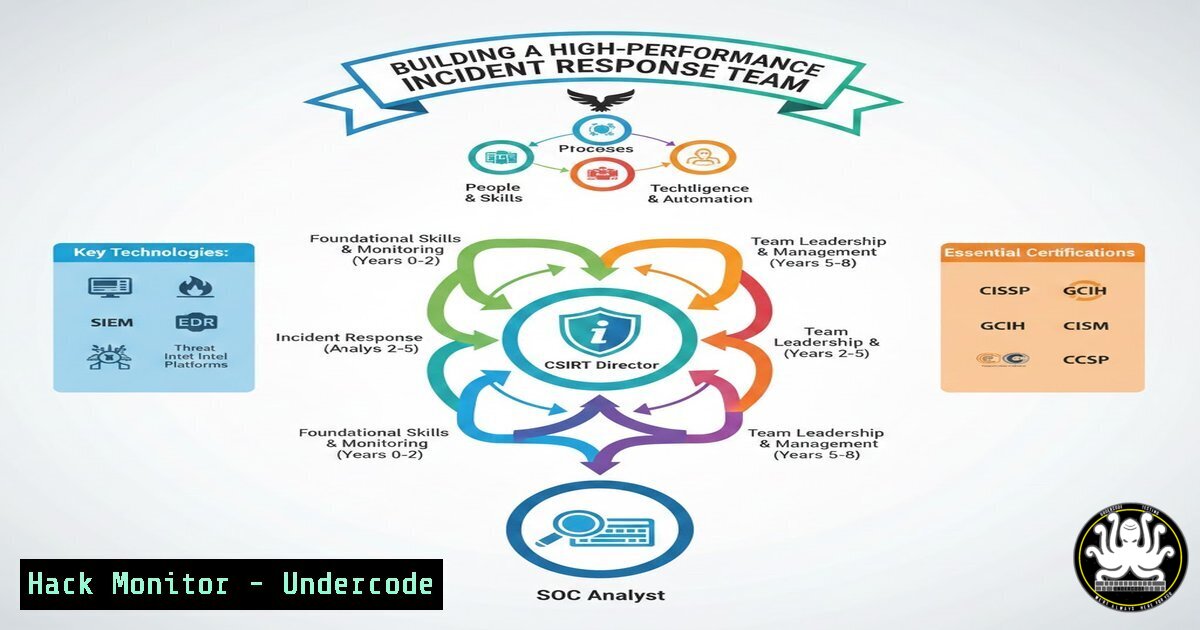
The transition from a technical cybersecurity role to a leadership position within a Computer Security Incident Response Team (CSIRT) is more than a promotion; it is a paradigm shift. While technical proficiency in malware analysis or log inspection is foundational, the core of effective incident response lies in human coordination and trust management. This article deconstructs the leadership philosophy required to build a resilient CSIRT, moving beyond standard operating procedures (SOPs) to cultivate a team capable of maintaining clarity and coordination under the extreme pressure of a live security breach.
Learning Objectives:
- Understand the critical distinction between technical incident management and the leadership of “trust management” during a crisis.
- Learn the foundational steps to architect a CSIRT environment, from tooling to communication protocols.
- Identify key Linux and Windows commands used during live forensic analysis to maintain team coordination.
- Explore methods for hardening communication channels and cloud assets to prevent secondary compromise during an incident.
You Should Know:
1. Architecting the CSIRT Environment: The Technical Foundation
Before a team can function under pressure, the environment must be configured to support rapid, coordinated action. A CSIRT is not just a group of people; it is a platform of integrated tools. The first step in building resilience is ensuring that every analyst has access to a centralized, secure investigation hub.
Step-by-Step Guide: Setting Up a Collaborative Investigation Environment
To mimic the infrastructure discussed in leadership contexts, we must establish a Security Orchestration, Automation, and Response (SOAR) or a case management platform like TheHive or IRIS.
Step 1: Deploy a Case Management System (Using Docker)
A centralized platform ensures that “serenity” and “criterion” mentioned in the post are digitized—everyone looks at the same data simultaneously.
 Example: Deploying TheHive (Debian/Ubuntu)
 Update system and install dependencies
sudo apt update && sudo apt upgrade -y
sudo apt install wget curl openjdk-11-jre-headless

Pull and run Cassandra (Database)
docker run -d --name cassandra-db -p 9042:9042 cassandra:3.11

Pull and run Elasticsearch
docker run -d --name elasticsearch -p 9200:9200 -e "discovery.type=single-node" elasticsearch:7.17.0

Run TheHive
docker run -d --name thehive -p 9000:9000 --link cassandra-db --link elasticsearch strangebee/thehive:latest
What this does: This sets up a central repository where alerts are ingested and analysts can comment, attach evidence, and track progress in real-time, preventing the chaos of uncoordinated email threads during a crisis.
Step 2: Establishing Secure Analyst Workstations
Analysts must connect to the investigation network via VPN with MFA. On the workstation, specific aliases should be configured to speed up repetitive tasks.
 Add to ~/.bashrc for Linux Analysts
alias phunt='sudo ngrep -d any -q -W byline "password|user|Authorization:" port 80 or port 443'
alias logsurf='sudo tail -f /var/log/ | grep -E "FAILED|ERROR|Invalid"'
What this does: These aliases allow analysts to instantly hunt for credentials in transit (phunt) or surf live logs for errors (logsurf) without typing verbose commands, saving precious minutes during a live incident.
2. Managing Trust Under Fire: Communication Protocols
The post highlights that “in an incident, you don’t just manage threats, you manage trust.” This translates technically to ensuring the integrity and availability of communication channels. During a Distributed Denial of Service (DDoS) or a ransomware lockdown, internal communication tools (like Slack or Teams) often go down first.
Step-by-Step Guide: Hardening Communication Channels
Step 1: Deploy an Out-of-Band (OOB) Communication Server
Set up a redundant Matrix (Element) or IRC server on a completely different cloud provider than your primary infrastructure.
 Example: Installing a simple IRC server (InspIRCd) on a VPS
sudo apt update
sudo apt install inspircd
 Edit configuration: /etc/inspircd/inspircd.conf
 Set <bind> address to a non-standard port (e.g., 6697 for SSL)
 Set <power> to set a complex password for server management
sudo systemctl start inspircd
sudo systemctl enable inspircd
What this does: If the main network is flooded or encrypted by ransomware, the team can switch to this backup VPS using 4G/5G hotspots to coordinate the response, preserving the “coordination” aspect of trust.
Step 2: Implementing “Break Glass” Cloud Access
Trust also means ensuring the right people can access cloud assets even if identity providers (IdP) are compromised.
In AWS:
- Create a break-glass IAM user with a very long, complex password stored in a physical safe or a password manager accessible only by the CSIRT director.
2. Attach the `AdministratorAccess` policy to this user.
- Crucially: Do not use this user for daily work. Enable CloudTrail logging specifically for this user’s activity and set up an SNS alert for any login.
In Azure:
Use Privileged Identity Management (PIM) to make the CSIRT director an “Eligible Owner” of the critical subscription, requiring activation just-in-time.
3. Live Forensic Triage: Maintaining Serenity in Chaos
When a server is compromised, the team must collect volatile data without panicking. The “serenity” mentioned in the post comes from muscle memory with these commands.
Step-by-Step Guide: Linux Memory and Process Capture
On a suspected compromised Linux host, the first responder should execute the following to capture the state of the machine before pulling the plug.
 Step 1: Capture Network Connections
netstat -tunap > /mnt/forensics/network_connections.txt
ss -tunap >> /mnt/forensics/network_connections.txt

Step 2: Capture Running Processes with Hidden Malware Detection
 Look for processes with brackets [ ] that shouldn't be there, or high CPU usage
ps auxf > /mnt/forensics/process_list.txt
 Check for deleted binaries that are still running
ls -la /proc//exe 2>/dev/null | grep deleted

Step 3: Capture Memory (Requires LiME)
 Load the LiME kernel module to dump RAM
insmod lime.ko "path=/mnt/forensics/ram_dump.lime format=lime"
What this does: This process preserves evidence. The `grep deleted` check is crucial; malware often runs and deletes its binary from disk, but the process remains in memory.
4. Windows Incident Response: The Coordinator’s View
On Windows endpoints, the CSIRT needs visibility across the fleet. The “criterion” to decide if an alert is a true positive often lies in cross-referencing data.
Step-by-Step Guide: PowerShell for Remote Triage
As a coordinator, you cannot physically access every machine. You must use PowerShell to query endpoints remotely.
 Step 1: Query a remote machine for scheduled tasks (Persistence mechanism)
Invoke-Command -ComputerName "CLIENT-PC-01" -ScriptBlock {
Get-ScheduledTask | Where-Object {$_.State -ne 'Disabled'} | Export-Csv C:\temp\tasks.csv
}

Step 2: Check for recently created users in the Administrators group (Lateral Movement)
Invoke-Command -ComputerName "SERVER-DB-02" -ScriptBlock {
Get-LocalGroupMember -Group "Administrators" | Where-Object {$_.ObjectClass -eq 'User'}
}

Step 3: Use Sysmon logs to find process creation events (Event ID 1)
Get-WinEvent -FilterHashtable @{LogName='Microsoft-Windows-Sysmon/Operational'; ID=1} -MaxEvents 50 | Select-Object TimeCreated, Message
What this does: These commands allow a CSIRT lead to gather “ground truth” from multiple endpoints without relying on potentially compromised EDR agents, enabling the team to decide on containment steps based on solid data.
5. Mitigation: Hardening Against Secondary Attacks
Once the immediate threat is contained, the CSIRT’s job is to ensure the vulnerability is patched and the environment hardened to prevent recurrence.
Step-by-Step Guide: Cloud Hardening (Azure CLI)
If the breach occurred due to misconfigured cloud permissions, immediate hardening is required.
 Step 1: List all publicly exposed storage accounts
az storage account list --query "[?allowBlobPublicAccess].{Name:name, RG:resourceGroup}" -o table

Step 2: Disable public access immediately
STORAGE_ACCT="compromisedstorageacct"
RG="ProductionRG"
az storage account update --name $STORAGE_ACCT --resource-group $RG --allow-blob-public-access false

Step 3: Force MFA for all users (Using Az CLI and Graph)
 This requires the Azure AD module, but conceptually:
 Connect-AzureAD
 Get-AzureADUser -All $true | Set-AzureADUser -StrongAuthenticationRequirements @(@{ "Requirement" = "MFA" })
What this does: This automates the “cleanup” phase, stripping away the attack surface that allowed the initial breach, thereby restoring trust in the infrastructure.
What Undercode Say:
- Key Takeaway 1: Leadership is Protocol + Psychology. The technical architecture (OOB servers, forensic tooling) exists to support the human element. The best playbook fails if the team cannot communicate calmly. A CSIRT director builds the system that enables serenity.
- Key Takeaway 2: Trust is a Technical Asset. In cybersecurity, trust is not abstract. It is the integrity of your logs, the availability of your communication channels during a DDoS, and the guarantee that break-glass credentials work when the SSO is down. Hardening these technical pillars is how you “manage trust.”
Analysis: The post highlights a critical evolution in cybersecurity maturity: moving from reactive firefighting to proactive team-building. The emphasis on “criterio” (judgment) under pressure underscores that while automation handles the noise, human expertise handles the signal. The technical implementation of a CSIRT must therefore prioritize visibility and redundancy to empower that human judgment. It is not about having the most expensive tools, but about having the most reliable processes and the strongest team cohesion when those tools fail.
Prediction:
The future of CSIRT leadership will shift from purely technical management to “Cyber Crisis Psychology.” As AI-driven attacks accelerate the speed of breaches (low dwell time), the pressure on incident responders will increase exponentially. We will see the rise of specialized “Incident Commanders” who may not write code but are experts in high-stress team coordination, using AI co-pilots to handle data correlation while they focus on human decision-making and stakeholder communication. The CSIRT of 2030 will resemble a surgical team more than a traditional IT department.
▶️ Related Video (84% Match):
🎯Let’s Practice For Free:
IT/Security Reporter URL:
Reported By: Sacoderch Hoy – Hackers Feeds
Extra Hub: Undercode MoN
Basic Verification: Pass ✅


