
Listen to this Post
Introduction:
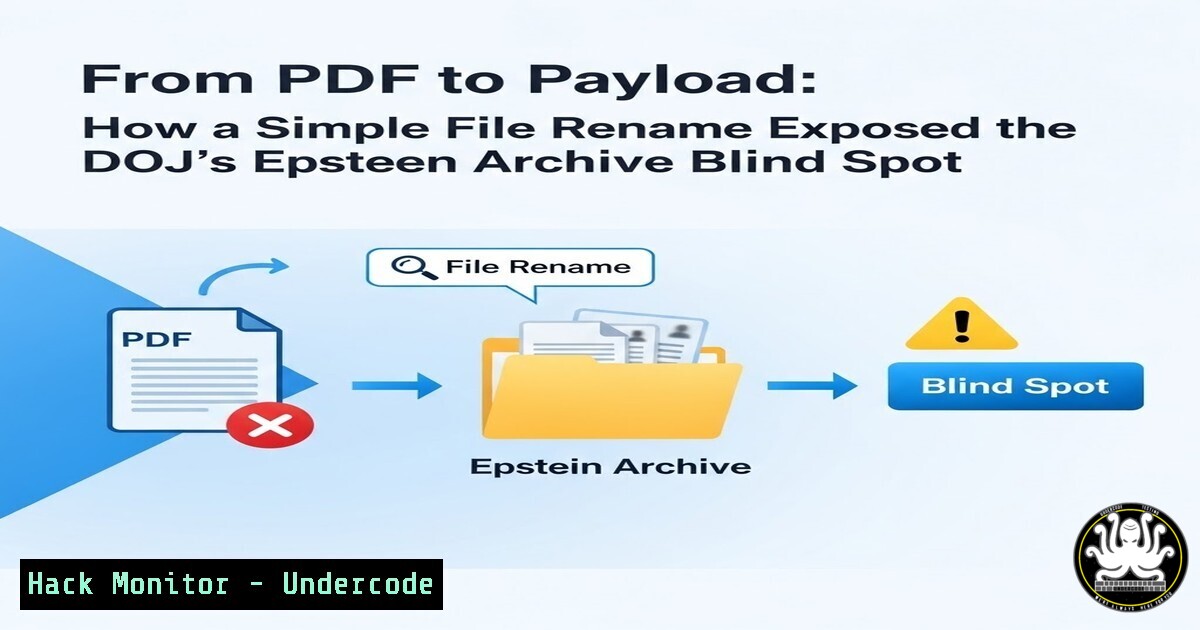
A routine search for “No Images Produced” within the U.S. Department of Justice’s publicly released Epstein document library returned PDF records—but changing the file extension from .pdf to .mp4 converted court filings into playable videos. This anomaly, discovered by security researcher Qusai Alhaddad, exposes a critical failure in digital forensic handling and dataset preparation. It demonstrates that file‑naming logic, not content verification, dictated how millions of users perceived the Epstein evidence, raising urgent questions about data integrity, metadata stripping, and the verifiability of government‑released archives.
Learning Objectives:
- Understand how file signature (magic byte) analysis reveals true content regardless of extension.
- Learn to detect and exploit extension‑based misclassification in public datasets.
- Apply cross‑platform forensic commands to validate file types and extract hidden artifacts.
- Assess data governance failures that lead to unintentional information disclosure.
- Implement defensive controls to prevent similar mis‑indexing in enterprise and cloud storage.
- The Anatomy of the Anomaly – Why “.pdf” Doesn’t Mean PDF
What Qusai observed is a textbook case of extension‑only classification. The DOJ’s search engine and web server assumed that any file bearing a `.pdf` suffix was indeed a PDF. When a user requested such a file, the server sent the raw bytes, and the browser rendered it according to the MIME type derived from the extension.
Step‑by‑step forensic verification (Linux):
 1. Download a suspected file (example URL – use wget or curl)
wget https://www.justice.gov/storage/epstein/EFTA00033048.pdf -O suspect.pdf

<ol>
<li>Use the 'file' command to read magic bytes, not extension
file suspect.pdf
Output: suspect.pdf: ISO Media, MP4 v2 [ISO 14496-14]</p></li>
<li><p>Verify with hexdump to see the ftypisom header
hexdump -C suspect.pdf | head -n 1
Typical MP4 starts with 00 00 00 18 66 74 79 70 69 73 6F 6D
PDF starts with 25 50 44 46 ( %PDF )
Step‑by‑step (Windows PowerShell):
 Get the first 20 bytes as hex
$bytes = [System.IO.File]::ReadAllBytes("C:\EFTA00033048.pdf")
 Output: 00-00-00-18-66-74-79-70-69-73-6F-6D ... (ftypisom)
What this tells us:
The system indexed the filename, indexed the text “No Images Produced” inside the file (MP4 metadata can contain that phrase), but never validated the file header. The lesson: Never trust an extension; trust the file signature.
- Renaming as a Discovery Technique – Adversarial Thinking Applied
Qusai effectively performed a binary extension swap attack, a technique more commonly used to bypass upload filters. In this case, renaming `.pdf` to `.mp4` allowed the browser’s native video player to handle the stream.
Step‑by‑step renaming and playback (cross‑platform):
 Linux / macOS
mv EFTA00033048.pdf EFTA00033048.mp4
vlc EFTA00033048.mp4  or open with any media player

Windows (Command Prompt)
ren EFTA00033048.pdf EFTA00033048.mp4
start EFTA00033048.mp4
Why this works:
Web servers often rely on Content-Disposition: inline; filename="file.pdf". The browser then uses the file extension to decide the rendering engine. By changing the extension, the client tells the OS “this is a video,” and the media player reads the container format correctly.
Defensive mitigation:
Always serve files with `X-Content-Type-Options: nosniff` and derive the `Content-Type` header from a verified MIME database (e.g., Apache’s `mime_magic` or a file‑signature lookup), never from the URL extension.
- Bulk Forensics – Detecting All Misclassified Media in the Archive
The anomaly likely affects hundreds of files. A manual check is impractical; instead, use automated magic‑byte scanning.
Linux one‑liner to find all MP4s named .pdf:
find /epstein_archive -name ".pdf" -exec file --mime-type {} \; | grep video/mp4
Python script for scalable detection:
import os
import magic

for root, dirs, files in os.walk("/epstein_archive"):
for file in files:
if file.endswith(".pdf"):
full = os.path.join(root, file)
mime = magic.from_file(full, mime=True)
if mime.startswith("video/"):
print(f"Misclassified: {full} -> {mime}")
This approach is identical to how security tools detect image‑based webshells or polyglot files. It should be part of any data release integrity checklist.
- API and Cloud Storage Weaknesses – When Metadata Trumps Content
If the DOJ used a cloud storage bucket (e.g., AWS S3) indexed by a search appliance, the root cause could be S3 metadata vs. object inspection. S3 allows custom metadata, but the `Content-Type` is set at upload time. If an automated crawler extracted text from the file (including “No Images Produced”) but retained the original Content-Type: application/pdf, the search index would associate the text with a PDF.
How to test this on your own S3 buckets:
 List objects with their Content-Type
aws s3api list-objects --bucket your-bucket --query 'Contents[].[Key, ContentType]'

If you find video files marked as application/pdf, you have the same issue.
Remediation:
- Implement an S3 Object Lambda that verifies the file signature before serving.
- Use AWS Macie to classify sensitive content based on inspection, not metadata.
- Data Leak Classification – Was This an Unauthorized Disclosure?
Muhammad Murad Hasan commented that this could constitute a data leak. Under NIST SP 800‑53, a data leak is the exposure of information to unauthorized entities. Here, the video was intended to be suppressed (“No Images Produced”), yet it was accessible. The mislabeling likely occurred during the pre‑processing phase, possibly because:
- A contractor converted video exhibits to PDF cover sheets but kept the original MP4 payload.
- Filenames were generated from a database record that pointed to the video file, but the export script appended `.pdf` regardless.
- OCR and text extraction were run on the video container, indexing its internal metadata.
Forensic artifact to check:
Examine the PDF object structure. If the file is a true PDF wrapper containing an embedded MP4, the attack changes. Use pdf-parser.py:
pdf-parser.py EFTA00033048.pdf | grep -i embed
If nothing is found, the file is pure MP4, meaning the extension is a complete fabrication.
- Polyglot Files – A More Complex Threat Scenario
A polyglot file is valid in two formats simultaneously. While the Epstein files appear to be pure MP4s misnamed, a sophisticated adversary could craft a PDF/MP4 polyglot. Such a file would render as a PDF in document viewers and as a video in media players.
Creating a PDF‑MP4 polyglot (educational only):
 1. Take a short MP4
 2. Append a PDF comment object at the end
 3. Ensure the PDF header appears early enough
This technique has been used to hide videos inside ostensibly harmless PDFs during evidence discovery. Investigators must check both the file signature and the trailer.
Detection with yara:
rule Polyglot_PDF_MP4 {
strings:
$pdf_header = "%PDF"
$mp4_sig = "ftyp"
condition:
$pdf_header at 0 and $mp4_sig in (0..1024)
}
7. Governance and Public Archive Hardening
To prevent such incidents in future large‑scale data releases, implement the three‑layer validation model:
- Ingress validation – Upon ingestion, run `libmagic` or TrID on every file. Store the verified MIME type as immutable metadata.
- Indexing isolation – Do not allow full‑text search of binary container formats unless you explicitly extract text via Tika or similar. Even then, mark the record as “inferred text, not verified document.”
- Serving hardening – Use a dedicated file server that maps requested URLs to the stored verified MIME type. If the verified type does not match the URL extension, either:
– Redirect to a corrected URL, or
– Serve with `Content-Disposition: attachment` and warn the user.
Apache configuration snippet:
<FilesMatch "\.pdf$">
ForceType none
Header set Content-Type "application/octet-stream"
</FilesMatch>
Nginx equivalent:
location ~ .pdf$ {
default_type application/octet-stream;
add_header X-Content-Type-Options nosniff;
}
What Undercode Say:
- Extensions are metadata, not truth. The Epstein incident proves that even the U.S. Department of Justice can fall victim to sloppy data handling. Security professionals must treat every file as an opaque byte stream and verify its identity before indexing or serving.
- Transparency requires active verification. Simply releasing “all files” does not equal transparency. Without integrity checks, the archive becomes a misleading facade. The “No Images Produced” message was algorithmically true—but fundamentally dishonest.
- The forensic community must standardize bulk magic‑byte scanning. Every FOIA release, corporate data dump, or legal discovery set should be pre‑processed with tools like
file,exiftool, and custom YARA rules. This is no longer optional; it is a duty of care.
Analysis (10 lines):
This is more than a curiosity—it is a systemic vulnerability in how we publish, index, and trust digital evidence. The same misclassification technique could be weaponized: imagine a state actor leaking “PDF” documents that are actually malware installers, knowing that journalists and watchdogs will open them with PDF readers expecting text. The Epstein archive incident is a live‑fire exercise for the infosec community. It demonstrates that the gap between data availability and data integrity remains dangerously wide. We must push for legislative and technical standards that mandate file signature verification for all government datasets. Until then, every public archive is a potential attack surface.
Prediction:
In the next 24 months, we will see a major cybersecurity incident directly attributed to the “Epstein misclassification” pattern. An attacker will successfully smuggle executables, videos, or scripts into a government or corporate transparency portal by simply appending a benign extension. The breach will not be discovered until long after the data is downloaded and processed by thousands of users. Following this, NIST will release a special publication (SP 800-222) titled “Digital Archiving Integrity and File Signature Enforcement,” mandating magic‑byte validation for all federal data releases. Tools like `Apache Tika` and `CyberChef` will become mandatory components of open data pipelines.
▶️ Related Video (76% Match):
🎯Let’s Practice For Free:
IT/Security Reporter URL:
Reported By: Https: – Hackers Feeds
Extra Hub: Undercode MoN
Basic Verification: Pass ✅


