Listen to this Post
Introduction:
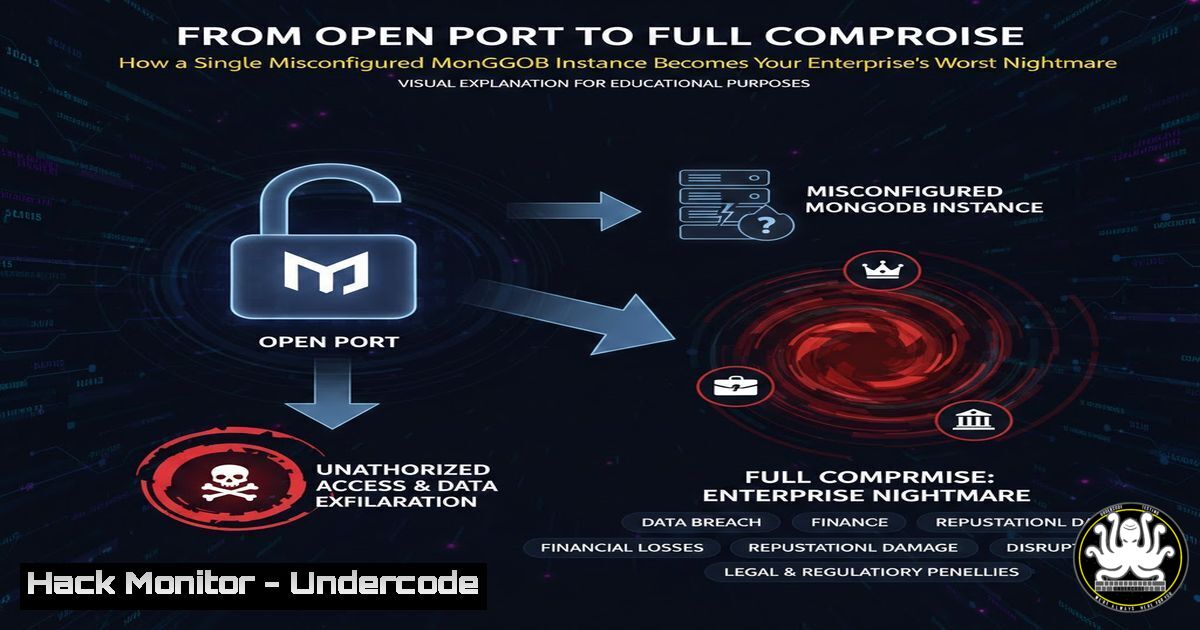
A seemingly minor finding of a publicly exposed MongoDB database port (27017) often gets dismissed as a low-severity “information exposure.” However, as demonstrated in a recent security assessment, this open door is not merely a vulnerability—it is a fully-staged attack platform. By leveraging built-in diagnostic commands, an attacker can fingerprint the system, map permissions, and prepare for a brute-force breach, transforming a simple misconfiguration into a critical business risk.
Learning Objectives:
- Understand how to use unauthenticated MongoDB commands for reconnaissance and system fingerprinting.
- Learn to assess authentication and authorization flaws in NoSQL databases like MongoDB.
- Implement critical network and configuration hardening to shield databases from public exploitation.
You Should Know:
- The Reconnaissance Phase: Fingerprinting with `buildInfo` and `hello`
When you discover an open MongoDB port, the first step is to understand what you’re dealing with. Without any credentials, attackers can use diagnostic commands to extract a blueprint of the database environment.
Step‑by‑step guide explaining what this does and how to use it.
Step 1: Connect to the Instance. Use the MongoDB shell or a simple TCP tool like `netcat` to connect to the host on port 27017.
 Linux/macOS: Connect with MongoDB shell
mongo --host <TARGET_IP> --port 27017

Alternative: Raw connection to check responsiveness
echo "db.adminCommand('ping')" | nc <TARGET_IP> 27017
 Windows: Use netcat if available, or Test-NetConnection
Test-NetConnection -ComputerName <TARGET_IP> -Port 27017
Step 2: Execute Fingerprinting Commands. Once connected, run the `buildInfo` and `hello` commands. These often work without authentication on misconfigured instances.
// In the MongoDB shell, run:
db.adminCommand('buildInfo')
// This returns version, compiler, OpenSSL version, and more.

db.adminCommand('hello')
// This reveals if the node is primary, the replica set name, and other topology details.
Step 3: Analyze the Output. The data reveals the exact MongoDB version (e.g., 6.0.3), allowing an attacker to search for known, version-specific exploits. Details like `”isWritablePrimary”: true` confirm it’s a primary node, making any potential write operations destructive.
2. Permission Mapping and Attack Surface Enumeration
After fingerprinting, the next step is to understand what actions are permitted. The `connectionStatus` and `listCommands` commands expose the system’s security posture to an unauthenticated user.
Step‑by‑step guide explaining what this does and how to use it.
Step 1: Check Authentication State. Use `connectionStatus` to see if your current session has any authenticated users or privileges.
db.adminCommand('connectionStatus')
Step 2: Interpret the `authInfo` Section. Look for `”authenticatedUsers”: []` and "authenticatedUserRoles": []. If these arrays are empty, you have an unauthenticated session. Crucially, also check the `”authenticatedUserPrivileges”` array; it might be empty now, but the next command shows what’s possible.
Step 3: List All Available Commands. Execute `listCommands` to get a full menu of every command the database will respond to for your connection.
db.adminCommand('listCommands')
This returns a massive JSON object. An attacker searches for dangerous commands that might be inadvertently allowed, such as createUser, eval, or collMod.
- Testing for Bruteforce Vulnerabilities: The Absence of Rate Limiting
The original assessment confirmed a complete lack of rate limiting. This turns a simple authentication form into an open field for credential stuffing attacks.
Step‑by‑step guide explaining what this does and how to use it.
Step 1: Craft a Failed Authentication Attempt. Use the `db.auth()` command or a driver to attempt a login with bogus credentials.
db.auth('fakeuser', 'fakepassword')
// Expected error: "Authentication failed."
Step 2: Automate the Test. Write a simple script to perform 50+ rapid login attempts. The absence of any delay or account lockout confirms the vulnerability.
 Example bash loop using MongoDB shell
for i in {1..50}; do
echo "Attempt $i: "
mongo --host <TARGET_IP> --quiet --eval "db.auth('admin', 'wrongpass$i')"
done
Step 3: Document the Result. If all attempts return errors instantly without any connection drop or slowdown, rate limiting is not present. This finding significantly increases the severity of the exposed instance.
- Immediate Network Hardening: The First Line of Defense
The most effective mitigation is to prevent unauthorized access at the network layer. This should be deployed immediately.
Step‑by‑step guide explaining what this does and how to use it.
Step 1: Implement Firewall Rules. Block all external traffic to port 27017. Only allow connections from specific, trusted application servers.
 Linux UFW example: Deny all, allow only from app server IP
sudo ufw deny 27017/tcp
sudo ufw allow from <APPLICATION_SERVER_IP> to any port 27017

Linux iptables example
sudo iptables -A INPUT -p tcp --dport 27017 -s <APPLICATION_SERVER_IP> -j ACCEPT
sudo iptables -A INPUT -p tcp --dport 27017 -j DROP
 Windows Firewall via PowerShell
New-NetFirewallRule -DisplayName "Block MongoDB Public" -Direction Inbound -LocalPort 27017 -Protocol TCP -Action Block
New-NetFirewallRule -DisplayName "Allow MongoDB from App Server" -Direction Inbound -RemoteAddress <APPLICATION_SERVER_IP> -LocalPort 27017 -Protocol TCP -Action Allow
Step 2: Use MongoDB’s `bindIp` Configuration. Ensure MongoDB only listens on internal network interfaces, not on 0.0.0.0.
 Edit /etc/mongod.conf
net:
port: 27017
bindIp: 127.0.0.1,<PRIVATE_APP_SERVER_IP>  Comma-separated list
5. Enabling Authentication and Role-Based Access Control (RBAC)
Network controls can fail. Enforcing authentication is a mandatory second layer.
Step‑by‑step guide explaining what this does and how to use it.
Step 1: Enable Authorization in mongod.conf. This is the critical setting.
security:
authorization: enabled
Step 2: Restart the MongoDB Service.
sudo systemctl restart mongod
sudo systemctl status mongod  Verify it's running
Step 3: Create an Administrative User. Connect locally (since networking is now restricted) and create the first user with the `userAdminAnyDatabase` role.
use admin
db.createUser({
user: "superAdmin",
pwd: "A_STRONG_PASSWORD_HERE", // Use a strong, unique password
roles: [ { role: "userAdminAnyDatabase", db: "admin" } ]
})
Step 4: Create Specific Application Users. Follow the principle of least privilege. Create users with roles scoped to specific databases needed by your apps.
use myAppDb
db.createUser({
user: "appUser",
pwd: "ANOTHER_STRONG_PASSWORD",
roles: [ { role: "readWrite", db: "myAppDb" } ]
})
6. Implementing Application-Level and Logging Safeguards
Beyond the database, controls must exist in the application architecture and monitoring.
Step‑by‑step guide explaining what this does and how to use it.
Step 1: Implement Connection Pooling with Fixed Credentials. Applications should use a single, strongly credentialed service account, preventing credential sprawl and simplifying rotation.
Step 2: Enable Auditing. Configure MongoDB to log authentication and authorization events.
 In mongod.conf
auditLog:
destination: file
format: JSON
path: /var/log/mongodb/auditLog.json
Step 3: Centralize and Alert on Logs. Ship these logs to a SIEM (Security Information and Event Management) system. Create alerts for patterns like `”authFailed”` events exceeding a threshold from a single source IP, which would indicate a brute-force attempt.
What Undercode Say:
- An Open Port is a Live Attack Surface: The assessment proves that an exposed database port is never “just information.” It is an interactive system that willingly discloses its weaknesses, including its exact software roadmap for exploitation.
- The Devil is in the Diagnostic Commands: Default configurations often leave powerful diagnostic commands open. These commands, intended for administration, become the primary tools for unauthorized reconnaissance, making the system an accomplice in its own compromise.
Analysis: The technical walkthrough shifts the narrative from passive vulnerability to active threat. By methodically using db.adminCommand(), an attacker transitions from asking “What is this?” to “What can I do with it?” in minutes. The lack of rate limiting is not a separate flaw but the critical enabler that connects reconnaissance to breach. This scenario underscores a systemic failure in depth-of-defense thinking. Security teams often focus on protecting the “data” but leave the “database service” itself wide open. The recommendations—from aggressive network segmentation to enabling authorization—are not optional best practices but essential survival tactics in a landscape where automated scanners constantly probe for these exact misconfigurations.
Prediction:
In the next 2-3 years, as cloud deployments accelerate and DevOps cycles shorten, misconfigured, internet-facing data stores will become the dominant initial access vector for ransomware and data exfiltration campaigns. Automated adversarial AI will not only find these instances but will instantly execute the documented fingerprint-to-bruteforce workflow, compressing attack timelines from days to minutes. Organizations that fail to enforce zero-trust network principles and robust authentication for non-SQL databases like MongoDB will face disproportionately high breach costs, moving these findings from “low severity” to “critical” in all major risk frameworks.
▶️ Related Video (74% Match):
🎯Let’s Practice For Free:
IT/Security Reporter URL:
Reported By: Mon3m Rt – Hackers Feeds
Extra Hub: Undercode MoN
Basic Verification: Pass ✅


