
Listen to this Post
Introduction:
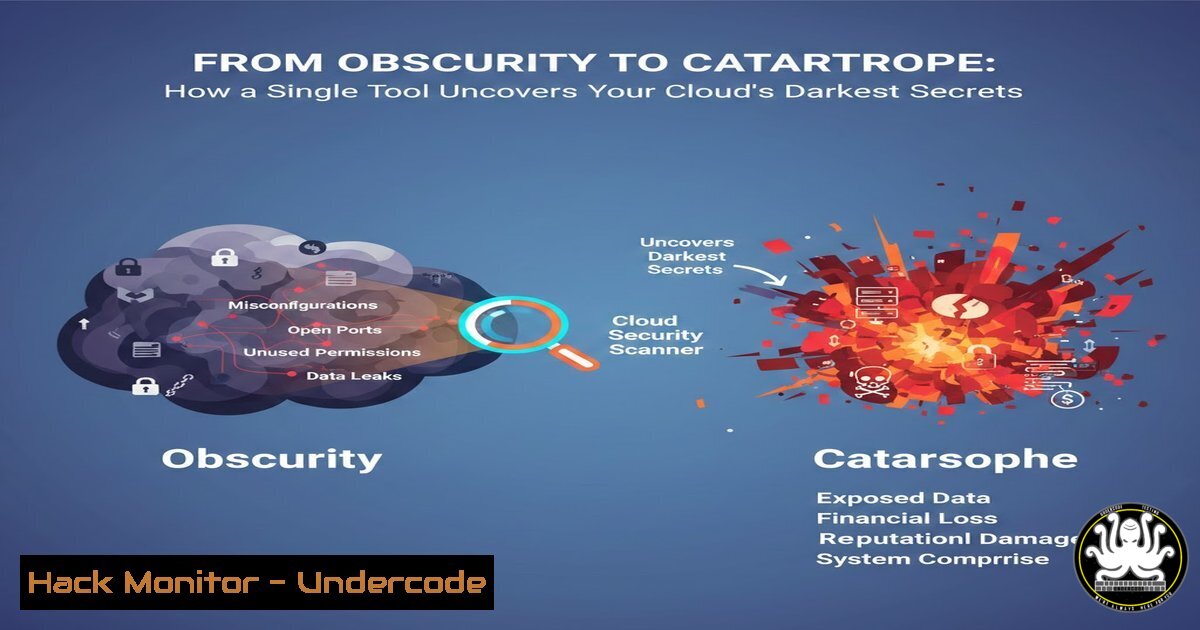
In the relentless pursuit of digital assets, ethical hackers and malicious actors alike are turning their focus to the cloud, where misconfigured storage services like Amazon S3 buckets are the low-hanging fruit of data breaches. A recent case, where a researcher using the “Secret Hunter” tool discovered a second critical vulnerability—an open S3 bucket—demonstrates the repetitive nature of this cloud security failing and the power of continuous, automated reconnaissance. This incident underscores a fundamental truth: in modern cloud environments, visibility is not just an advantage; it is the primary line of defense against catastrophic information disclosure.
Learning Objectives:
- Understand the critical risk posed by misconfigured Amazon S3 buckets and the concept of information disclosure.
- Learn the methodology for automated and manual reconnaissance of cloud storage endpoints.
- Develop actionable skills to enumerate, test, and secure S3 buckets against unauthorized access.
- Explore the tools and community-driven intelligence that power modern bug bounty and security research.
You Should Know:
- The Anatomy of an Open S3 Bucket Vulnerability
An open Amazon S3 bucket is a cloud storage container that has been configured with permissive access controls, allowing anyone on the internet to list its contents (Read access) or even upload and delete files (Write access). This misconfiguration often stems from overly broad Identity and Access Management (IAM) policies, bucket policies, or Access Control Lists (ACLs). The impact ranges from leaking sensitive customer data, source code, and configuration files (containing API keys and credentials) to serving as an initial access vector for ransomware attacks.
Step‑by‑step guide explaining what this does and how to use it.
Concept: Identify the endpoint. S3 bucket URLs follow the pattern: `http(s)://[bucket-name].s3.
.amazonaws.com` or <code>http(s)://s3.[bash].amazonaws.com/[bucket-name]</code>.

<h2 style="color: yellow;"> Manual Check (Using Browser/cURL):</h2>

<ol>
<li>Try to access the suspected bucket URL directly in a web browser.</li>
<li>Use `curl` to query the bucket. A successful but unauthorized request may return an `AccessDenied` error, while a truly open bucket will list its contents in XML.
[bash]
Linux/macOS (curl)
curl -v http://suspected-bucket.s3.us-east-1.amazonaws.com
Windows PowerShell (Invoke-WebRequest)
Invoke-WebRequest -Uri http://suspected-bucket.s3.us-east-1.amazonaws.com
If the bucket is open for listing, the response will contain XML with ` The post highlights “Secret Hunter,” a tool designed for continuous reconnaissance. Similar open-source tools automate the discovery of exposed cloud assets by scanning for predictable names, parsing source code, or monitoring certificate transparency logs. Step‑by‑step guide explaining what this does and how to use it. 2. Run the scanner against a list of potential bucket names. 3. The tool will test for existence and permissions, outputting which buckets are open for reading ( Once a potentially open bucket is identified, ethical hackers must carefully enumerate its contents to understand the scope of the leak without causing damage. This involves using official AWS SDKs or command-line tools. Step‑by‑step guide explaining what this does and how to use it. Beyond simple “open to the world” configurations, flawed bucket policies can lead to more subtle vulnerabilities. A policy might grant write permissions to any authenticated AWS user (not just ), which can be exploited if an attacker controls any AWS account. Step‑by‑step guide explaining what this does and how to use it. Step‑by‑step guide explaining what this does and how to use it. Mitigation is straightforward but must be comprehensive and regularly audited. The post emphasizes community impact. Security professionals must engage with shared knowledge to stay ahead. The trend of automated, continuous cloud reconnaissance will intensify, driven by AI-powered tooling that can not only find open buckets but also intelligently guess bucket names based on corporate naming conventions, leaked code, and employee social media posts. We will see a rise in “cloud phishing,” where attackers spin up legitimate-looking but malicious S3-hosted sites to steal credentials. In response, compliance frameworks will mandate stricter default-deny configurations for cloud storage, and “Security Posture Management” tools will become as standard as antivirus software. The battleground has decisively shifted to the cloud control plane, where a single misclick in a console can lead to a global data spill. Reported By: All Inbox – Hackers Feeds2. Automating Discovery with Tools Like Secret Hunter
Tool Example: S3Scanner (A common open-source alternative).
1. Install the tool using Python’s package manager.
pip3 install s3scanner
 Scan a single wordlist
s3scanner --bucket-wordlist my_wordlist.txt
 Check a single bucket
s3scanner --check-bucket company-backup
LIST), writing (WRITE), or are vulnerable to bucket takeover.3. Advanced Enumeration and Interacting with Open Buckets
Using AWS CLI (Read-Only Operations):
aws configure set aws_access_key_id dummy
aws configure set aws_secret_access_key dummy
aws configure set region us-east-1
List objects in the public bucket
aws s3 ls s3://open-bucket-name/ --no-sign-request --region us-east-1
Sync the entire bucket contents to a local directory for analysis
aws s3 sync s3://open-bucket-name/ ./local_dump/ --no-sign-request --region us-east-1
4. Exploiting Weak Bucket Policies for Privilege Escalation
Concept: Identify policies with conditions like `”Principal”: {“AWS”: “”}` combined with `”Effect”: “Allow”` and "Action": "s3:PutObject". This allows any authenticated AWS user to write.
Testing: An attacker with a free-tier AWS account could use the AWS CLI with their credentials to upload a malicious file (e.g., a phishing HTML page), effectively poisoning the website if the bucket hosts static web content.
 Attempt to upload a file using a separate, attacker-controlled AWS profile
aws s3 cp malicious.html s3://target-bucket/ --profile attacker-profile
For bug bounty hunters, proof of concept is everything. The goal is to demonstrate the vulnerability’s impact without exfiltrating real sensitive data.
1. Document Access: Take screenshots of the bucket listing from an anonymous browser session or a fresh virtual machine.
2. Prove Sensitivity: Identify file names that clearly indicate sensitive data (e.g., database_backup.sql, config.yml, user_passwords.xlsx). Do not open or download these files. Their presence is often sufficient evidence.
3. Craft a Proof of Concept (PoC): If permissible by the program’s rules, create a harmless test file, upload it to a writable bucket, and then access it via its public URL to demonstrate full control.
4. Write the Report: Clearly state the vulnerable endpoint, the misconfiguration (e.g., “Bucket ACL allows `Everyone` List permission”), the potential impact, and a step-by-step PoC.6. The Defender’s Playbook: Hardening Your S3 Buckets
Step‑by‑step guide explaining what this does and how to use it.
1. Principle of Least Privilege: Never use `”Principal”: “”` with "Effect": "Allow". Use IAM roles for precise access control.
2. Block Public Access: Enable the four S3 Block Public Access settings at the account and bucket level. This is the most critical safeguard.
3. Enable Logging & Monitoring: Turn on S3 server access logging and AWS CloudTrail. Use Amazon GuardDuty to detect suspicious API activity.
4. Regular Audits: Use AWS Config with the `s3-bucket-public-read-prohibited` and `s3-bucket-public-write-prohibited` rules to automatically flag non-compliant buckets.
5. Tooling for Defense: Use the same reconnaissance tools (like s3scanner) against your own bucket names in a controlled, authorized manner to see what attackers see.7. Leveraging Community Intelligence for Proactive Defense
Step‑by‑step guide explaining what this does and how to use it.
Join Communities: Engage in platforms like Telegram (e.g., https://t.me/kassems94`) or Discord where tools and findings are discussed..s3.amazonaws.com`).
Monitor for Your Assets: Use services that scan certificate logs (like crt.sh) for subdomains pointing to S3 endpoints (
Automate Asset Discovery: Implement internal processes to track all cloud asset creation, ensuring security reviews are part of the deployment pipeline.What Undercode Say:
Prediction:
▶️ Related Video (82% Match):
🎯Let’s Practice For Free:
IT/Security Reporter URL:
Extra Hub: Undercode MoN
Basic Verification: Pass ✅🔐JOIN OUR CYBER WORLD [ CVE News • HackMonitor • UndercodeNews ]
📢 Follow UndercodeTesting & Stay Tuned:


