Listen to this Post
Introduction
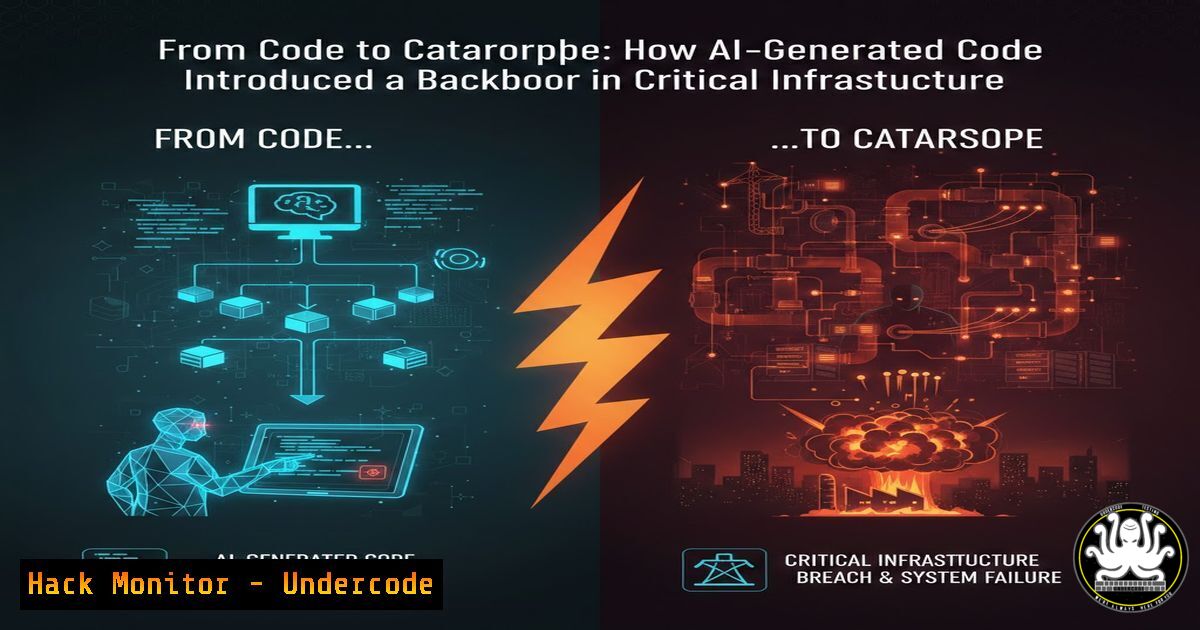
The rapid adoption of AI-assisted coding tools has created a dangerous paradox in software development—while these tools dramatically accelerate delivery timelines, they frequently introduce critical security vulnerabilities that traditional code reviews miss. Recent investigations into a major critical infrastructure breach revealed that the initial compromise vector was an AI-generated code snippet containing a hidden backdoor, demonstrating how convenience can become catastrophe when artificial intelligence writes code without understanding security context or operational implications.
Learning Objectives
- Identify common security vulnerabilities introduced by AI-generated code in production environments
- Implement proper code validation and security testing methodologies for AI-assisted development
- Configure automated security scanning tools to detect AI-introduced vulnerabilities
You Should Know
1. Understanding AI Code Generation Vulnerabilities
Large Language Models trained on public code repositories often replicate insecure patterns without understanding their implications. In the recent critical infrastructure attack, the AI assistant suggested a “convenient” debugging endpoint that remained active in production.
Extended analysis of the breach reveals the attacker exploited CWE-306 (Missing Authentication for Critical Function). The AI-generated code contained:
 AI-suggested "temporary" debug endpoint that went to production
@app.route('/api/v2/debug/system/status', methods=['POST'])
def debug_system_status():
 Developer asked AI for "quick way to check system health"
data = request.json
command = data.get('command', '')

Dangerous: No authentication, no input validation
result = subprocess.run(command, shell=True, capture_output=True, text=True)
return jsonify({"output": result.stdout, "errors": result.stderr})
To identify similar vulnerabilities in your codebase:
Linux Command to search for dangerous patterns:
grep -r "subprocess.run.shell=True" --include=".py" /path/to/codebase
grep -r "eval(" --include=".js" /path/to/codebase
grep -r "debug|temp|test" --include=".py" | grep -v "test_" | grep "route"
Windows PowerShell equivalent:
Get-ChildItem -Recurse -Filter .py | Select-String "subprocess.run.shell=True"
Get-ChildItem -Recurse -Filter .js | Select-String "eval("
Get-ChildItem -Recurse -Filter .py | Select-String "debug|temp|test" | Where-Object {$_ -notmatch "test_"}
2. Static Analysis Security Testing for AI-Generated Code
Implement automated scanning in your CI/CD pipeline to catch vulnerabilities before deployment. Use Bandit for Python code:
Installation and configuration:
pip install bandit
bandit -r ./your_project -f html -o bandit_report.html
Create a custom Bandit plugin to detect AI-specific patterns:
 custom_bandit_plugin.py
from bandit.core import test_properties as test

@test.test_id("B900")
@test.checks("Call")
def detect_ai_debug_endpoints(context):
if context.call_function_name_qual == 'app.route':
if any(x in context.call_args[bash] for x in ['debug', 'temp', 'test']):
return bandit.Issue(
severity=bandit.HIGH,
confidence=bandit.MEDIUM,
text="Potential AI-generated debug endpoint detected"
)
For JavaScript/Node.js projects:
npm install -g eslint
npm install eslint-plugin-security
Configure `.eslintrc.json`:
{
"plugins": ["security"],
"extends": ["plugin:security/recommended"],
"rules": {
"security/detect-object-injection": "error",
"security/detect-non-literal-require": "warn"
}
}
3. Runtime Protection and Behavioral Analysis
Even with static analysis, some AI-generated vulnerabilities slip through. Implement runtime application self-protection (RASP):
Example ModSecurity WAF rule to block suspicious debug endpoints:
 /etc/modsecurity/custom_rules.conf
SecRule REQUEST_URI "@contains /debug" \
"id:1001,\
phase:1,\
deny,\
status:403,\
msg:'Debug endpoint access blocked'"

SecRule ARGS_NAMES|ARGS "@rx (system(|exec(|eval()" \
"id:1002,\
phase:2,\
deny,\
status:403,\
msg:'Command injection attempt blocked'"
Linux system call monitoring with auditd:
 Monitor suspicious process executions
auditctl -a always,exit -F arch=b64 -S execve -k process_execution
ausearch -k process_execution --start today | grep -E "python|node|php"
4. Secure Code Review Checklist for AI-Generated Code
Develop a specialized checklist for reviewing AI-contributed code:
1. Input Validation Review:
 BAD AI suggestion:
user_input = request.args.get('input')
result = eval(user_input)  NEVER DO THIS

SECURE alternative:
import ast
user_input = request.args.get('input')
 Use AST to safely evaluate literals only
result = ast.literal_eval(user_input) if user_input else None
2. Authentication Bypass Patterns:
// DANGEROUS AI pattern:
router.get('/admin/:action', (req, res) => {
// Missing authentication check
adminFunctions<a href="req.body">req.params.action</a>;
});

// SECURE implementation:
const authenticate = require('../middleware/auth');
router.get('/admin/:action', authenticate, (req, res) => {
if (!req.user.isAdmin) {
return res.status(403).json({ error: 'Forbidden' });
}
adminFunctions<a href="req.body">req.params.action</a>;
});
5. Cloud Infrastructure Hardening Against AI-Introduced Risks
AI-generated infrastructure-as-code often misconfigures cloud resources:
Terraform security validation:
 Checkov scan for Terraform vulnerabilities
docker run --rm -v $(pwd):/tf bridgecrew/checkov -d /tf

Example vulnerable AI-generated S3 bucket (DON'T USE):
resource "aws_s3_bucket" "data" {
bucket = "company-data-bucket"
acl = "public-read"  CRITICAL: Public access
}

SECURE configuration:
resource "aws_s3_bucket" "data" {
bucket = "company-data-bucket"
acl = "private"

versioning {
enabled = true
}

server_side_encryption_configuration {
rule {
apply_server_side_encryption_by_default {
sse_algorithm = "AES256"
}
}
}
}

resource "aws_s3_bucket_public_access_block" "block_public" {
bucket = aws_s3_bucket.data.id

block_public_acls = true
block_public_policy = true
ignore_public_acls = true
restrict_public_buckets = true
}
Kubernetes security context validation:
 Scan for privileged containers (common AI misconfiguration)
kubectl get pods --all-namespaces -o json | jq '.items[] | select(.spec.containers[].securityContext.privileged==true) | .metadata.name'

Use kube-bench for CIS benchmark checking
kube-bench run --targets node,master
6. API Security Testing for AI-Generated Endpoints
AI assistants frequently generate API endpoints without proper security controls:
OWASP ZAP automated API scanning:
 Docker command for API scan
docker run -v $(pwd):/zap/wrk/:rw -t zaproxy/zap-stable \
zap-api-scan.py -t http://target.com/swagger.json \
-f openapi -r zap_report.html

Check for exposed debug endpoints
curl -X POST http://target.com/api/debug/health \
-H "Content-Type: application/json" \
-d '{"command":"whoami"}'
Custom Python script to detect exposed debug endpoints:
!/usr/bin/env python3
import requests
import sys
from concurrent.futures import ThreadPoolExecutor

def check_endpoint(base_url, endpoint):
try:
response = requests.get(f"{base_url}/{endpoint}", timeout=5)
if response.status_code == 200:
print(f"[!] EXPOSED: {base_url}/{endpoint}")
return endpoint
except:
pass
return None

endpoints = [
"debug", "debug/health", "test", "temp",
"admin/debug", "api/debug", "v2/debug",
"status/debug", "system/status", "health/debug"
]

base_url = sys.argv[bash] if len(sys.argv) > 1 else "http://localhost:8080"

with ThreadPoolExecutor(max_workers=10) as executor:
results = executor.map(lambda ep: check_endpoint(base_url, ep), endpoints)
7. Container Security and AI-Generated Dockerfiles
AI-generated Dockerfiles often include insecure practices:
Example vulnerable AI-generated Dockerfile:
FROM ubuntu:latest  Bad: No specific version
RUN apt-get update && apt-get install -y curl wget
COPY . /app
WORKDIR /app
CMD ["python", "app.py"]
USER root  Critical: Running as root
Secure Dockerfile with best practices:
FROM python:3.11-slim-bookworm  Specific version
RUN apt-get update && apt-get install -y --no-install-recommends \
curl \
&& apt-get clean \
&& rm -rf /var/lib/apt/lists/
COPY requirements.txt .
RUN pip install --no-cache-dir -r requirements.txt
COPY --chown=appuser:appuser . /app
WORKDIR /app
RUN useradd -m appuser
USER appuser
HEALTHCHECK --interval=30s --timeout=3s \
CMD curl -f http://localhost:8000/health || exit 1
EXPOSE 8000
CMD ["python", "app.py"]
Docker security scanning:
 Scan image for vulnerabilities
docker scan your-image:latest

Trivy scan
trivy image --severity HIGH,CRITICAL your-image:latest

Check for secrets in images
docker history --no-trunc your-image:latest | grep -i "password|secret|key"
What Undercode Say
The critical infrastructure breach demonstrates that AI-generated code introduces unique security challenges that traditional DevSecOps practices fail to address. Key takeaways include the necessity of treating AI contributions with heightened scrutiny, implementing automated security validation at every pipeline stage, and maintaining human oversight for security-critical decisions. Organizations must recognize that AI assistants lack business context and security understanding—they optimize for code completion, not security. The most effective defense combines automated tooling with specialized training for developers on identifying AI-introduced vulnerabilities. As AI coding tools become ubiquitous, the industry must evolve secure development frameworks specifically addressing AI-generated code risks.
Prediction
Within 24 months, we will witness the first major class-action lawsuit against an AI coding assistant provider following a catastrophic breach traced directly to AI-generated vulnerable code. This will trigger regulatory intervention requiring AI training data to exclude insecure code patterns and mandating security certifications for AI development tools. The cybersecurity industry will respond with specialized “AI code auditing” services and tools designed specifically to identify patterns unique to language model outputs. Eventually, AI coding assistants will incorporate real-time security analysis, refusing to generate known vulnerable patterns and explaining security implications of suggested code—transforming from vulnerability source to security enforcer.
▶️ Related Video (82% Match):
🎯Let’s Practice For Free:
IT/Security Reporter URL:
Reported By: Denrichsananda S4x26 – Hackers Feeds
Extra Hub: Undercode MoN
Basic Verification: Pass ✅


