Listen to this Post
Introduction:
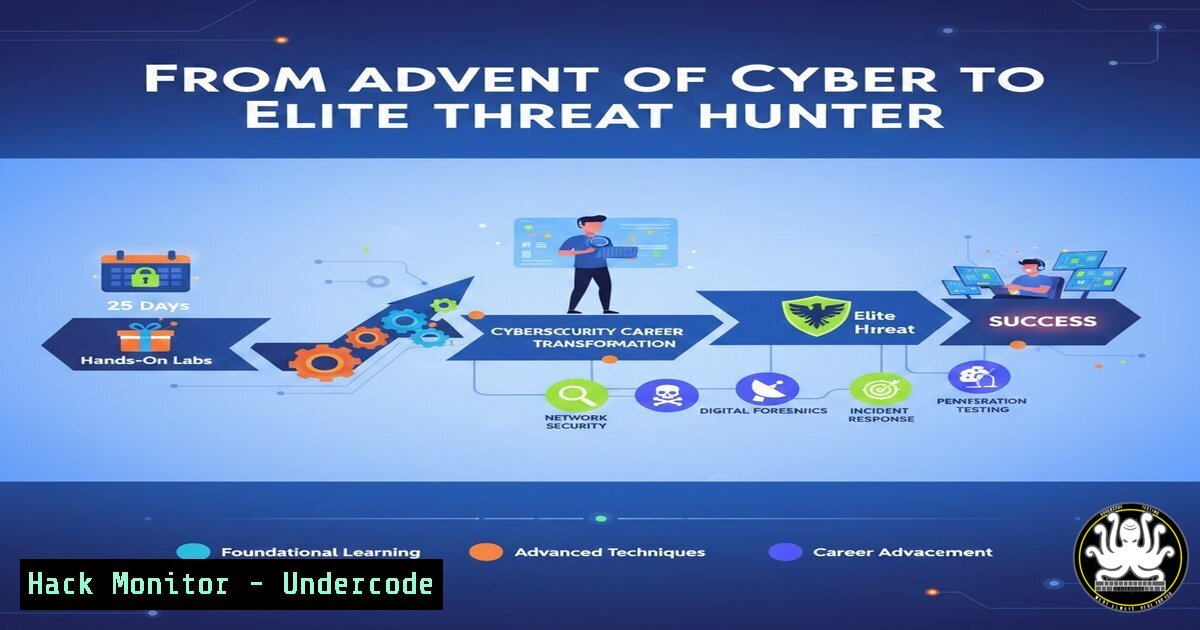
The annual “Advent of Cyber” event by TryHackMe has become a rite of passage for aspiring security professionals, offering a structured, gamified journey through essential domains like web exploitation, network analysis, and incident response. Completing this challenge, as highlighted by a cybersecurity student’s experience, demonstrates a commitment to practical skill-building over passive learning, forging the critical hands-on mindset required to detect and mitigate real-world threats.
Learning Objectives:
- Understand the core security domains covered in hands-on cyber training and their direct application to threat hunting.
- Learn fundamental commands and methodologies for web app testing, network reconnaissance, and log analysis.
- Develop a practical, lab-focused learning roadmap to transition from theoretical knowledge to operational security skills.
You Should Know:
1. Web Application Security: Beyond Theory to Exploitation
The “Advent of Cyber” challenges often begin with web vulnerabilities, moving from concepts to actual exploitation. This bridges the gap between knowing about a flaw and weaponizing that knowledge ethically for penetration testing.
Step‑by‑step guide explaining what this does and how to use it.
A typical challenge might involve a SQL Injection (SQLi). Here’s a basic methodology:
1. Reconnaissance: Identify user inputs (search bars, login forms). Use a browser’s developer tools (F12) to inspect elements.
2. Probing: Test inputs with special characters like a single quote ('). An error message indicates potential SQLi.
3. Exploitation: Use a tool like `sqlmap` or craft manual payloads.
Linux/Command Line Example:
 Using curl to probe a POST login form
curl -X POST "http://target.com/login" -d "username=admin'--&password=anything"
 Using sqlmap for automated testing
sqlmap -u "http://target.com/page?id=1" --batch --dbs
4. Mitigation: Understand the root cause: unsanitized user input. The learning point is to implement parameterized queries in code.
2. Network Security Analysis: Reading the Traffic
Network challenges teach you to see what normal and malicious traffic looks like, a fundamental skill for Security Operations Center (SOC) analysts.
Step‑by‑step guide explaining what this does and how to use it.
You’ll often be given a Packet Capture (PCAP) file to analyze.
1. Open the PCAP: Use Wireshark or the command-line tool tshark.
2. Initial Filtering: Look for protocols (HTTP, DNS, TCP) or suspicious IPs. In Wireshark, apply a filter: http.request.method == GET.
3. Follow Streams: Right-click a TCP packet and select “Follow -> TCP Stream” to reconstruct a session, which may reveal credentials or attack patterns.
4. Extract Objects: In Wireshark, use `File -> Export Objects -> HTTP` to pull downloaded files from the traffic for malware analysis.
Key Linux Commands:
 Using tshark to extract HTTP requests to a file
tshark -r capture.pcap -Y "http.request" -T fields -e http.host -e http.request.uri > requests.txt
 Filtering for DNS queries to potential C2 servers
tshark -r capture.pcap -Y "dns" -T fields -e dns.qry.name | sort | uniq -c | sort -nr
3. Incident Response Fundamentals: Triage and Analysis
These labs simulate a breach, requiring you to act as a first responder. You’ll learn to collect evidence, analyze artifacts, and understand the attacker’s actions.
Step‑by‑step guide explaining what this does and how to use it.
A common task is analyzing system logs for signs of intrusion.
1. Locate Logs: On Linux, critical logs are in `/var/log/` (e.g., auth.log, syslog). On Windows, use Event Viewer (Windows Logs -> Security).
2. Search for Anomalies: Look for failed logins, suspicious user creation, or odd processes.
Linux Command Examples:
 Check for failed SSH login attempts
sudo grep "Failed password" /var/log/auth.log
 Look for new user additions
sudo grep "useradd" /var/log/auth.log
 List all running processes sorted by PID
ps aux --sort=pid
3. Timeline Creation: Use `last` and `lastb` to see login history and failures. Correlate findings from different logs to build an attack narrative.
4. Cryptography for Practitioners: Breaking Weak Implementations
CTF-style crypto challenges demystify encryption by showcasing common misconfigurations like weak key generation, predictable Initialization Vectors (IVs), or improper encoding.
Step‑by‑step guide explaining what this does and how to use it.
A challenge might involve decrypting a message encrypted with a repeated XOR key (a classic CTF problem).
1. Identify the Cipher: Look for patterns, character sets, or hints (e.g., “XOR” in the challenge name).
2. Use a Tool: Python is invaluable for these tasks.
Python Script Example:
import base64

Assume 'ciphertext' is a base64-encoded XOR-encrypted string
encrypted = base64.b64decode("G1UCLg8fFgU=")
key = "secret"  Key discovered through frequency analysis or brute-force

def xor_decrypt(data, key):
return bytes([data[bash] ^ ord(key[i % len(key)]) for i in range(len(data))])

plaintext = xor_decrypt(encrypted, key)
print(plaintext.decode())
3. Key Takeaway: Understand that cryptography is only as strong as its implementation. Avoid rolling your own crypto and use vetted libraries.
5. Building a Persistent Learning Lab Environment
The true value of Advent of Cyber is instilling the habit of daily practice. To continue, you need a personal lab.
Step‑by‑step guide explaining what this does and how to use it.
1. Choose a Platform: Use a local hypervisor like VMware or VirtualBox.
2. Set Up Targets: Download intentionally vulnerable machines from VulnHub or build your own with Docker.
Docker Example (Running a Vuln Web App):
 Pull and run a Dockerized vulnerable lab (e.g., DVWA)
docker pull vulnerables/web-dvwa
docker run -d -p 80:80 --name dvwa vulnerables/web-dvwa
3. Configure Your Attack Machine: Use Kali Linux or Parrot OS as a dedicated VM. Keep tools updated (sudo apt update && sudo apt upgrade).
4. Practice Regularly: Schedule time for platforms like TryHackMe, HackTheBox, or OverTheWire to tackle new machines and challenges consistently.
What Undercode Say:
- Fundamental Fluency Over Flashy Hacks: The core value of immersive training like Advent of Cyber is not in executing advanced exploits, but in achieving fluency with the foundational tools and thought processes—reading logs, analyzing packets, crafting basic payloads—that form the bedrock of all security work.
- The Habit is the Hack: The most significant technical “upgrade” a new practitioner can make is institutionalizing daily, hands-on practice. This builds the neural pathways for analytical thinking under pressure, which certificates alone cannot provide.
Analysis: The post underscores a critical industry truth: operational security is a tradecraft learned through deliberate practice. While theoretical knowledge outlines the battlefield, hands-on labs simulate the fog of war. The participant’s journey through web, network, crypto, and IR challenges builds a interconnected mental model of how attacks propagate across domains. This model is what enables effective threat hunting; an anomaly in a network packet (Domain 2) can be traced back to a web shell upload (Domain 1) and forward to suspicious scheduled task creation (Domain 3). The “habit” cited is essentially the continuous refinement of this model, making the practitioner not just a tool user, but a systems thinker.
Prediction:
The trajectory of cybersecurity training, as exemplified by Advent of Cyber’s popularity, points toward a future where simulated, gamified environments become the primary onboarding path for security roles. We will see a de-emphasis on degree-only requirements in favor of verifiable, hands-on skill portfolios. Furthermore, these training platforms will increasingly incorporate AI-driven adversaries that adapt to a user’s skill level, providing dynamic, personalized red-team scenarios. This will raise the baseline competency for entry-level analysts, pushing the industry towards a more proficient and practical workforce capable of responding to automated AI-powered attacks with similarly sophisticated, human-guided defensive playbooks.
▶️ Related Video (70% Match):
🎯Let’s Practice For Free:
IT/Security Reporter URL:
Reported By: Sabarish Kumar – Hackers Feeds
Extra Hub: Undercode MoN
Basic Verification: Pass ✅


