
Listen to this Post
Introduction:
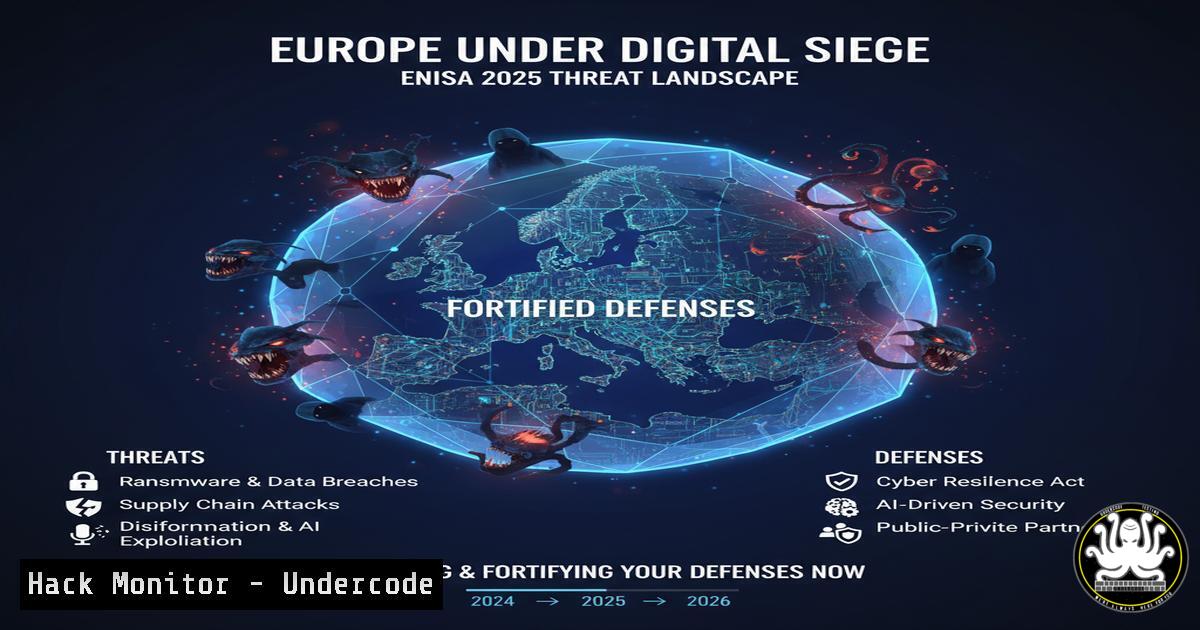
The European Union Agency for Cybersecurity (ENISA) has released its stark 2025 Threat Landscape report, painting a picture of a continent under continuous and convergent digital assault. With over 4,800 declared incidents, critical sectors like public administration, transport, and healthcare are being systematically targeted by a hybrid of hacktivists, cyber-mafias, and state-sponsored actors. This new era of digital warfare is characterized by industrialized attacks leveraging AI, making speed, scale, and sophistication the new normal.
Learning Objectives:
- Understand the key threats and attack vectors detailed in the ENISA 2025 report.
- Implement practical, command-level hardening for Windows, Linux, and cloud environments.
- Develop a proactive security posture focused on continuous monitoring, supply chain vetting, and strict access control.
You Should Know:
1. Proactive Network Monitoring and Anomaly Detection
A security policy isn’t just an alarm; it’s a control tower. You must be able to see anomalous behavior before it escalates into a full-scale breach.
`sudo tcpdump -i any -n -c 100 ‘tcp[bash] & 4!=0’` (Linux)
`Get-NetTCPConnection | Where-Object {$_.State -eq “Established”} | Select-Object LocalAddress, RemoteAddress, State | Format-Table` (Windows – PowerShell)
`journalctl -u ssh -f` (Linux)
`sudo netstat -tulpn | grep LISTEN` (Linux)
`Get-WinEvent -FilterHashtable @{LogName=’Security’; ID=4625} | Select-Object -First 10` (Windows – PowerShell)
Step-by-step guide:
Using `tcpdump` to monitor for RST flags can help identify network scans or connection resets indicative of reconnaissance. Run the command on a critical server or network tap. The `-i any` listens on all interfaces, `-n` prevents DNS lookup for speed, and `’tcp[bash] & 4!=0’` is a filter for TCP RST packets. Analyze the source IPs; a high volume from a single source could signal a scan. On Windows, `Get-NetTCPConnection` provides a real-time view of all established connections, helping you spot unauthorized sessions. Regularly checking SSH logs with `journalctl` and listening ports with `netstat` establishes a baseline of normal activity, making deviations more obvious.
2. Implementing Foundational Zero Trust Access Controls
The principle of “less privileges = less attack surface” is foundational. Zero Trust is no longer a luxury but a baseline requirement, especially with supply chain attacks on the rise.
`Get-LocalUser | Format-Table Name, Enabled, PrincipalSource` (Windows – PowerShell)
`net user /logonpasswordchg:yes` (Windows Command Prompt)
`sudo grep -r “PasswordAuthentication yes” /etc/ssh/` (Linux)
`sudo usermod -a -G ` (Linux)
`sudo find / -perm -4000 -type f 2>/dev/null` (Linux – Find SUID files)
Step-by-step guide:
Begin by auditing local user accounts on Windows systems. Disable or remove any that are unnecessary. Enforce password changes at next logon for standard users. On Linux, ensure PasswordAuthentication is set to `no` in the SSH configuration to mandate key-based login, drastically reducing brute-force attack success. Use the `usermod` command to add users only to the groups necessary for their role, adhering to the principle of least privilege. Regularly audit for SUID files, which can be a privilege escalation vector, and investigate any that are unusual.
3. Hardening Cloud Configurations Against Supply Chain Risk
Your supplier’s flaw is your downfall. The modern supply chain is a chain of vulnerabilities, often extending into your cloud environments.
`aws iam generate-credential-report` (AWS CLI)
`aws iam get-credential-report –output text | base64 -d | cut -d, -f1,4,5,6,8,9,10,11` (AWS CLI)
`az ad sp list –display-name “
`gcloud projects get-iam-policy ` (GCP CLI)
Step-by-step guide:
In AWS, regularly generate and analyze the credential report. This CSV file provides critical insights into user security settings, including password age, MFA status, and access key rotation. The provided command decodes and parses the report to show user names, password status, and key details. In Azure, list service principals and their credential details to identify stale or over-privileged identities. In GCP, review the project’s IAM policy to ensure that roles are granted according to the least privilege principle, removing any broad, legacy roles like roles/editor.
4. Mitigating Unpatched Vulnerability Exploitation
Attackers are relentlessly exploiting known, unpatched flaws. Automated patch management is critical, but so is verifying mitigation.
`sudo apt update && sudo apt list –upgradable` (Linux – Debian/Ubuntu)
`sudo yum check-update` (Linux – RHEL/CentOS)
`Get-HotFix | Sort-Object InstalledOn -Descending | Select-Object -First 10` (Windows – PowerShell)
`nmap -sV –script vuln ` (Nmap NSE)
`wmic qfe list full /format:table` (Windows Command Prompt)
Step-by-step guide:
On Linux, the `apt` or `yum` commands check for available updates. Schedule these to run daily. On Windows, `Get-HotFix` provides a history of installed patches, which is useful for audits. To proactively identify unpatched vulnerabilities on your network, use the Nmap Vulnerability Script (NSE). Running `nmap -sV –script vuln` against a target will probe for known weaknesses based on the service versions it detects. This should be run from a dedicated security scanning host as part of a regular vulnerability management cycle.
5. Simulating and Defending Against AI-Powered Phishing
90% of attacks start with a click. AI is making phishing campaigns more credible and dangerous, requiring continuous user training and technical controls.
`Get-TransportRule | Where-Object {$_.Name -like “Phish”}` (Exchange Online PowerShell)
`sudo dmidecode -s system-manufacturer` (Linux)
`Get-MessageTrace -StartDate (Get-Date).AddDays(-1) -EndDate (Get-Date) -EventType Delivered | Group-Object SenderAddress | Sort-Object Count -Descending | Select-Object -First 10` (Exchange Online PowerShell)
Step-by-step guide:
For email defense, review existing transport rules in Microsoft 365 that are designed to catch phishing. The PowerShell command lists these rules, allowing you to verify their existence and scope. Use `Get-MessageTrace` to analyze recent email traffic, grouping by sender to identify potential phishing campaigns originating from a single source. While not a direct defense, knowing your hardware manufacturer via `dmidecode` can be part of a hardware inventory that aids in forensic analysis if a system is compromised via a malicious peripheral, a related threat vector.
6. Incident Response: Initial Triage and Containment
When an incident occurs, rapid triage and containment are essential to prevent pivot attacks and lateral movement.
`ps aux –sort=-%mem | head -10` (Linux)
`Get-Process | Sort-Object CPU -Descending | Select-Object -First 10` (Windows – PowerShell)
`lsof -i :` (Linux)
`netstat -ano | findstr :
`sudo ss -tulpn` (Linux)
Step-by-step guide:
At the first sign of compromise, identify resource-hogging processes. On Linux, `ps aux` sorted by memory or CPU can reveal crypto-miners or other malware. On Windows, use Get-Process. If a suspicious port is identified, use `lsof` on Linux or `netstat` on Windows to find the process that has it open. The `ss` command is a modern, faster alternative to `netstat` on Linux. Isolate the affected system from the network immediately after collecting this initial data to contain the threat.
What Undercode Say:
- Convergence is the New Battlefield: The distinction between threat actors is blurring. Defenders can no longer prepare for a single type of adversary; they must build resilience against a hybrid, multi-methodology onslaught that shares tools and techniques.
- Proactivity is Non-Negotiable: The report’s most urgent message is that waiting for an incident to occur is a recipe for disaster. The solutions—continuous training, rigorous access control, and deep supply chain scrutiny—are known but require courage and budget to implement before an attack, not after.
The ENISA 2025 report is a clarion call that moves the cybersecurity conversation from risk management to operational resilience. The focus is shifting from merely protecting data to ensuring the continuous operation of the critical infrastructure that underpins society itself. The industrialisation of attacks via AI means manual, human-scale defense is no longer viable. Automation in defense, from patching to threat hunting, is now the only way to match the scale and speed of the adversary. The organizations that survive this new era will be those that treat their security posture not as a cost center, but as a core, strategic component of their business continuity and public trust.
Prediction:
The convergence and AI-driven industrialization of cyber threats detailed by ENISA will lead to a fundamental bifurcation in organizational resilience within the next 2-3 years. We will see the emergence of a “cyber divide,” where organizations with automated, intelligence-driven, and Zero-Trust-based security postures will successfully weather the storm, while those relying on legacy, perimeter-based, and reactive models will face existential disruptions. This will inevitably trigger stricter, standardized regulatory frameworks across the EU, moving beyond reporting requirements to mandate specific technical controls for all critical infrastructure operators, effectively making advanced cybersecurity hygiene a legally enforced standard.
🎯Let’s Practice For Free:
IT/Security Reporter URL:
Reported By: Ismaildrissi Erawyps – Hackers Feeds
Extra Hub: Undercode MoN
Basic Verification: Pass ✅


