Listen to this Post
Introduction:
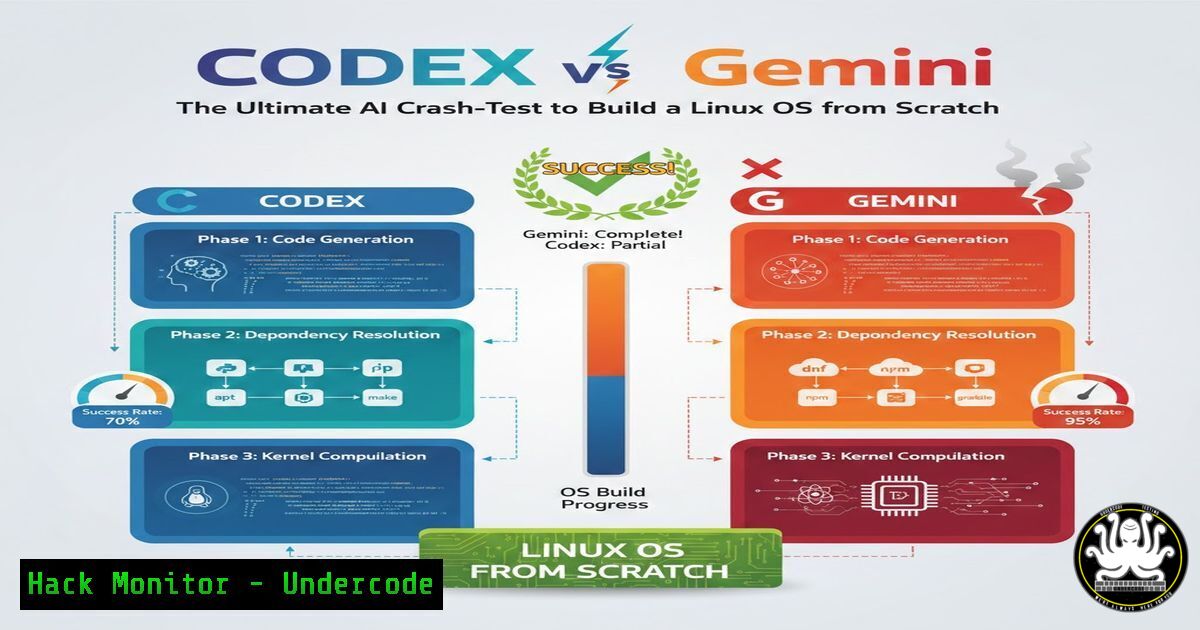
The frontier of AI-assisted development is rapidly moving beyond simple web applications and into the complex realm of systems engineering. In a groundbreaking challenge, a DevSecOps architect is pitting OpenAI’s Codex (via VSCode) against Google’s Gemini to determine which AI can successfully guide the creation of a Linux operating system from the ground up. This test transcends basic kernel compilation, encompassing the entire lifecycle: custom package creation, repository management, and GPG key orchestration, all under the watchful eye of a modern DevSecOps toolstack.
Learning Objectives:
- Understand the core components and steps required to build a custom Linux operating system.
- Learn how to leverage AI assistants for complex systems engineering and security tasks.
- Identify the key security considerations and tools involved in OS development and package management.
You Should Know:
1. The Foundation: Kernel Configuration and Compilation
Building a Linux OS begins with the heart of the system: the kernel. This involves obtaining the source code, configuring thousands of options for hardware support and features, and then compiling it for the target architecture. AI assistants can be tasked with generating the complex `make` commands and explaining configuration parameters.
Step-by-step guide:
- Acquire the Kernel Source: `wget https://cdn.kernel.org/pub/linux/kernel/v6.x/linux-6.1.5.tar.xz`
2. Extract and Navigate: `tar -xvf linux-6.1.5.tar.xz && cd linux-6.1.5` - Configuration: This is a critical step. You can start with a default configuration or a custom one.
For an x86_64 default:
make x86_64_defconfigFor a custom menu-driven interface: `make menuconfig` (Here, an AI could be queried for specific driver options, e.g., “Enable NVMe driver for SSD support”).
- Compilation: Use `make -j$(nproc)` to compile the kernel, utilizing all available CPU cores for speed.
5. Install Kernel Modules: `sudo make modules_install`
6. Install the Kernel: `sudo make install`
- Securing the Build: GPG Key Creation and Management
To ensure the integrity and authenticity of the custom-built packages and the OS itself, a GPG key pair is non-negotiable. This key will be used to sign packages, preventing tampering and verifying the source.
Step-by-step guide:
1. Generate a Key Pair: `gpg –full-generate-key`
- Follow the Prompts: Select key type (RSA), key size (4096), and expiration date. Provide your name and email.
- Export the Public Key: `gpg –armor –export [email protected] > public-key.asc`
4. Distribute the Public Key: This key must be imported by any system that intends to verify your packages. - Import a Trusted Key (on a client): `gpg –import public-key.asc`
- The Package Lifecycle: Building a Custom .deb Package
Packages are the building blocks of a Linux distribution. Creating a custom package involves defining its metadata, dependencies, and installation scripts in a control file.
Step-by-step guide:
- Install Essential Tools: `sudo apt install devscripts build-essential dh-make`
2. Create a Directory Structure: `mkdir mypackage_1.0-1 && cd mypackage_1.0-1`
3. Create the `DEBIAN/control` file:
Package: mypackage
Version: 1.0-1
Section: base
Priority: optional
Architecture: amd64
Depends: libc6 (>= 2.34)
Maintainer: Your Name <a href="mailto:you@example.com">you@example.com</a>
Description: A sample custom package
This is a test package for our custom OS.
4. Place your binary in a mirrored root structure, e.g., ./usr/local/bin/mybinary.
5. Build the Package: `dpkg-deb –build mypackage_1.0-1`
4. Repository Management with `reprepro`
A package repository allows for easy distribution and updates. `reprepro` is a tool for managing a Debian-style repository.
Step-by-step guide:
1. Install reprepro: `sudo apt install reprepro`
2. Create Repository Directory Structure: `mkdir -p /path/to/repo/conf`
3. Create `distributions` file in `conf/`:
Origin: Your-OS-Name
Label: Your-OS-Name
Codename: focal
Architectures: amd64 source
Components: main
Description: Your Custom OS Repository
SignWith: yes
4. Add a Package to the Repository: `reprepro -b /path/to/repo includedeb focal /path/to/mypackage_1.0-1_amd64.deb` (This command will automatically sign the repository index with your GPG key).
5. Integrating Security Scanning with Trivy
In a modern DevSecOps pipeline, scanning for vulnerabilities is crucial. Trivy can be integrated into the CI/CD process (e.g., GitLab CI) to scan the root filesystem or container images before deployment.
Step-by-step guide:
- Install Trivy: Follow the official instructions for your system, e.g., on Debian: `sudo apt-get install trivy`
2. Scan a Filesystem Directory: `trivy fs –security-checks vuln,config /path/to/your/rootfs`
3. Integrate into a GitLab CI `.gitlab-ci.yml` file:
stages:
- security_scan
trivy_scan:
stage: security_scan
image: aquasec/trivy:latest
script:
- trivy fs --exit-code 1 --security-checks vuln,config /build/output
6. Infrastructure as Code: Proxmox and OPNsense
The test environment itself is a key part of the challenge. Proxmox provides a virtualization platform, while OPNsense acts as a firewall and router, both manageable via API or CLI, allowing for automated, reproducible infrastructure.
Step-by-step guide (Proxmox VM creation via CLI):
- Create a VM: `qm create 100 –name “TestOS-Build” –memory 2048 –cores 2 –net0 virtio,bridge=vmbr0`
2. Import a Disk Image: `qm importdisk 100 alpine-standard.iso local-lvm`
3. Attach the Disk: `qm set 100 –scsi0 local-lvm:vm-100-disk-0`
4. Set Boot Order: `qm set 100 –boot order=scsi0`
5. Start the VM: `qm start 100`
- The AI Context Battle: Codex Diagnostics vs. Gemini’s Web Access
The core of the challenge lies in how each AI handles context. Codex, integrated via VSCode MCP, has direct access to IDE diagnostics and code, making it excellent for real-time, context-aware coding assistance. Gemini’s potential strength lies in its ability to pull in the latest information from the web, which could be critical for resolving obscure compilation errors or finding the most recent security patches. The victor will be the AI that best balances deep technical knowledge with the ability to find and apply external, current information.
What Undercode Say:
- The true test of an AI in systems engineering is not its ability to write a function, but its capacity to manage a complex, multi-stage process with interdependent components and stringent security requirements.
- This challenge moves the benchmark from “AI as a coding assistant” to “AI as a junior systems architect,” evaluating its holistic understanding of the software supply chain.
The outcome of this crash-test will have profound implications for the future of DevSecOps and system administration. An AI that can reliably assist in building and securing an entire OS will democratize advanced systems engineering, allowing smaller teams to undertake projects that were previously the domain of large organizations. However, it also raises the stakes for AI security; flaws or “hallucinations” in the AI’s guidance could introduce critical vulnerabilities at the most fundamental level of the software stack. The winning model will likely be the one that demonstrates not just raw knowledge, but robust, context-aware reasoning and a flawless security-first mindset.
Prediction:
The successful integration of AI into low-level systems engineering will accelerate the development of highly specialized, purpose-built operating systems for IoT, edge computing, and secure enclaves. Within two years, we will see the first production-grade OS projects publicly credited with significant AI-assisted design and implementation, forcing a new sub-discipline of MLSecOps (Machine Learning Security Operations) to emerge, focused on auditing and securing the AI tools used to build our core infrastructure.
🎯Let’s Practice For Free:
IT/Security Reporter URL:
Reported By: Oda Alexandre – Hackers Feeds
Extra Hub: Undercode MoN
Basic Verification: Pass ✅


