Listen to this Post
Introduction:
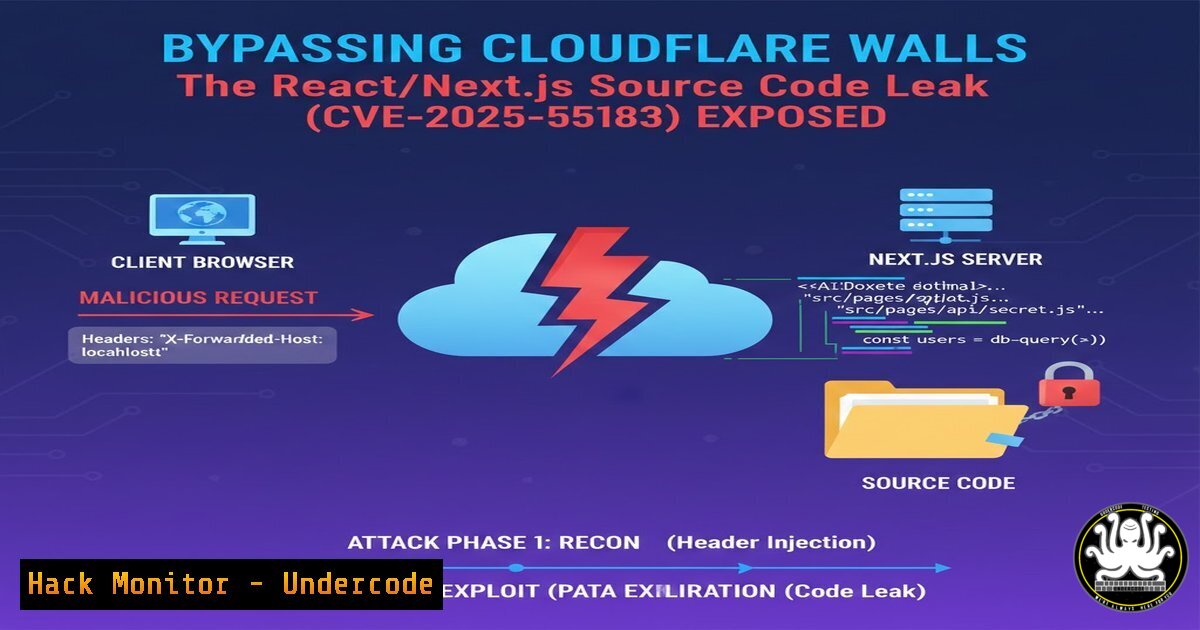
A critical vulnerability in React and Next.js applications, identified as CVE-2025-55183, has emerged, enabling threat actors to exfiltrate application source code. This flaw is particularly alarming as it can bypass common security measures like Cloudflare’s proxying and masking, turning a seemingly protected application into an open book for attackers. Understanding this exploit is essential for developers and security professionals to secure their modern web stacks.
Learning Objectives:
- Understand the mechanism behind the CVE-2025-55183 source code disclosure vulnerability.
- Learn to test your own React/Next.js applications for this exposure.
- Implement concrete hardening steps for Next.js configuration and WAF rules to mitigate the risk.
You Should Know:
- The Anatomy of the Leak: How CVE-2025-55183 Works
This vulnerability typically stems from misconfigured static file serving in a Next.js application deployed in a Node.js environment (likenext start). During the build process, Next.js generates source maps (.mapfiles) for debugging. If the application’s static file routing is not properly restricted, an attacker can directly request these files.
Step-by-step guide:
A standard Next.js build outputs files in the `.next` directory. The source maps reside in .next/static//.map. When an application is deployed, this directory is often served statically. A vulnerable setup might allow direct traversal.
Example Explorative Request:
 Using cURL to probe for source map files
curl -i https://target-app.com/_next/static/chunks/app-page.js.map
 A 200 OK response with a JSON source map indicates exposure.
The response contains a `sourcesContent` array with the original, often unbundled, source code—including API keys, internal logic, and environment variables.
2. Bypassing Cloudflare: Why Proxies Aren’t Enough
Cloudflare, in its default “orange cloud” proxied mode, masks the origin server’s IP and can filter requests. However, if the origin server itself is configured to serve these sensitive files, Cloudflare will happily proxy them to the end-user. The vulnerability is at the application layer, which standard WAF rules may not block by default.
Step-by-step guide:
The bypass is inherent. The attack traffic looks like legitimate requests for static assets. Cloudflare does not differentiate between `app-page.js` and `app-page.js.map` without specific rule sets.
Attacker Request -> Cloudflare CDN -> Origin Server (Vulnerable Next.js App) -> Sends `.map` file -> Cloudflare -> Attacker
Mitigation must happen at the origin server configuration level.
3. Testing Your Application for Exposure
Proactive testing is critical. This process involves enumerating possible source map locations.
Step-by-step guide:
Manual Testing with Browser DevTools:
1. Open your application in Chrome/Firefox.
2. Navigate to the Sources or Debugger tab.
- Look for webpack:// sources in the file tree. Their presence often indicates loaded source maps.
- Try accessing a suspected source map URL directly.
Automated Scanning with a Simple Script:
!/bin/bash
TARGET="https://your-domain.com"
COMMON_PATHS=("_next/static/chunks" "_next/static/development" "_next/static/css")
for path in "${COMMON_PATHS[@]}"; do
echo "Checking $TARGET/$path/..."
 Example check for a main bundle map
curl -s -o /dev/null -w "%{http_code}" "$TARGET/$path/main-app.js.map"
if [ $? -eq 0 ]; then
echo " Potential exposure at $TARGET/$path/"
fi
done
- Immediate Mitigation: Disabling Source Map Generation & Server Configuration
The most straightforward fix is to prevent source maps from being generated and/or served in production.
Step-by-step guide:
In `next.config.js`:
/ @type {import('next').NextConfig} /
const nextConfig = {
productionBrowserSourceMaps: false, // Default is false, but verify!
};

module.exports = nextConfig;
Server-Level Blocking (Nginx Example):
Block all requests to `.map` files at the web server level.
location ~ .map$ {
deny all;
return 404;
}
For Node.js/Express custom servers: Add middleware to filter these requests.
app.use('/_next/static', (req, res, next) => {
if (req.url.endsWith('.map')) {
return res.status(404).send('Not found');
}
next();
});
- Advanced Hardening: Cloudflare WAF Rules and Environment Variables
Add a security layer at the edge to complement origin fixes.
Step-by-step guide:
Create a custom WAF rule in Cloudflare:
- Go to Security > WAF > Custom rules.
2. Create a new rule.
3. Set Rule Name: `Block Source Maps`.
4. Set Field to `URI Path`.
5. Set Operator to `ends with`.
6. Set Value to `.map`.
- Choose an action (e.g., Block or Managed Challenge).
8. Deploy the rule.
Securing Secrets: Ensure no sensitive data is hardcoded in your source. Use environment variables properly with Next.js.
 In your .env.local file (never commit this)
API_KEY=your_secret_key_here
Access via `process.env.API_KEY` in your code. Next.js embeds these values at build time for server-side code.
- Exploitation in the Wild: What an Attacker Does with Your Code
Source code leakage is a critical intelligence-gathering step. Attackers can move beyond scanning to active exploitation.
Step-by-step guide (Attacker’s Perspective):
- Reconnaissance: Use tools like `ffuf` or `gobuster` to find source maps.
ffuf -w wordlist.txt -u https://target/FUZZ -e .map
- Extraction & Analysis: Download the `.map` file and use a parser or simply view it to extract the
sourcesContent. - Secret Hunting: Run tools like `gitleaks` or `truffleHog` on the extracted code to find API keys, database credentials, and internal endpoints.
Example using gitleaks on a downloaded source map
gitleaks detect --source extracted_source.json -v
- Logic Flaw Discovery: Analyze business logic, authentication flows, and API structures to plan further attacks (e.g., logic bypasses, SQL injection points).
-
Building a Secure Pipeline: CI/CD Checks for the Future
Integrate checks into your development pipeline to prevent regression.
Step-by-step guide:
Add a pre-deployment or pre-commit check.
Example using a GitHub Action:
name: Security Scan for Source Maps
on: [bash]
jobs:
scan:
runs-on: ubuntu-latest
steps:
- uses: actions/checkout@v3
- name: Check for production source maps
run: |
if [ "${{ github.ref }}" == "refs/heads/main" ]; then
if grep -r "productionBrowserSourceMaps: true" next.config.js 2>/dev/null; then
echo "ERROR: productionBrowserSourceMaps is enabled on main branch!"
exit 1
fi
fi
Implement DAST Scanning: Use dynamic application security testing tools in your staging environment that include checks for sensitive file exposure.
What Undercode Say:
- The Perimeter is Dead: This vulnerability underscores that relying solely on edge security (Cloudflare) is insufficient. Defense-in-depth, with a secure origin configuration, is non-negotiable.
- Shift-Left is Not Optional: Finding secrets in leaked source code is a primary attacker objective. This makes pre-commit secret scanning and proper environment variable management a critical part of the development lifecycle, not just a security recommendation.
The CVE-2025-55183 leak represents a systemic issue in modern JS deployment mentalities. The focus on developer experience often leads to debug-friendly configurations accidentally reaching production. The bypass of Cloudflare is not a flaw in their service but a stark reminder that WAFs are not application-aware by default. The real failure point is the assumption that obscurity equals security. As the JS ecosystem pushes for more tooling transparency (like React Server Components), the line between development and production artifacts will blur further. Teams must automate the hardening process, treating their framework’s build output with the same scrutiny as their custom code.
Prediction:
This vulnerability will accelerate two trends. First, the adoption of more sophisticated, context-aware Web Application Firewalls (WAAP) that can parse application semantics (like distinguishing between a JS file and its map). Second, and more importantly, it will force framework developers to make security the default path. We predict Next.js and similar meta-frameworks will introduce stricter default production configurations, potentially moving source maps to a developer-mode-only feature. In the short term, a wave of automated attacks scanning for this specific CVE will lead to credential harvesting and targeted compromises, making source code exposure a top-tier initial access vector for 2025.
▶️ Related Video (88% aatch:):
🎯Let’s Practice For Free:
IT/Security Reporter URL:
Reported By: Fearsoff React – Hackers Feeds
Extra Hub: Undercode MoN
Basic Verification: Pass ✅


