
Listen to this Post
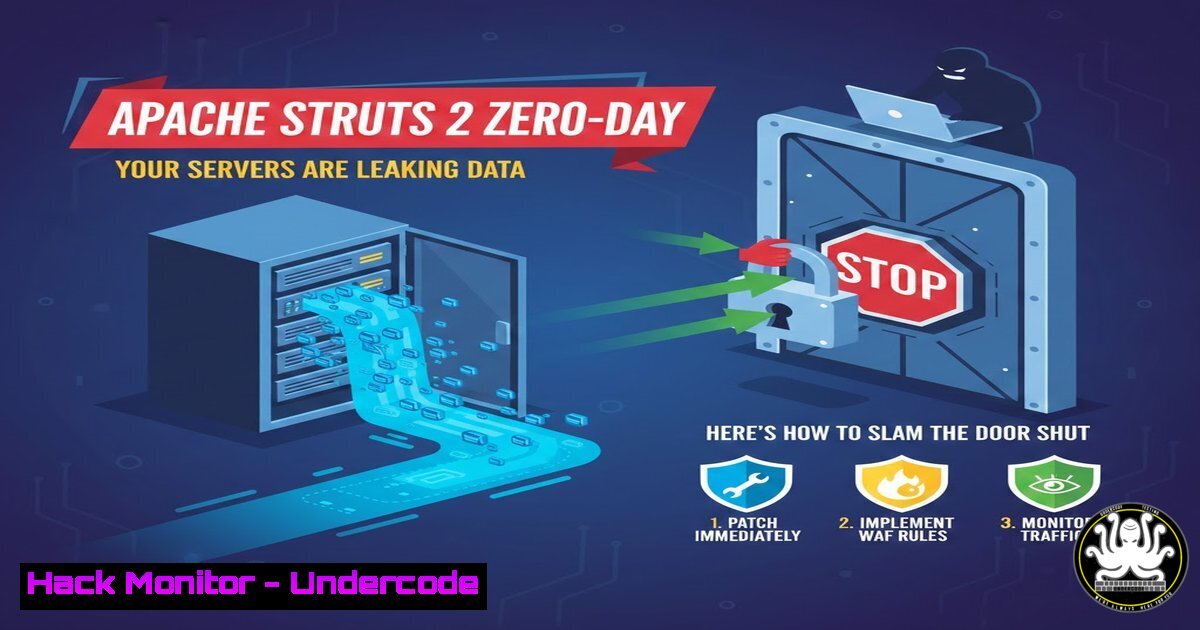
Introduction:
A critical vulnerability in the widely adopted Apache Struts 2 web application framework, designated CVE-2024-52431, has emerged, posing a severe data exfiltration risk. This flaw allows unauthenticated remote attackers to perform arbitrary file reads on affected servers, potentially exposing configuration files, source code, database credentials, and other sensitive information. With Struts 2 powering countless enterprise applications globally, this vulnerability demands immediate attention from security and development teams to prevent significant data breaches.
Learning Objectives:
- Understand the mechanism and critical impact of the Apache Struts 2 arbitrary file read vulnerability (CVE-2024-52431).
- Learn how to identify and verify if your applications are running a vulnerable version of Struts 2.
- Acquire step-by-step knowledge for patching, mitigating, and hardening your Struts 2 deployments against this and similar exploits.
You Should Know:
- The Anatomy of the Exploit: How Attackers Read Your Server’s Files
The vulnerability resides in flawed input validation within Struts 2’s parameter handling. An attacker can craft a malicious HTTP request with specially crafted parameter names (e.g.,?example=file:///etc/passwd). Due to insufficient validation, the framework interprets this as a directive to read from a local file URI (file://) instead of treating it as a simple string value. This allows the attacker to traverse the server’s file system and read any file accessible to the application server process.
Step‑by‑step guide explaining what this does and how to use it.
Step 1: Attacker Reconnaissance. The attacker identifies a target application built with Apache Struts 2, often through error messages or banner grabbing.
Step 2: Crafting the Malicious Payload. Using a tool like `curl` or Burp Suite, the attacker creates a request. The exploit leverages parameters that are mishandled.
Example Curl Command (for educational purposes only):
curl -v "http://<target-server>/someStrutsAction.action?maliciousParam=file:///etc/passwd"
Step 3: Exfiltration. The server’s response contains the contents of the requested file (e.g., /etc/passwd), which is then displayed to the attacker or sent to their remote server.
2. Immediate Triage: Is Your Environment Vulnerable?
Your first action must be to inventory all applications and determine exposure.
Step‑by‑step guide explaining what this does and how to use it.
Step 1: Check Framework Version. Examine your project’s dependencies.
Maven: Inspect `pom.xml`: `grep -i “struts2” pom.xml`
JAR Files: On your server, find the Struts JAR and check its version:
find /path/to/app -name "struts2-core.jar" -exec sh -c 'unzip -p {} META-INF/MANIFEST.MF | grep "Implementation-Version"' \;
Step 2: Review Disclosure. Vulnerable versions are typically Struts 2.0.0 through 2.3.37, and specific later series. Cross-reference your version with the Apache Security Bulletin.
Step 3: Automated Scanning. Use vulnerability scanners (Nessus, Qualys, or open-source tools like OWASP ZAP) with updated plugins to probe for the issue.
3. The Critical Patch: Upgrading Apache Struts 2
The only complete remedy is to upgrade to a patched version. Apache has released fixes in versions 2.5.33, 6.3.0.3, and others.
Step‑by‑step guide explaining what this does and how to use it.
Step 1: Identify Correct Fixed Version. Visit the Apache Struts Security Bulletin to find the minimal patched version for your branch.
Step 2: Update Dependency Management.
Maven Example (`pom.xml`):
<dependency>
<groupId>org.apache.struts</groupId>
<artifactId>struts2-core</artifactId>
<version>2.5.33</version> <!-- Use the latest patched version -->
</dependency>
Step 3: Rebuild and Redeploy. Run `mvn clean compile` or equivalent, then thoroughly test your application’s functionality before a staged production deployment.
- Temporary Mitigation: Input Validation Filters as a Stopgap
If immediate patching is impossible, implement a strict input validation filter.
Step‑by‑step guide explaining what this does and how to use it.
Step 1: Create a Servlet Filter. This filter will reject requests containing dangerous patterns.
Step 2: Implement Blacklist/Blocklist Logic. The filter should inspect parameter names and values for strings like file://, `../` (directory traversal), and other URI schemes.
Java Filter Snippet:
public void doFilter(ServletRequest request, ServletResponse response, FilterChain chain) throws IOException, ServletException {
HttpServletRequest httpReq = (HttpServletRequest) request;
Map<String, String[]> params = httpReq.getParameterMap();
for (String key : params.keySet()) {
for (String value : params.get(key)) {
if (value != null && (value.toLowerCase().contains("file:") || value.contains(".."))) {
((HttpServletResponse) response).sendError(HttpServletResponse.SC_BAD_REQUEST, "Invalid input");
return;
}
}
}
chain.doFilter(request, response);
}
Step 3: Deploy and Test the Filter. Map this filter to all application routes (/) in your `web.xml` and test that it blocks malicious requests without breaking legitimate ones.
5. Hardening Your Struts 2 Configuration
Beyond the patch, strengthen your Struts 2 setup to reduce the attack surface.
Step‑by‑step guide explaining what this does and how to use it.
Step 1: Restrict OGNL Expression Evaluation. In your struts.xml, set strict parameters:
<constant name="struts.ognl.allowStaticMethodAccess" value="false"/>
<constant name="struts.enable.DynamicMethodInvocation" value="false"/>
Step 2: Use a Restricted Struts Executor. Configure the `struts.action.extension` constant to only allow specific actions (e.g., action,do).
Step 3: Apply the Principle of Least Privilege. Run the application server process under a dedicated, non-root user with minimal filesystem read permissions only to necessary directories.
6. Post-Mitigation Verification and Monitoring
Confirm your fixes are effective and monitor for attempted exploits.
Step‑by‑step guide explaining what this does and how to use it.
Step 1: Conduct a Verification Scan. Re-run vulnerability scans against your patched application to confirm the finding is closed.
Step 2: Review Application Logs. Search for attack patterns in your web server (Apache/Nginx) and application logs.
Linux Command Example:
grep -r "file:" /var/log/tomcat9/ --include=".log" | tail -20
Step 3: Implement WAF Rules. Add custom rules to your Web Application Firewall (e.g., ModSecurity, cloud WAF) to block requests with `file://` patterns in parameters.
What Undercode Say:
- Patching is Non-Negotiable but Just the First Step. While applying the official Apache patch is the definitive solution, true security maturity is demonstrated by the accompanying actions: thorough asset inventory, defense-in-depth mitigations like input filtering, and stringent configuration hardening.
- This Flaw is a Canonical Example of Injection. CVE-2024-52431 is not an arcane bug; it’s a classic input validation failure. It serves as a critical reminder for all developers to treat all user input, including parameter names and headers, as inherently untrusted and to validate and sanitize it rigorously at the boundary.
Prediction:
This vulnerability will inevitably be integrated into automated botnets and widespread scanning tools within a short timeframe, leading to a surge in opportunistic attacks against unpatched, internet-facing Struts applications. Organizations that delay patching will likely face data breaches. Furthermore, this flaw will accelerate the trend of shifting left in application security, pushing organizations to more aggressively adopt Software Composition Analysis (SCA) tools to manage open-source dependency risks automatically. In the long term, expect increased scrutiny on the security of open-source framework components, potentially driving more organizations towards managed application runtime security solutions that can block such exploits at the platform level, even when a vulnerability exists in the code.
▶️ Related Video (74% Match):
🎯Let’s Practice For Free:
IT/Security Reporter URL:
Reported By: Divya Kumari – Hackers Feeds
Extra Hub: Undercode MoN
Basic Verification: Pass ✅


